Quick Summary
- Free tools such as HubSpot, Google Analytics and Google Business Profile cover tracking, contacts and local search well.
- Email, design and scheduling tools have free tiers, but contact and post limits push you to paid plans as you grow.
- SEO suites like Semrush pay off only when search is a channel you invest in every week.
- Choose one tool per job, name an owner for each and review usage every quarter.
The Best Small Business Marketing Tools at a Glance
| Tool | Type | Best for |
|---|---|---|
| 1. HubSpot Free Tools | Free CRM and marketing suite | Owners who want contacts, forms and email in one place |
| 2. Mailchimp | Email marketing platform | Simple newsletters and first automations |
| 3. Canva | Design tool | Social posts, flyers and simple brand assets |
| 4. Brevo | Email and SMS marketing platform | Growing lists with email, SMS and light CRM |
| 5. Buffer | Social media scheduler | Planning posts for one to three channels |
| 6. Google Analytics | Website analytics | Seeing where visitors come from and what they do |
| 7. Google Business Profile | Local listing | Local service and storefront businesses |
| 8. Ubersuggest | SEO and keyword tool | Basic keyword and site checks on a small budget |
| 9. Semrush | SEO and marketing toolkit | Owners who run search and content seriously |
| 10. Metricool | Social planner and analytics | Social scheduling with reports in one tool |
| 11. Constant Contact | Email and campaign platform | Owners who want phone support and guidance |
| 12. Kit | Email for creators and solo experts | Coaches, consultants and course sellers |
| 13. Looker Studio | Reporting dashboards | One-page monthly reports from several sources |
| 14. Zapier | Workflow automation | Connecting forms, CRM and email without code |
The 14 Best Small Business Marketing Tools, Ranked
I start with the tools that give the most to the widest range of small businesses, then move to specialist tools for search, social and automation. Tools only help when they sit on a clear plan, and in small business marketing consulting projects I find that the plan, the offer and the tracking matter more than which logo is on the login page.
HubSpot Free Tools
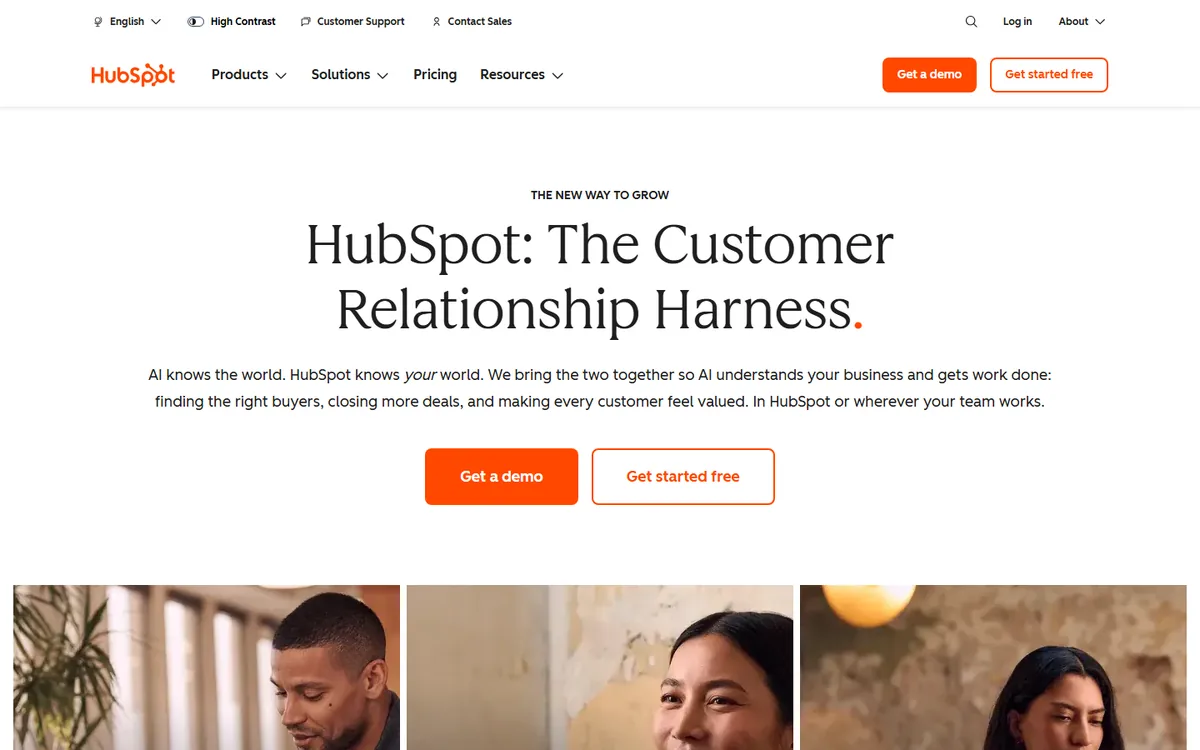
The Most Complete Free Starting Point If You Want Your Contacts and Marketing in One Place
HubSpot pairs a free CRM with forms, email, live chat and basic reporting, and you can add paid marketing features later without moving your data.
HubSpot is where I send small businesses that keep their customer list in three places. The free tools give you a contact database, deal tracking, forms and simple email, and every form fill lands in the same record as the sales conversation that follows. That single timeline is what most small teams are missing, and it is the main reason I rank HubSpot first.
The catch is the path upward. The free tier is generous, but advanced automation, reporting and removal of HubSpot branding sit in paid plans, and the price steps can surprise you as contacts grow. Start free, use it for a few months and only then decide whether a paid tier earns its cost. My small business marketing checklist uses a simple CRM for tracking in point 3, and HubSpot fits that well.
What I Like About HubSpot Free Tools
- One contact record shows every form fill, email and deal
- Free tools are useful on day one, not a short demo
- Large library of free training and templates
What I Don’t Like About HubSpot Free Tools
- Paid tiers add up quickly once you need automation
- The number of features can overwhelm a first-time user
HubSpot Free Tools Pricing
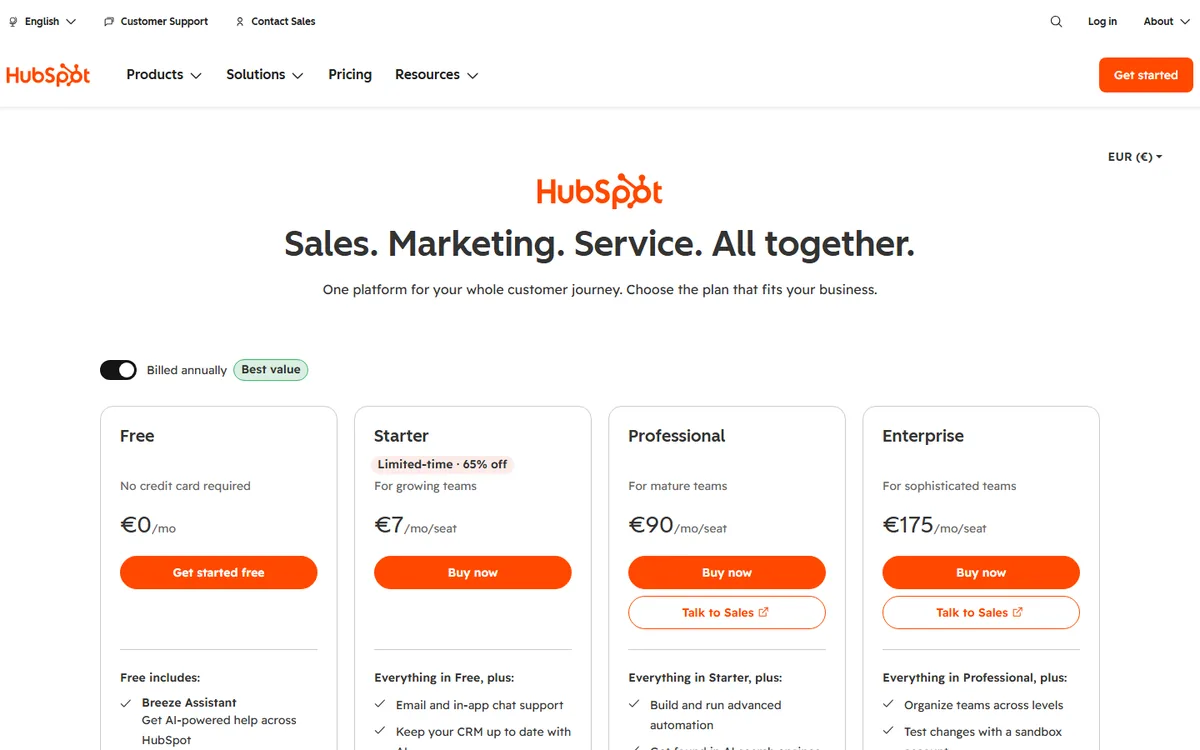
HubSpot lists Marketing Hub as free for up to two users with no credit card, and Starter at $7 per seat per month for new customers, with $20 per seat shown as the undiscounted price. Prices change often, so check the pricing page before you decide.
HubSpot Free Tools Reviews
Mailchimp
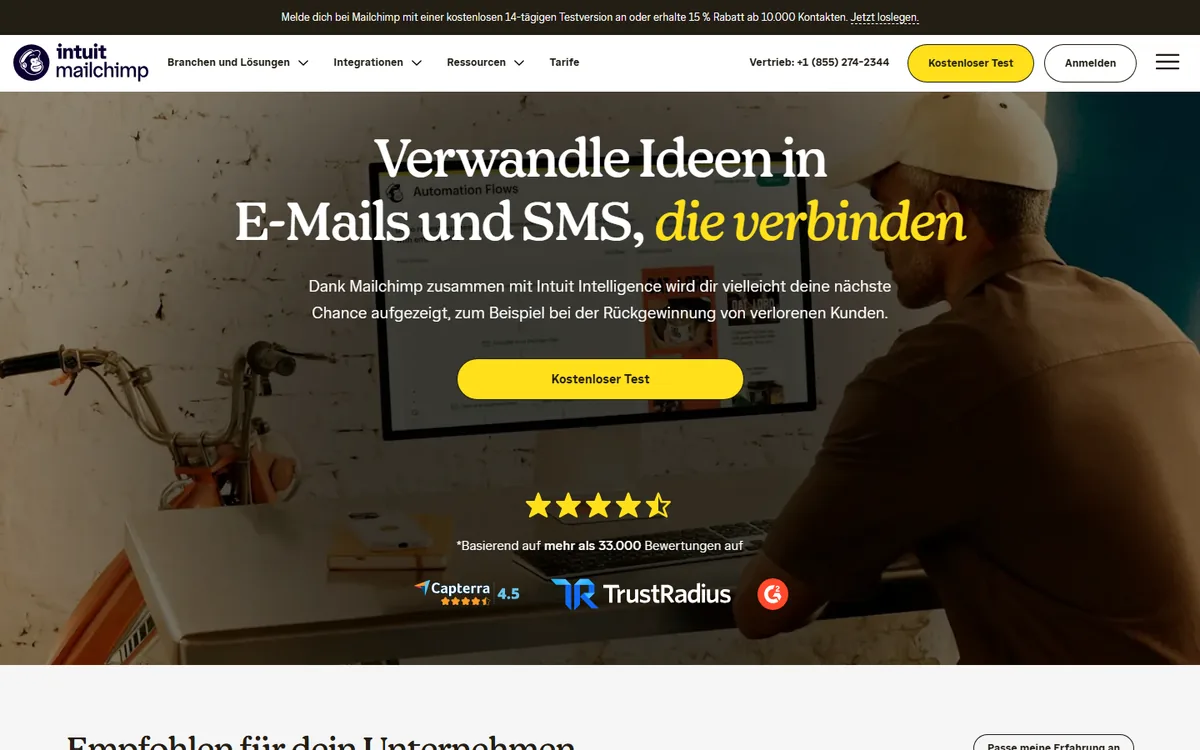
A Familiar Email Tool That Gets a First Campaign Out Quickly
Mailchimp builds email campaigns, simple automations and landing pages, with a free plan for very small lists.
Mailchimp is the email tool most owners have heard of, and for a first newsletter it still does the job. The editor is easy, the templates look decent and the welcome series builder gets a new subscriber flow running in an hour. If your list is small and your goal is a monthly send, it is a safe starting point.
I would watch two things. The free plan is limited to 250 contacts, so you outgrow it fast, and costs rise with your list size. Some owners also find the reporting hard to read at first. If you want to compare it with other email tools on this list, Brevo and Kit are the closest alternatives, and I cover the habits that make email pay off in my small business marketing best practices.
What I Like About Mailchimp
- Easy editor and templates for a fast first send
- Welcome series and basic automation are included
- Well known, so freelancers and tutorials are easy to find
What I Don’t Like About Mailchimp
- Free plan is capped at 250 contacts
- Costs climb with your list size
Mailchimp Pricing
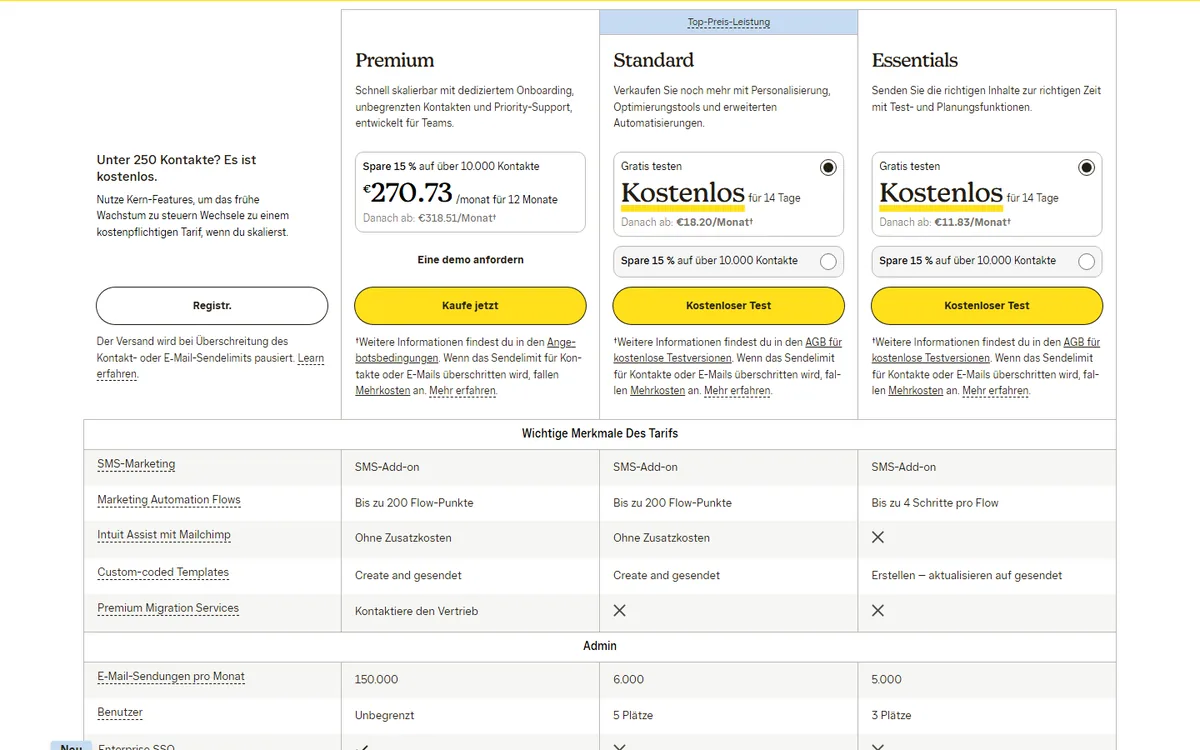
Mailchimp's free plan covers up to 250 contacts with 500 sends per month and 250 per day. Paid plans are shown as Essentials from $13, Standard from $20 and Premium from $350 per month, as introductory prices for 12 months, so check what you pay after the first year.
Mailchimp Reviews
Canva
The Fastest Way to Make On-Brand Graphics Without a Designer
Canva lets you build social graphics, flyers, presentations and short videos from templates, with brand colors and fonts saved for reuse.
Canva removes the biggest excuse in small business marketing, which is that nobody on the team can design. You pick a template, drop in your logo and colors and export a post, a flyer or a menu in minutes. Saving your brand kit once means every piece looks consistent without a style guide.
The risk is sameness. Template-based work can look like everyone else's, so spend an hour on your own layouts and photos and reuse them. I could not read Canva's pricing page when I checked, so look at current plans on its site. Pair it with a scheduler from this list, such as Buffer, to publish what you make.
What I Like About Canva
- Templates for almost every small business format
- Brand kit keeps colors, fonts and logos consistent
- Easy to share and edit with a freelancer or colleague
What I Don’t Like About Canva
- Template designs can look generic
- Advanced layout control is limited compared with design software
Canva Pricing
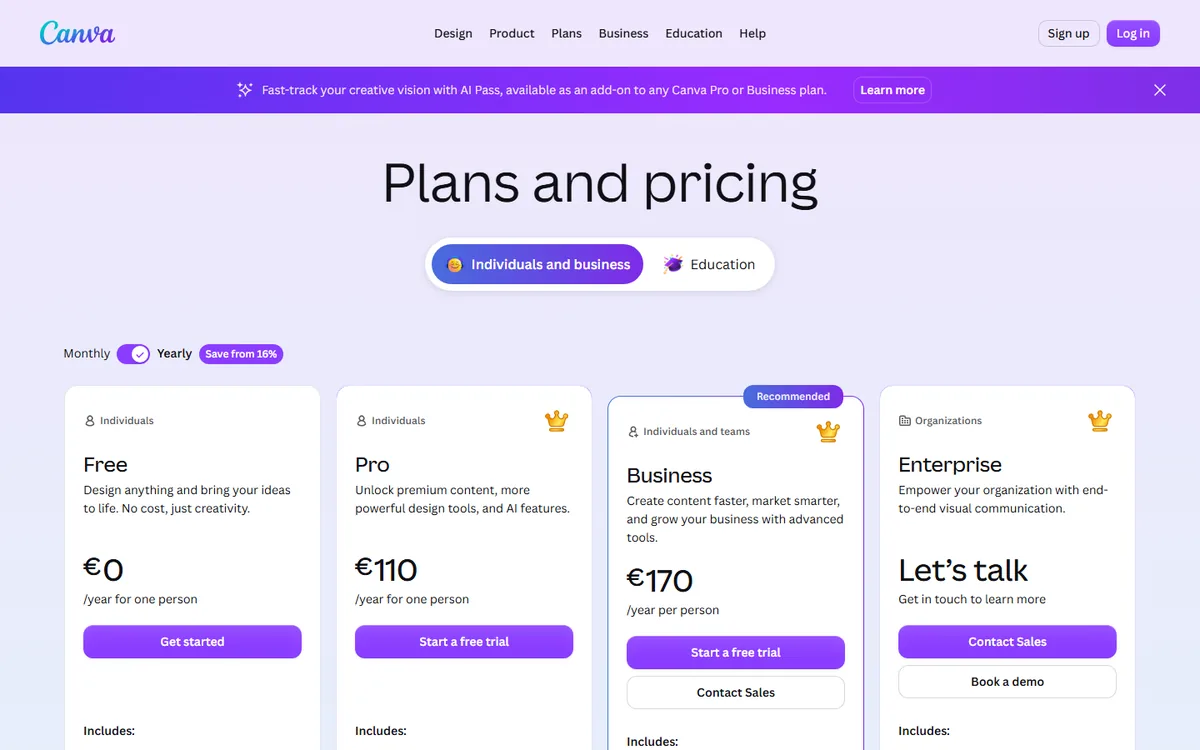
Canva offers a free plan and paid plans for individuals and teams. I could not load the pricing page when I checked, so I am not quoting prices here. Compare current plans on the Canva pricing page.
Canva Reviews
Brevo
A Budget-Friendly Email Platform That Adds SMS and Automation as You Grow
Brevo, formerly Sendinblue, combines email, SMS, automation and a simple CRM, with a free plan that sends 300 emails per day.
Brevo suits owners who want more than a newsletter without paying enterprise prices. You get email campaigns, automation, forms and a basic CRM, and SMS credits can be added when you need them. Its free plan allows 300 emails per day after account approval, which is workable for a small list.
The interface takes a little more learning than Mailchimp, and some automation features sit on the Standard plan. Support quality varies by plan, so test the setup on the free tier before you move your list. If you also plan to build a contact database, compare it with HubSpot above.
What I Like About Brevo
- Free plan with a daily sending limit instead of a tiny contact cap
- Email, SMS and automation in one tool
- Yearly billing discount of 10 percent
What I Don’t Like About Brevo
- Automation depth depends on the plan
- Interface is busier than some beginner tools
Brevo Pricing
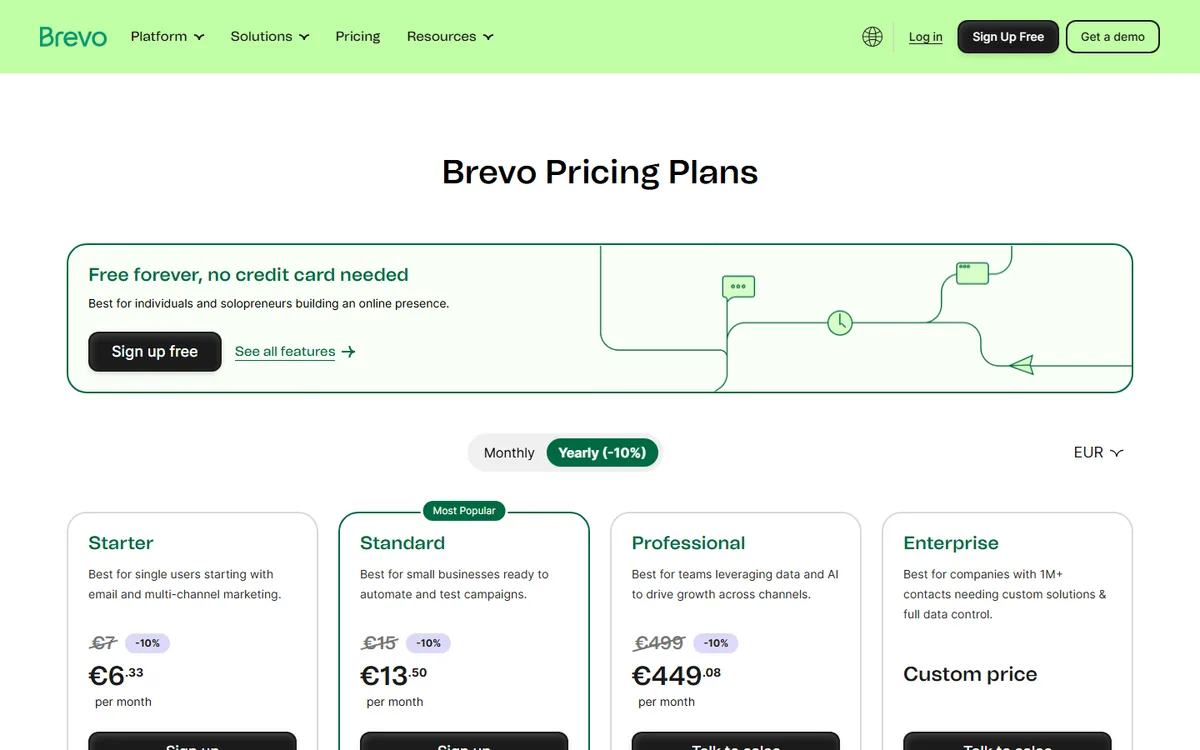
Brevo's free plan sends up to 300 emails per day after account approval. Paid plans are Starter, Standard, Professional and Enterprise, billed monthly or yearly with 10 percent off yearly. The page text I read did not show dollar amounts, so check the pricing page.
Brevo Reviews
Buffer
A Calm, Simple Scheduler for Owners Who Post Consistently but Do Not Live on Social Media
Buffer schedules posts across channels, keeps an ideas inbox and shows basic results, with a free plan for up to three channels.
Buffer does one job well: it lets you batch a week of posts in one sitting and publish them on time. The calendar is clear, the ideas inbox catches half-formed posts and the interface stays out of your way. For a business that posts a few times a week, that is often all you need.
Limits matter on the free plan. You can schedule 10 posts per channel at a time, and analytics history is short. Paid pricing is per channel, so costs grow with every account you add. Keep your channels few, as I suggest in my list of small business marketing mistakes, and the price stays low.
What I Like About Buffer
- Clean interface that takes minutes to learn
- Free plan covers up to three channels
- Pricing is easy to understand
What I Don’t Like About Buffer
- Free plan caps scheduled posts per channel
- Reporting is basic compared with larger suites
Buffer Pricing
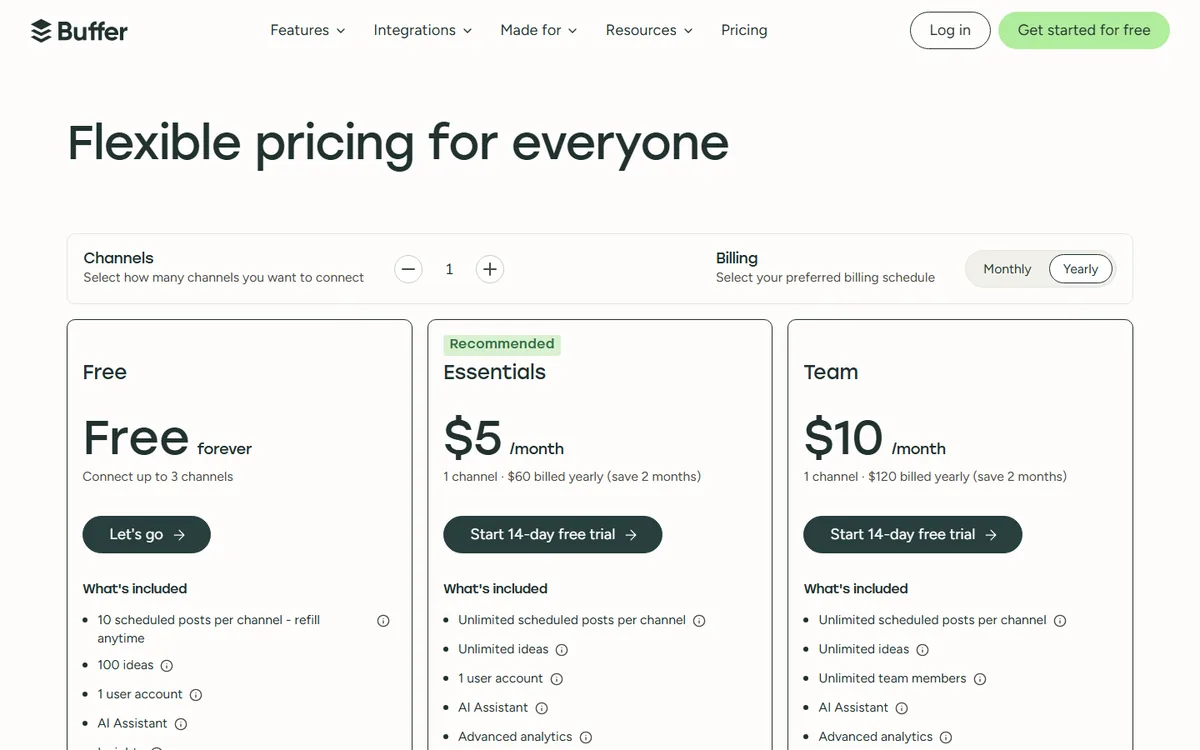
Buffer's Free plan covers up to 3 channels with 10 scheduled posts per channel. Essentials costs $5 per channel per month ($60 billed yearly) and Team costs $10 per channel per month ($120 billed yearly), with a 14-day trial on paid plans.
Buffer Reviews
Google Analytics
The Free Baseline for Knowing Which Channels Send Visitors and Leads
Google Analytics shows how people find your site and what they do there, and it is free for the standard product.
Every small business site should have analytics, and Google Analytics is the default. It shows which channels send visitors, which pages they read and which actions count as results when you set up goals for form submissions or calls. Without it, point 3 of any marketing plan stays a guess.
The learning curve is real. The interface is built for analysts, and a clean setup needs a few hours, including goal tracking and a filter for your own visits. Once it runs, you can connect it to Looker Studio for simpler dashboards. Spend the setup time early, because history only starts from the day you install it.
What I Like About Google Analytics
- Free for standard use
- Shows traffic sources and conversion paths
- Connects with other Google tools
What I Don’t Like About Google Analytics
- Interface is complex for first-time users
- Setup mistakes silently distort your data
Google Analytics Pricing
Google describes Google Analytics as free of charge, and names Analytics 360 as a paid tier without listing a price on the page I read.
Google Analytics Reviews
Google Business Profile
The Most Valuable Free Tool for Any Business That Serves a Local Area
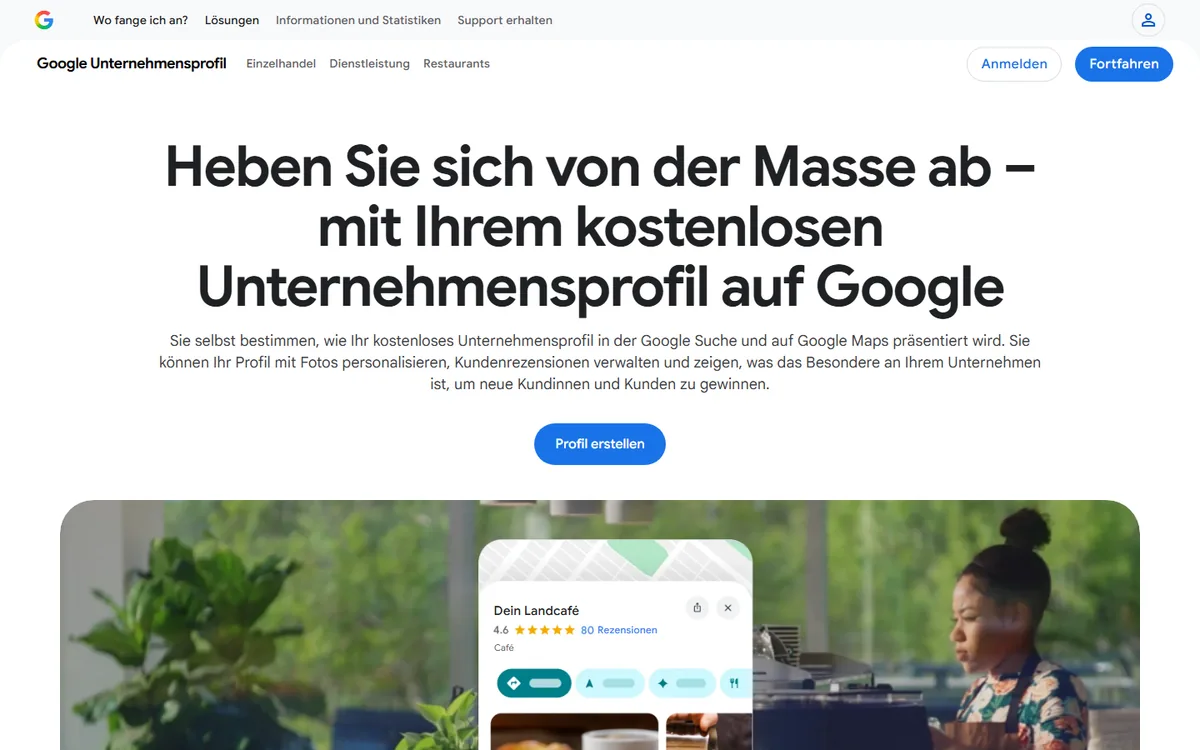
A Business Profile controls how your business appears in Google Search and Maps, including hours, photos, services and reviews.
For a plumber, a dentist or a cafe, this profile is often the first thing a buyer sees. It shows your reviews, hours, photos and a tap-to-call button right in search results. Claiming and completing it takes about two hours and costs nothing, which makes it the best return on time in this list.
Keep it alive. Reply to reviews, add photos regularly and update hours before holidays. Verification is required, and if someone else already verified the profile, you must request ownership. Treat the profile as part of your website, not a one-time task, and tie it to the review routine in point 8 of the marketing checklist.
What I Like About Google Business Profile
- Free to add or claim
- Appears right where local buyers search
- Reviews, photos and calls in one place
What I Don’t Like About Google Business Profile
- Verification can take time
- Fake or unfair reviews are slow to resolve
Google Business Profile Pricing
Google says you can add or claim your business at no charge.
Google Business Profile Reviews
Ubersuggest
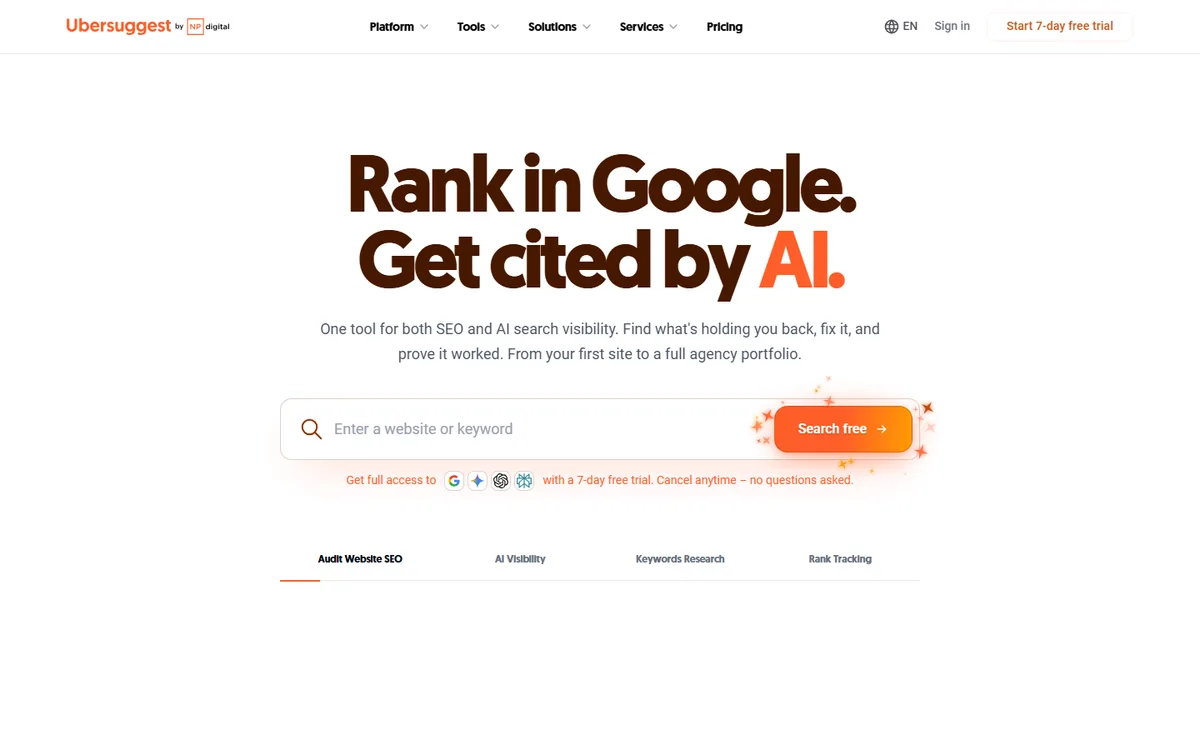
An Affordable Way to Research Keywords and Check Your Site Without an Agency Budget
Ubersuggest offers keyword ideas, site audits, backlink data and rank tracking at a fraction of the cost of enterprise SEO suites.
If you write your own web pages, Ubersuggest helps you choose topics people actually search for. Enter a service and a town and you get related searches, rough volumes and difficulty scores. The site audit then lists technical issues to fix, in plain language.
Keep expectations modest. Data comes from several providers and will not match Semrush exactly, and there is no API. For a small site, that is fine, because you need direction more than precision. A lifetime purchase option exists, which some owners prefer to a subscription, but read the terms first.
What I Like About Ubersuggest
- Low price compared with larger SEO suites
- Plain-language site audit and keyword ideas
- Monthly plans with no contract
What I Don’t Like About Ubersuggest
- Data depth is lighter than enterprise tools
- No API access
Ubersuggest Pricing
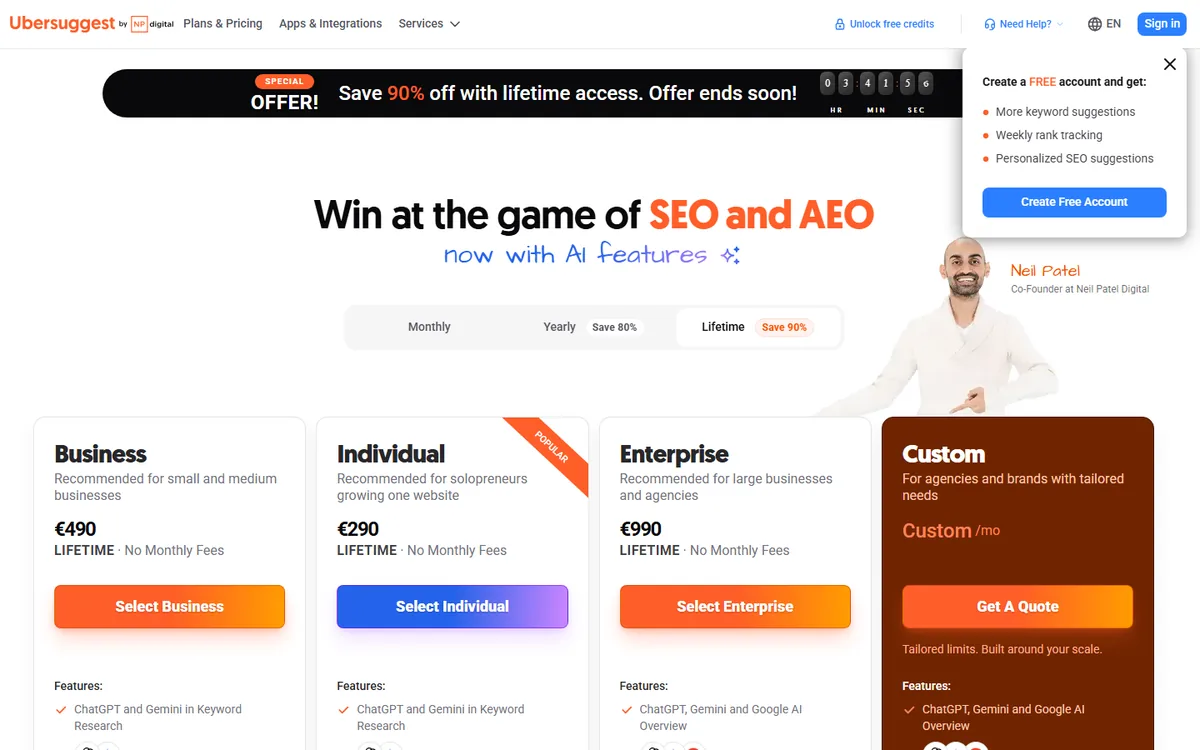
The pricing page shows three monthly tiers, from $29 to $99 per month, with a one-time 7-day free trial and a lifetime purchase option. Add-ons cost $5 per month each.
Ubersuggest Reviews
Semrush
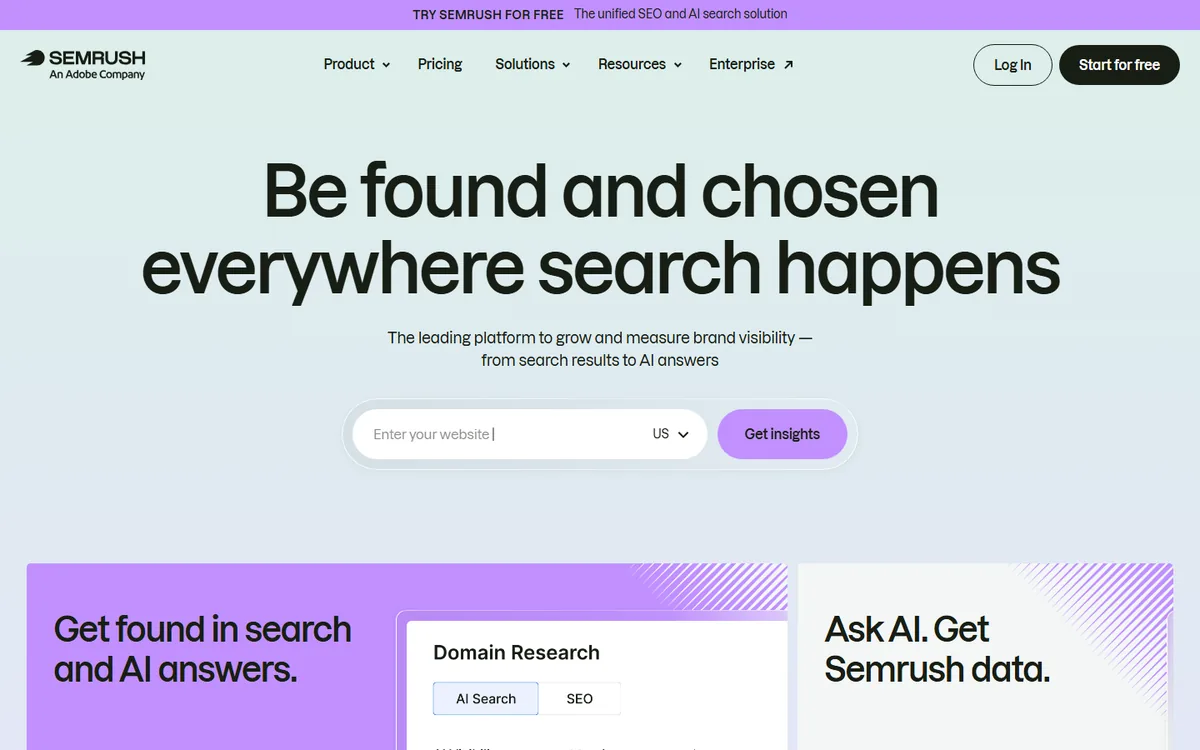
The Deepest Research Toolkit Here, Best When Search Is a Core Channel
Semrush covers keyword research, competitor analysis, site audits, rank tracking and content tools in one subscription.
Semrush is the tool I reach for when search is a real growth channel. You can see which keywords competitors rank for, what their pages look like and where your own site has gaps. The audit and tracking tools keep that work organized over months.
It is also the most expensive and the most complex tool on this list. If you only publish a few pages a month, it is more than you need. When I checked, its pricing page showed a bot check, so I am not quoting plan prices. Look at the current plans and free trial on its site before you decide.
What I Like About Semrush
- Very deep keyword and competitor data
- Site audit, tracking and content tools in one place
- Large library of lessons and guides
What I Don’t Like About Semrush
- Higher cost than most small business tools
- Many features you will not use at first
Semrush Pricing
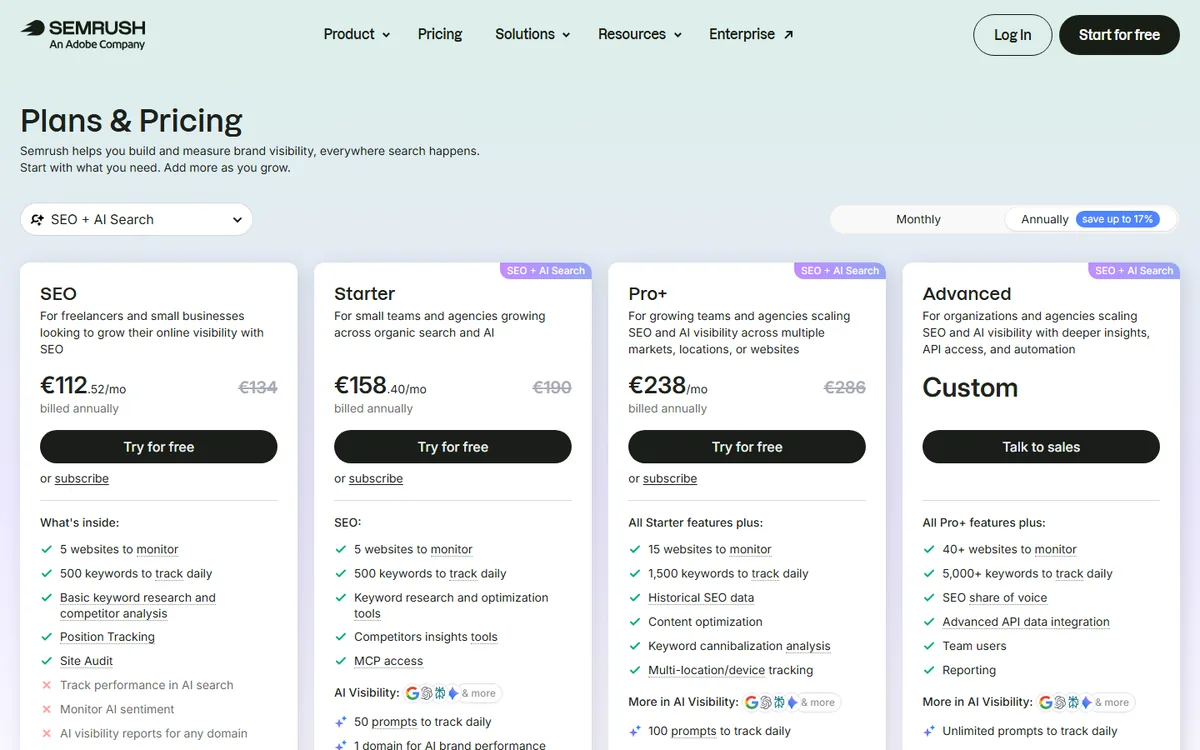
I could not read the Semrush pricing page when I checked, so I am not quoting plan prices. Check current Pro, Guru and Business plans and any free trial on its pricing page.
Semrush Reviews
Metricool
A Scheduler With Better Reporting Than Most, Useful When You Need to Show Results
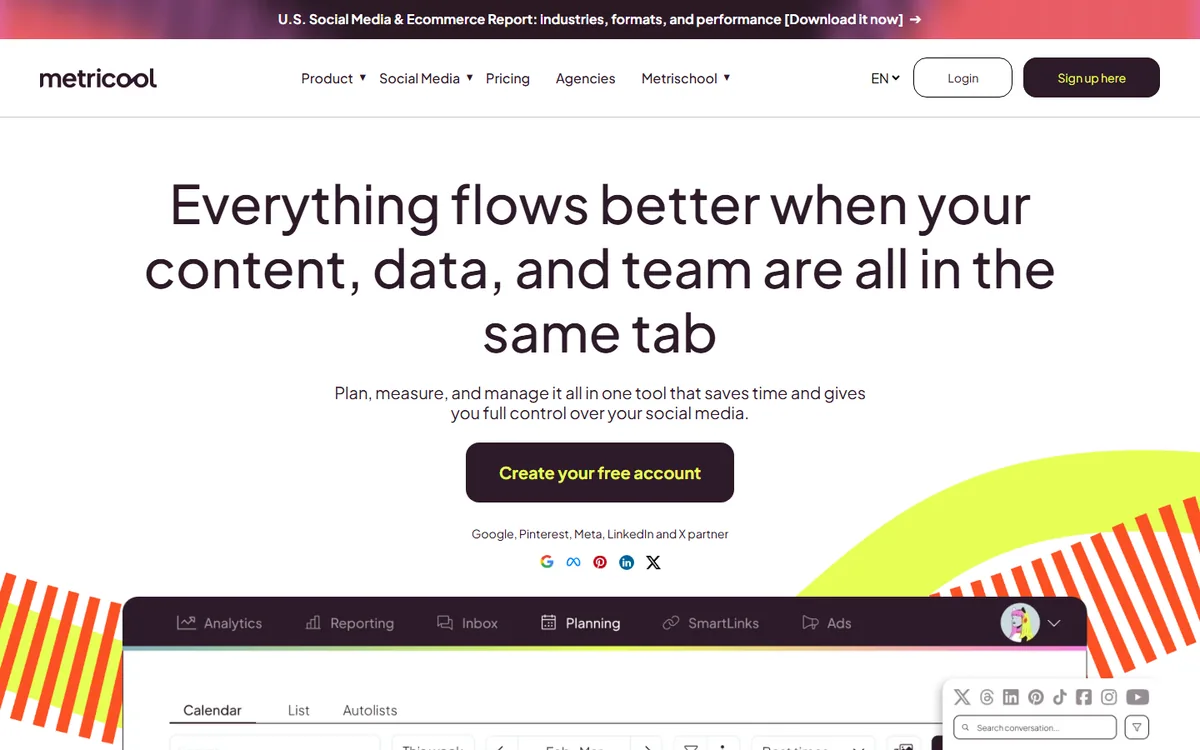
Metricool plans posts, tracks social and web results and builds reports, with a free plan for one brand.
Metricool covers scheduling and measurement together. You plan posts on a calendar, then see which ones performed, how your website traffic moved and how competitors are doing. For owners who must report to a partner or a client, that combined view saves an hour a week.
The free plan is limited to one brand, 20 scheduled posts per month and 30 days of history, and it excludes LinkedIn and X. Those limits push serious users to a paid plan quickly. Compare it with Buffer above if reporting matters less to you than simplicity.
What I Like About Metricool
- Scheduling and analytics in one tool
- Reports you can share with clients or partners
- Competitor tracking on the free plan
What I Don’t Like About Metricool
- Free plan has tight limits
- Interface has many menus to learn
Metricool Pricing
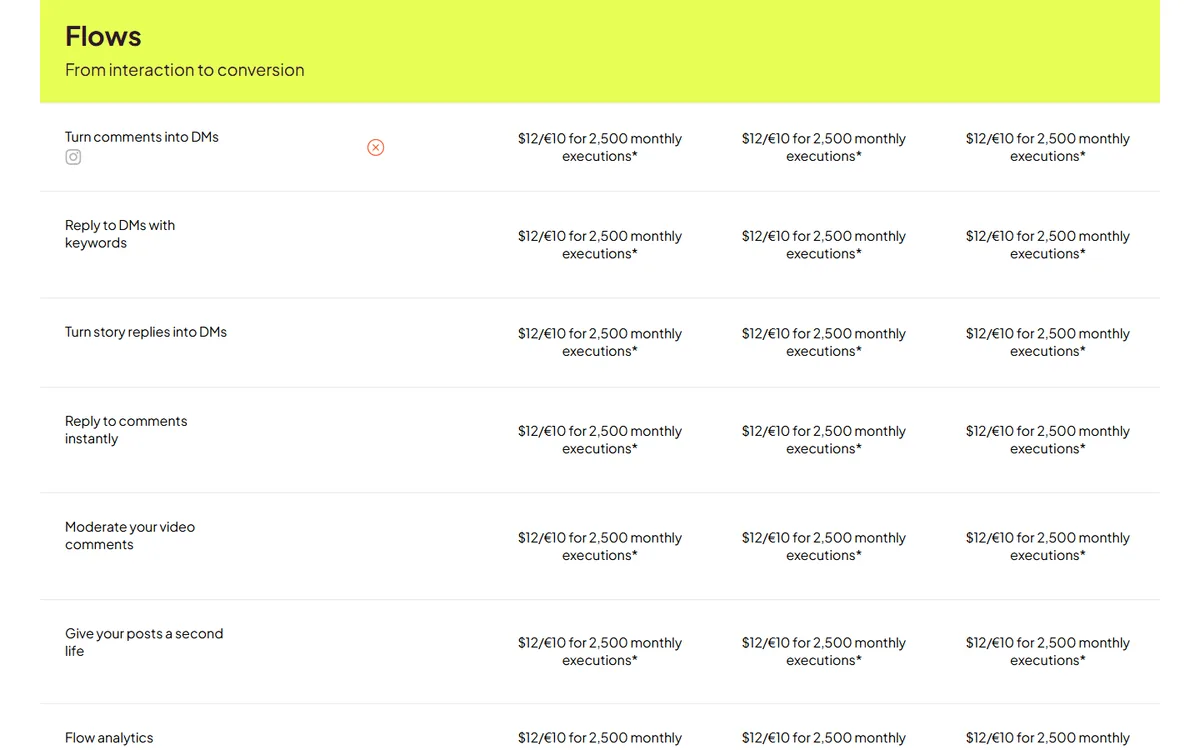
Metricool lists a Free plan, Starter from $25 per month and Advanced from $67 per month (excluding VAT), with Custom pricing on request. The free plan covers 1 brand and 20 scheduled posts per month.
Metricool Reviews
Constant Contact
A Hands-On Email Platform With Support Aimed at Owners Who Want Guidance
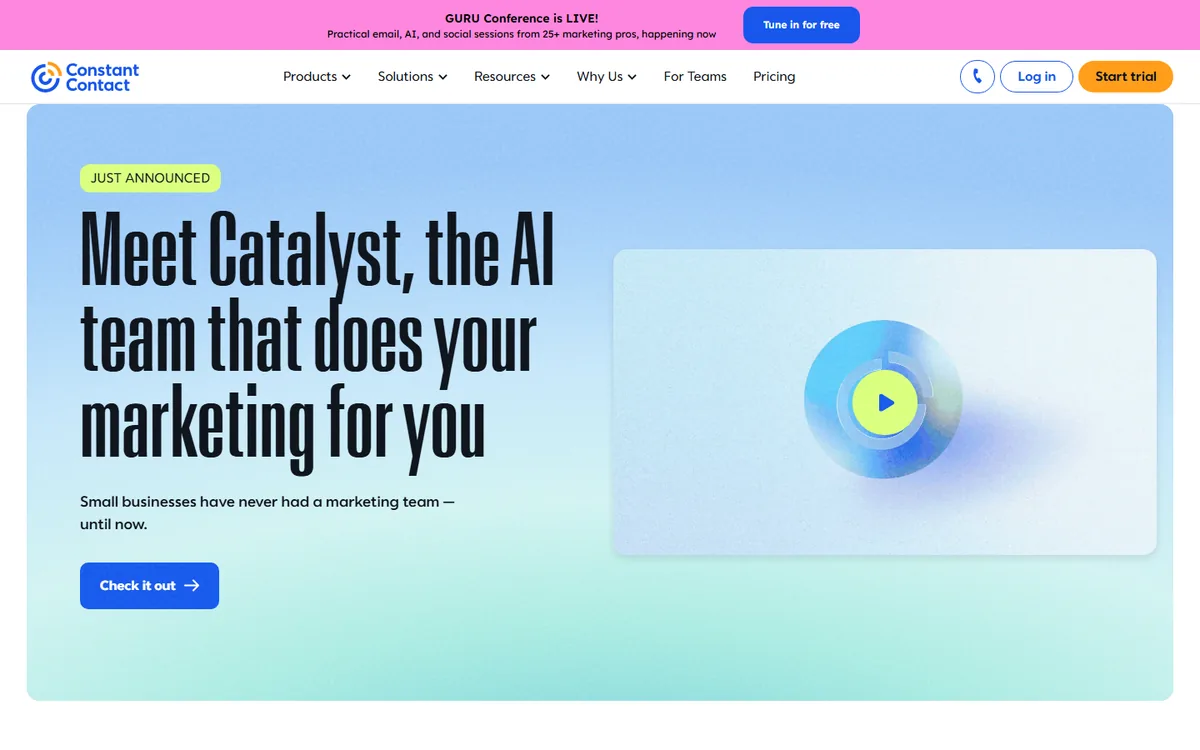
Constant Contact offers email campaigns, landing pages and event tools, with coaching options for beginners.
Constant Contact is built for owners who want help while they learn. The pricing page highlights a coaching tier with a personal coach, and the tool has a long record with local businesses, clubs and nonprofits. Setup is simple, and templates are geared to events, promotions and newsletters.
It is less flexible than Brevo or Kit once you want complex automation, and you may pay more for features that other tools include lower down. Use the 60-day trial the page mentions to test whether the guidance is worth it to you.
What I Like About Constant Contact
- Coaching option for beginners
- Straightforward campaign and event tools
- Long record with local businesses and nonprofits
What I Don’t Like About Constant Contact
- Less flexible automation than newer rivals
- Costs rise with higher tiers
Constant Contact Pricing
The pricing page describes three tiers (Basic, Full Toolkit and Full Toolkit with coaching), a 60-day trial and prepay discounts of 10 percent for six months or 15 percent for a year. It did not show dollar amounts in the text I read.
Constant Contact Reviews
Kit
A Clean Email Tool for Solo Experts Who Sell Knowledge, Courses or Services
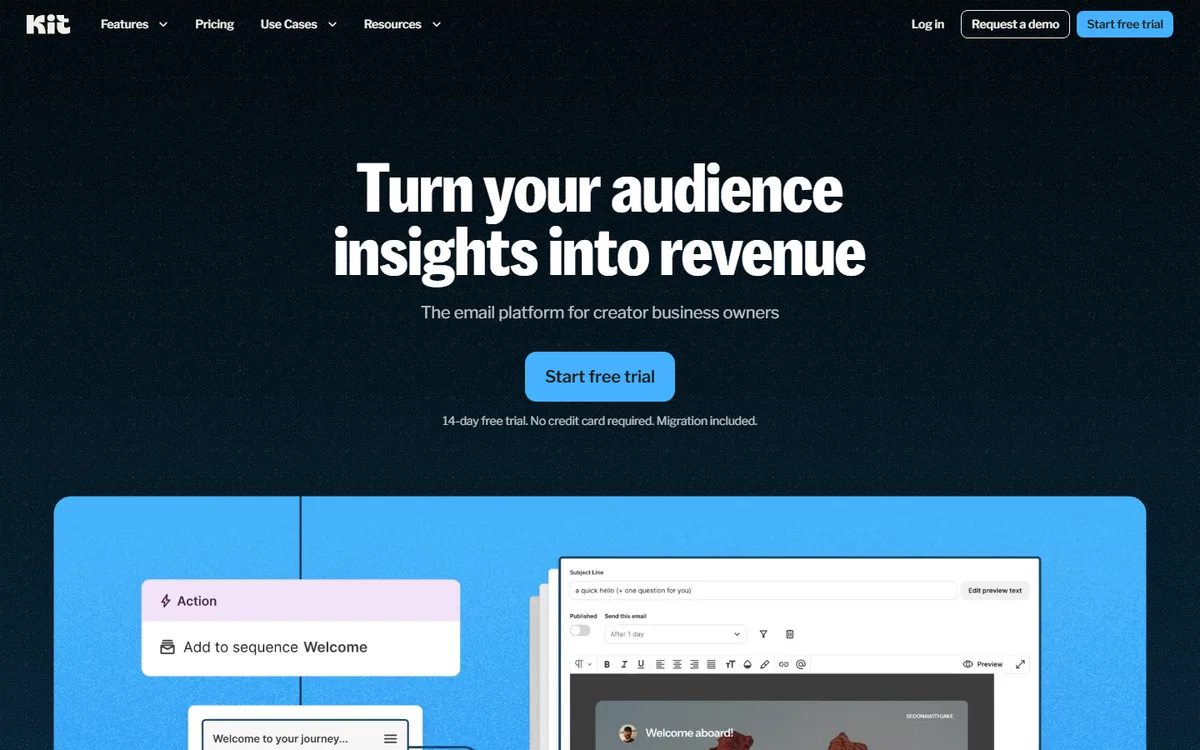
Kit, formerly ConvertKit, focuses on sign-up forms, simple sequences and tagging for people who sell through their audience.
Kit fits owners whose business grows from an audience: coaches, consultants, trainers and course sellers. Forms, landing pages and email sequences are easy to set up, and tags show you what each subscriber cares about. The free plan covers up to 10,000 subscribers, which is unusually generous.
It is less suited to product catalogs and heavy ecommerce flows. Check how the pricing scales, because paid plans depend on subscriber numbers and the pricing page lists unlimited subscribers in one place and tiers in another, so confirm current terms before you commit.
What I Like About Kit
- Free plan for up to 10,000 subscribers
- Simple forms, sequences and tags
- Built for selling through an audience
What I Don’t Like About Kit
- Not built for store-style ecommerce
- Pricing tiers depend on subscriber counts
Kit Pricing
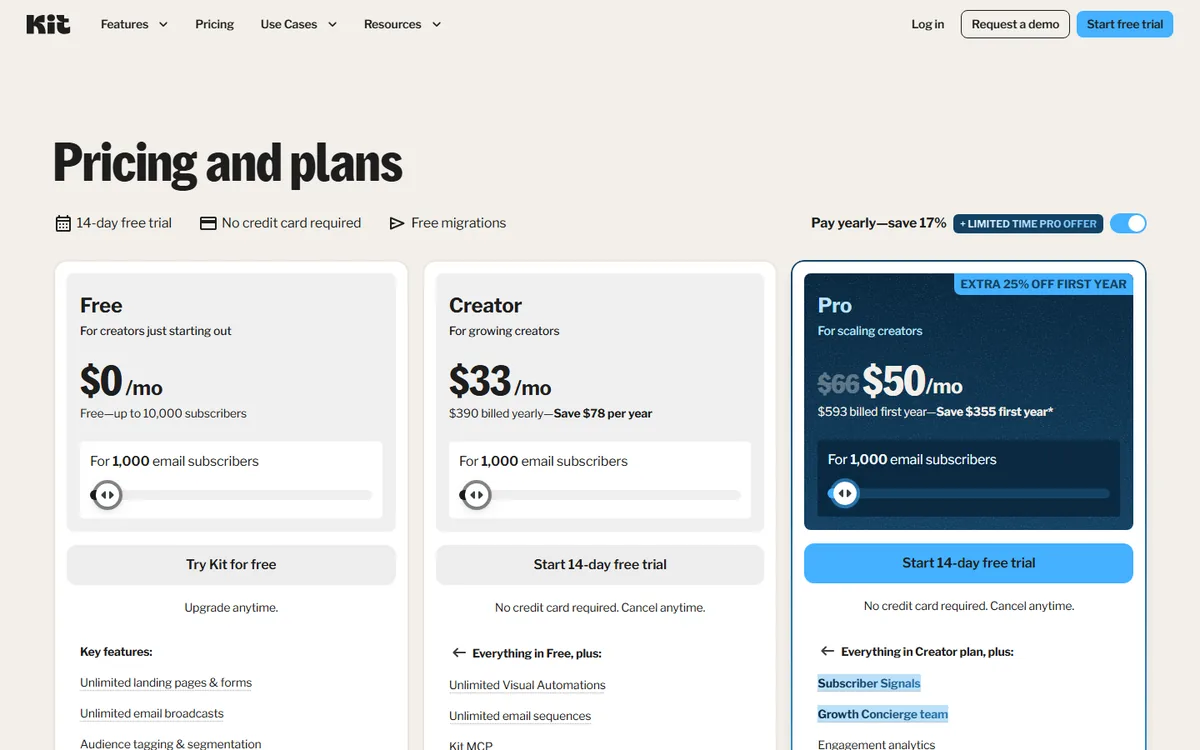
Kit lists a Free plan for up to 10,000 subscribers, Creator at $33 per month billed yearly at $390 for 1,000 subscribers, and Pro at $50 per month for the first year, with $66 listed as the standard rate. The page contradicts itself on subscriber limits, so confirm current terms.
Kit Reviews
Looker Studio
A Free Way to Put Traffic, Ads and Leads on One Monthly Report
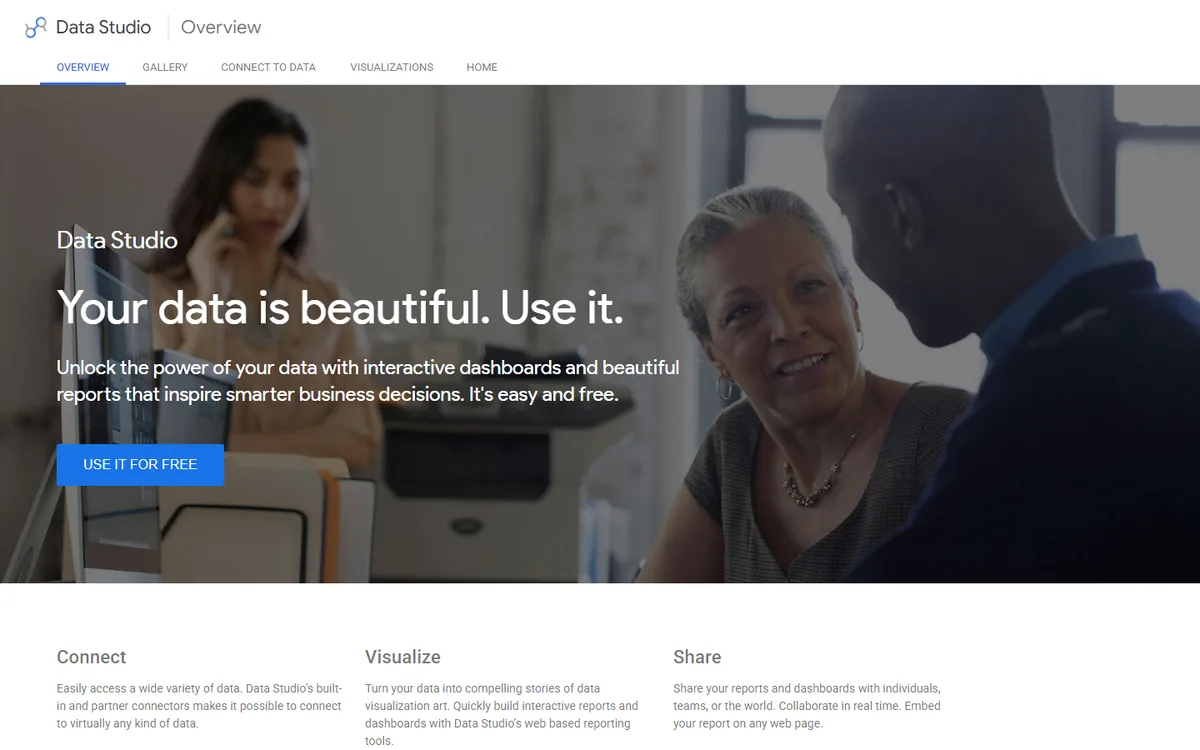
Looker Studio, earlier called Data Studio, builds dashboards from Google Analytics, ads and spreadsheets and is described by Google as free.
A dashboard saves the monthly scramble to copy numbers into a sheet. Looker Studio connects to Google Analytics, Google Ads, Search Console and spreadsheets, and you can build a one-page view of leads, spend and traffic. Templates give you a starting layout.
The tool is only as good as the data behind it. If tracking is off, the dashboard looks polished and shows wrong numbers. Build it after you have run the tracking steps in the marketing checklist, and keep the report to the three numbers you review every month.
What I Like About Looker Studio
- Free, according to Google
- Connects to many Google sources and spreadsheets
- Easy to share as a live link
What I Don’t Like About Looker Studio
- Dashboards can get slow with large data
- Needs clean tracking behind it
Looker Studio Pricing
Google's overview page for Data Studio says it is easy and free. It did not mention Looker Studio paid tiers, so check Google for any Pro features.
Looker Studio Reviews
Zapier
The Easiest Way to Make Your Marketing Tools Talk to Each Other Without Code
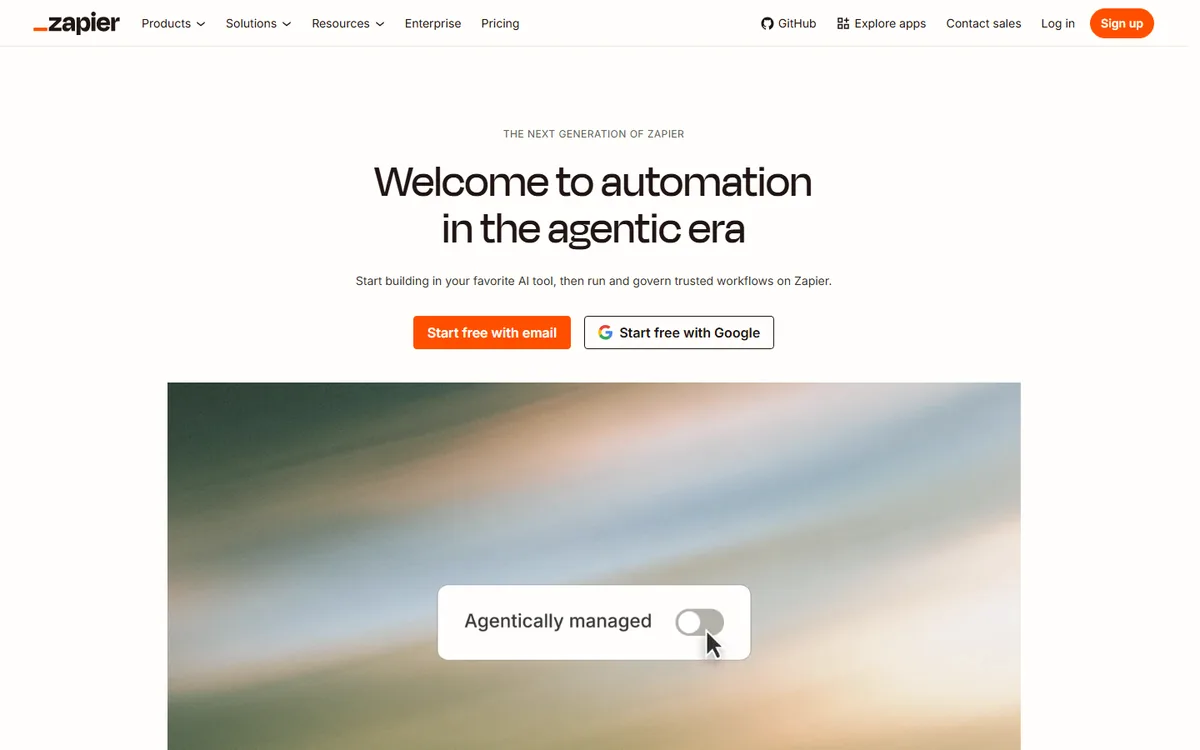
Zapier connects apps with simple trigger-and-action workflows, such as sending every new form entry to your CRM and an email list.
Small teams often run a form tool, a CRM and an email platform that do not share data. Zapier closes that gap: when someone submits a form, it adds a contact, tags it and sends a welcome email, with no manual copying. It is the glue that makes follow-up in under an hour realistic.
Keep workflows simple. Each step counts against your task allowance, and complex chains break in ways that are hard to debug. Document what each workflow does, so a replacement for you can fix it. The two-step limit on the free plan suits one or two basic automations.
What I Like About Zapier
- Thousands of app connections
- Quick to set up for non-technical users
- Free plan lets you test real workflows
What I Don’t Like About Zapier
- Task-based costs grow with volume
- Long workflows are hard to maintain
Zapier Pricing
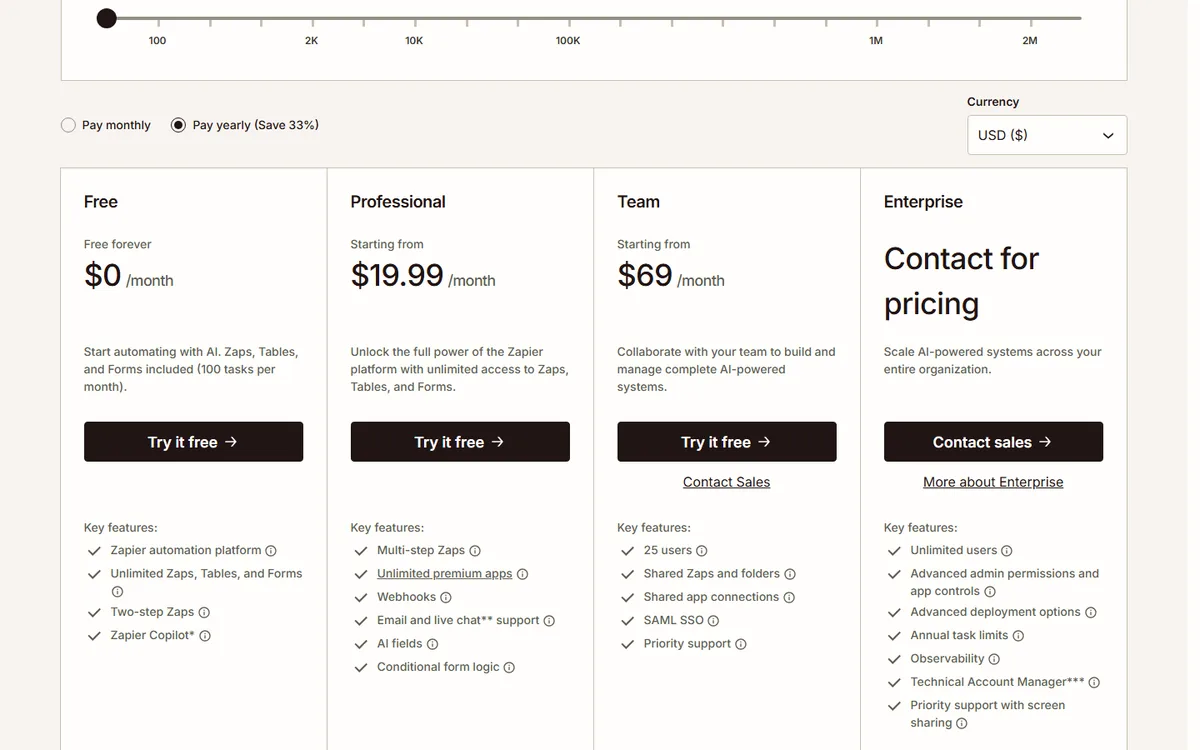
Zapier's Free plan includes 100 tasks per month, unlimited Zaps limited to two steps, and 15-minute update checks. The Professional plan starts at $19.99 per month, and the page mentions a yearly option that saves 33 percent without listing the annual price.
Zapier Reviews
Estimate the Return on a Marketing Tool
Before you pick a plan, check whether the numbers work for you. Enter the manual hours the tool would take over and its monthly price, and you will see what it could return in a year. The result ignores setup time, so treat it as an upper bound. For help setting a sensible budget, see my guide to small business marketing cost.
Is the Tool Worth It for You?
Set the sliders to the work the tool would handle and the plan you have in mind.
How to Choose the Right Marketing Tools for Your Business
In my experience, fit with your routine decides more than any feature list. Answer four questions before you compare vendors:
- Which job do you need done first: tracking, email, design, social or search?
- How many hours a week can you give to the tool?
- How large is your contact list, and how fast will it grow?
- Who owns the tool, and who covers for them?
If you want results quickly, start with HubSpot, Google Analytics and Google Business Profile, all free, then add one email tool. If you post on social media weekly, add Buffer or Metricool. For a view of what working setups look like, read these small business marketing examples, and avoid the common traps in the mistakes list linked earlier.
Questions About Choosing Small Business Marketing Tools
What Marketing Tools Does a Small Business Need First?
Start with five: a website analytics tool, a customer list or CRM, an email platform, a design tool and a local profile such as Google Business Profile. Add scheduling and SEO tools only after those run well. Most of the tools in this list have free plans that cover the start.
Can I Run My Marketing with Free Tools Only?
Yes, for a while. Google Analytics, Google Business Profile, HubSpot's free tools, Kit's free plan and Buffer's free plan can cover tracking, contacts, email and scheduling. You will hit limits on contacts, posts or history, and that is the moment to compare paid plans against the time they save.
How Much Should a Small Business Spend on Marketing Software?
It depends on your size and goals, so use a ceiling instead of a fixed number. Add up monthly fees, divide by leads, and compare the result with what a lead is worth to you. My small business marketing cost guide shows how to set the budget.
Which Email Tool Is Best for a Small Business?
Mailchimp is the most familiar, Brevo gives a daily send limit on its free plan, Kit suits solo experts and Constant Contact offers coaching. Choose by list size, automation needs and how much help you want, and test the free option first.
Do I Need an SEO Tool?
Only if search is a channel you invest in. Ubersuggest gives a low-cost start, and Semrush goes deeper. If you only update your site a few times a year, free tools and a solid Business Profile will do more for you.
How Do I Avoid Paying for Tools I Do Not Use?
Give each tool an owner and a purpose, and review usage every quarter. Cancel what you have not opened in 90 days. Check renewal dates in a shared sheet so you can decide before an auto-renewal.
Are the Prices on This Page Current?
I read them on the vendors' own pages while writing this article, and noted where a page did not show a price. Plans change often, and some prices are introductory, so confirm current terms on each vendor's site before you buy.
Please note: pricing, plans and ratings change often. They were accurate at our last review; please verify them on the vendor sites before you buy. None of this is legal or financial advice.
Was this guide helpful?
Thanks for your feedback.
Warren Albright
Warren leads the Blue Hornet editorial team and works with the consultants to turn real client projects into practical guides on content, paid media, marketing automation, CRM and analytics. He comes from content and demand generation work, edits every article before a working marketing consultant reviews it, and draws on strategies, channel plans and audits from client projects to keep the advice grounded in real numbers.