Quick Summary
- Start with one core platform, usually a CRM with built-in email, and add tools only for named jobs.
- Enterprise platforms such as Salesforce Marketing Cloud and Braze suit large teams, not small ones.
- Price tools at your real contact, user and send volume, not at the entry plan.
- Audit your stack every year and cancel any tool nobody opens weekly.
The Best Martech Tools at a Glance
| Tool | Type | Best for |
|---|---|---|
| 1. HubSpot | CRM and marketing suite | Teams that want one core system for marketing and sales |
| 2. Salesforce Marketing Cloud | Enterprise marketing automation | Large teams on Salesforce CRM with complex journeys |
| 3. Adobe Marketo Engage | B2B marketing automation | B2B teams with long sales cycles and lead scoring needs |
| 4. ActiveCampaign | Email and CRM automation | Small businesses that want strong automation at a modest price |
| 5. Mailchimp | Email marketing | Very small teams that need simple email and a free start |
| 6. Klaviyo | Ecommerce email and SMS | Online stores that want revenue from lifecycle messages |
| 7. Brevo | Email, SMS and CRM | Budget-minded teams that want email, SMS and a CRM in one |
| 8. Braze | Customer engagement platform | Consumer brands with app and multi-channel messaging at scale |
| 9. Twilio Segment | Customer data platform | Teams with several tools that need consistent customer data |
| 10. Hootsuite | Social media management | Teams managing several social accounts and approvals |
| 11. Sprout Social | Social media management and listening | Teams that want strong social reporting and customer care |
| 12. Ahrefs | SEO and backlink analysis | Teams that depend on organic search and link building |
| 13. Looker Studio | Free dashboards and reporting | Teams that need shared dashboards across Google and other sources |
| 14. Canva | Design and content creation | Small teams producing social, ads and slides without a designer |
| 15. Optimizely | Experimentation and content platform | Larger teams running structured tests across web and apps |
The 15 Best Martech Tools, Ranked
I start with the platforms that suit the widest range of teams and move toward specialist and enterprise tools, so you can stop reading once you find your fit. A tool is only part of the result: in the marketing technology consulting projects I review, removing tools often matters more than adding them.
HubSpot
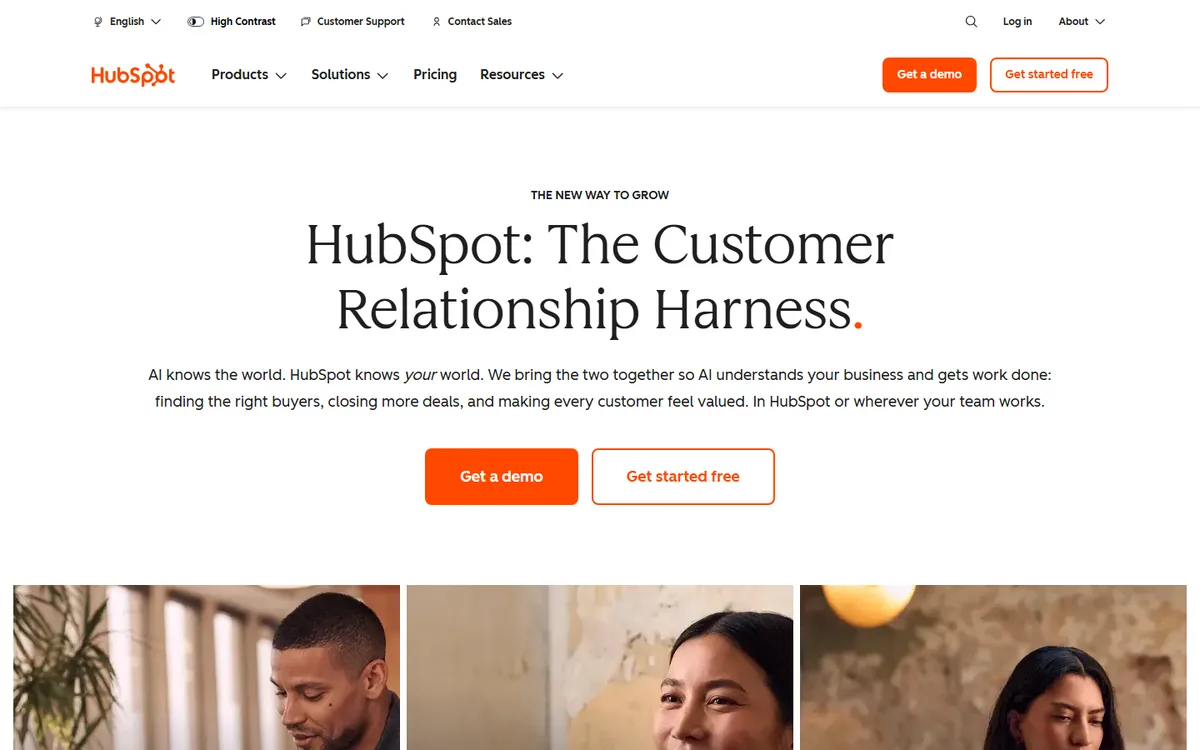
The Strongest Core for a Lean Stack Because the CRM and the Marketing Tools Share One Database
HubSpot combines a free CRM with marketing, sales and service tools that all read the same contact records.
A lean stack starts with a core, and HubSpot is the core I suggest most often. Contacts, forms, email, landing pages and reports share one database, so you do not pay for connectors or reconcile lists. If you can only have one platform, I would pick this one for most small and mid-sized teams.
The price rises with contacts and seats, and Professional tier is a big jump. I suggest starting on the free tools or Starter, then upgrading only when a named feature blocks work. Before you add any other tool, check whether HubSpot already does the job.
What I Like About HubSpot
- One database for contacts, deals and campaigns
- Free CRM tier makes a low-cost start possible
- Large library of integrations and templates
What I Don’t Like About HubSpot
- Costs climb as contacts and seats grow
- Advanced features sit in expensive tiers
HubSpot Pricing
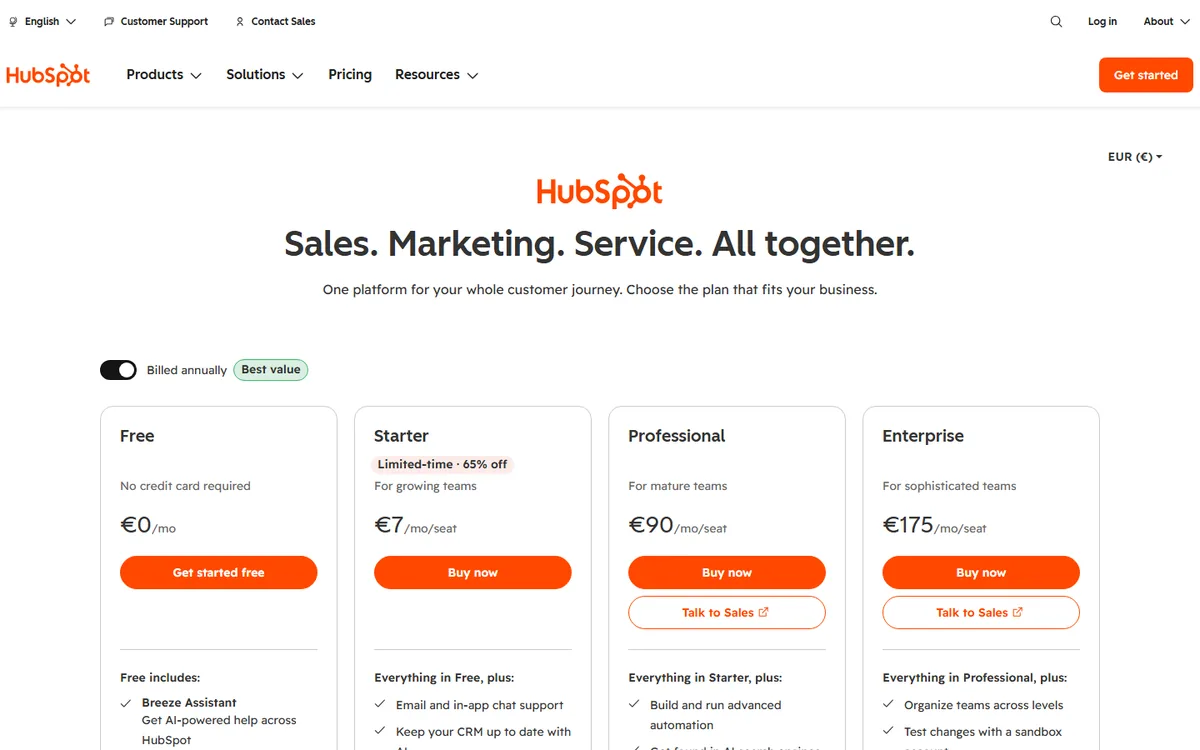
HubSpot offers free tools. Its pricing page lists Marketing Hub Starter at $15 per user per month, Professional at $890 per month with three core seats and Enterprise at $3,600 per month with five core seats. The page says final pricing must be confirmed with HubSpot.
HubSpot Reviews
Salesforce Marketing Cloud
Built for Large Teams That Already Live in Salesforce and Need Cross-Channel Journeys at Scale
Salesforce Marketing Cloud runs email, mobile, advertising and journey automation for large audiences, tied to Salesforce CRM data.
This platform fits companies with big contact databases, several brands or business units and a team that can administer it. Journey Builder lets you design multi-step programs across email, SMS and ads using CRM data.
It is not a lean tool, and I rarely recommend it to teams of fewer than ten marketers. Implementation takes months and often a specialist partner. If your company already runs Salesforce and needs advanced journeys, it deserves a look. Otherwise, a lighter platform will serve you better.
What I Like About Salesforce Marketing Cloud
- Deep link to Salesforce CRM data
- Handles very large audiences and complex journeys
- Strong options for enterprise governance
What I Don’t Like About Salesforce Marketing Cloud
- Long, costly implementation
- Overbuilt for small teams
Salesforce Marketing Cloud Pricing
G2 lists Marketing Cloud Pro from $1,250 per month, Corporate from $3,750 per month and custom pricing for Enterprise. Add-ons and implementation fees raise the total, so ask for a full quote.
Salesforce Marketing Cloud Reviews
Adobe Marketo Engage
A Proven Choice for B2B Teams With Long Sales Cycles, Lead Scoring and Account-Based Programs
Marketo Engage handles lead nurturing, scoring, email and account-based marketing for B2B organizations.
Marketo has been a standard in B2B automation for years. Its strength is nurture logic: you can score leads, route them to sales and run long email programs that react to behavior. Teams with a dedicated marketing operations person get the most out of it.
The interface feels dated, and setup demands care. Without someone who owns it, instances fill with unused campaigns and confusing fields. I would choose it when you need deep B2B nurture and have the people to run it, and skip it when you want quick wins with a small team.
What I Like About Adobe Marketo Engage
- Mature lead scoring and nurture tools
- Strong fit for B2B account-based programs
- Integrates with major CRMs
What I Don’t Like About Adobe Marketo Engage
- Needs a trained administrator
- Interface feels dated next to newer tools
Adobe Marketo Engage Pricing
G2 lists no starting price for Marketo Engage. Pricing depends on contact volume and edition, so request a quote from Adobe and ask what is included.
Adobe Marketo Engage Reviews
ActiveCampaign
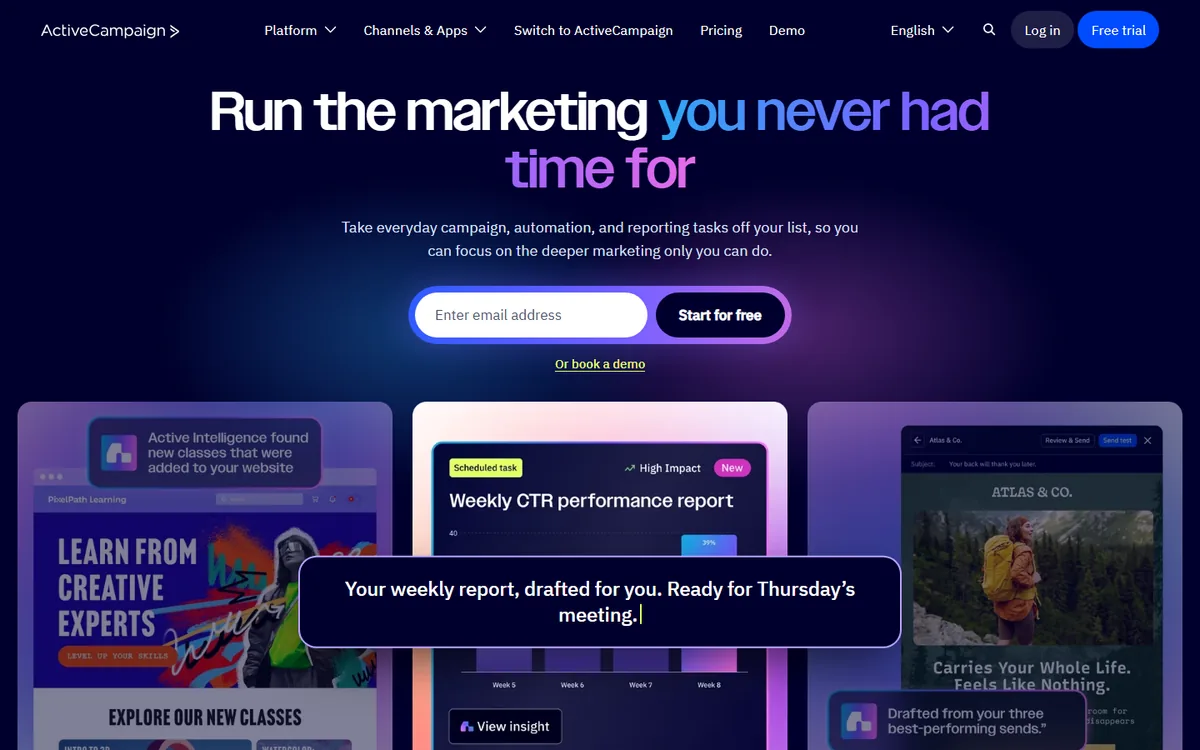
The Best Value for Small Teams That Want Real Automation Without an Enterprise Bill
ActiveCampaign pairs email marketing with a visual automation builder, a sales CRM and lead scoring.
ActiveCampaign gives small teams automation that larger tools reserve for higher tiers. You can build branching flows based on clicks, page visits and tags, and add a simple CRM for deals. It suits service businesses and online sellers who want to automate follow-up.
The interface has many options, and new users can build flows that are more complex than they need. I suggest starting with three flows, a welcome, a lead nurture and a win-back, and adding more only when those work. Deliverability depends on your list hygiene, so clean your list before you migrate.
What I Like About ActiveCampaign
- Powerful automations for the price
- Built-in CRM and lead scoring
- Good template library and support
What I Don’t Like About ActiveCampaign
- Easy to over-build flows
- Reporting is basic next to dedicated analytics
ActiveCampaign Pricing
G2 lists a Starter plan at $15 per month. Higher plans add automation depth, CRM and reporting, and prices rise with contact count.
ActiveCampaign Reviews
Mailchimp
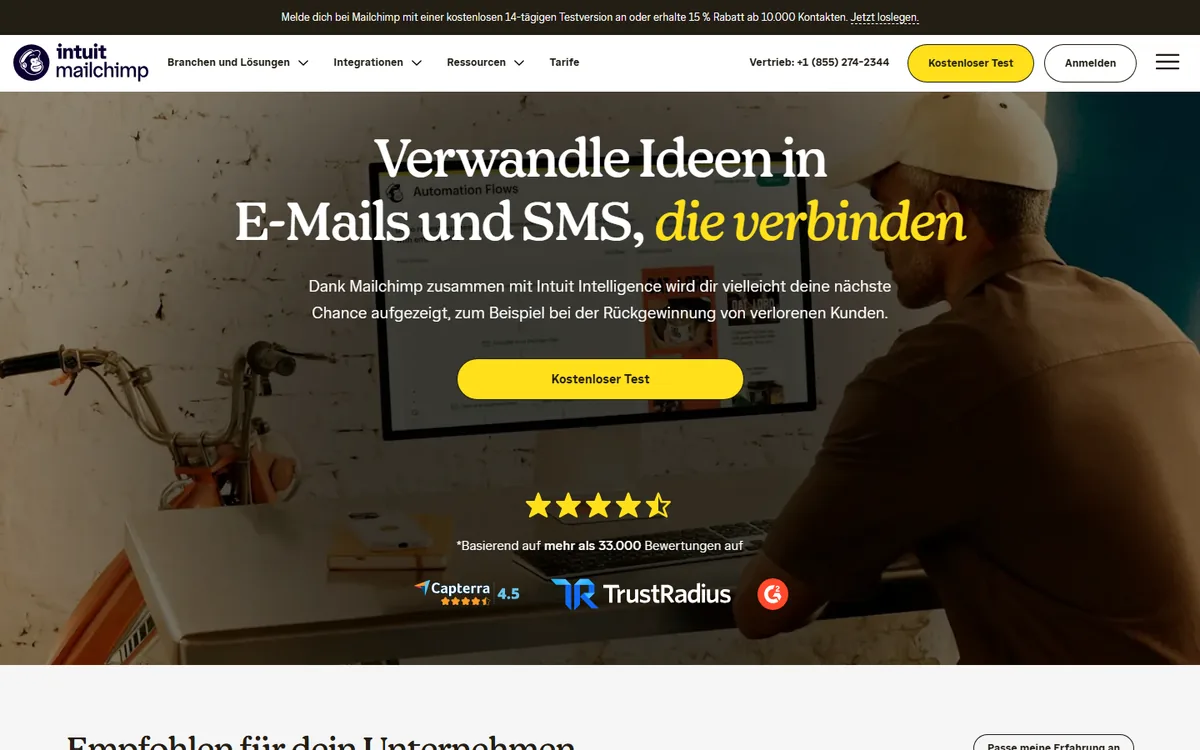
A Free, Familiar Starting Point for Simple Email, Landing Pages and Basic Automation
Mailchimp offers email campaigns, simple automations, landing pages and forms, with a free plan to begin.
Mailchimp is where many small businesses send their first newsletter. The builder is friendly, templates are plentiful and the free plan lets you test an audience at no cost. For a basic list and a few automated emails, it does the job.
As your needs grow, the limits show. Segmentation and automation are less flexible than in ActiveCampaign or Klaviyo, and costs rise with contacts. I treat Mailchimp as a good first tool and a signal to review your platform once you outgrow it.
What I Like About Mailchimp
- Friendly builder and a free plan
- Large library of templates and integrations
- Quick to set up
What I Don’t Like About Mailchimp
- Costs rise with contact count
- Automation depth is limited
Mailchimp Pricing
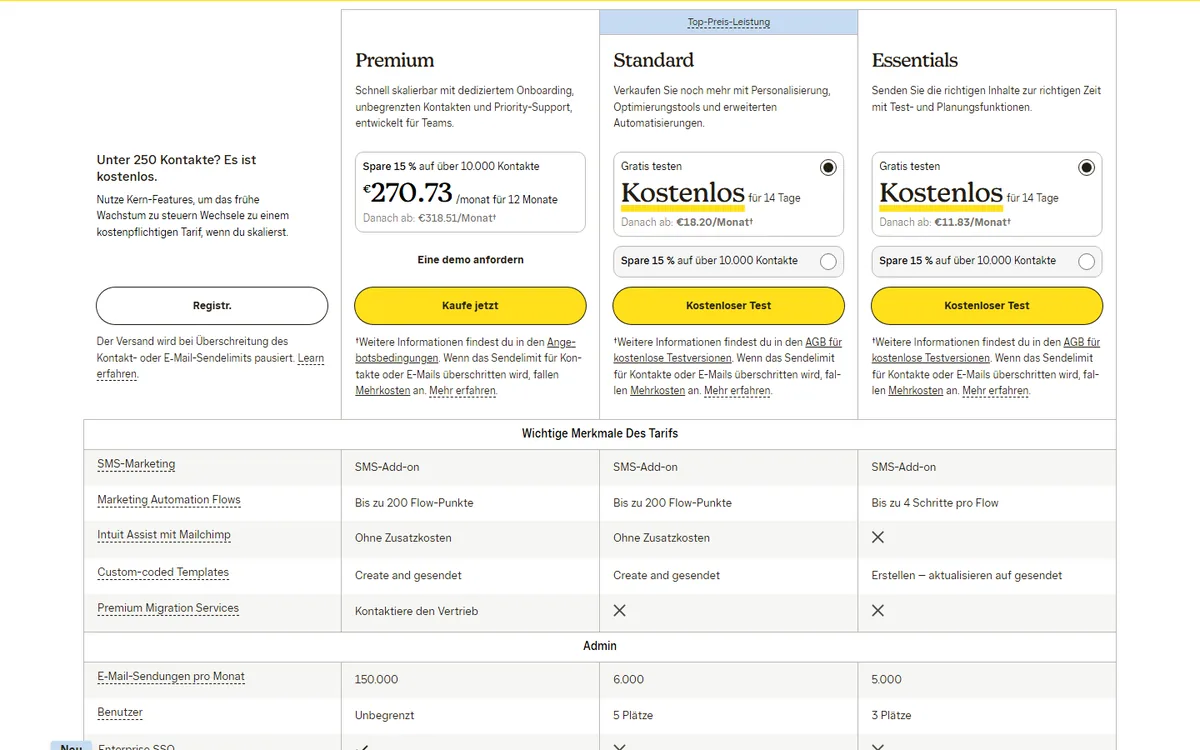
G2 lists a Free plan, with paid plans priced by contacts. Check the current limits on the free tier, since they change.
Mailchimp Reviews
Klaviyo
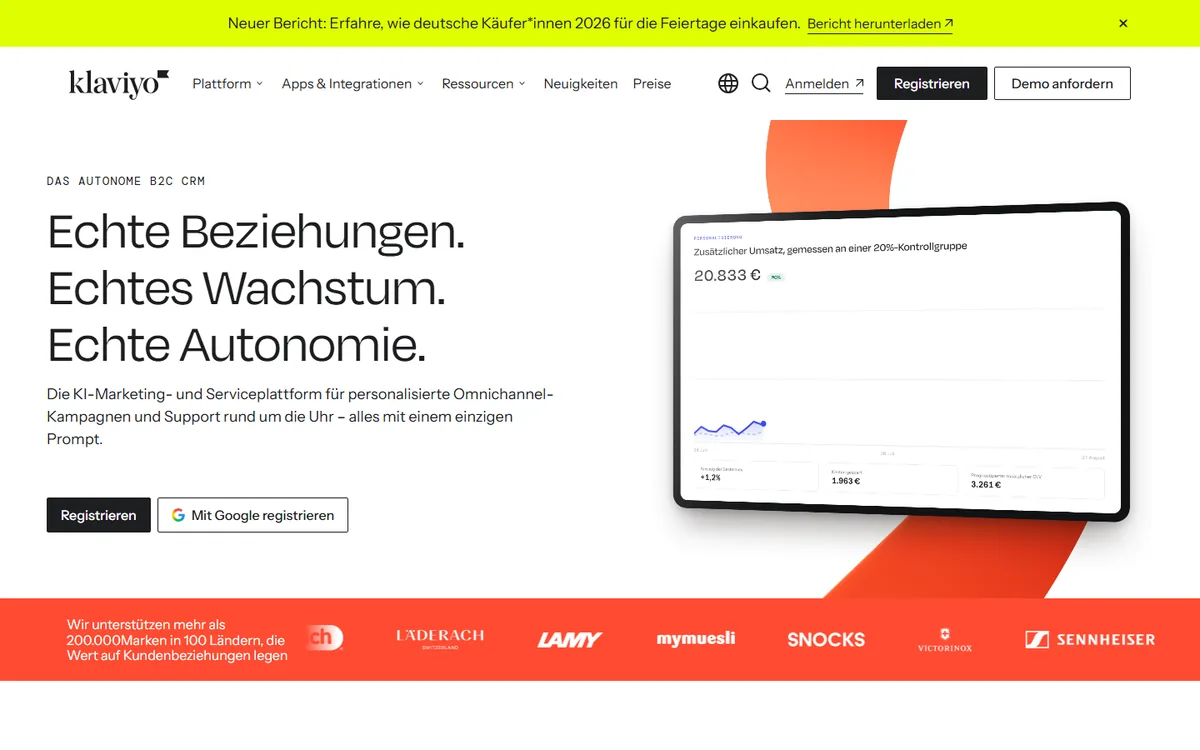
The First Pick for Online Stores That Want Email and SMS Driven by Purchase Data
Klaviyo connects to your store and uses order and browsing data to power email, SMS and segments.
Klaviyo is built around ecommerce data. It reads products viewed, carts abandoned and orders placed, so a flow such as a browse reminder or a post-purchase series takes minutes to set up. Segments by lifetime value and recency are easy to create.
It earns its place when email and SMS are a meaningful share of your revenue. For a business without a store or product feed, the advantages shrink. Pricing scales with profiles, so keep your list clean and remove inactive contacts regularly.
What I Like About Klaviyo
- Deep ecommerce integrations
- Strong segmentation and flow templates
- Email and SMS in one place
What I Don’t Like About Klaviyo
- Costs rise with profile count
- Less suited to businesses without a store
Klaviyo Pricing
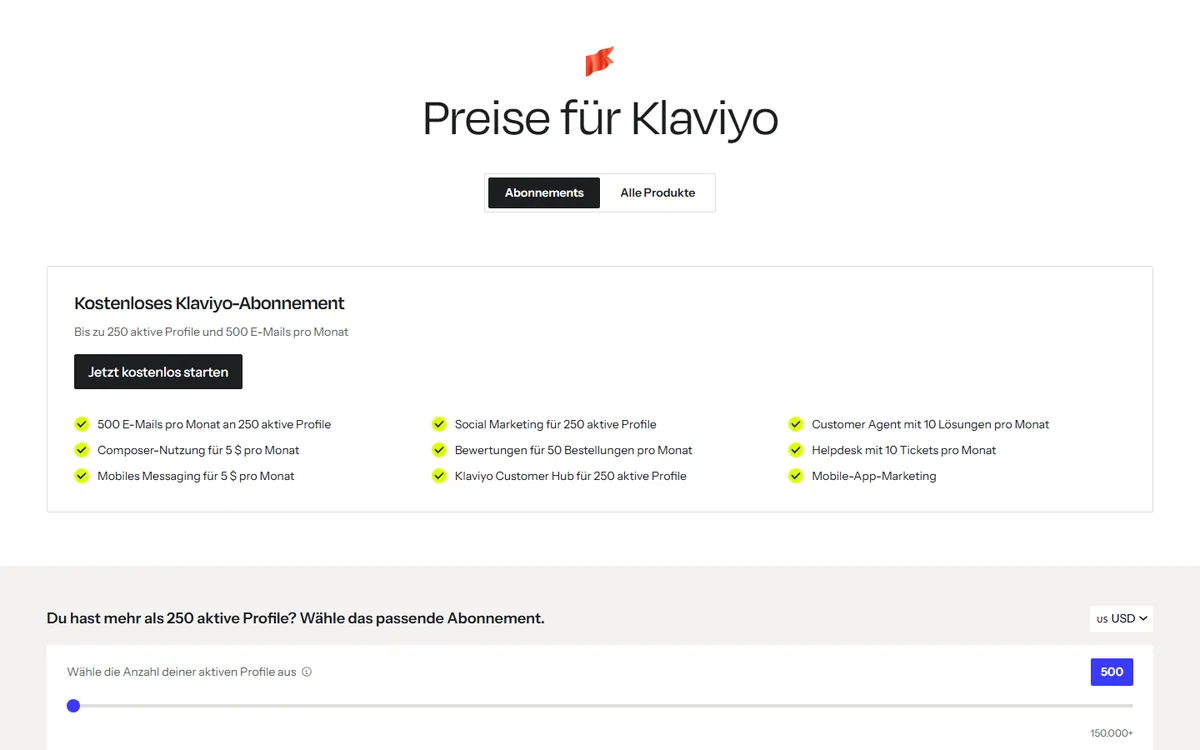
G2 lists a Free plan, an Email plan at $20 per month and an Email plus SMS plan at $35 per month, both usage-based. Your price depends on profiles and sends.
Klaviyo Reviews
Brevo
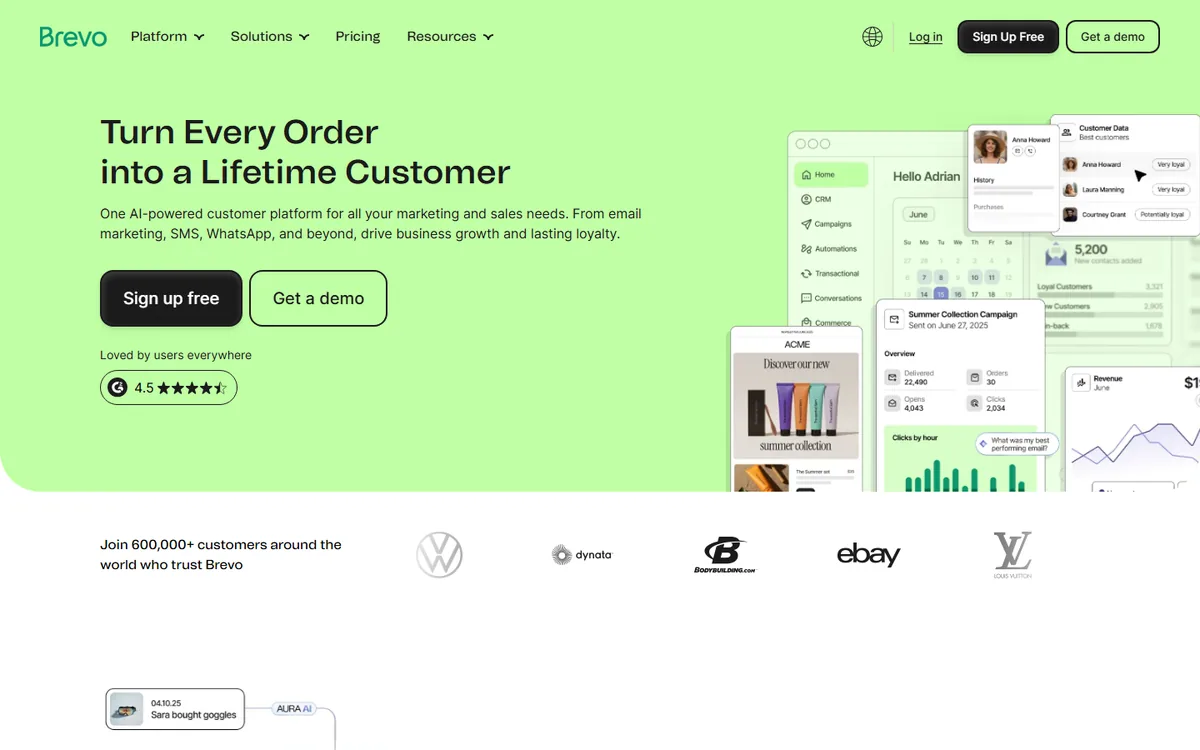
A Low-Cost Option That Bundles Email, SMS and a Simple CRM for Smaller Teams
Brevo, formerly Sendinblue, offers email, SMS, chat and a simple CRM, priced by emails sent rather than by contacts.
Brevo's pricing model is its main draw. Because you pay by volume sent, a large list that you email rarely stays affordable. Transactional email, SMS and a basic CRM sit in the same account, which keeps a lean stack small.
The automation builder and reporting are good enough for most small teams, but not as deep as ActiveCampaign or HubSpot. I consider it a strong value pick if budget is tight and your flows are simple. Test deliverability with a small send before you move your full list.
What I Like About Brevo
- Pricing by sends, not contacts
- Email, SMS and CRM in one account
- Easy to start
What I Don’t Like About Brevo
- Automation is less deep than premium tools
- Some features sit behind higher plans
Brevo Pricing
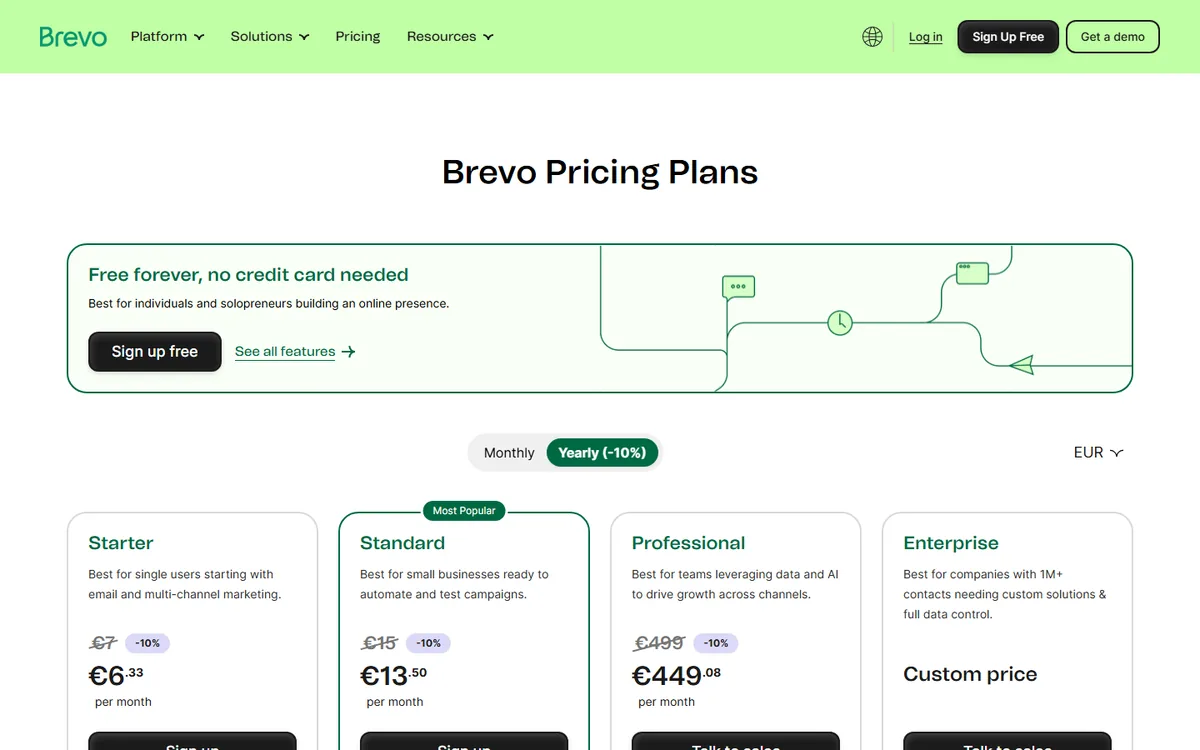
G2 lists a Starter plan at $9 per month, usage-based. Business and enterprise plans add features and higher send limits.
Brevo Reviews
Braze
Built for Consumer Brands That Message Millions Across App, Email and Push
Braze orchestrates email, push, SMS and in-app messages from real-time user data.
Braze fits companies with apps and large audiences where timing matters. It handles real-time triggers, canvases that map the customer journey and testing across channels. Consumer subscription and delivery brands use it often.
It is priced and built for scale, so a small team will not get value from it. You need engineering support to send data and a team to run the program. I would put it on the list only if your messaging runs across several channels at high volume.
What I Like About Braze
- Real-time, multi-channel messaging
- Strong journey design and testing tools
- Built for large audiences
What I Don’t Like About Braze
- Expensive for small teams
- Needs engineering support
Braze Pricing
G2 lists no starting price for Braze. Pricing is custom and depends on audience size and channels, so request a quote.
Braze Reviews
Twilio Segment
Best for Collecting Customer Data Once and Sending It to Every Tool in Your Stack
Segment collects events from your site and app and forwards them to analytics, ads and email tools.
A customer data platform cuts the number of integrations you maintain. Instead of wiring each tool to your site, you connect them once to Segment, and it passes events everywhere. Changes to tracking happen in one place.
I would only add it once your stack has several tools that need the same data. For a team with one analytics tool and one email platform, it is extra cost and complexity. The first month goes into agreeing event names, and that work is worth doing even without the tool.
What I Like About Twilio Segment
- One tracking setup feeds many tools
- Cleaner, more consistent data
- Large catalog of destinations
What I Don’t Like About Twilio Segment
- Extra cost for small stacks
- Needs planning of events and names
Twilio Segment Pricing
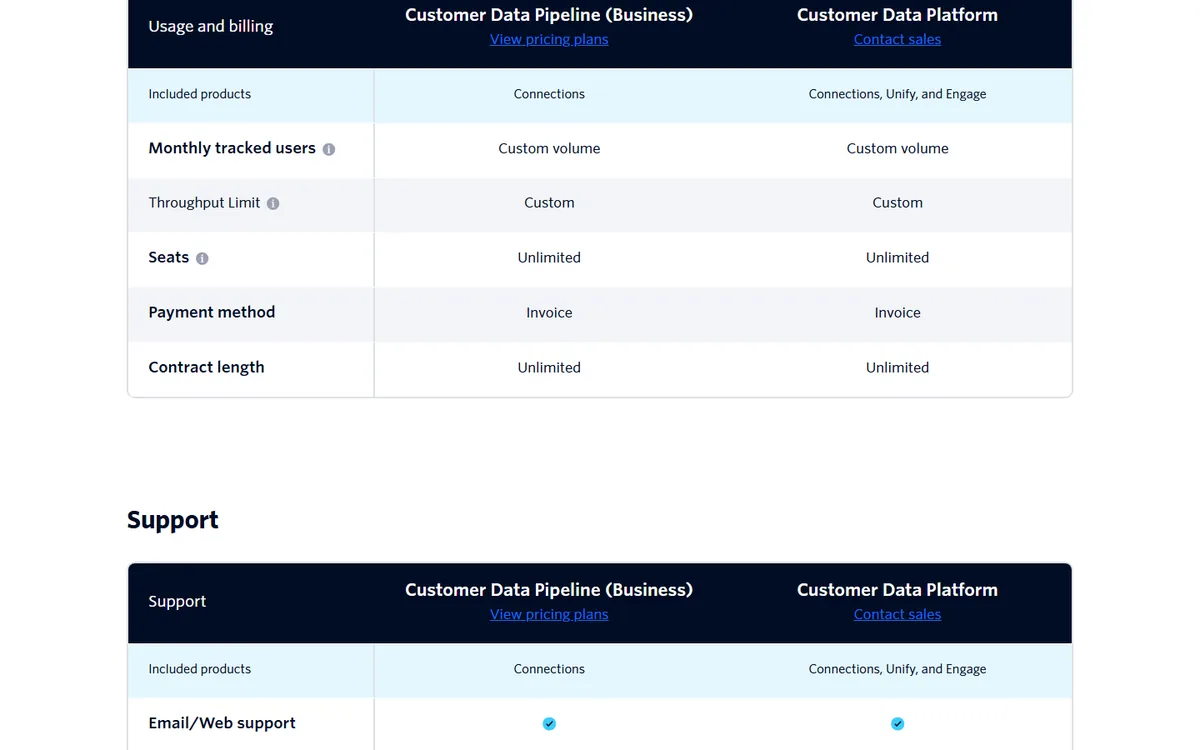
G2 lists a Team plan at $120 per month and a free Developer plan. Business pricing is custom, and costs depend on monthly tracked users.
Twilio Segment Reviews
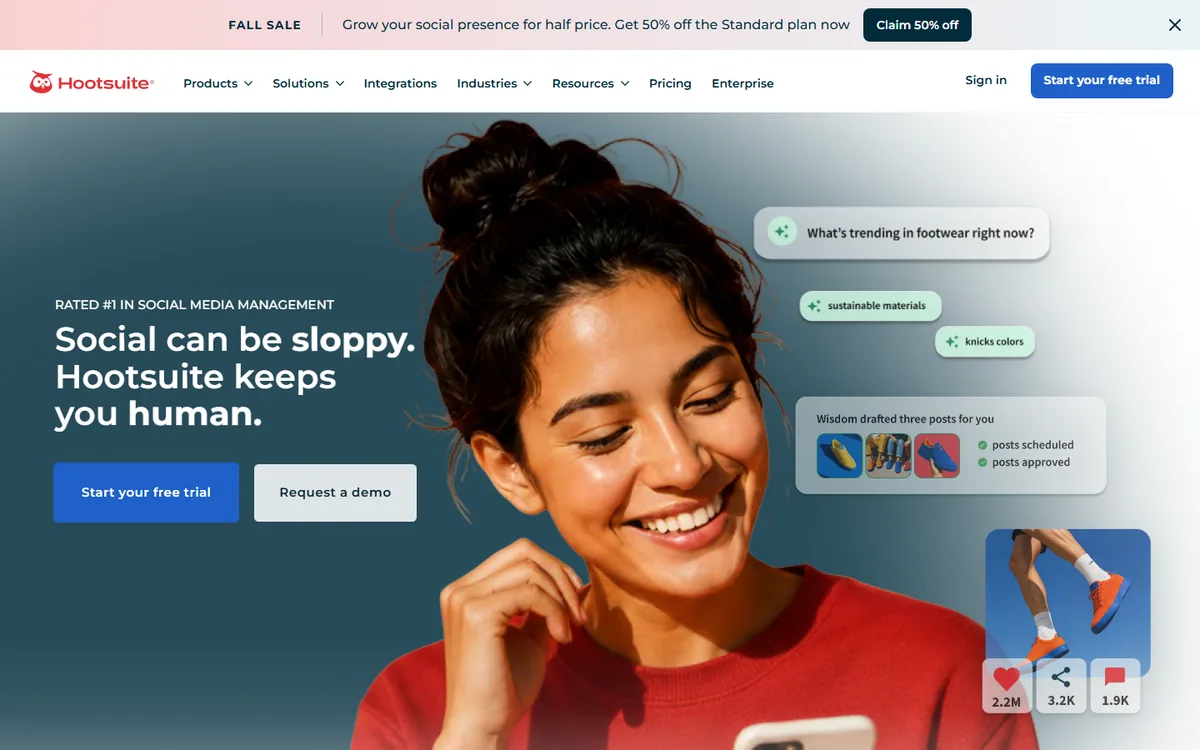
Hootsuite
A Practical Pick for Scheduling, Approvals and Reporting Across Many Social Accounts
Hootsuite lets you schedule posts, manage replies and report on social performance in one dashboard.
For teams with several social accounts, Hootsuite brings publishing, a shared inbox and reporting into one place. Approval steps keep brand posts consistent, and the calendar makes gaps easy to see.
The value depends on how much you post. If you manage one or two accounts, a native scheduler may be enough. I recommend it for agencies and multi-brand teams, and I would check that the reporting meets your needs on a trial before you commit.
What I Like About Hootsuite
- Calendar and approvals suit teams
- Manage many accounts from one place
- Useful reporting
What I Don’t Like About Hootsuite
- Plans priced per user add up
- Less value for one or two accounts
Hootsuite Pricing
Hootsuite's plans page lists Standard at $99 per user per month, Professional at $199 and Advanced at $399, with custom Enterprise pricing. Prices are for annual billing, and monthly billing costs more.
Hootsuite Reviews
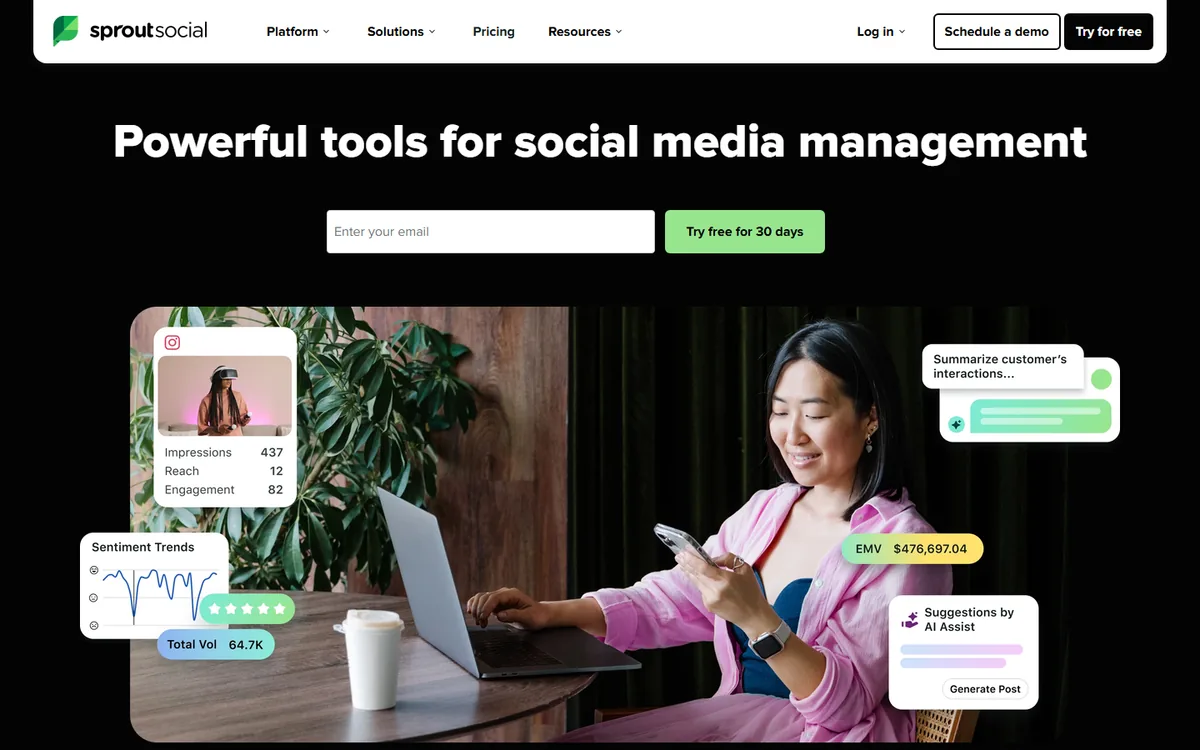
Sprout Social
The Strongest Reporting and Inbox for Teams Where Social Is Also Customer Care
Sprout Social combines publishing, a unified inbox, listening and reports for social teams.
Sprout stands out for its inbox and reporting. Messages from all networks land in one queue with history, which suits teams that answer customers on social. Reports are clean enough to share with leadership as they are.
It costs more per seat than many rivals, so it fits teams that use the inbox and reporting heavily. I would not pay for the higher tiers just to schedule posts. A trial with your real accounts shows whether the inbox saves enough time to justify the price.
What I Like About Sprout Social
- Excellent unified inbox
- Clear, shareable reports
- Good listening features on higher plans
What I Don’t Like About Sprout Social
- Higher price per seat
- Premium features in upper tiers
Sprout Social Pricing
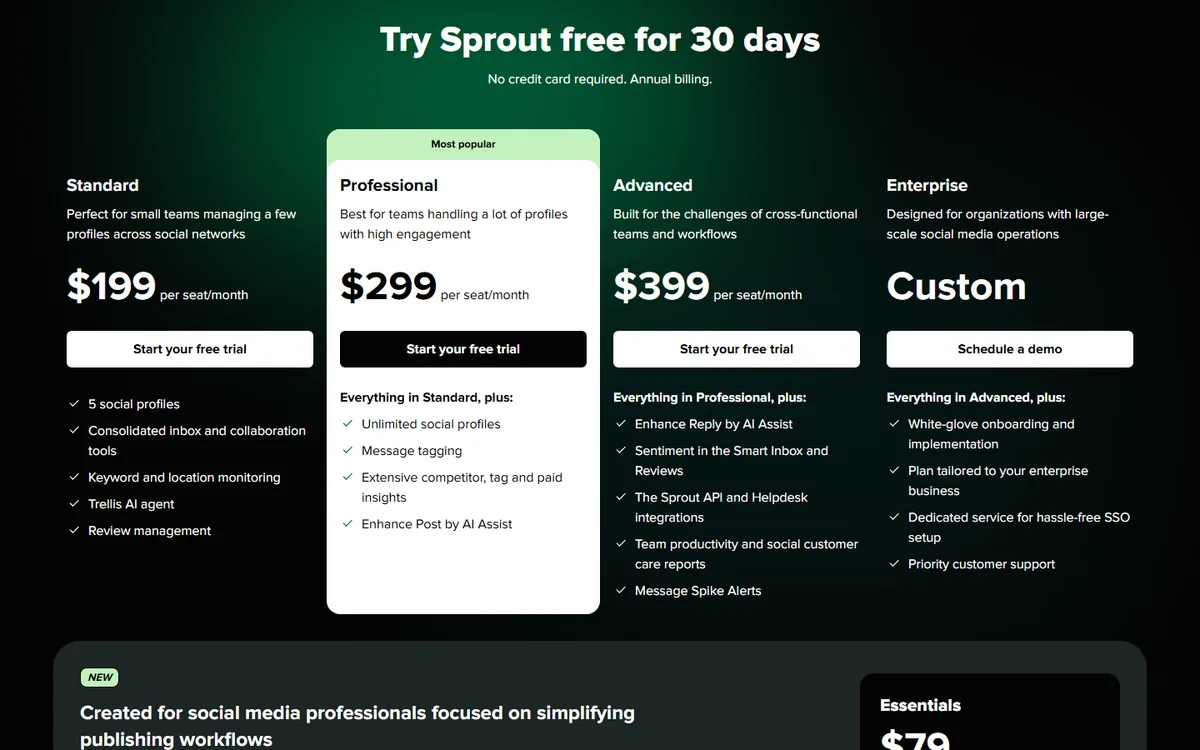
Sprout Social's pricing page lists Essentials at $79 per seat per month billed annually, or $99 billed monthly, and Standard at $199 per seat per month, with higher tiers above. G2 shows the entry plan at $79 per user per month.
Sprout Social Reviews
Ahrefs
Best for Backlink Analysis and Keyword Research When Organic Search Drives Leads
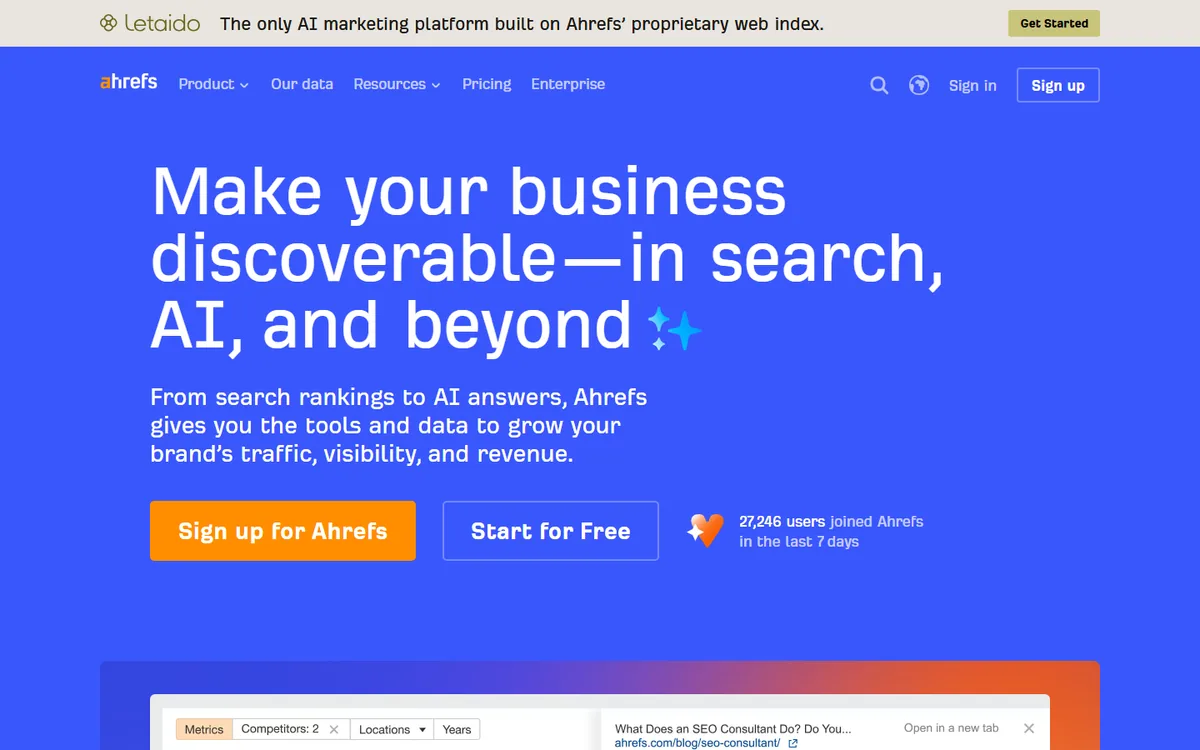
Ahrefs offers keyword research, backlink data, site audits and competitor analysis.
Ahrefs is known for its link data. You can see who links to a competitor, which pages earn those links and where your own profile is weak. Keyword and content gap reports help you plan the articles most likely to rank.
Pick it when search is a main channel and you have someone to act on the reports. It is less useful for teams that rely on paid or outbound. In a lean stack, I keep one SEO tool, not two, so choose between Ahrefs and similar tools based on a trial.
What I Like About Ahrefs
- Excellent backlink data
- Clear keyword and content gap reports
- Free webmaster tools for your own site
What I Don’t Like About Ahrefs
- Paid plans are priced for professionals
- Less useful if search is a minor channel
Ahrefs Pricing
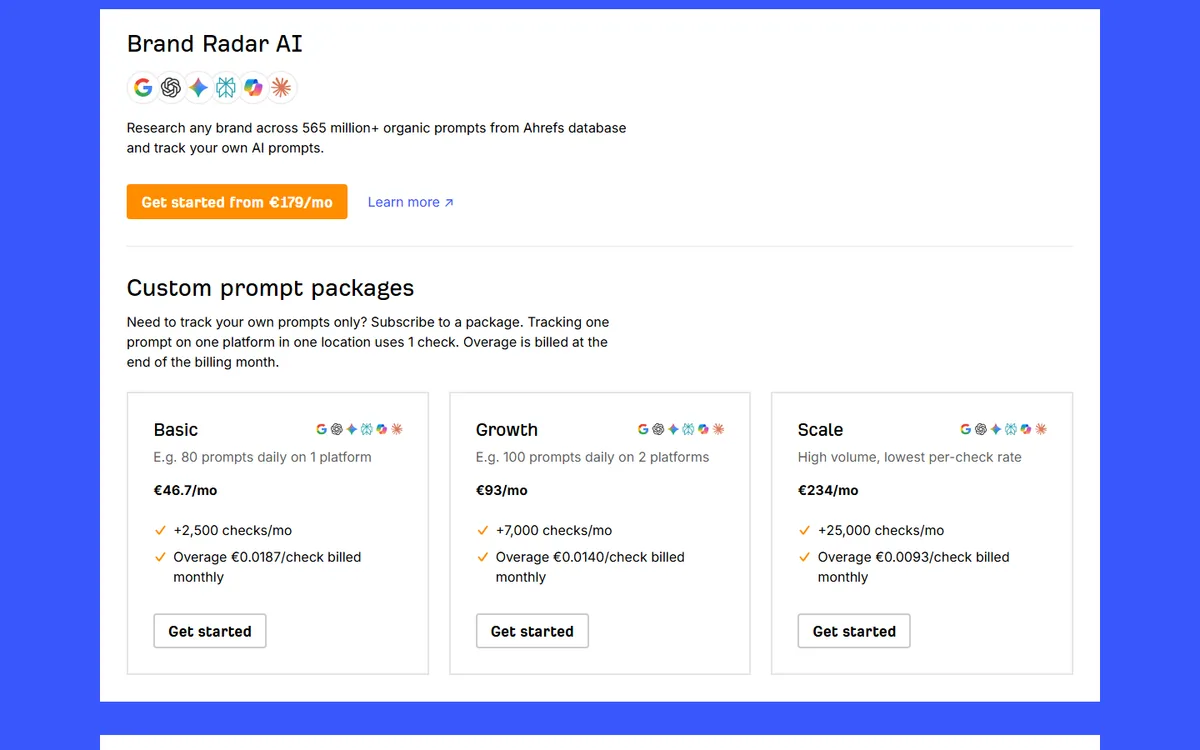
G2 lists Ahrefs Free at $0, Starter at $29, Lite at $129 per month, Standard at $249 per month, Advanced at $499 per month and Enterprise from $1,499 per month. Check which limits apply to each plan on Ahrefs' site.
Ahrefs Reviews
Looker Studio
The Free Way to Turn Scattered Marketing Data Into One Shared Dashboard
Looker Studio builds dashboards from Google Analytics, Ads, Sheets and many other sources, at no cost for the basic product.
A shared dashboard ends the monthly scramble to build a report. Looker Studio connects to Google tools natively and to many others through connectors, and the report updates on its own. Sharing a link is simple.
The tool is only as good as the definitions behind it. I have seen dashboards that look polished and disagree with the CRM. Agree on what a lead is first, then build. For heavy datasets, move the data into a warehouse, since large reports can slow down.
What I Like About Looker Studio
- Free and easy to share
- Native connection to Google data
- Flexible layouts and charts
What I Don’t Like About Looker Studio
- Can slow down on large datasets
- Needs agreed definitions to be trusted
Looker Studio Pricing
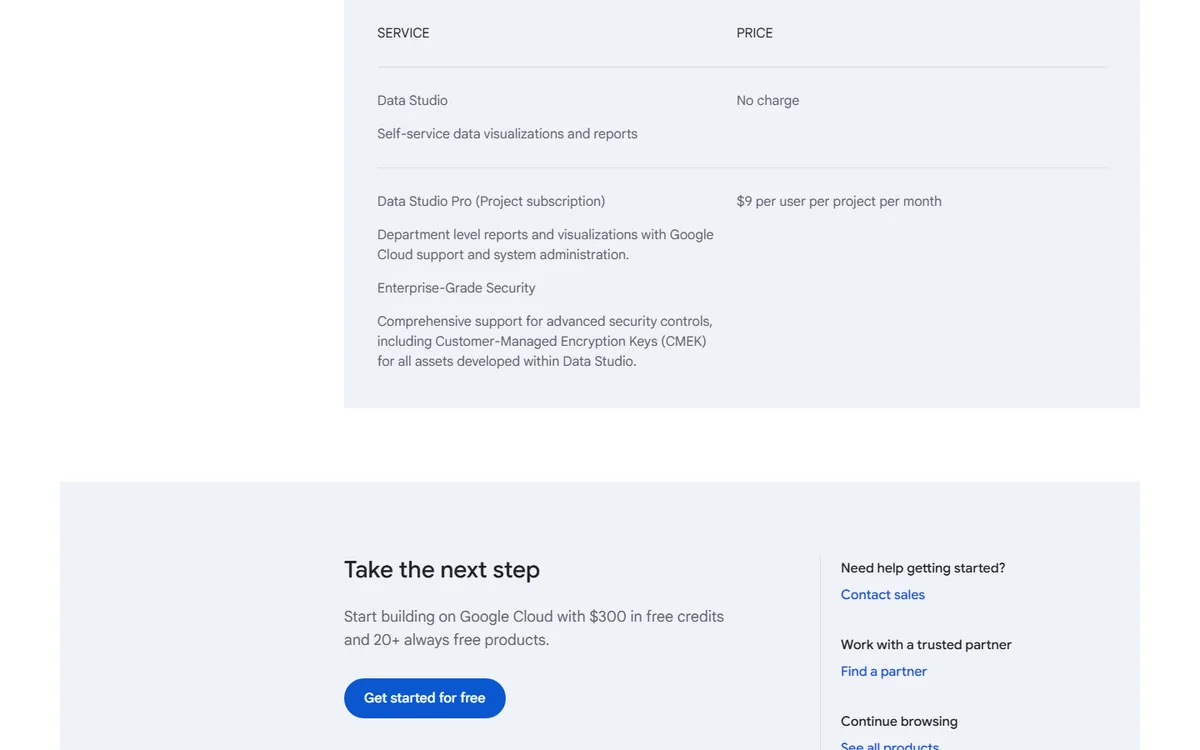
G2 lists no starting price for Looker Studio, and the basic product is free to use. Paid options exist through Looker Studio Pro and Google Cloud, so check Google's current pricing.
Looker Studio Reviews
Canva
The Quickest Way for a Small Team to Produce On-Brand Graphics Without a Designer
Canva lets non-designers create social posts, ads, presentations and documents from templates, with a brand kit.
Content takes less time when anyone can produce a clean graphic. Canva's templates, shared brand kit and collaboration make routine design work fast, and the team can reuse approved assets. That keeps campaigns consistent.
It does not replace a designer for complex brand work, but it covers daily needs. I suggest setting up a brand kit with fonts, colors and logos on day one, so every new design starts on brand. Control who can edit templates to avoid drift.
What I Like About Canva
- Fast creation from templates
- Brand kit keeps assets consistent
- Easy collaboration
What I Don’t Like About Canva
- Limited for complex brand design
- Templates can make output look generic
Canva Pricing
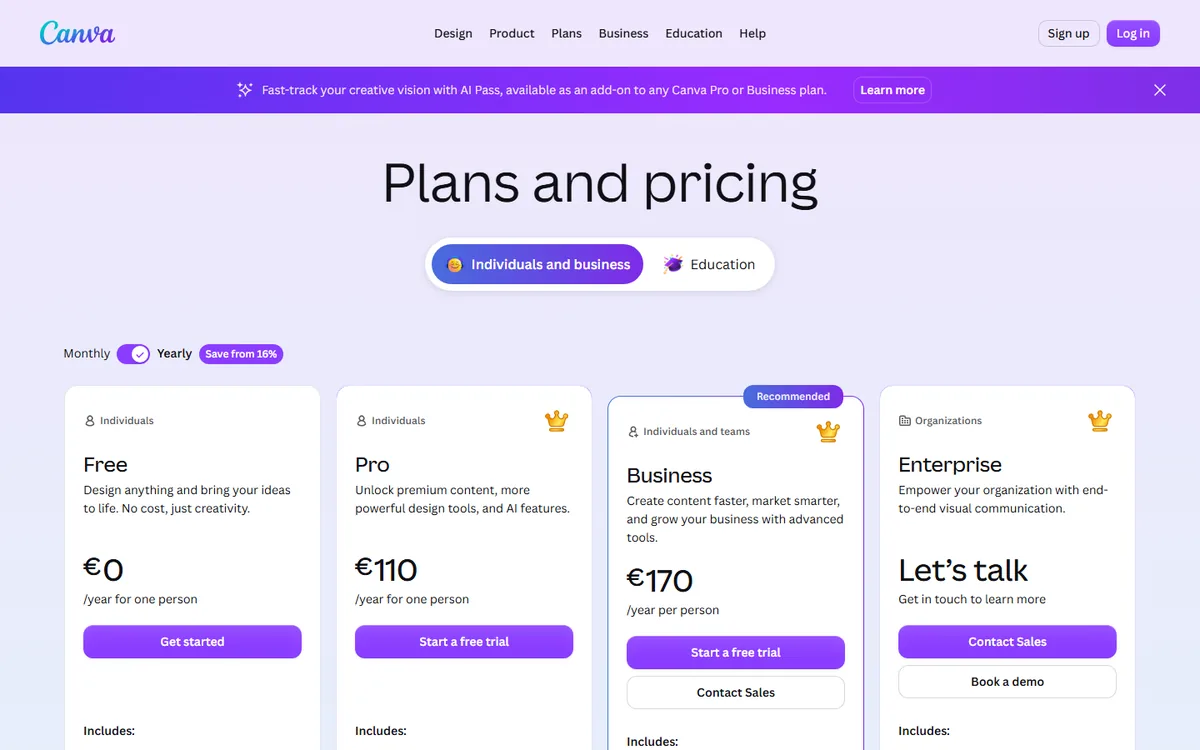
G2 lists Canva Free, Canva Pro at $15 per user per month and Canva Teams at $10 per user per month. Confirm current plan prices on Canva's site.
Canva Reviews
Optimizely
For Larger Teams That Run Many Experiments and Need Governance Around Them
Optimizely supports web experimentation, feature testing and personalization for bigger sites and apps.
Optimizely suits organizations with high traffic and a testing program that involves several teams. It supports server-side tests, feature flags and statistics designed to avoid false wins, plus governance for who can launch what.
The cost and setup put it out of reach for most small teams. If you test a few times per quarter, a simpler tool will do. I recommend it when experimentation is a regular, staffed function and you need audit trails.
What I Like About Optimizely
- Strong statistics and governance
- Server-side and feature testing
- Built for high-traffic sites
What I Don’t Like About Optimizely
- Expensive for small programs
- Needs trained staff
Optimizely Pricing
G2 lists no starting price for Optimizely Web Experimentation, and pricing is custom. Request a quote based on your traffic and use case.
Optimizely Reviews
Estimate the Return on a Martech Tool
Before you pick a plan, check whether the numbers work for you. Enter the manual hours the tool would save and its monthly price, and you will see what it could return in a year.
Is the Tool Worth It for You?
Set the sliders to the work the tool would handle and the plan you have in mind.
How to Choose Martech Tools for a Lean Stack
In my experience, a lean stack comes from asking about jobs, not products. Before you compare vendors, answer four questions:
- Which job does each tool do, and who owns it?
- Can your current CRM or email platform already do it?
- Does the tool send data to your CRM, so reports match?
- What does it cost at your real volume, including setup time?
To see how others run their stacks in practice, read my write-up of marketing technology examples. If you already own a pile of tools, a structured marketing technology audit shows which ones to keep, and a marketing technology assessment tells you whether your team is ready for something bigger. Once you have decided, the marketing technology roadmap sequences the rollout, and the marketing technology statistics give you industry context for the budget conversation. If you want a second opinion, marketing technology consulting starts with a free call.
Questions About Choosing Martech Tools
What Is a Martech Stack?
A martech stack is the set of software tools your marketing team uses to attract, convert and keep customers. It usually includes a CRM, an email or automation platform, analytics, content and social tools, and sometimes a customer data platform. The best ones are small and well connected.
How Many Martech Tools Does a Small Business Need?
Most small businesses run well on five to eight tools: a CRM, an email platform, analytics, a social scheduler, a design tool and one SEO or reporting tool. Add more only when a named job needs it.
Should I Choose an All-in-One Platform or Best-of-Breed Tools?
All-in-one platforms such as HubSpot reduce integration work and give you one set of data, which suits smaller teams. Best-of-breed tools are stronger in one area but need connections and maintenance. I choose by team size, budget and technical skill.
What Is the Best Martech Tool for a Small Business?
For most, a CRM with built-in email, such as HubSpot, ActiveCampaign or Brevo, is the best first tool. Online stores often do better with Klaviyo. Choose by where your leads come from and how you follow up with them.
How Do I Avoid Overpaying for Martech?
Audit what you pay for every year. List each tool, its owner, its cost and its last-use date, then cancel anything unused and check for overlaps. A short audit often frees a meaningful part of the budget.
Do I Need a Customer Data Platform?
Not at first. If you have one analytics tool and one email platform, native integrations work. A customer data platform helps when you have several tools that need the same events and you spend time fixing tracking in each one.
How Long Does It Take to Set Up a New Martech Tool?
Simple tools such as a social scheduler or design platform take days. A CRM or automation platform takes weeks, mostly for data cleanup and workflows. Enterprise platforms can take months, so plan for implementation time.
Please note: pricing, plans and ratings change often. They were accurate at our last review; please verify them on the vendor sites before you buy. None of this is legal or financial advice.
Was this guide helpful?
Thanks for your feedback.
Warren Albright
Warren leads the Blue Hornet editorial team and works with the consultants to turn real client projects into practical guides on content, paid media, marketing automation, CRM and analytics. He comes from content and demand generation work, edits every article before a working marketing consultant reviews it, and draws on strategies, channel plans and audits from client projects to keep the advice grounded in real numbers.