Quick Summary
- A marketing technology audit reviews six areas: tools, usage, data, integrations, cost and risk.
- Score every tool on usage and business value, then sort it into keep, fix, merge or retire.
- Talk to the people who use the tools. Logins and invoices tell you what exists, and interviews tell you what works.
- Finish with a one-page action list that has an owner and a date on every line.
Marketing stacks grow by accident. A team adds a webinar tool for one event, an intern signs up for a scheduling app and a vendor throws in a free analytics add-on. After three years, nobody can say what the stack costs, which tools hold customer data or why two dashboards show different lead counts.
An audit puts that on paper. I run them as part of marketing technology consulting, and the framework below is the one I use with clients. You can run it yourself in two to three weeks.
What a Marketing Technology Audit Covers
An audit is a structured review of the software and connections behind your marketing. It answers five questions: what do we own, who uses it, what does it cost, what data does it hold and what breaks if it stops. It does not judge your strategy or your team, and it does not pick new tools. Those come later, in your marketing technology roadmap.
Scope matters. Include everything that stores, moves or reports on marketing data: your CRM, email platform, ad accounts, analytics, content management system, social tools, forms, chat widgets, call tracking, spreadsheets with live connections and any automation that moves data between them.
The Six Review Areas and What to Check
Use the table as your worksheet. Each row is an area, the evidence to collect and the red flag that tells you to dig deeper.
| Area | What to collect | Red flag |
|---|---|---|
| Tools | Name, owner, purpose, contract end date, plan level | No owner, or two tools with the same job |
| Usage | Active users in the last 90 days, features in use | Under half the paid seats active |
| Data | Fields captured, duplicates, consent records, naming rules | Same contact stored in three places with different details |
| Integrations | Every connection, who built it, how it fails | A connection only one person understands |
| Cost | License, add-ons, agency fees, internal time | Auto-renewals nobody reviewed |
| Risk | Admin access, offboarding, vendor stability, data location | Former employees still hold admin rights |
Build the Inventory First
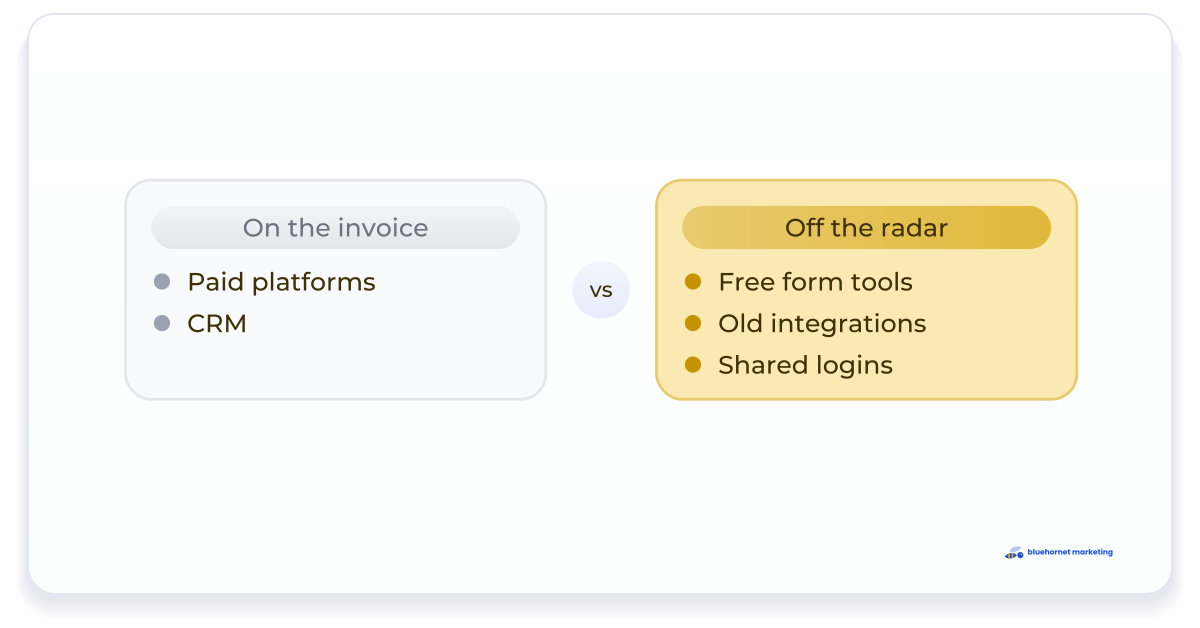
Start from three sources: your finance system for paid tools, single sign-on or browser logs for what people log into, and a short survey asking each team what they use daily. The three lists never match, and the gaps are the finding. In my client work, the survey usually adds tools that appear in neither the invoices nor the login records, often because someone paid with a personal card and expensed it.
Put every tool on one sheet with these columns: name, category, owner, monthly cost, renewal date, number of paid seats, number of active seats and the main use. Keep the first version rough. Precision comes after you see the whole list.
Do not skip the free and cheap tools. A free form builder that pipes leads into your CRM is more critical than a premium tool nobody opens. If you want context on how big the wider market is, the figures in my marketing technology statistics show why stacks sprawl.
Score Each Tool on Value and Health
Give each tool two scores from 1 to 5. Business value asks how much revenue or time depends on it. Health asks how well it is set up, used and connected. The pair places the tool in one of four boxes.
| Value | Health | Action | Typical example |
|---|---|---|---|
| High | High | Keep and protect | CRM with clean fields and active users |
| High | Low | Fix first | Email platform with a messy list and no segmentation |
| Low | High | Merge into another tool | Well-run survey tool the CRM could replace |
| Low | Low | Retire | Abandoned landing page builder |
Score together with the owner, and write one sentence of evidence for each number. Disagreement is useful. If the owner gives a 5 for value and the sales lead gives a 2, you have found a conversation worth having before renewal.
Interview Users Before You Trust the Numbers
Numbers tell you what is used. Interviews tell you why. Spend 20 minutes with two or three people per major tool and ask the same five questions: What do you use it for every week? What do you do outside the tool to get your job done? What breaks most often? What would you miss if it disappeared? What have you stopped using?
The second question finds the workarounds. Exports to spreadsheets, copy and paste between systems and manual lists are all signs that the stack is not doing its job. Count them. A team that rebuilds the same report by hand every Monday has a requirement you can write down and fix.
Listen for ownership gaps too. If three people say "I think Dana set that up," Dana needs to be on the interview list, and the connection needs documentation this month.
Trace the Data Flows
Draw how a lead moves from first touch to closed deal: ad click, form, CRM, nurture email, sales call, deal stage, report. Mark every handoff. At each one, ask which system is the source of truth and what happens when a record fails to transfer.
Then test it. Submit a form with a test email, follow the record through each system and check what arrives, how fast and with what fields. I find broken or delayed handoffs in most audits, and they are usually invisible in dashboards because the lost leads never show up.
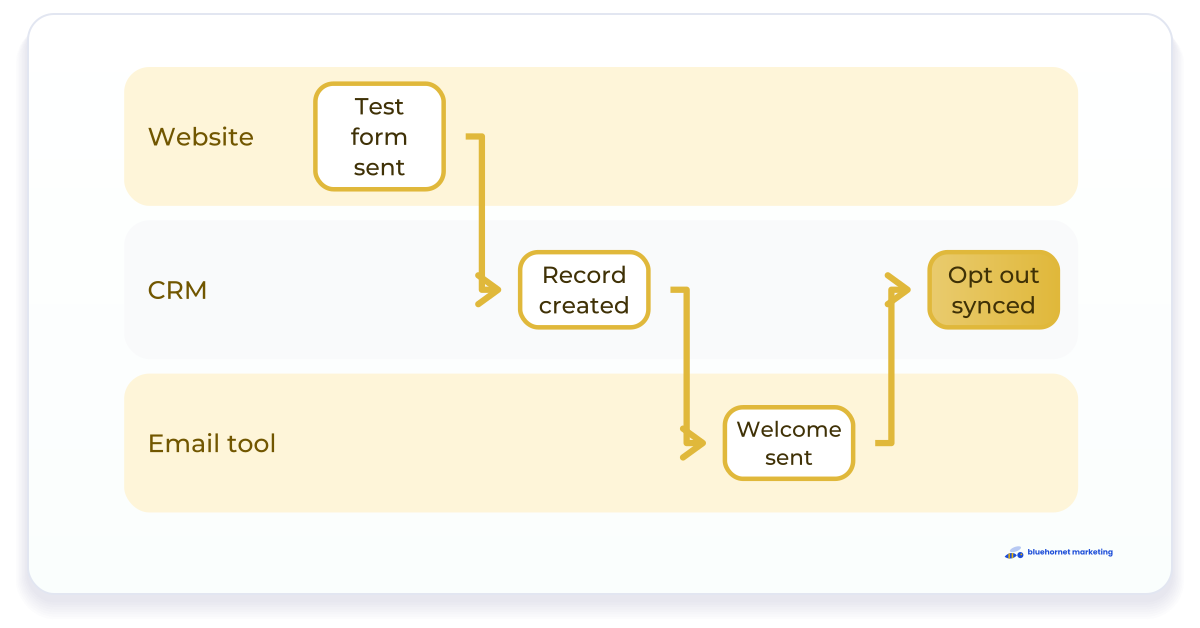
Check consent while you are there. Make sure unsubscribes in one tool reach the others and that you know where consent records live. This is a data hygiene check, not legal advice, so ask your counsel about the rules that apply to you.
Put Real Numbers on Cost
License cost is the easy part. Add the costs people forget: implementation partners, add-on modules, extra seats, API overages and the hours your team spends maintaining integrations. A tool with a $200 monthly license and ten hours of upkeep per month is a bigger line than it looks.
Gartner's 2025 CMO Spend Survey puts martech at 22 percent of marketing budgets, according to MarTech.org's coverage and Marketing Brew. With that much of the budget going to software, a review that frees even a few percent is worth the effort. Write the renewal date of each contract next to its cost, so you can act before the auto-renewal, not after it.

Check Access and Vendor Risk
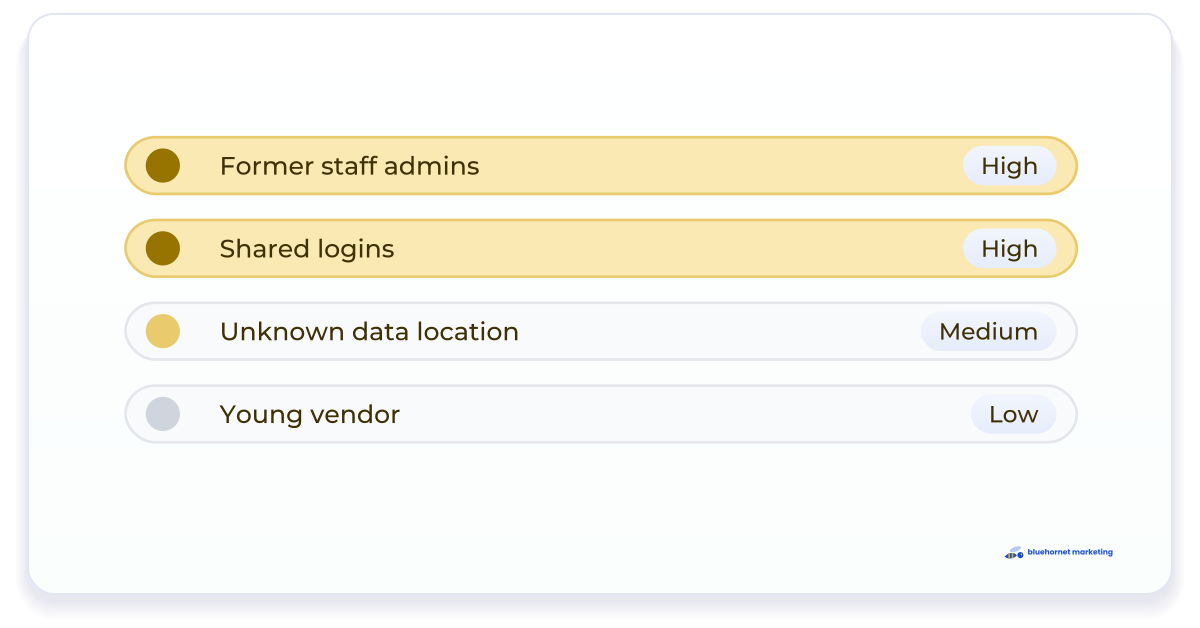
Open the user list of every tool that holds customer data. Remove people who left, downgrade admin rights that are not needed and make sure at least two current employees hold admin access. A tool that only a former contractor can administer is a business risk, whatever its features.
Look at the vendor too: how long the product has been around, whether it has been acquired and how easily you can export your data. The Martech landscape is crowded and shifting, with 1,211 products removed from the 2025 landscape according to the State of Martech 2025 report. Ask yourself what you would do if your smaller vendors vanished next year.
Turn Findings Into an Action List
Write findings as actions, each with an owner and a date. Group them into four piles: retire, merge, fix and keep. Then rank by effort and savings, and bring the top five to your planning meeting. The rest can wait in a backlog.
Your next step is usually a test of the tools that stay, which my marketing technology assessment guide covers, and a look at what better-run teams do in these marketing technology examples. If you want to compare replacements, my martech tools ranking lists the main options.
Keep the Audit Alive After the First Run
An audit goes stale within months if nobody maintains the inventory. Keep the sheet as a living document with one rule: nobody adds a tool to the stack without adding a row. Make the row part of purchase approval, so finance and marketing see the same list.
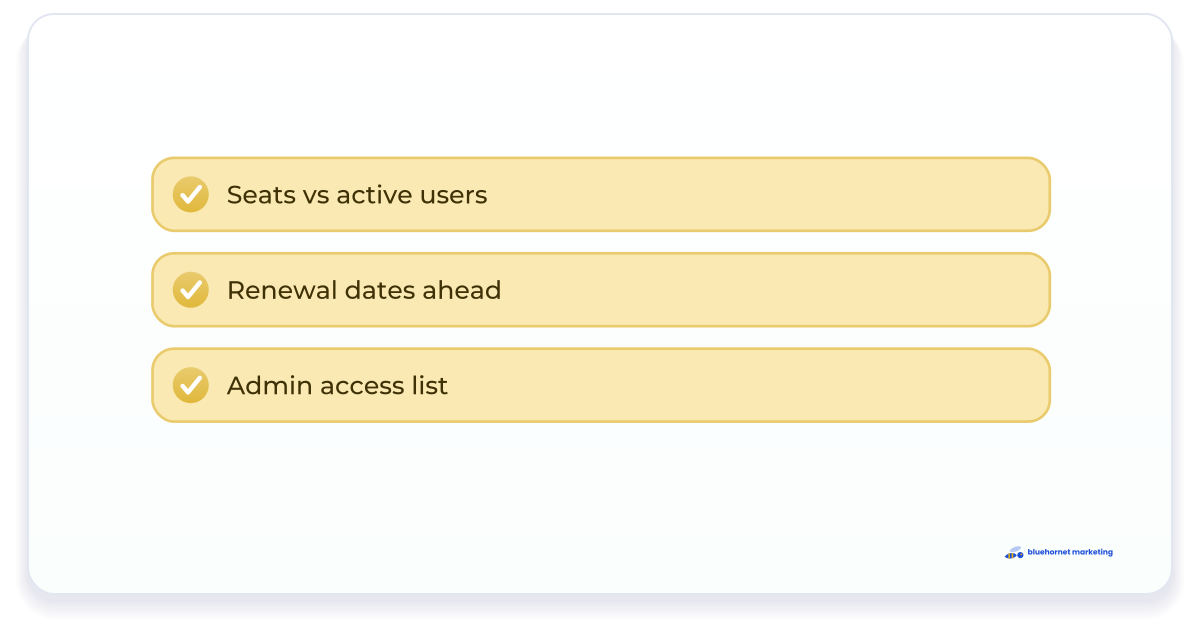
Once a quarter, check three things: seats against active users, renewals in the next 90 days and tools added since the last review. A 30-minute meeting is enough. Once a year, repeat the full scoring and interviews and compare the totals with last year. If the number of tools fell and the pass rate on your handoff tests rose, the audit is working.
Share a short summary with every team that took part, including what you found and what happens next. People who gave honest answers want to see them used, and they will be more candid in the next review.
How to Choose Who Runs Your Audit
You can run the audit yourself if you can answer yes to these questions:
- Someone has two to three weeks of part-time capacity.
- That person has access to finance records and tool admin screens.
- Teams will give honest answers to a colleague.
- Nobody on the project defends a tool because they chose it.
If one of these is a no, an outside reviewer removes the politics and brings a comparison to other stacks. Either way, set the end date before you start, so the audit produces a decision and not a document.
Questions About Marketing Technology Audits
How Often Should I Audit My Marketing Technology?
Run a full audit once a year and a light check every quarter. The yearly audit covers every tool, contract and integration. The quarterly check looks at usage, spend and any new tool someone added. Audit sooner after a merger, a team change or a CRM switch, because data paths break first in those moments.
How Long Does a Marketing Technology Audit Take?
For a team with 15 to 30 tools, I plan two to three weeks of part-time work: one week to collect data, one week to score and interview, and a few days to write the findings. Larger stacks take longer mostly because finding the owners takes time.
Who Should Be Involved?
You need the marketing lead, someone from marketing operations or whoever administers the tools, a sales or CRM owner, and finance for contracts. Two or three power users per major tool add the most honest feedback about what works.
What Is the Difference Between an Audit and an Assessment?
An audit looks at the tools you have: cost, usage, data and integrations. An assessment looks at your readiness to use technology well: people, process and data maturity. I usually run the audit first and use the assessment to decide what to fix.
How Do I Know a Tool Is Underused?
Compare paid seats to active users in the last 90 days, and compare features you pay for to features anyone touched. A tool with under half its seats active, or one where the key feature is unused, goes on the review list.
Should the Audit Include Free Tools?
Yes. Free tools still hold customer data, create integrations and carry risk if the person who set them up leaves. Include browser extensions, form builders and spreadsheets that feed other systems.
What Do I Do with the Findings?
Sort every tool into keep, fix, merge or retire, put owners and dates on each action and bring the top five to your next planning meeting. A one-page action list gets used. A 40-page report does not.
Disclaimer: This article is for general information only and isn’t legal, financial or tax advice. Treat figures as estimates from typical work and confirm details with your providers before you act.
Was this guide helpful?
Thanks for your feedback.
Warren Albright
Warren leads the Blue Hornet editorial team and works with the consultants to turn real client projects into practical guides on content, paid media, marketing automation, CRM and analytics. He comes from content and demand generation work, edits every article before a working marketing consultant reviews it, and draws on strategies, channel plans and audits from client projects to keep the advice grounded in real numbers.