Quick Summary
- HubSpot and ActiveCampaign suit most small and mid-sized teams, while Marketo and Salesforce Marketing Cloud suit large B2B programs.
- Klaviyo and Omnisend lead for online stores that want to use shopper data.
- Entry plans start at about $9 to $20 a month, but professional and enterprise plans cost hundreds or thousands.
- Plan for data cleanup and an owner before you buy, since setup takes more time than the software.
The Best Marketing Automation Software at a Glance
| Tool | Type | Best for |
|---|---|---|
| 1. HubSpot Marketing Hub | All-in-one marketing platform | Mid-sized teams that want marketing, sales and service in one system |
| 2. ActiveCampaign | Automation and email platform | Small and mid-sized teams that want deep workflows on a budget |
| 3. Klaviyo | Ecommerce marketing automation | Online stores that want to use shopper data |
| 4. Adobe Marketo Engage | Enterprise marketing automation | Large B2B teams with complex lead scoring and long sales cycles |
| 5. Salesforce Marketing Cloud | Enterprise marketing automation | Large organizations that run on Salesforce and need cross-channel journeys |
| 6. Brevo | Email, SMS and CRM platform | Small businesses that want automation at a low price |
| 7. Mailchimp | Email marketing with automation | Beginners who want simple campaigns and basic automations |
| 8. Customer.io | Behavior-based messaging platform | Product and SaaS teams that message users based on in-app actions |
| 9. Braze | Customer engagement platform | Large consumer brands with app and multi-channel messaging |
| 10. Iterable | Cross-channel engagement platform | Growth teams that run lifecycle campaigns across channels |
| 11. GetResponse | Email and automation platform | Small teams that want email, webinars and landing pages together |
| 12. Omnisend | Ecommerce email and SMS automation | Small online stores that want a simpler alternative to Klaviyo |
The 12 Best Marketing Automation Software Tools, Ranked
I start with the platforms that fit the widest range of teams and finish with specialist and enterprise options. Choosing the software is only part of the project, and in the marketing automation consulting work I do, getting the process and data right matters more than the logo on the invoice. Prices below come from G2 listings or the vendor, so check them before you buy.
HubSpot Marketing Hub
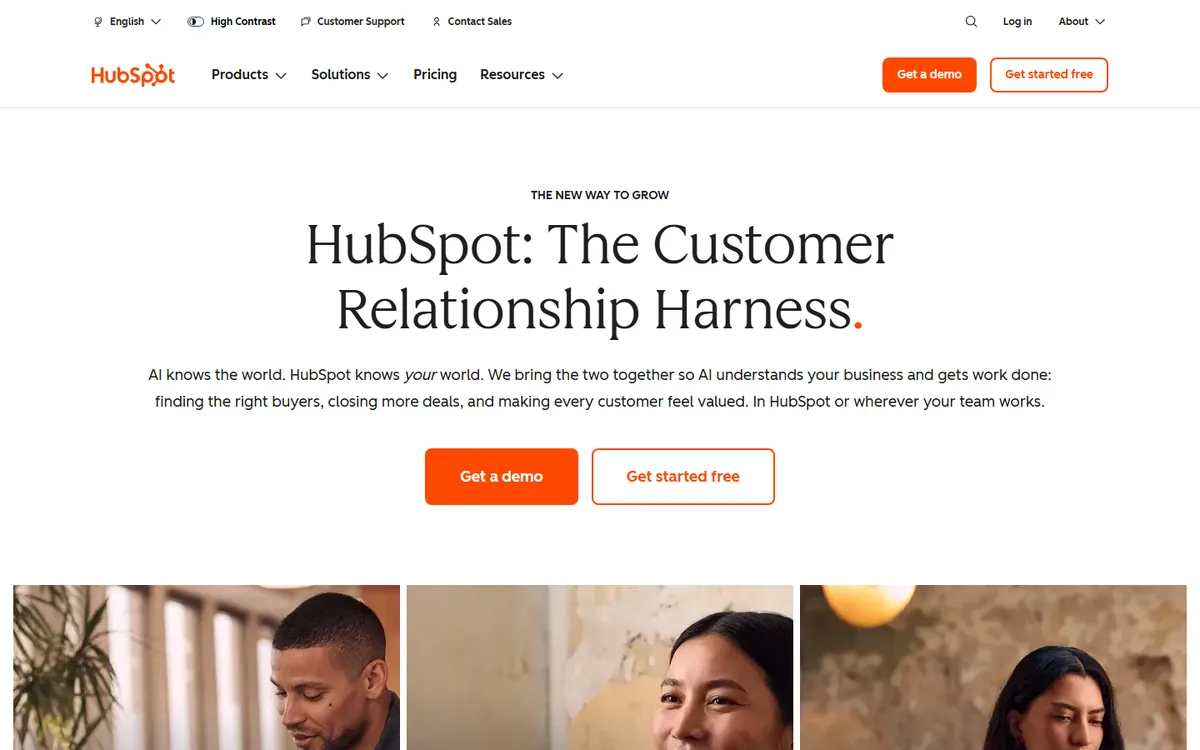
The Easiest Full Platform to Roll Out, With Costs That Climb as Your Contact List Grows
HubSpot Marketing Hub combines email, landing pages, forms, workflows, lead scoring and reporting on top of a free CRM.
HubSpot is the platform I recommend most often to teams that want one place for marketing and sales. Contacts, emails, ads and deals share one record, so marketing sees which campaigns produce pipeline without a data export. The workflow builder is visual and easy enough for a non-technical marketer to maintain.
The honest downside is price. The jump from Starter to Professional is steep, and extra contacts and seats add up. I ask clients to model costs at double their current contact count before they sign.
What I Like About HubSpot Marketing Hub
- One record shared by marketing, sales and service
- Visual workflows that non-technical staff can manage
- Large library of integrations and training
What I Don’t Like About HubSpot Marketing Hub
- Professional tier is a big jump in price
- Contact-based pricing grows quickly
HubSpot Marketing Hub Pricing
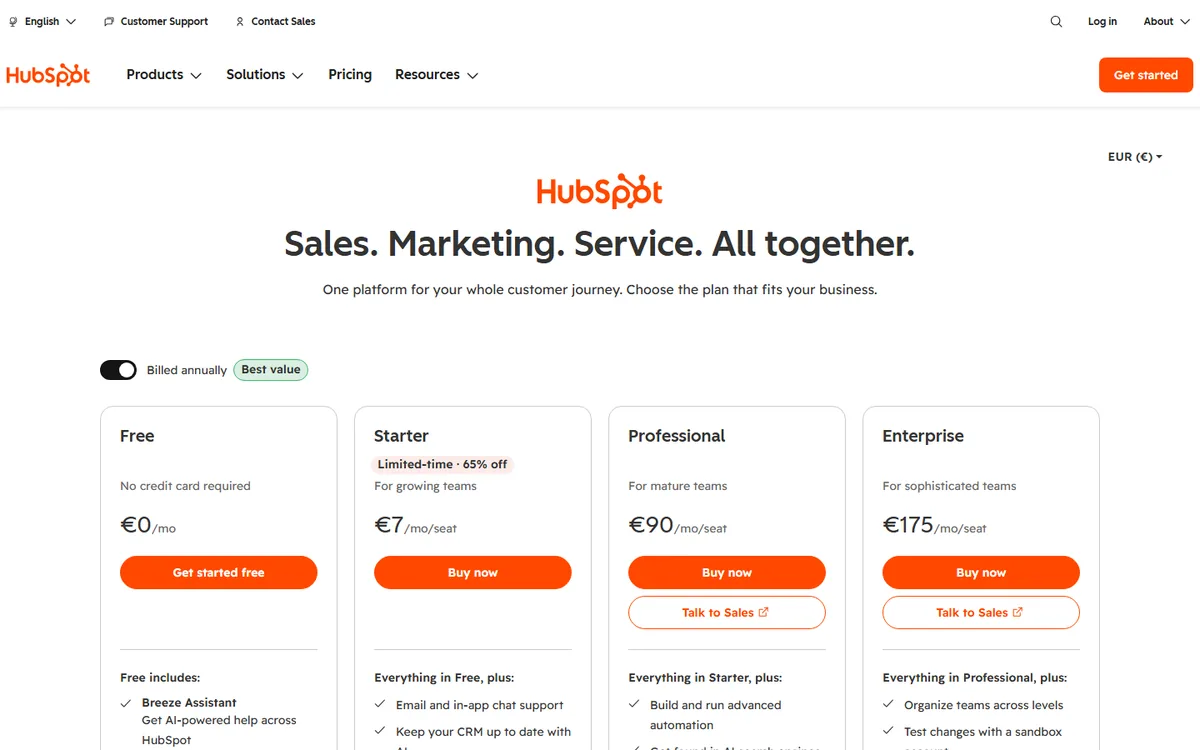
G2 lists Marketing Hub Starter at $15 per user per month, Professional at $890 per month including three core seats, and Enterprise at $3,600 per month including five. Final pricing is negotiated with HubSpot, so confirm the current figures on its pricing page.
HubSpot Marketing Hub Reviews
ActiveCampaign
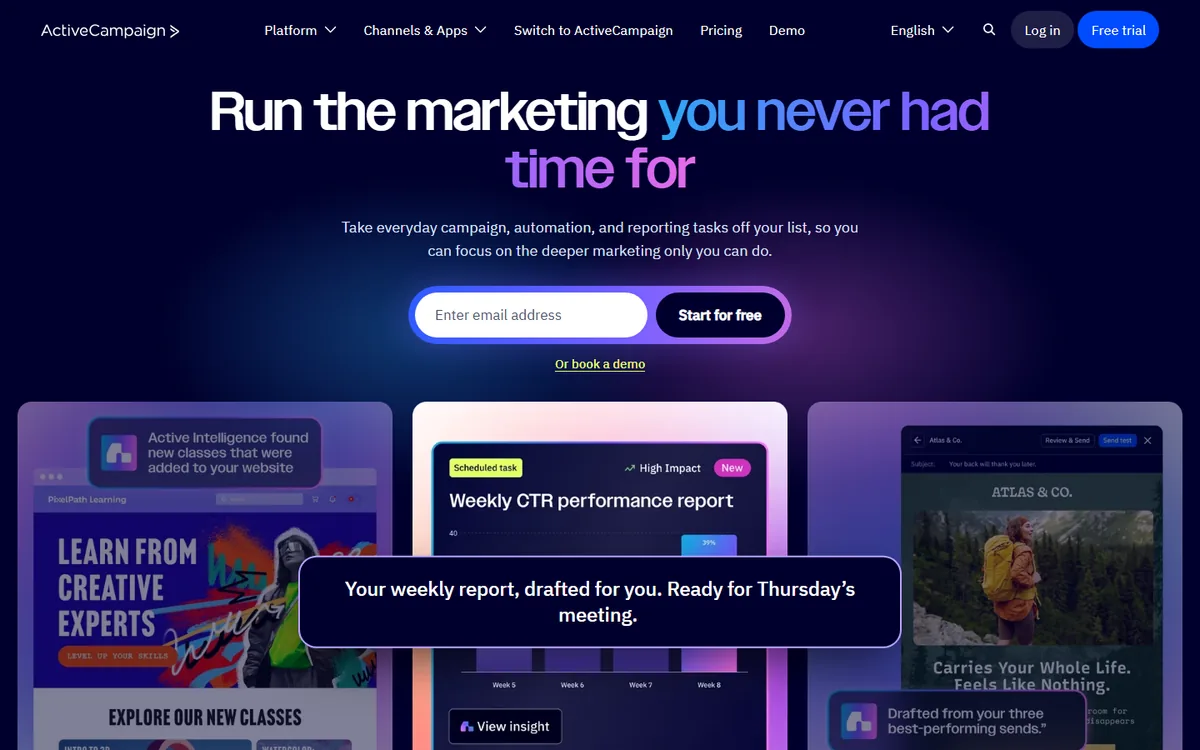
The Most Automation Logic per Dollar for Small and Mid-Sized Teams
ActiveCampaign pairs email, SMS, a CRM and a powerful automation builder with lead scoring and site tracking.
ActiveCampaign is where I send teams that have outgrown a basic email tool but cannot justify an enterprise platform. Its automation map lets you branch on opens, clicks, page visits and tags, so a single workflow can nurture, score and hand off to sales.
The depth has a price in clarity. Teams without a naming system end up with tangled automations that nobody dares touch. Start with five or six workflows, label them, and review them every quarter.
What I Like About ActiveCampaign
- Branching logic is strong for the price
- Includes a simple sales CRM
- Good deliverability and templates
What I Don’t Like About ActiveCampaign
- Complex automations get messy without naming rules
- Reporting is less polished than larger suites
ActiveCampaign Pricing
G2 lists the Starter plan at $15 per month. Higher plans add more automation features, lead scoring and users, and prices rise with your contact count.
ActiveCampaign Reviews
Klaviyo
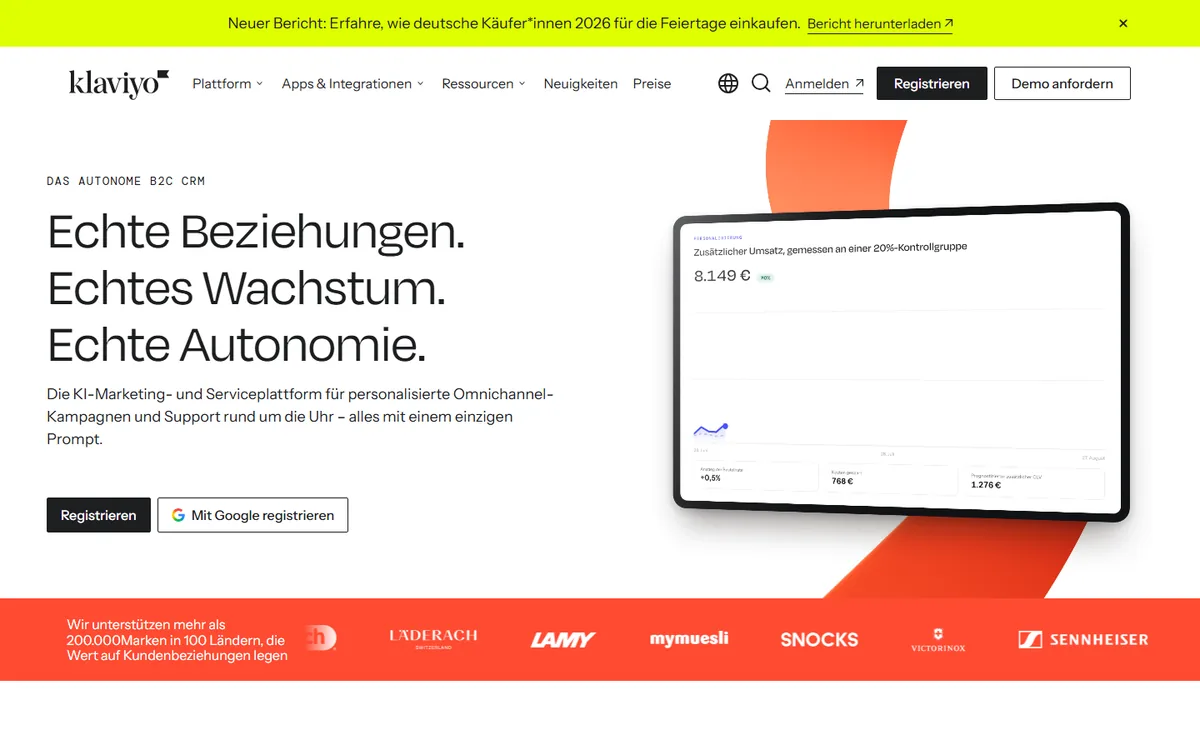
The Stand-Out Choice for Stores That Want Email and SMS Driven by Real Shopping Behavior
Klaviyo connects to your store and builds email and SMS flows from carts, orders and browsing activity.
Klaviyo does one job extremely well: it turns store data into segments and flows. Abandoned cart, browse abandonment, win-back and post-purchase flows come as templates, and the reports tie revenue to each flow.
It is less natural for service businesses that do not sell products online. If your leads come from forms and sales calls, a CRM-led tool such as HubSpot or ActiveCampaign is a better match.
What I Like About Klaviyo
- Store data drives segments without manual exports
- Flow reporting shows revenue per message
- Ready-made flow templates
What I Don’t Like About Klaviyo
- Pricing climbs as your list grows
- Built for ecommerce, so less suited to lead generation
Klaviyo Pricing
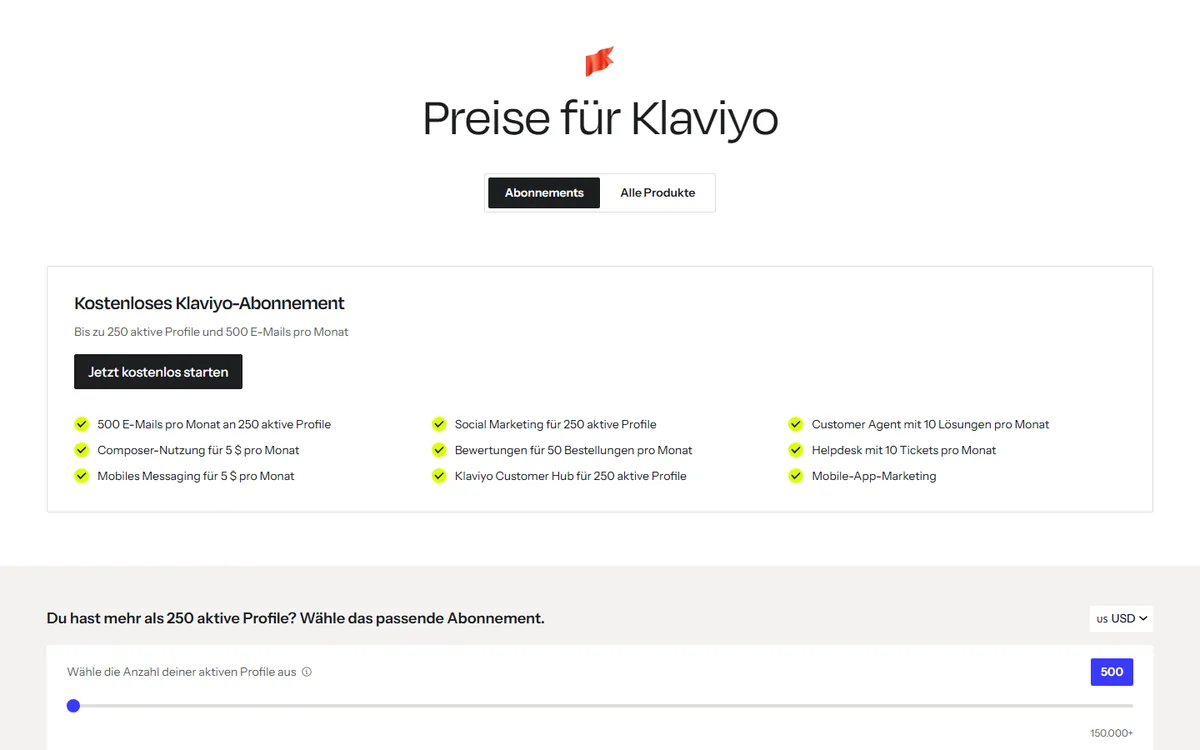
G2 lists a free plan, Email from $20 per month and Email plus SMS from $35 per month, all usage-based. Costs rise with active profiles and message volume.
Klaviyo Reviews
Adobe Marketo Engage
Powerful for Large B2B Programs, but Plan for Specialist Time to Run It Well
Marketo Engage handles lead scoring, account-based programs, multi-channel campaigns and detailed attribution for enterprise teams.
Marketo is built for companies that run dozens of programs at once. Its scoring, program structure and Salesforce integration give you control that smaller tools cannot match, and the reporting supports multi-touch attribution.
Expect a long setup and a dedicated owner. In my experience Marketo projects that fail do so because nobody owns the system after launch. If you do not have a person or an agency to run it, choose something simpler.
What I Like About Adobe Marketo Engage
- Deep lead scoring and nurturing rules
- Strong integration with Salesforce
- Built for many programs and regions at once
What I Don’t Like About Adobe Marketo Engage
- Needs a trained administrator
- Price and setup time suit larger budgets
Adobe Marketo Engage Pricing
Adobe does not publish a price list, and G2 shows no prices. Plans are quote-based and tied to your database size and edition.
Adobe Marketo Engage Reviews
Salesforce Marketing Cloud
A Heavy Enterprise Platform for Journeys Across Email, Mobile and Ads at Scale
Salesforce Marketing Cloud, now listed on G2 as Agentforce Marketing, builds personalized journeys across email, SMS, mobile and ads.
Marketing Cloud suits big consumer-facing programs with millions of contacts and many channels. Journey Builder maps customer paths, and Salesforce data feeds personalization in real time.
The tool rewards teams with developers and data skills. Smaller teams often find it slow and costly, and I would only recommend it when you already run Salesforce and need what it offers at volume.
What I Like About Salesforce Marketing Cloud
- Strong multi-channel journey design
- Native link to Salesforce data
- Handles very large audiences
What I Don’t Like About Salesforce Marketing Cloud
- High cost and long implementation
- Interface and setup feel complex
Salesforce Marketing Cloud Pricing
G2 lists Pro from $1,250 per month, Corporate from $3,750 per month and Enterprise on request. Salesforce changes its editions often, so confirm current plans with the vendor.
Salesforce Marketing Cloud Reviews
Brevo
A Low-Cost Starting Point That Covers Email, SMS, Chat and a Basic CRM
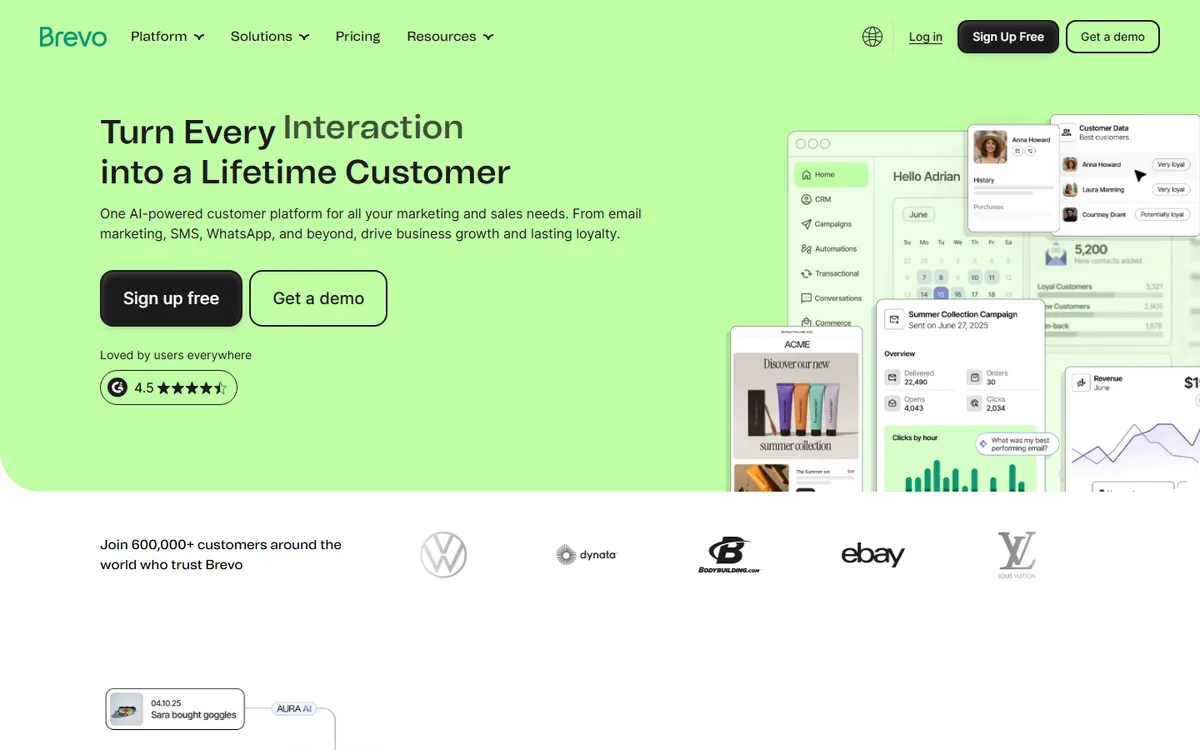
Brevo, formerly Sendinblue, offers email and SMS campaigns, automation workflows, forms and a light CRM at entry-level prices.
Brevo charges mainly by email volume rather than contacts, which suits businesses with a big list that does not mail often. You get workflows, segmentation, transactional email and a simple sales pipeline under one login.
The trade-off is depth. Lead scoring and reporting are lighter than in HubSpot or ActiveCampaign. I recommend Brevo for the first year of automation, with a plan to review once your workflows outgrow it.
What I Like About Brevo
- Low entry price with volume-based plans
- Email, SMS and chat in one account
- Quick to learn
What I Don’t Like About Brevo
- Advanced reporting is limited
- Higher tiers add features at a steady cost
Brevo Pricing
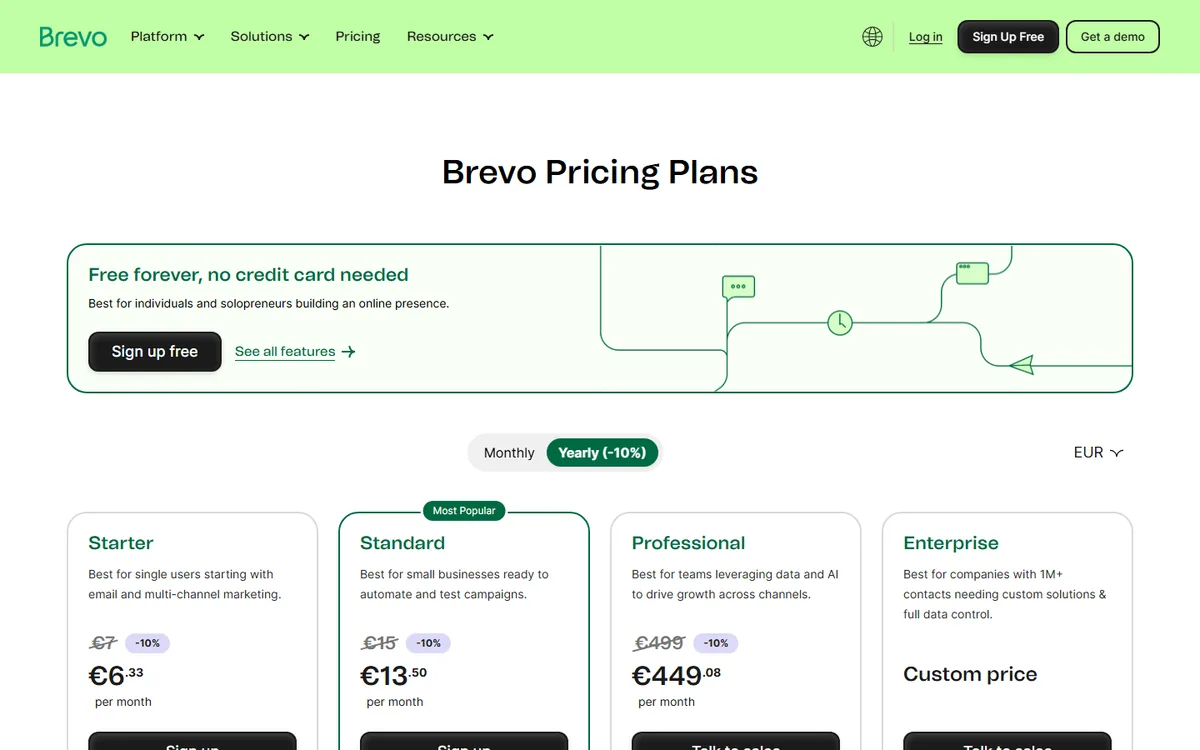
G2 lists the Starter plan from $9 per month, usage-based. Higher tiers add automation limits, advanced reporting and removal of Brevo branding.
Brevo Reviews
Mailchimp
Still the Friendliest First Tool, Though Serious Automation Outgrows It
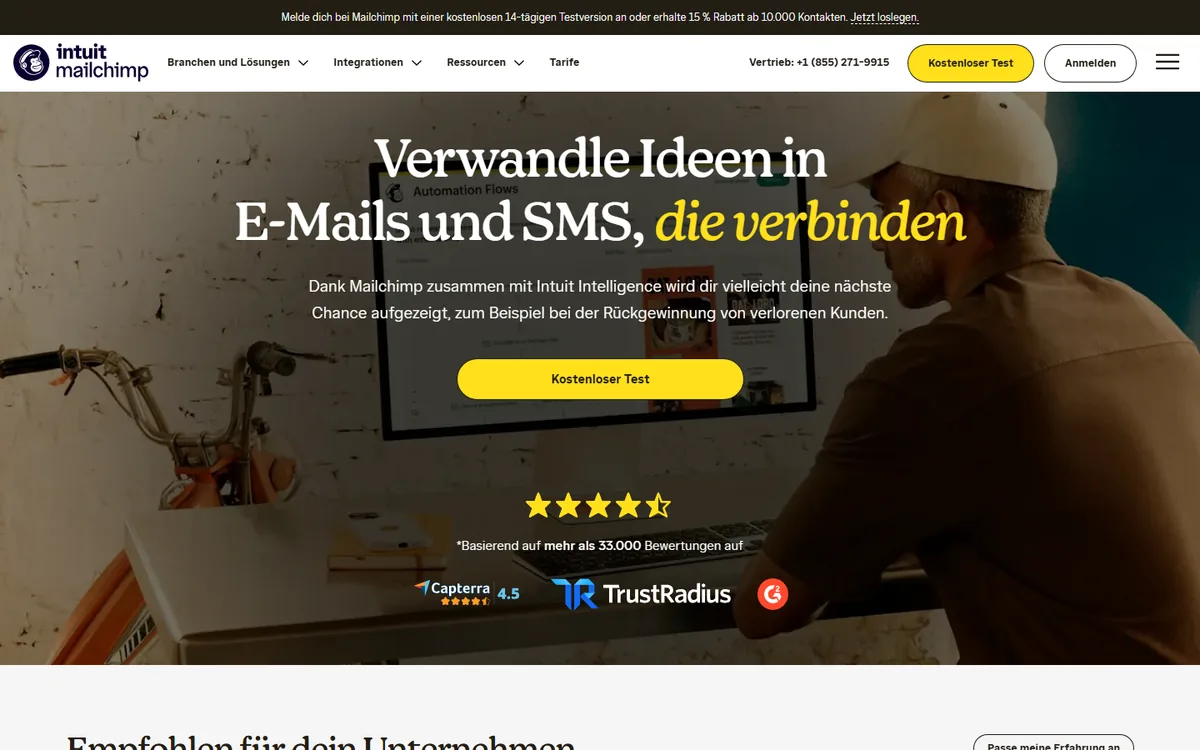
Mailchimp offers email campaigns, landing pages, simple automations and basic audience segmentation.
Mailchimp is where many businesses send their first newsletter. Templates, a drag-and-drop editor and basic journeys make it easy to start, and the free tier lets you test before you pay.
As lists and goals grow, I usually see teams hit limits in segmentation and lead scoring. At that point ActiveCampaign or HubSpot give you the logic you need without a long migration if you plan it early.
What I Like About Mailchimp
- Easy interface and templates
- Free plan to start
- Large library of integrations
What I Don’t Like About Mailchimp
- Pricing rises sharply as contacts grow
- Complex logic is limited compared with dedicated tools
Mailchimp Pricing
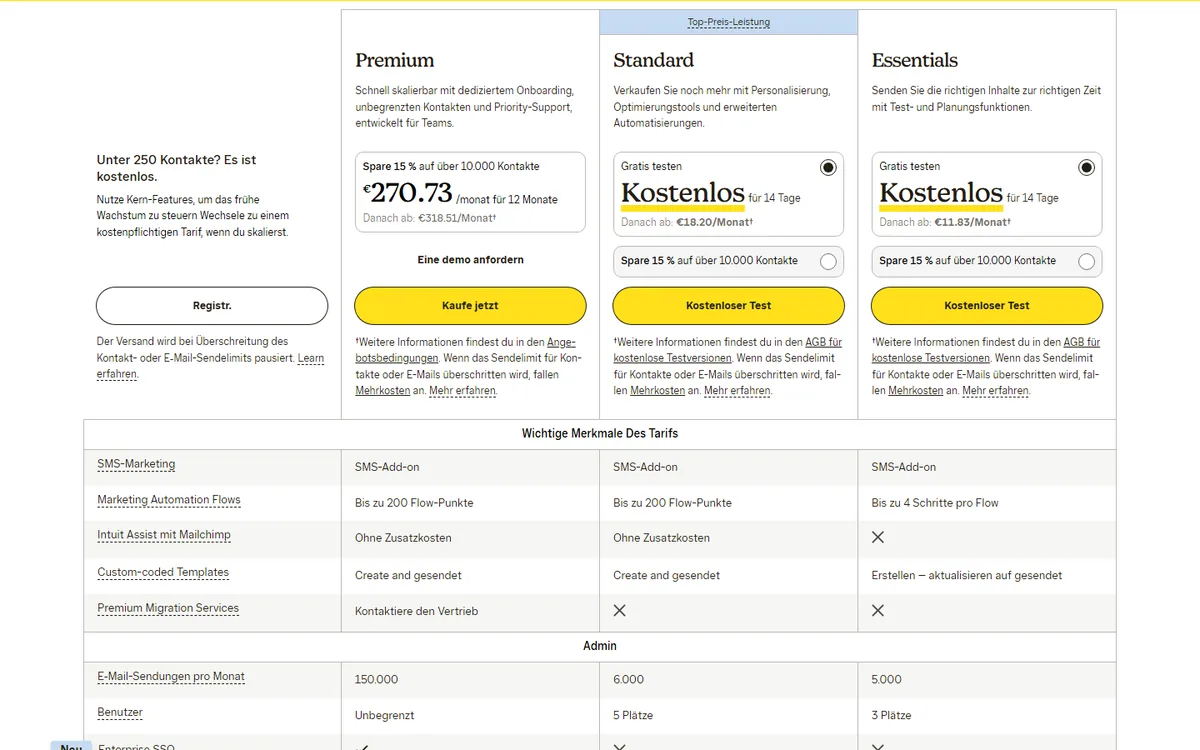
G2 lists a free tier, Essentials at $13 and Standard at $20, without stating the billing period. Check Mailchimp’s page for the current plan limits.
Mailchimp Reviews
Customer.io
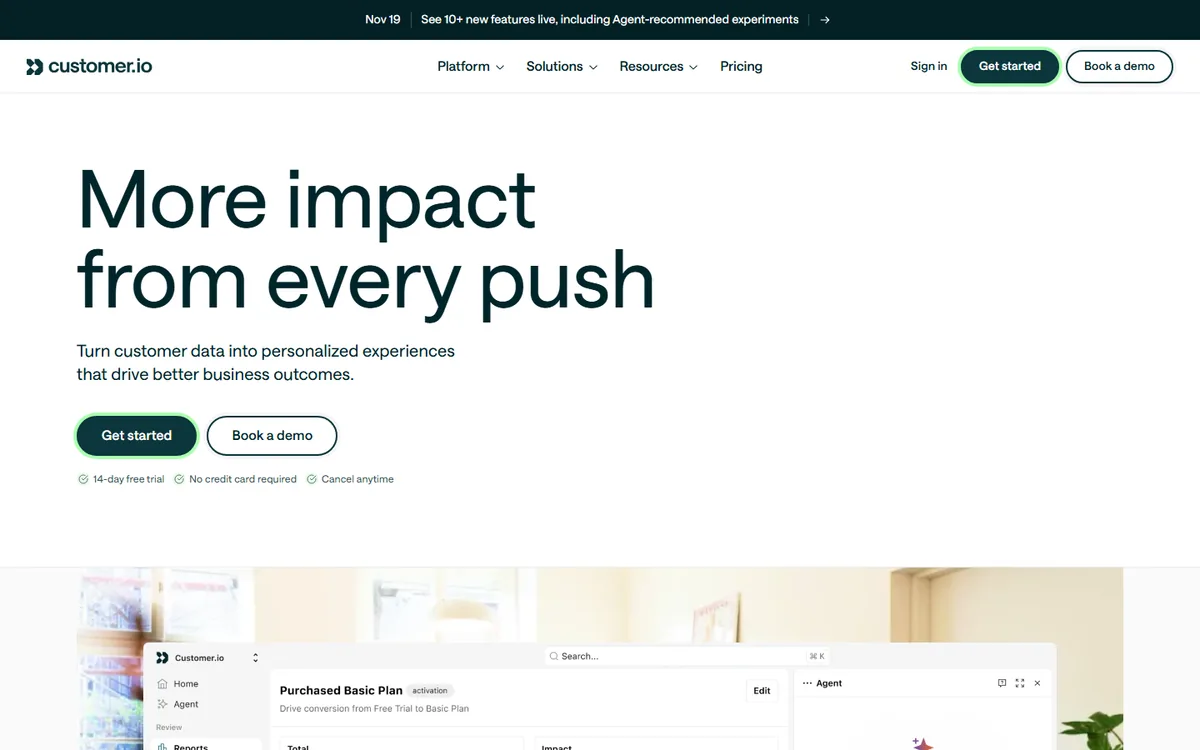
A Developer-Friendly Choice for Messaging Users Based on What They Do in Your Product
Customer.io sends email, SMS and in-app messages triggered by events from your app or site.
Customer.io fits SaaS companies where onboarding and retention depend on user actions. Your developers send events, and marketers build campaigns that react to them, from a welcome series to a nudge when someone stalls.
It needs developer help to set up the event feed, and it is less natural for teams that mostly run newsletters. If your marketing is product-led, it is worth a long look.
What I Like About Customer.io
- Event-based triggers are flexible
- Works well for onboarding and retention flows
- Clear pricing for small teams
What I Don’t Like About Customer.io
- Needs technical setup
- Fewer ready-made templates than larger suites
Customer.io Pricing
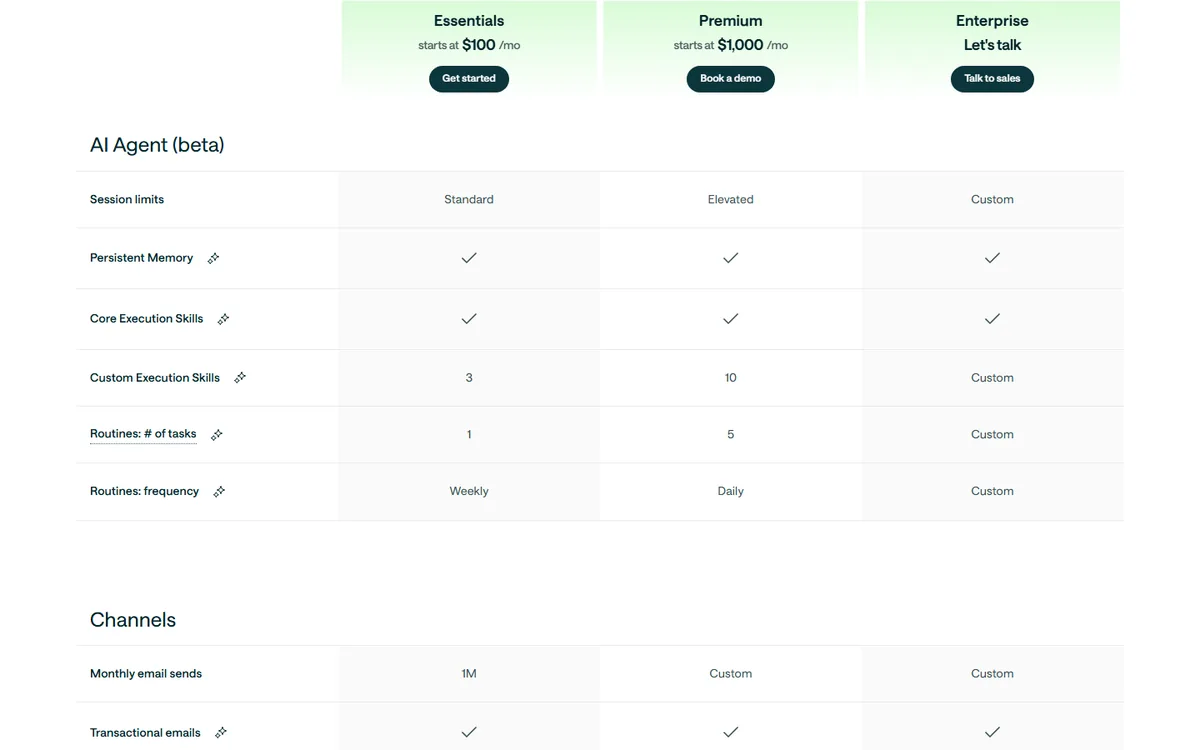
G2 lists the Essential plan at $100 per month, usage-based. Higher tiers add more profiles, advanced features and support.
Customer.io Reviews
Braze
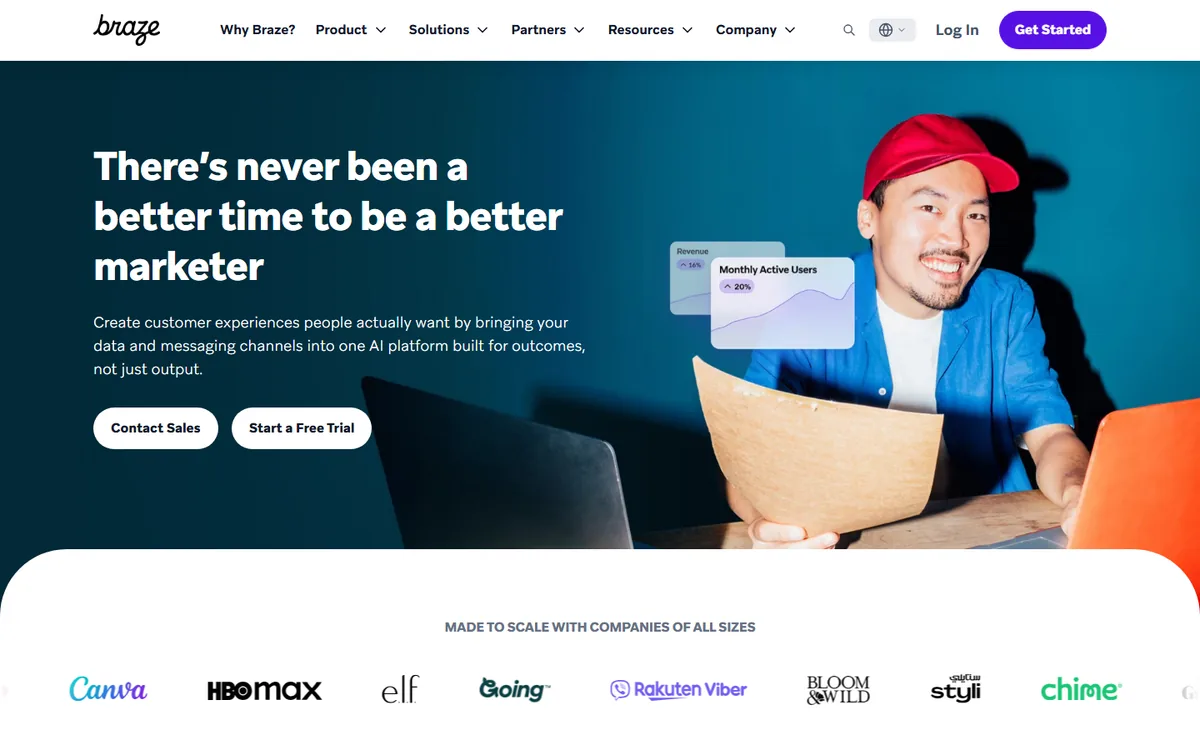
Enterprise-Grade Real-Time Messaging for Brands With Large Apps and Audiences
Braze delivers push, in-app, email and SMS messages triggered in real time across large audiences.
Braze is the platform I see at mobile-first consumer brands, where messages must react to behavior within seconds. Canvas lets teams design cross-channel journeys, and testing tools help tune timing and content.
The cost and complexity mean it is a poor fit for small teams. You need a data team to feed it good events and a marketing team that will use its depth.
What I Like About Braze
- Real-time cross-channel journeys
- Strong mobile and push capabilities
- Scales to very large audiences
What I Don’t Like About Braze
- Price is high and quote-based
- Needs engineering and data resources
Braze Pricing
Braze does not publish prices, and G2 lists no price list. Quotes depend on your user count and messaging volume.
Braze Reviews
Iterable
A Flexible Lifecycle Messaging Platform for Growth Teams With Technical Support
Iterable builds cross-channel campaigns with a visual journey builder and strong data flexibility.
Iterable gives marketers a clean workflow canvas and gives developers a flexible data model. Teams use it for onboarding, loyalty and winback campaigns across email, push, SMS and in-app channels.
Like other enterprise tools, it works best when someone owns the data feeding it. I advise a pilot on one lifecycle program before you move everything over.
What I Like About Iterable
- Flexible data model for custom events
- Visual journey builder
- Good testing and experimentation tools
What I Don’t Like About Iterable
- Pricing is quote-based
- Setup depends on developer time
Iterable Pricing
Iterable does not list prices on G2. Plans are quoted on request and vary by volume and features.
Iterable Reviews
GetResponse
A Practical All-Rounder for Small Teams That Also Run Webinars and Funnels
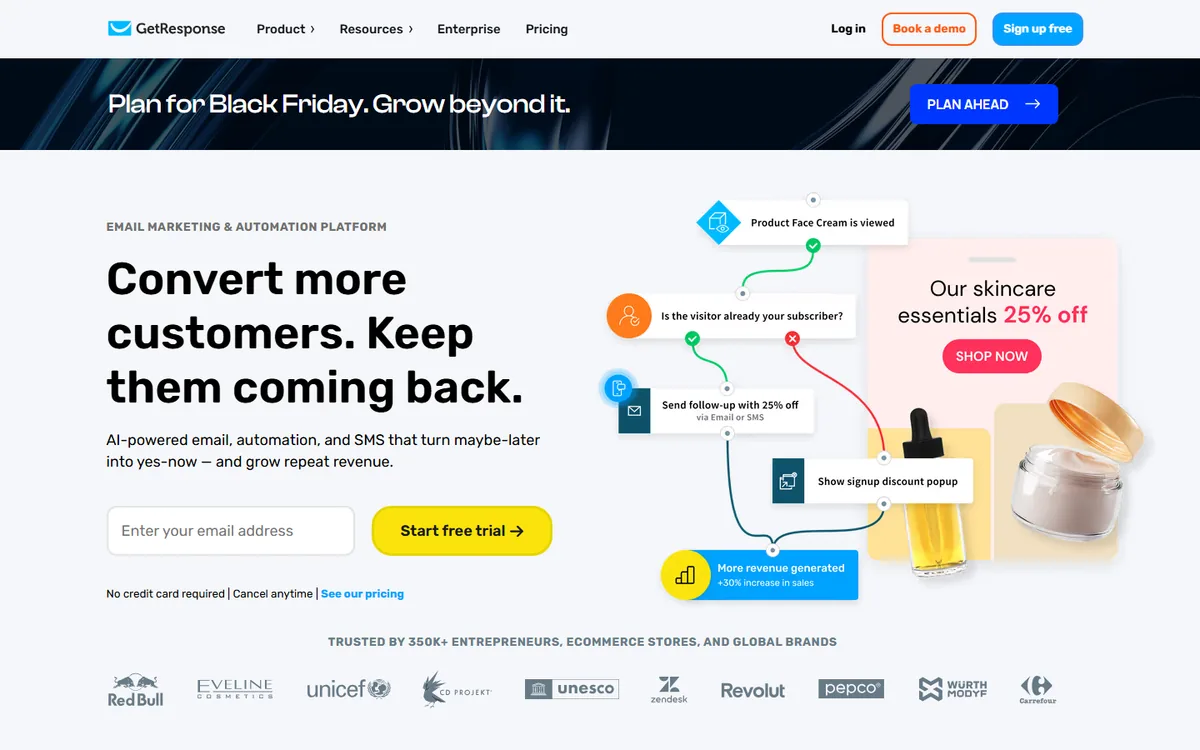
GetResponse combines email, automation workflows, landing pages and webinar hosting.
GetResponse is a useful pick if you sell through webinars or simple funnels. You can host the webinar, capture the lead on a landing page and follow up with an automated email series without a second tool.
Reporting and CRM features are lighter than HubSpot, and the interface takes a few sessions to learn. For a small team with a focused funnel, it does the job at a fair price.
What I Like About GetResponse
- Webinars and funnels live in the same account
- Fair entry price
- Includes templates and automation recipes
What I Don’t Like About GetResponse
- CRM features are basic
- Interface feels dated in places
GetResponse Pricing
G2 lists the Starter plan at €16 per month on a flat rate. Higher plans add automation builder access, webinars and more contacts.
GetResponse Reviews
Omnisend
A Simpler, Lower-Cost Option for Small Stores That Want Ready-Made Flows
Omnisend offers email, SMS and push automation with prebuilt ecommerce workflows and store integrations.
Omnisend suits stores that want good flows without Klaviyo’s learning curve. The prebuilt workflows for welcome series, abandoned carts and order follow-up can be live in an afternoon.
Segmentation and reporting are not as deep, so busy stores with large catalogs may outgrow it. For stores under a few thousand customers, it is a smart value pick.
What I Like About Omnisend
- Quick setup with prebuilt flows
- Clear pricing for small stores
- Email and SMS in one place
What I Don’t Like About Omnisend
- Less depth in segmentation than Klaviyo
- Fewer options for non-store businesses
Omnisend Pricing
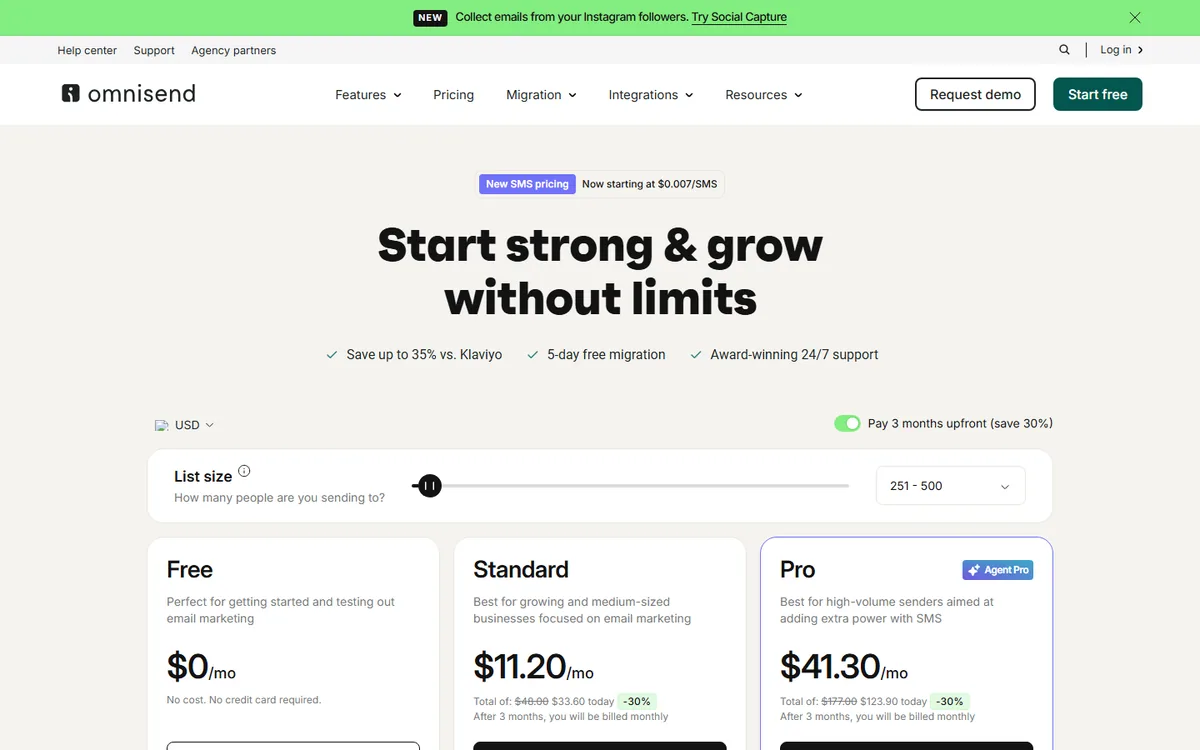
G2 lists the Standard plan at $16 per month, usage-based. Costs vary with contacts and SMS use.
Omnisend Reviews
Estimate What the Software Could Return
Before you pick a plan, check whether the numbers work. Enter the manual hours you want to automate and the monthly price of the plan you are considering. For a full view that includes campaign results, my breakdown of marketing automation ROI shows how to measure payback over a year.
Is the Tool Worth It for You?
Set the sliders to the work the tool would handle and the plan you have in mind.
How to Choose the Right Marketing Automation Software
In my experience, fit with your sales model and team decides more than any feature comparison. Before you book demos, answer four questions:
- Do you sell through a sales team, through an online store or through a product?
- How many contacts will you have in 12 months, and what will that cost?
- Which CRM and ad tools must it connect to?
- Who will build and maintain the workflows after launch?
For lead-based businesses, start with HubSpot, ActiveCampaign or Brevo. For stores, look at Klaviyo or Omnisend. For product-led companies, look at Customer.io. Large organizations should shortlist Marketo, Salesforce Marketing Cloud, Braze or Iterable. Once you pick a tool, my guide on marketing automation implementation covers the rollout, and the marketing automation checklist helps you check it before launch. Teams that want a long-term plan can follow the marketing automation roadmap, and the marketing automation best practices help you keep workflows clean after launch.
Questions About Marketing Automation Software
What Is the Best Marketing Automation Software for Small Businesses?
For most small businesses I recommend ActiveCampaign or Brevo. Both are affordable, include email, automation and a simple CRM, and let you start with a few basic workflows. HubSpot is the better pick if you expect to add sales tools soon, though its higher tiers cost much more.
How Much Does Marketing Automation Software Cost?
Entry plans start around $9 to $20 a month for small lists, while professional plans from HubSpot cost $890 a month and enterprise tools such as Marketo and Salesforce Marketing Cloud are quote-based or start well above $1,000 a month. Contact count, seats and extras such as SMS push the price up, so check usage tiers before you commit.
What Is the Difference Between Email Marketing Software and Marketing Automation Software?
Email tools send campaigns to a list. Marketing automation adds triggers, scoring, segmentation and multi-step journeys that respond to what each contact does. Many email tools now offer light automation, so the line is blurry, but depth of logic and CRM connection usually separates the two.
Which Marketing Automation Software Is Best for B2B?
HubSpot, Adobe Marketo Engage and ActiveCampaign are the three I see most in B2B. HubSpot suits mid-sized teams that want one system, Marketo suits large teams with complex lead scoring and ActiveCampaign suits lean teams that need strong workflows on a budget.
Which Tools Are Best for Ecommerce?
Klaviyo and Omnisend are built around store data such as carts, orders and product views. Klaviyo goes deeper on segmentation and reporting, while Omnisend is simpler and often cheaper to run. Both connect to the major store platforms.
How Long Does It Take to Set Up Marketing Automation Software?
A simple email platform can send its first automated welcome series in a day. A full setup with lead scoring, CRM sync and clean data usually takes 6 to 12 weeks. The software is the quick part. Data cleanup and agreeing on lead stages take the time.
Can I Switch Marketing Automation Software Later?
You can, but it is costly. You will rebuild workflows, remap fields and re-test every trigger. Ask any vendor how you export contacts, activity history and templates before you sign, and keep your lead definitions documented outside the tool.
Please note: pricing, plans and ratings change often. They were accurate at our last review; please verify them on the vendor sites before you buy. None of this is legal or financial advice.
Was this guide helpful?
Thanks for your feedback.
Warren Albright
Warren leads the Blue Hornet editorial team and works with the consultants to turn real client projects into practical guides on content, paid media, marketing automation, CRM and analytics. He comes from content and demand generation work, edits every article before a working marketing consultant reviews it, and draws on strategies, channel plans and audits from client projects to keep the advice grounded in real numbers.