Quick Summary
- Verify the goal, the data and the sales handoff first, because every other point depends on them.
- Test every workflow with a real contact record before it touches your list.
- Check consent and unsubscribe handling on every single path, not just the main one.
- Rerun the checklist every quarter, since fields, owners and offers change.
Automation fails quietly. A broken form field does not raise an alarm. A scoring rule that sends nobody to sales just produces a flat line on a report. By the time someone notices, weeks of leads have gone through a flawed path.
This checklist is the one I use when I review a setup as part of marketing automation consulting. It has nine points, grouped by what they protect: results, data, people and money. Go through them in order, and mark each as pass, fix or not applicable.
The Checklist in One Table
| Point | What you verify | Typical time |
|---|---|---|
| 1. Goal and owner | One metric, one named owner per workflow | 30 minutes |
| 2. Data quality | Duplicates, required fields, standard values | 1 to 3 hours |
| 3. Tracking | Forms, UTM parameters, website and CRM sync | 1 to 2 hours |
| 4. Consent and sending | Opt-in proof, unsubscribe, authentication | 1 hour |
| 5. Segments and triggers | Entry rules, exit rules, overlaps | 1 to 2 hours |
| 6. Scoring and handoff | Lead definition, routing, response time | 1 to 2 hours |
| 7. Content | Accuracy, links, fallbacks, mobile display | 1 hour per flow |
| 8. Testing | Test records, edge cases, send previews | 1 hour per flow |
| 9. Reporting | Baseline, dashboard, review dates | 1 to 2 hours |
The times are what I usually see for a small to mid-sized setup with fewer than ten workflows. Larger setups take longer, mostly at points 2 and 5.
Points 1 to 3: Goals, Data and Tracking
1. Goal and Owner
- Every workflow lists a single goal with a number, such as demo requests per month.
- A named person owns each workflow and reviews it on a set date.
- Workflows with no owner are paused until someone claims them.
This is the cheapest point on the list and the one most often skipped. When I ask who owns a workflow and get three different answers, I already know what the review will find.
2. Data Quality
- Duplicate contacts and companies are merged, and a rule prevents new ones.
- Fields that rules depend on, such as lifecycle stage and country, are required and use fixed values.
- Old and unengaged contacts are tagged so they can be excluded.
- Fields synced between your marketing platform and CRM map to the same meaning in both.
The sync check catches more than people expect. A common case is a status field that means "qualified" in one system and "contacted" in the other, so scoring rules fire at the wrong time.
3. Tracking
- Each form submission creates or updates exactly one contact.
- Source and campaign values are captured with consistent naming.
- Website visits and email clicks appear on the contact timeline.
- Conversions you report match the leads you can find in the CRM.
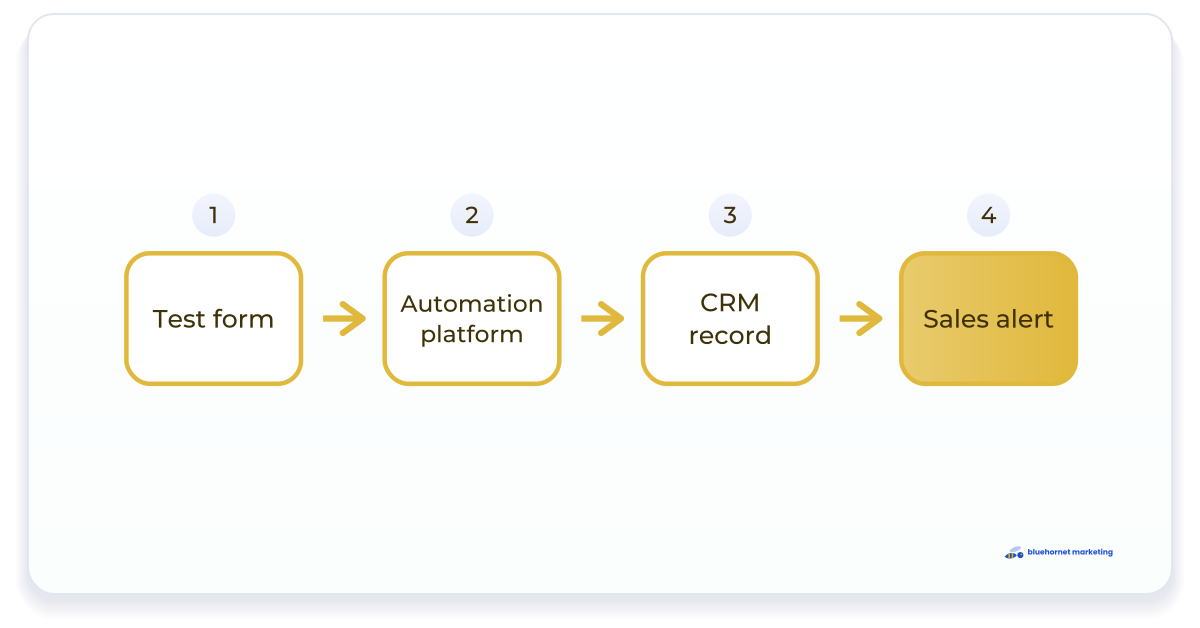
Submit a test form from a clean browser and follow the record through every system. It takes ten minutes and shows more than any audit document.
Points 4 to 6: Consent, Segments and Sales Handoff
4. Consent and Sending
- You can show where and when each contact opted in.
- Every email has a working unsubscribe link, and opt-outs sync across all tools.
- Your sending domain is authenticated, and a sender name and reply address are real.
- Inactive contacts are suppressed after a set period.
Privacy and email rules differ by country and change, so confirm current requirements with a legal adviser for the regions you send to. The checklist only asks whether you can prove consent and honor opt-outs on every path.
5. Segments and Triggers
- Each workflow has clear entry rules and exit rules.
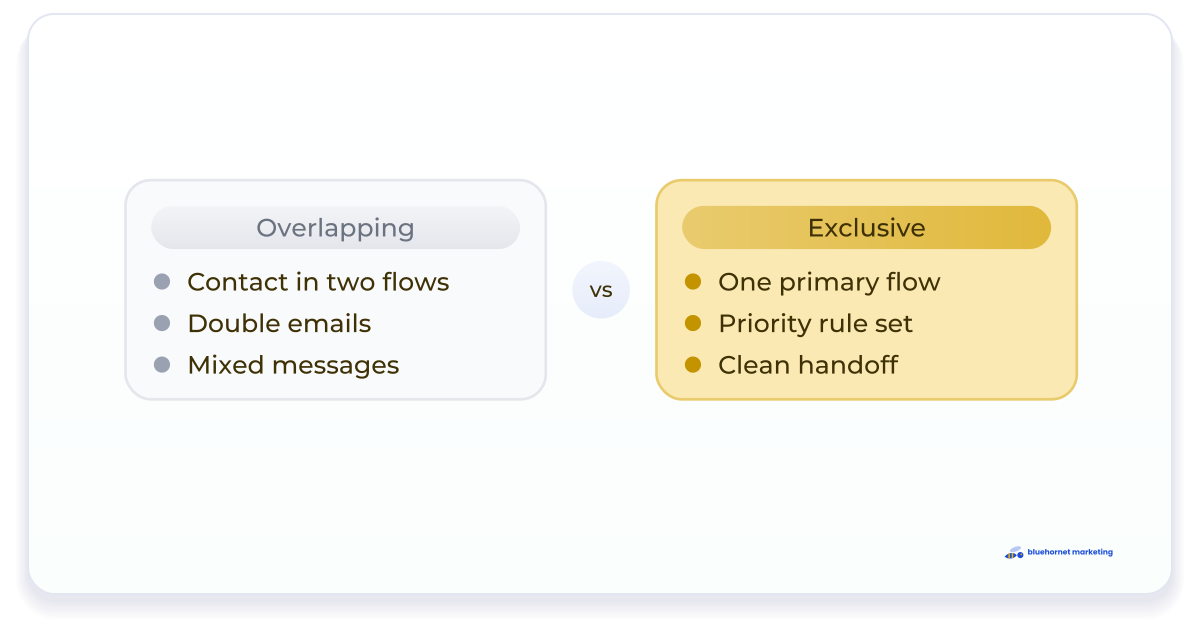
- A contact cannot sit in two competing sequences at once.
- A person who books a meeting, replies or buys leaves nurture flows at once.
- Frequency limits cap how many emails one contact gets per week.
Overlap is where I find the ugliest surprises. One client had a contact who received a welcome series, a webinar reminder and a re-engagement email in the same afternoon.
6. Scoring and Sales Handoff
- Marketing and sales have agreed in writing what a qualified lead is.
- Scoring rules were checked against recent won and lost deals.
- Routing assigns every lead to a person within minutes.
- You measure how long sales takes to respond and what happens next.
If you are choosing a platform and want to know which ones handle scoring and routing well, see my comparison of marketing automation software with current pricing.
Points 7 to 9: Content, Testing and Reporting
7. Content
- Offers, prices and dates in every email are current.
- Every link works and carries the right tracking parameters.
- Merge fields have fallback text, so no message starts with a blank.
- Emails read well on a phone and with images switched off.
Read every message in the sequence in order, as a recipient would. Repeated phrases and contradictory offers show up quickly that way.
8. Testing
- A test contact has gone through each workflow from entry to exit.
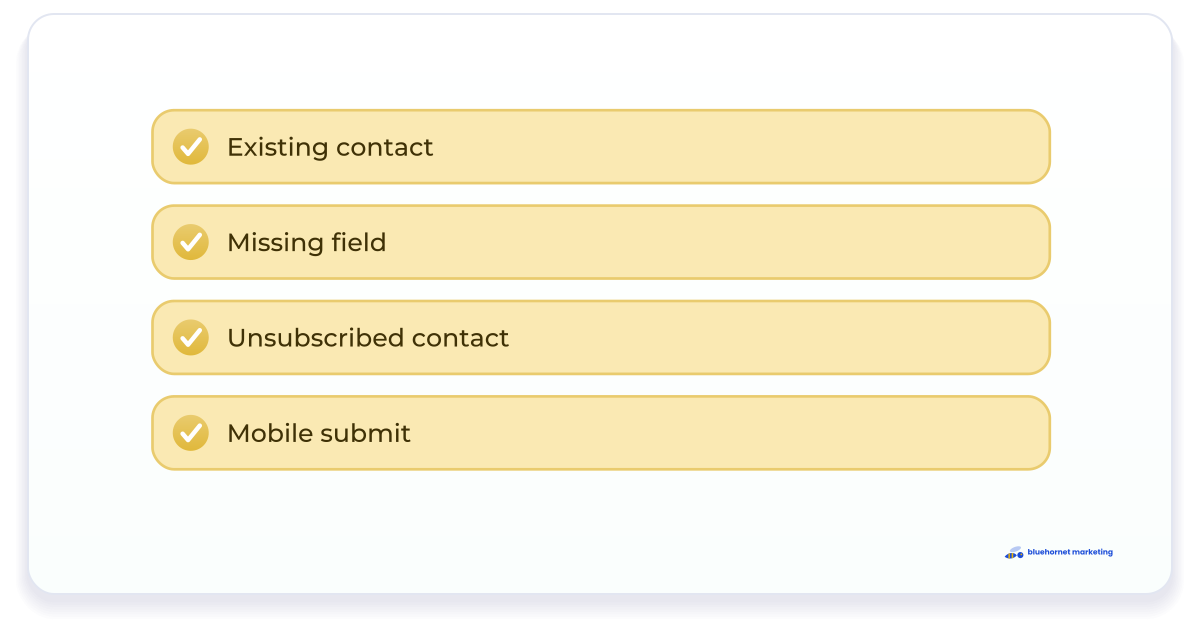
- Edge cases were tried: missing fields, a second form submission, a reply mid-sequence.
- A preview was sent to at least two mail clients.
- Someone other than the builder reviewed the workflow.
A second pair of eyes finds problems the builder cannot see. Make that review a rule, not a favor.
9. Reporting
- You recorded a baseline before launch for the metric each workflow targets.
- One dashboard shows leads, conversion between stages and revenue influenced.
- Review dates for every workflow are on the calendar.
- Someone reads the report and decides something because of it.
Reports only matter when they change a decision. If you want to attach money to the results, the marketing automation ROI guide shows the calculation.
Failures I See Again and Again
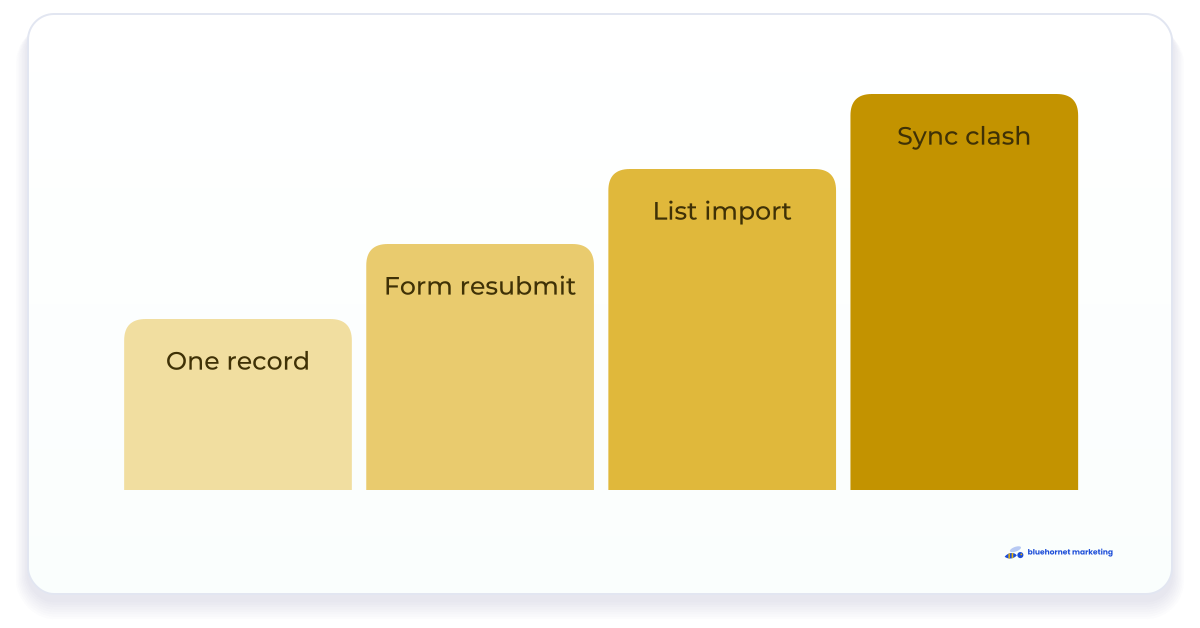
After reviewing many setups, the same handful of problems keep turning up, and most of them hide in points 2, 3 and 5. The first is a form that creates a new contact every time someone submits it, instead of updating the one that exists. Within a year, a single person can have four records, each with a different score and a different sequence running.
The second is tracking that works on the desktop site and breaks on a landing page built by an agency, so a whole campaign's leads arrive with no source. The third is a sequence that nobody exits, because the exit rule watches a field that sales never updates. A contact who became a customer months ago keeps getting "Ready to talk?" emails, and I have seen customers reply with some irritation.
None of these takes technical skill to spot. They take a test record and thirty minutes of following it through each system. When I run this in a first review, the person who owns the platform is usually surprised that nobody caught it earlier. The answer is almost always the same: everyone assumed somebody else was checking.
If you only have an hour, run three tests. Submit a form twice with the same email and check for one record. Click through from an ad to a landing page and confirm the source arrives in your CRM. Mark a test contact as a customer and confirm they leave every nurture flow. Those three catch most of the damage.
Using the Results
Count your passes. Nine out of nine is rare on a first run, and most of the setups I review land between five and seven. Sort the failures by risk. Anything that harms customers or breaks consent goes first, anything that loses leads goes second and anything that only wastes time goes third.
| Failure type | Example | Action |
|---|---|---|
| Customer harm | Unsubscribes not honored | Pause the workflow today |
| Lost leads | Form not syncing to the CRM | Fix this week |
| Wasted effort | Overlapping sequences | Fix this month |
| Polish | Weak subject lines | Add to the test log |
Fixes of this size fit naturally into a phased plan. The marketing automation implementation guide covers how to sequence them, and the best practices post explains the reasoning behind several of these points. When you want to schedule the larger changes across a year, use the marketing automation roadmap.
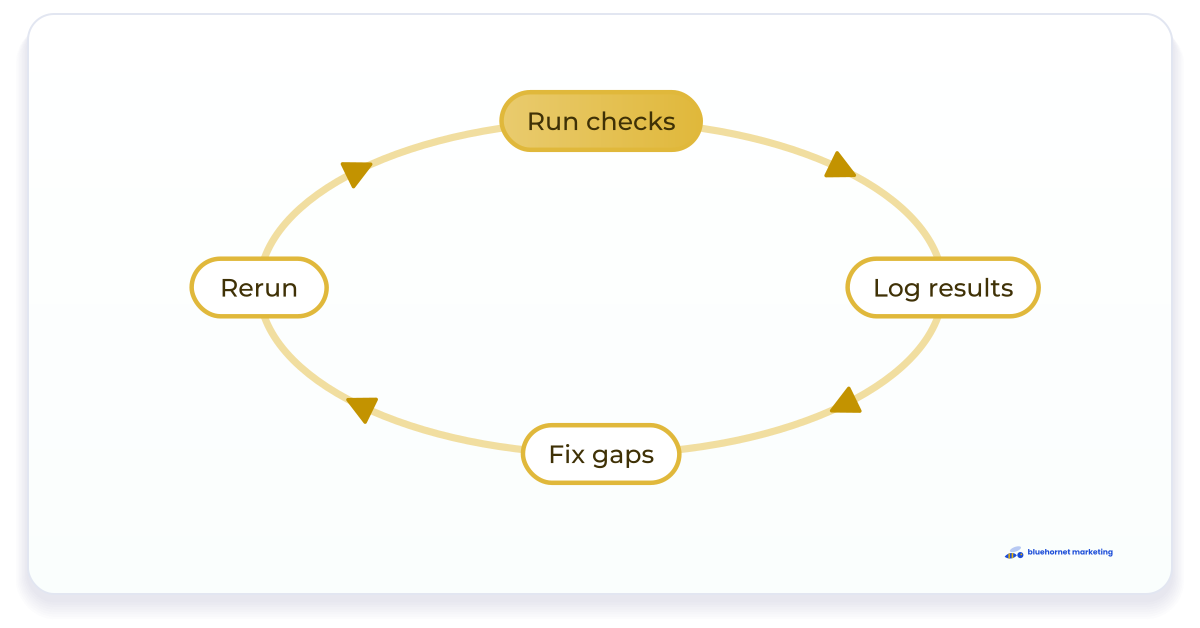
Keep the finished checklist as a living document. Save a dated copy each quarter with the pass, fix and not-applicable marks, and note who fixed what. After two or three rounds you will see which points keep failing, and that pattern tells you where a process change, such as required form fields or a pre-launch review, is worth more than another round of cleanup. It also gives a new team member a clear picture of how the setup is meant to work.
How to Decide Whether You Need Outside Help
You can run this checklist alone. Think about help if any of these are true after your first pass:
- More than three points failed, and nobody on your team has time to fix them.
- Sales and marketing still disagree about what counts as a qualified lead.
- Your platform has been live for over a year and nobody can list what is running.
- You are about to migrate platforms and want to move only what works.
Questions About the Marketing Automation Checklist
When Should I Run Through This Checklist?
Run it before you launch a new platform or workflow, and again each quarter on the setup you already have. The first pass catches gaps while they are cheap to fix. The quarterly pass catches the drift that happens when people change fields, leave the company or add flows without telling anyone.
Can a Small Team Use a Checklist This Long?
Yes. Nine points sound like a lot, but each one takes between ten minutes and a couple of hours for a small setup. If time is tight, begin with points 1, 2 and 6: the goal, the data and the sales handoff. Those three decide whether anything else works.
Who Should Own the Checklist?
One person in marketing operations or the marketing lead should own it, with a named reviewer from sales. Ownership matters more than the exact title. A checklist that belongs to everybody is usually checked by nobody.
What If a Point Fails?
Write down what failed, who fixes it and by when, and pause the affected workflow if customers could be harmed, for example when unsubscribes are not honored. For lower risks, such as a weak subject line, log the fix and keep the workflow running.
Does the Checklist Change with the Platform I Use?
The points stay the same, and the clicks differ. HubSpot, Marketo, ActiveCampaign and Mailchimp all have places for forms, lists, scoring and reports. Use the points as questions, then find the screen in your own platform that answers each one.
Do I Need to Check Privacy Rules as Part of This?
Yes, consent and unsubscribe handling are part of any automation review. Rules differ by country and change over time, so check the current requirements with your legal adviser. The checklist only asks whether you can prove consent and honor opt-outs.
How Is a Checklist Different from a Roadmap?
A checklist verifies that the pieces of a setup are right at one moment. A roadmap plans what to build and when across the next year. You use the checklist at every milestone of the roadmap to confirm the work is solid before moving on.
Disclaimer: This article is for general information only and isn’t legal, financial or tax advice. Treat figures as estimates from typical work and confirm details with your providers before you act.
Was this guide helpful?
Thanks for your feedback.
Warren Albright
Warren leads the Blue Hornet editorial team and works with the consultants to turn real client projects into practical guides on content, paid media, marketing automation, CRM and analytics. He comes from content and demand generation work, edits every article before a working marketing consultant reviews it, and draws on strategies, channel plans and audits from client projects to keep the advice grounded in real numbers.