Quick Summary
- Clean data and one clear goal per workflow matter more than any platform feature.
- Segment by intent and stage so a hot lead never gets a cold nurture email.
- Agree on a lead definition with sales before you turn scoring on.
- Review every automation monthly, because stale flows quietly hurt trust and deliverability.
Most automation problems I get called in to fix are not tool problems. A team buys a capable platform, builds a dozen workflows in a rush and a year later nobody can say which ones work. The leads still arrive, but the follow-up is uneven and sales has stopped trusting the scores.
If you want help turning these rules into a working setup, my team covers them in marketing automation consulting. Below are nine practices in the order I apply them, each with what to do and what to avoid.
The Nine Practices at a Glance
| Practice | Do this | Avoid this |
|---|---|---|
| 1. Set a goal first | One measurable result per workflow | Building flows because the platform allows it |
| 2. Clean the data | Fix duplicates and required fields | Importing old lists unchecked |
| 3. Segment by intent | Separate hot, warm and cold paths | One flow for every contact |
| 4. Align with sales | Write the lead definition together | Scoring rules marketing invents alone |
| 5. Keep sequences short | Three to five messages with an exit | Twelve-week drips nobody finishes |
| 6. Personalize with care | Use fields you trust | Merge tags on guessed data |
| 7. Test one thing | Change a single variable | Rewriting everything at once |
| 8. Protect deliverability | Suppress inactive contacts | Mailing everyone forever |
| 9. Review monthly | Name an owner and a date | Set it and forget it |
Nine Practices, One by One
Set One Goal Before You Build
Every workflow should answer a single question: what should be different once this runs? A welcome sequence might aim to get new subscribers to read one key article. A lead follow-up might aim to book a call within five days. When the goal is fuzzy, the copy drifts and nobody can tell if the flow works.
Do this: write the goal, the metric and the target date on the first line of the workflow's description. Avoid this: goals like "nurture leads", which cannot fail and therefore cannot be improved.
Clean Your Data Before It Drives Anything
Duplicate contacts, free-text job titles and missing company names break segmentation and scoring. In one audit I ran for a software company, roughly a fifth of the contact records had no usable job level, so every "decision maker" rule quietly skipped them. The automation worked exactly as designed, on the wrong data.
Do this: merge duplicates, standardize the fields your rules use and make the important ones required on forms. Avoid this: importing a purchased or years-old list and mailing it on day one, which hurts your sender reputation and your results.
Segment by Intent, Not Only by Demographics
Job title and industry tell you who someone is. Behavior tells you what they want now. A contact who visited your pricing page twice this week belongs in a different path from one who read a blog post last spring. Start with three groups: ready to talk, still researching and existing customers.
Do this: trigger paths from actions such as pricing views, demo requests and replies. Avoid this: sending a sales pitch to a researcher or a beginner's guide to someone who has already asked for a quote.
Agree on the Lead Definition With Sales
Lead scoring fails most often because marketing builds it alone. Sit down with the people who call the leads and look at ten deals they won and ten they lost. Which signals did the winners share? Those become your scoring rules, and sales is far more likely to trust a score it helped write.
Do this: set a service-level promise, for example that a sales-ready lead gets a call within one business day, and report on it. Avoid this: handing over leads with no context, which teaches sales to ignore them.
Keep Sequences Short and Give Them an Exit
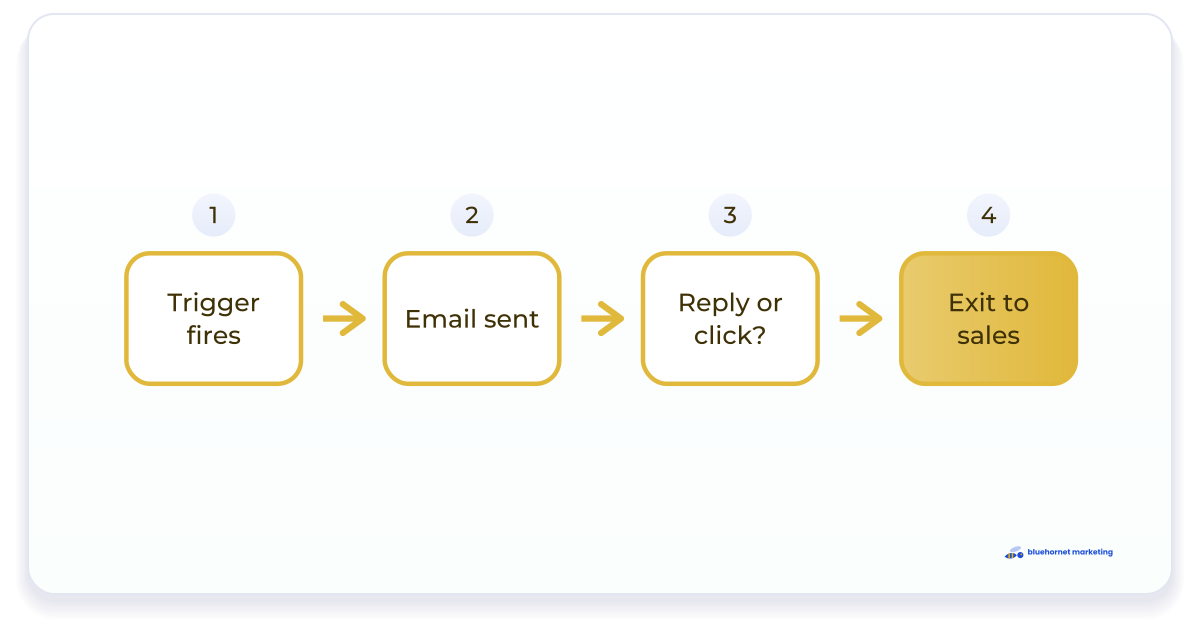
Three to five messages is enough for most nurture paths. Each one should offer something useful and a clear next step. Add exit rules so a contact who books a meeting, replies or buys leaves the sequence at once. Few things damage trust faster than a "just checking in" email arriving the day after someone signed.
Do this: build exit conditions before you write the first email. Avoid this: long drips that run for months with no review.
Personalize Only With Data You Trust
A first name in the subject line is the weakest form of personalization, and a wrong one is worse than none. Better personalization changes the content: an example from the reader's industry, a link to the product they viewed, a different call to action for customers. Use a fallback for every merge field so a blank never shows.
Do this: personalize on fields that people filled in themselves or that your CRM verifies. Avoid this: using guessed or enriched data in a way that feels like surveillance.
Test One Change at a Time
If you rewrite the subject, the offer and the send time in one go, you learn nothing. Test one variable, run it long enough to see a clear difference and write down the result. Small lists rarely give clean statistics, so test bigger changes such as the offer itself, rather than comma placement.
Do this: keep a simple log with the change, the result and what you did next. Avoid this: declaring a winner after two hours of data.
Protect Deliverability Like an Asset
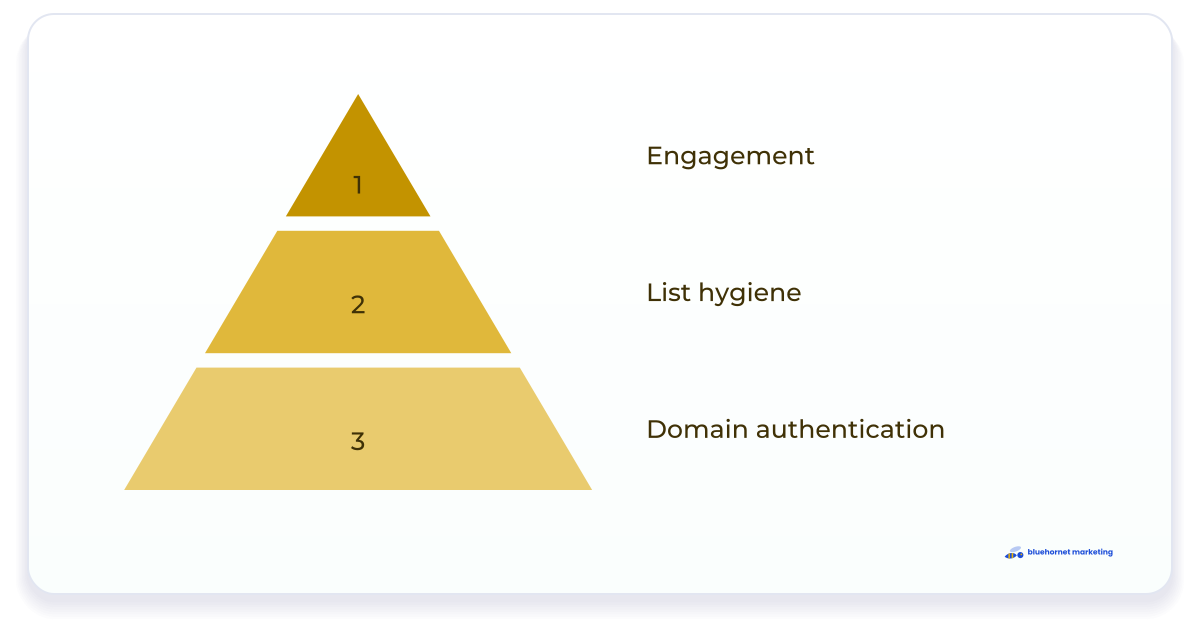
Mailbox providers watch how people react to your messages. If a large share of your list never opens anything, they start to treat your mail as low value, and your best emails land in spam. A sunset rule, such as suppressing contacts with no engagement for six months after a final re-permission email, keeps your sending reputation healthy.
Do this: authenticate your sending domain and clean the list on a schedule. Avoid this: chasing a bigger list size at the cost of a lower response rate.
Review Every Workflow on a Schedule
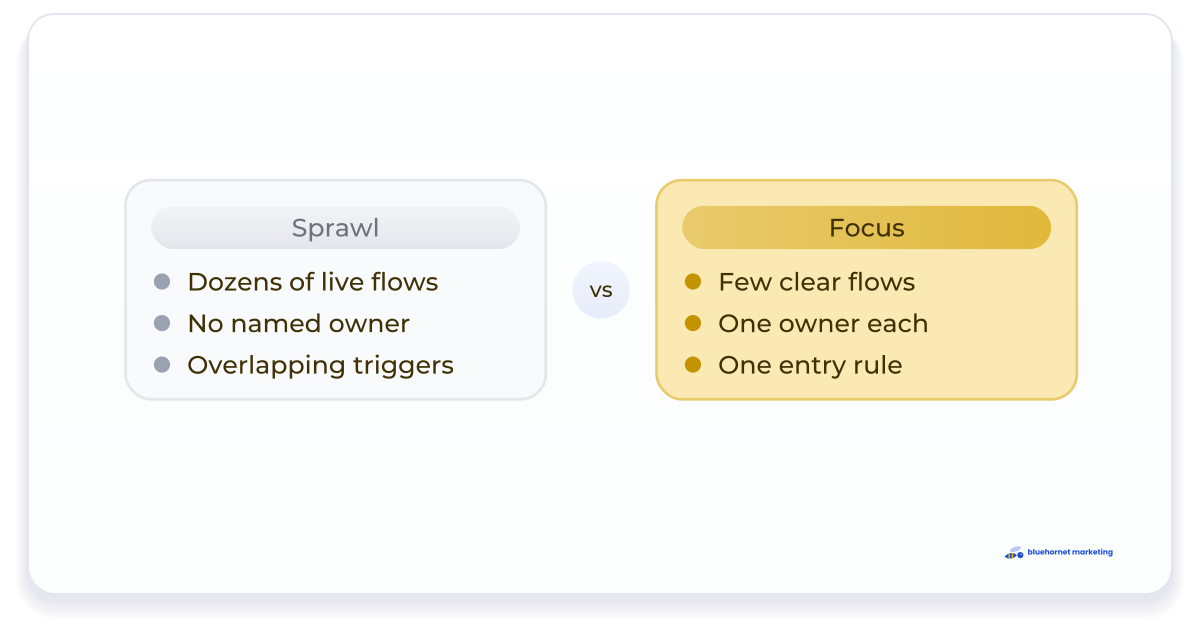
Workflows age. A product gets renamed, a webinar ends, a salesperson leaves and the routing rule still points to them. I put a short review on the calendar every month and a longer one each quarter, and every workflow has a named owner. Anything without an owner gets paused.
Do this: keep an inventory that lists each workflow, its goal, owner and last review date. Avoid this: a setup where nobody can say what is running.
Where Teams Usually Go Wrong
Looking across projects, the same three patterns repeat. The first is tool-first thinking: a team picks a platform, then looks for things to automate. The marketing automation software you choose should follow your processes. The second is over-building. A setup with forty workflows and no documentation is harder to fix than one with five that are well understood.
The third is skipping the rollout plan. Good practices still fail when they land all at once, because people cannot tell which change caused which result. My guide to marketing automation implementation covers how to sequence the work and where delays tend to appear.
How to Tell Whether the Practices Are Working
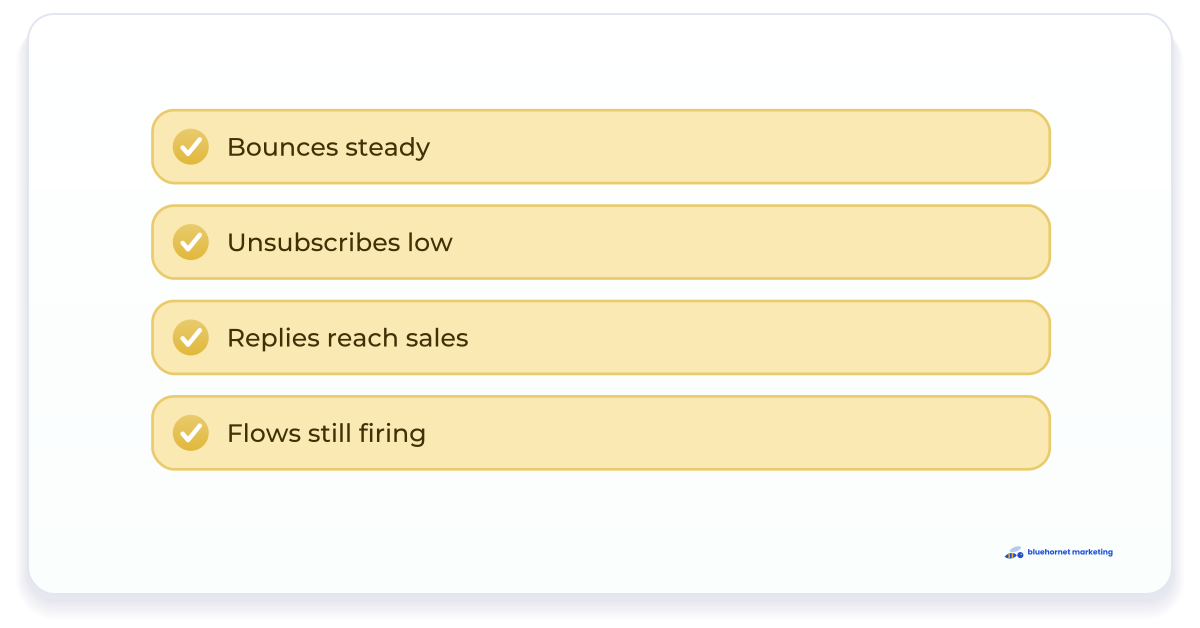
Pick four numbers and look at them every month: qualified leads created, share of leads contacted within your promised window, meetings booked from automated paths and unsubscribe plus spam complaint rates. Rising results in the first two and stable results in the last tell you the setup is healthy. If you are weighing the cost of all this, marketing automation ROI shows how to calculate payback with realistic numbers.
| Signal | Healthy pattern | Warning sign |
|---|---|---|
| Lead follow-up time | Inside the promised window almost every time | Gaps that grow after weekends or holidays |
| Sales feedback on leads | Short comments that you act on | Silence, which often means the leads are ignored |
| Unsubscribe rate | Low and steady | A jump after a new workflow goes live |
| Active workflows | Each has an owner and goal | Flows nobody can explain |
Many teams also want a printable list to run before launch. The marketing automation checklist turns these practices into points you can verify one by one, and the marketing automation roadmap shows when to add each one over the first year.
How to Decide Which Practice to Fix First
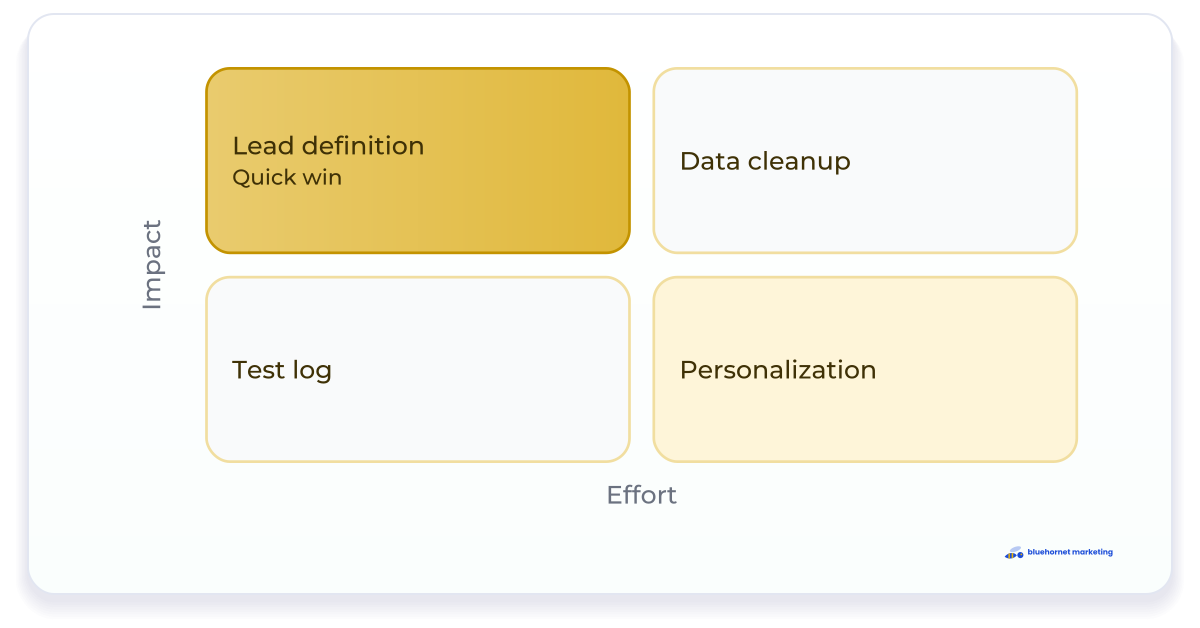
You do not need to apply all nine at once. Start where the damage is biggest. If sales complains about lead quality, begin with practices 3 and 4. If your emails land in spam, begin with 2 and 8. If you cannot say what is running, begin with 9.
- Pick the one symptom you hear about most often from sales or customers.
- Fix the single practice that addresses it and write down the starting number.
- Check the number again after one full sales cycle or at least eight weeks.
- Move to the next practice only when the first one holds.
Questions About Marketing Automation Best Practices
What Is the Most Important Marketing Automation Best Practice?
Start with a clear goal and clean data. Automation repeats whatever you give it, so a vague goal or a messy contact list produces more of the same problem, only faster. Before you build a single workflow, write down the one result it should improve, such as demo requests from trial users, and check that the fields it depends on are filled in correctly.
How Many Automated Workflows Should I Start With?
Start with two or three. A welcome sequence, a lead follow-up and one re-engagement flow cover most of the value for most teams. Each workflow needs an owner, a goal and a review date. Adding more before the first ones work usually creates conflicts, such as one contact receiving three sequences at once.
How Often Should I Review My Automations?
Look at performance monthly and do a full review every quarter. The monthly check covers sends, clicks, replies and any errors. The quarterly review asks whether each workflow still serves a goal, whether the copy is current and whether the rules still match how your sales team works.
Should Every Lead Go into the Same Nurture Flow?
No. A contact who just asked for pricing needs a different path than someone who downloaded a checklist six months ago. Split flows by intent, by the stage of the buying process and by audience. Even three segments perform better than one flow for everybody.
How Do I Keep Automated Emails from Sounding Robotic?
Write each message as a reply to one specific question, use plain language and send from a real person's name. Keep sequences short, vary the length and format and let people reply. Read every email out loud before it goes live, and remove anything you would not say to the person directly.
What Should I Measure to Know If Automation Works?
Track outcomes that sit close to revenue: qualified leads created, meetings booked, opportunities influenced and time from first touch to sales conversation. Open rates are a weak signal on their own, because mail clients can inflate them. Compare these numbers to your baseline from before the automation went live.
When Should I Bring in a Consultant?
Consider help when your workflows have grown without a plan, when sales and marketing disagree about lead quality or when your platform has features nobody uses. An outside review of your setup is faster than a rebuild from scratch, and it usually finds a handful of fixes that pay back quickly.
Disclaimer: This article is for general information only and isn’t legal, financial or tax advice. Treat figures as estimates from typical work and confirm details with your providers before you act.
Was this guide helpful?
Thanks for your feedback.
Warren Albright
Warren leads the Blue Hornet editorial team and works with the consultants to turn real client projects into practical guides on content, paid media, marketing automation, CRM and analytics. He comes from content and demand generation work, edits every article before a working marketing consultant reviews it, and draws on strategies, channel plans and audits from client projects to keep the advice grounded in real numbers.