Quick Summary
- HubSpot Marketing Hub is the strongest all-in-one option, with free tools to start.
- Mailchimp and ActiveCampaign cover email, from simple newsletters to advanced nurture.
- Semrush, Ahrefs and Surfer support search, while Google Analytics and Hotjar show what works.
- Choose tools by your weakest funnel stage and team size, then test before you commit.
The Best Inbound Marketing Tools at a Glance
| Tool | Type | Best for |
|---|---|---|
| 1. HubSpot Marketing Hub | All-in-one platform | Teams wanting one system for inbound and CRM |
| 2. Semrush | SEO suite | Keyword and competitor research |
| 3. Mailchimp | Email marketing | Small lists and simple campaigns |
| 4. ActiveCampaign | Email automation | Serious nurture sequences |
| 5. Ahrefs | SEO research | Backlink and search research |
| 6. Unbounce | Landing pages | Fast offer pages and testing |
| 7. Hootsuite | Social management | Teams managing many channels |
| 8. Buffer | Social scheduling | Solo owners and small teams |
| 9. Canva | Design | Lead magnets and social graphics |
| 10. Hotjar | Behavior analytics | Finding why pages do not convert |
| 11. Google Analytics | Web analytics | Free tracking of leads by source |
| 12. Surfer | Content optimization | Writers who publish regularly |
The 12 Best Inbound Marketing Tools, Ranked
I start with the platforms that cover the most ground and move toward specialist tools for search, social, design and analytics. Tools are only half of the result. In the inbound marketing consulting work I do, the plan and the follow-up matter more than the software. Ratings below come from G2 as I read them at the time of writing, and prices come from vendor pages. Where I could not read a figure, I say so.
HubSpot Marketing Hub
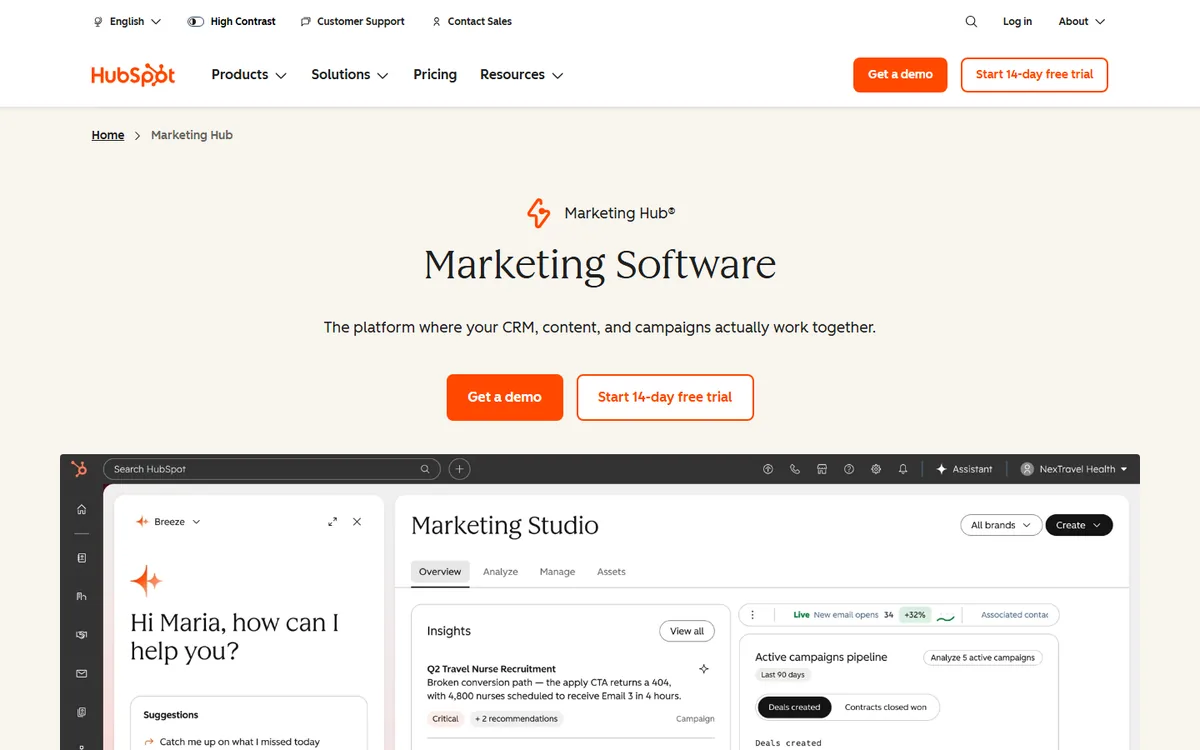
All-in-One Inbound Platform for Teams That Want Marketing, Sales and CRM in One Place
HubSpot Marketing Hub brings email, landing pages, forms, SEO tools, social scheduling and reporting into one system built on a free CRM.
HubSpot coined the word inbound, and the platform still reflects it. You build landing pages and forms, send nurture email, score leads and see which content led to which customer, all against one contact record. That last part is why I recommend it to teams that want to prove revenue by source without stitching tools together.
The trade-off is cost as you grow. The free tools are generous, but advanced automation and reporting sit in higher plans, and contact-based pricing climbs. If you want the full inbound toolkit in a single login, it is the safest pick. If your needs are simple, you may pay for features you will not use.
What I Like About HubSpot Marketing Hub
- One contact record ties content, email and sales together
- Free CRM and free tools make a low-risk start
- Large library of templates, training and integrations
What I Don’t Like About HubSpot Marketing Hub
- Professional-tier pricing is a big jump from Starter
- Costs rise with contacts and add-ons
HubSpot Marketing Hub Pricing
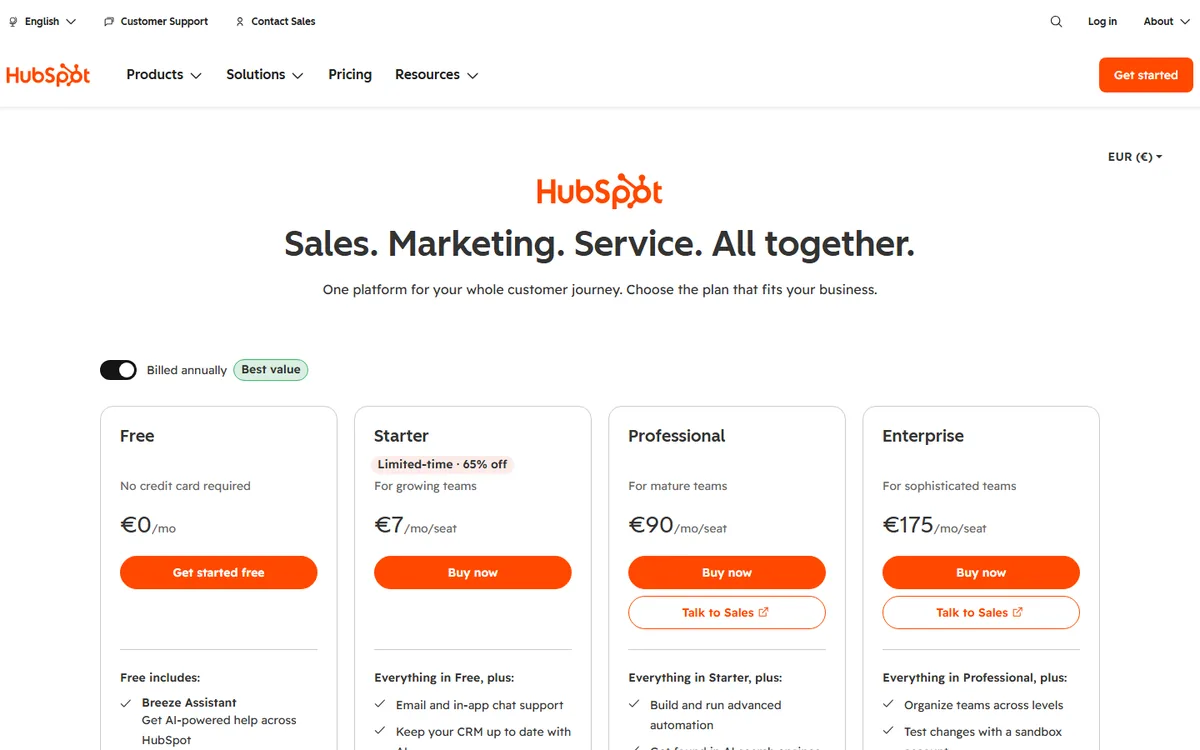
HubSpot lists a free plan for up to 2 users. Starter is shown at $20 per seat per month at list price with promotional discounts, Professional starts at $800 per month with 3 core seats and a one-time $3,000 onboarding fee, and Enterprise starts at $3,600 per month with a one-time $7,000 onboarding fee.
HubSpot Marketing Hub Reviews
Semrush
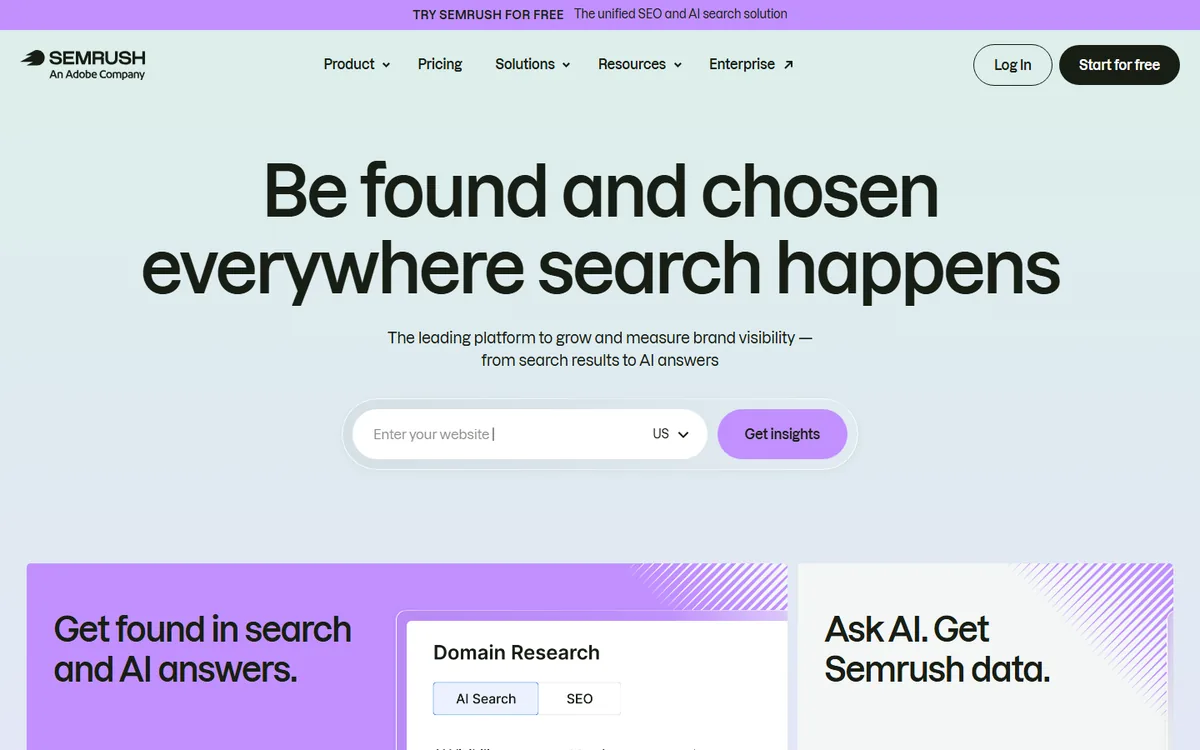
The Broadest Toolkit for Finding Topics, Tracking Rankings and Spying on Competitors
Semrush covers keyword research, site audits, rank tracking, competitor analysis and content planning in one subscription.
For the awareness stage of inbound, you need to know what people search for and who already ranks. Semrush answers both. Its keyword tools show volume and difficulty, its site audit finds technical issues and its content tools help plan articles around real search demand.
I use it mostly for planning and competitor research. It can overwhelm a new user, because there are dozens of reports, and a small team will use perhaps a fifth of them. Start with keyword research and the site audit, and ignore the rest until you need it.
What I Like About Semrush
- Huge keyword and competitor database
- Site audit catches technical problems quickly
- Content planning tools connect topics to search demand
What I Don’t Like About Semrush
- Many features you may never use
- Plans suit agencies better than very small teams
Semrush Pricing
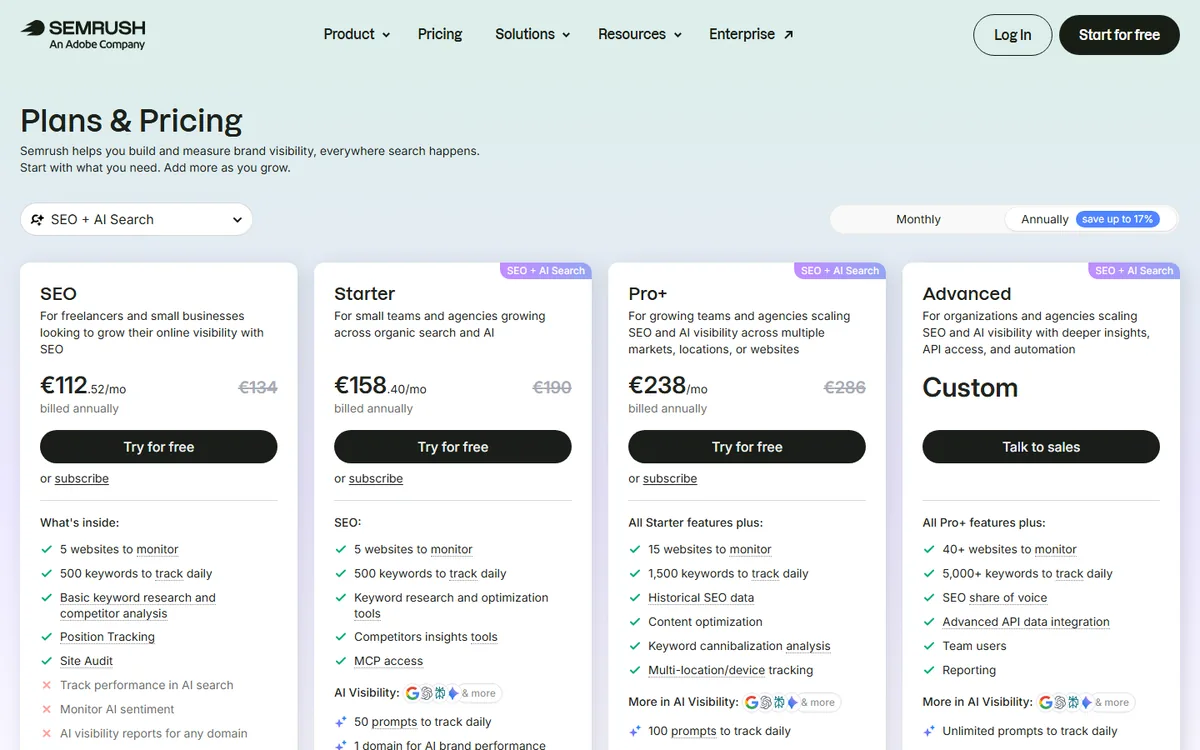
Semrush sells paid subscriptions in several tiers and offers a limited free account. Its pricing page could not be read when I checked, so confirm current plans and prices on the vendor site before you decide.
Semrush Reviews
Mailchimp
A Friendly, Affordable Email and Landing Page Tool for Small Lists
Mailchimp handles email campaigns, simple automations, signup forms and landing pages, with a free plan for very small lists.
Email is the backbone of inbound nurture, and Mailchimp is the easiest way to start. You can build a signup form, send a welcome email and run a monthly newsletter in an afternoon. Templates are polished and reports are easy to read.
It gets less comfortable as your needs grow. Advanced automation and segmentation are better in other tools, and pricing climbs with list size. I suggest Mailchimp to small businesses with straightforward email needs and to anyone who wants to test inbound before committing budget.
What I Like About Mailchimp
- Easy to learn, with strong templates
- Free plan for small lists
- Forms and landing pages included
What I Don’t Like About Mailchimp
- Automation is basic compared with specialist tools
- Price rises as the contact list grows
Mailchimp Pricing
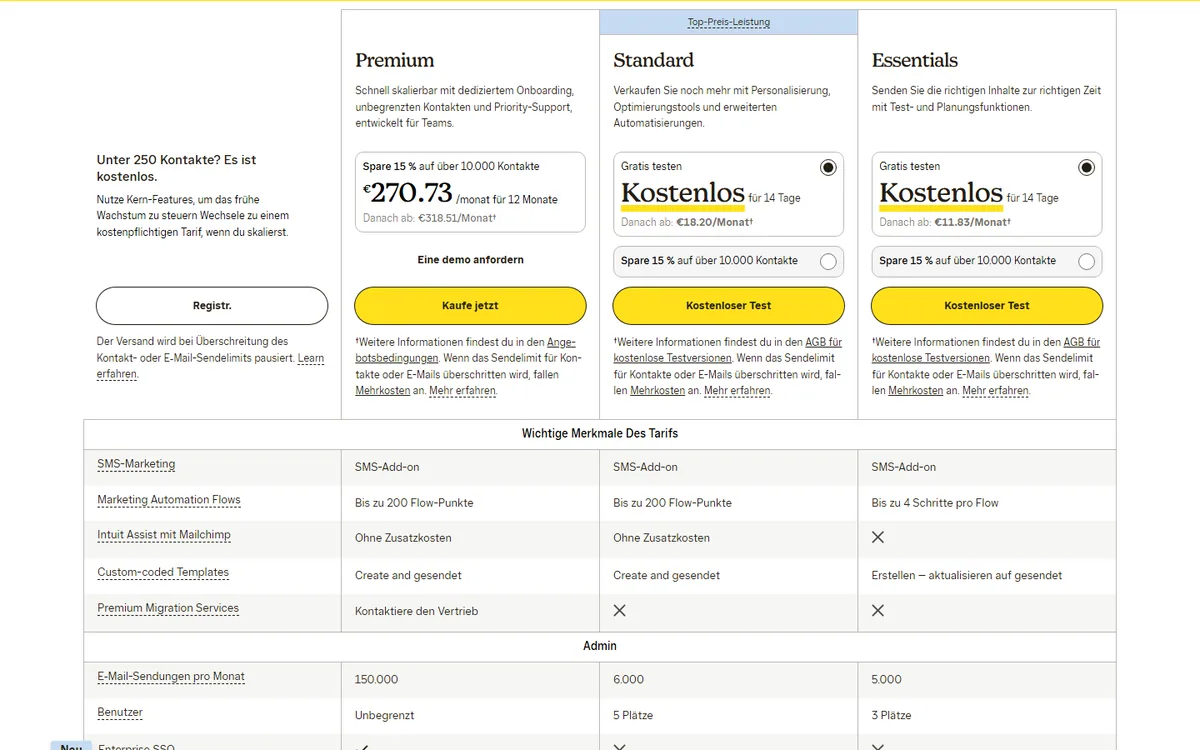
Mailchimp offers a free plan for up to 250 contacts, with a limit of 500 sends per month and no automation flows. Paid plans listed on its pricing page start at $13 per month for Essentials and $20 for Standard on a 12-month promotion, with Premium shown at $350 per month. Check the regular price after the promotion.
Mailchimp Reviews
ActiveCampaign
The Strongest Email Automation for Teams Ready to Nurture Leads Seriously
ActiveCampaign combines email, automation, a light CRM and lead scoring, with deep workflows that react to what people do.
When your nurture sequences become more than a simple series, ActiveCampaign earns its place. You can build automations that branch on clicks, page visits and tags, score leads and alert sales when someone shows buying signals.
It takes longer to learn than Mailchimp, and a messy automation map can become hard to maintain. For inbound programs with a defined sales process, I find it a good value, because it does a lot of what larger platforms do at lower cost.
What I Like About ActiveCampaign
- Powerful automation builder with branching logic
- Lead scoring and sales alerts
- Good value compared with all-in-one suites
What I Don’t Like About ActiveCampaign
- Steeper learning curve
- Complex automations need documentation to stay manageable
ActiveCampaign Pricing
ActiveCampaign sells Starter, Plus, Pro and Enterprise plans, priced by contact list size and billed yearly. Its pricing page showed no dollar amounts when I checked, so use its calculator for your list size. A 14-day free trial is offered.
ActiveCampaign Reviews
Ahrefs
Best-in-Class Backlink and Keyword Data for Teams Serious About Search
Ahrefs provides keyword research, backlink analysis, site audits and rank tracking, known for the quality of its link data.
If search is your main inbound channel, Ahrefs is the tool I reach for when I need to understand why a competitor outranks you. Its backlink index is detailed, its keyword research is clear and its content gap reports show what rivals rank for that you do not.
It is not a content or email tool, so it fits as a research layer. Smaller teams can start with the free webmaster tools and upgrade when they have the time to act on what the data shows.
What I Like About Ahrefs
- Excellent backlink data
- Clean, fast interface
- Useful free webmaster tools
What I Don’t Like About Ahrefs
- Pricing scales quickly with usage limits
- Research only, with no content creation or email features
Ahrefs Pricing
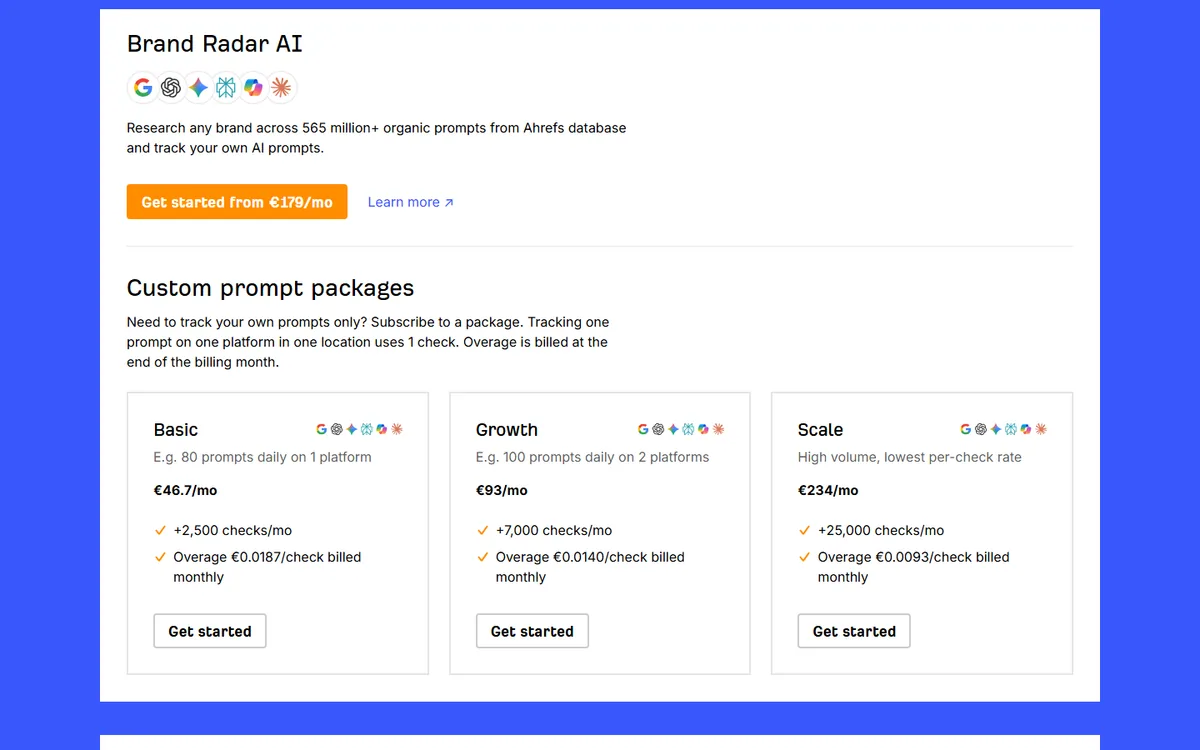
Ahrefs lists monthly prices of $29 for Starter, $129 for Lite, $249 for Standard and $449 for Advanced, with Enterprise on request. Annual billing lowers the price, and limited free tools are available.
Ahrefs Reviews
Unbounce
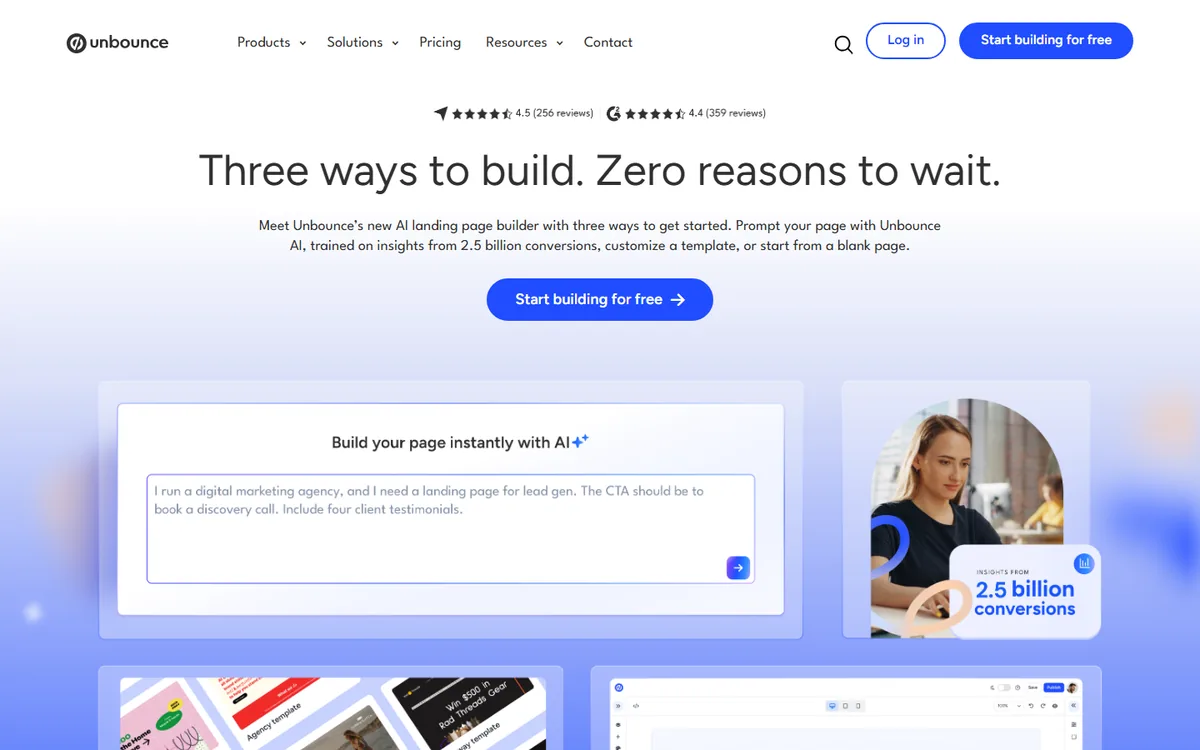
The Fastest Way to Build and Check Landing Pages Without Developer Help
Unbounce is a landing page builder with drag-and-drop editing, A/B testing and AI-assisted traffic routing.
Every inbound offer needs a page that does one job. Unbounce lets marketers build those pages and test headlines and layouts without waiting for a developer. That speed is its biggest advantage, especially for paid and email campaigns.
If your website platform already makes landing pages easy, you may not need it. Teams that run many offers and want to test often benefit most. Plan on a few weeks of testing before judging results, because small traffic volumes take time to show a winner.
What I Like About Unbounce
- Quick page building with strong templates
- Built-in A/B testing
- Works with most CRMs and email tools
What I Don’t Like About Unbounce
- Extra cost if your site builder already offers landing pages
- Testing needs enough traffic to be useful
Unbounce Pricing
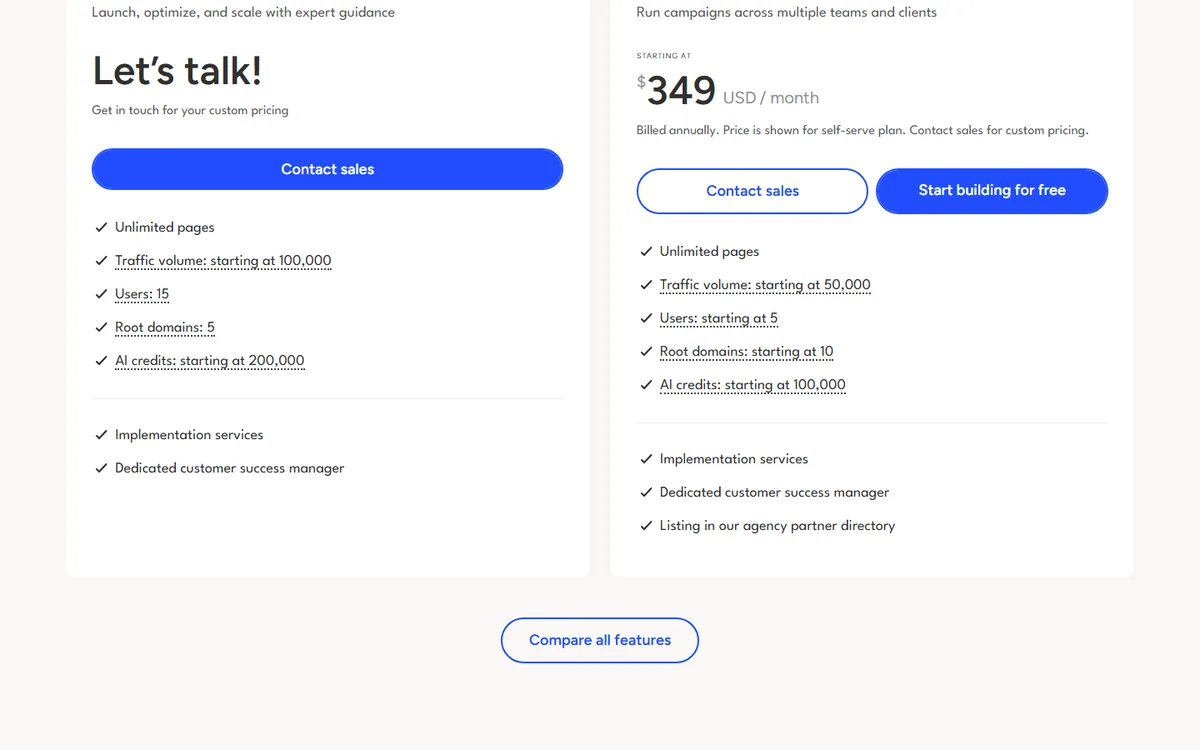
Unbounce lists Starter at $29 per month ($22 billed annually), Build at $99 ($74 annually), Experiment at $149 ($112 annually) and Optimize at $249 ($187 annually). Agency plans start at $349 per month billed annually, and Concierge is custom.
Unbounce Reviews
Hootsuite
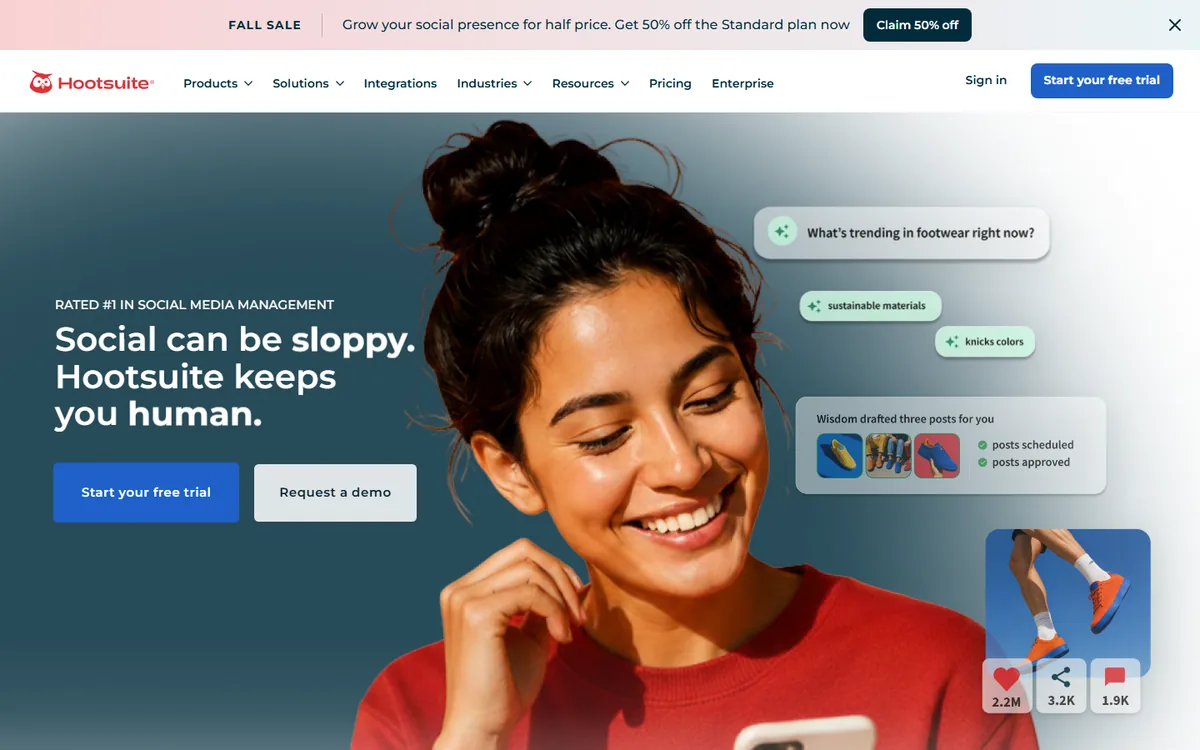
A Dependable Social Publishing Dashboard for Teams That Manage Several Channels
Hootsuite schedules posts, monitors conversations and reports on social performance across networks in one dashboard.
Social supports inbound by spreading your content and starting conversations. Hootsuite keeps that organized: you plan a month of posts, answer comments and see which topics get traction. Team approval flows are useful for agencies and larger teams.
It is more tool than a solo owner needs and priced accordingly. If you post to one or two platforms, a lighter scheduler is enough. Consider Hootsuite when several people share the work or you need reporting for management.
What I Like About Hootsuite
- Handles many networks in one place
- Approval workflows for teams
- Detailed reports
What I Don’t Like About Hootsuite
- Higher price than simpler schedulers
- Interface feels busy for small users
Hootsuite Pricing
Hootsuite lists Standard at $99 per user per month, Professional at $199 and Advanced at up to $399, with Enterprise on request. Prices assume annual billing.
Hootsuite Reviews
Buffer
The Simplest Way to Plan and Schedule Social Posts on a Small Budget
Buffer is a straightforward social scheduler with analytics and an idea inbox, built for individuals and small teams.
Buffer does less than Hootsuite, and that is the point. You add your channels, queue posts and check a simple analytics view. For founders who write their own posts, the low friction makes the habit easier to keep.
It lacks the deep listening and approval features of larger tools. For a small inbound program that uses one or two social channels, it is usually enough.
What I Like About Buffer
- Clean, easy interface
- Generous free plan
- Predictable per-channel pricing
What I Don’t Like About Buffer
- Limited team workflow features
- Reporting is basic
Buffer Pricing
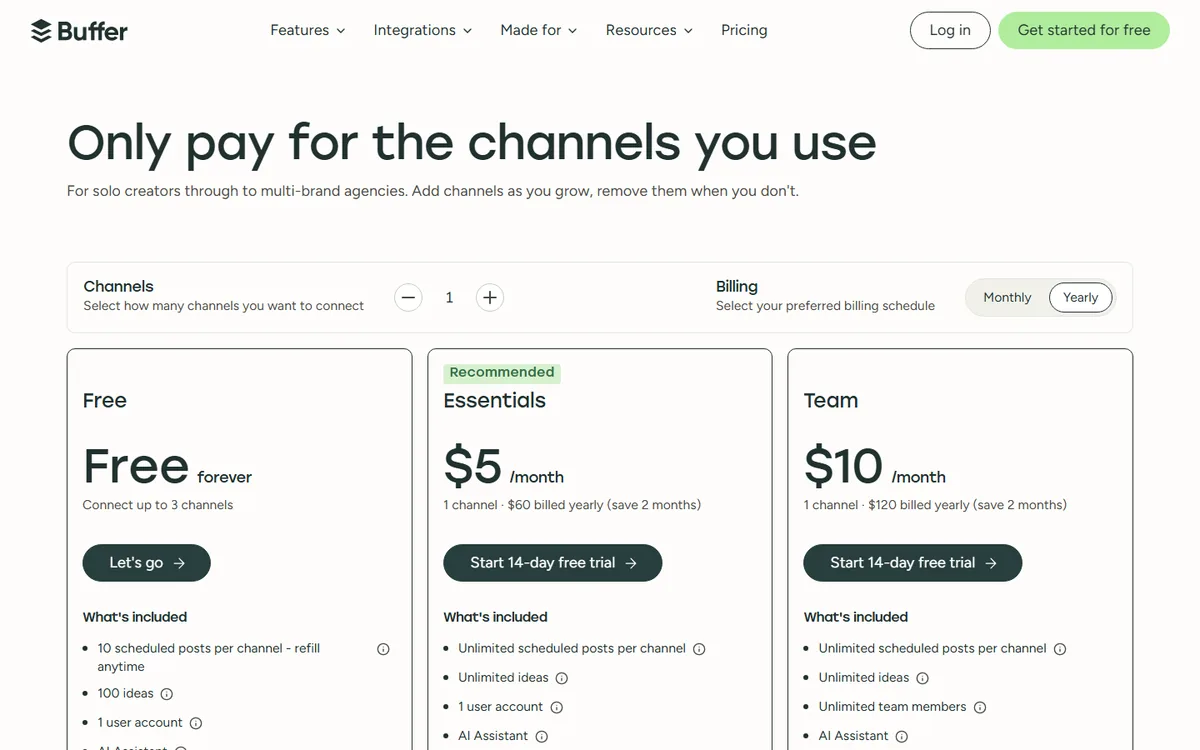
Buffer has a free plan for up to 3 channels with 10 scheduled posts per channel. Paid plans are $5 per month per channel for Essentials and $10 per month per channel for Team.
Buffer Reviews
Canva
The Quickest Route to Decent-Looking Graphics, Social Posts and Lead Magnets
Canva is a design tool with templates for social posts, presentations, ebooks and ads, plus brand kits and AI helpers.
Inbound produces a steady need for visuals: checklists, report covers, social images and slide decks. Canva lets non-designers produce them quickly and keep a consistent look through brand kits.
It will not replace a designer for a full brand identity. For lead magnets, social posts and simple reports, it saves days of back-and-forth, and that is where I see it used most.
What I Like About Canva
- Huge template library
- Easy for non-designers
- Brand kit keeps assets consistent
What I Don’t Like About Canva
- Templates can look generic if unchanged
- Some features sit behind paid plans
Canva Pricing
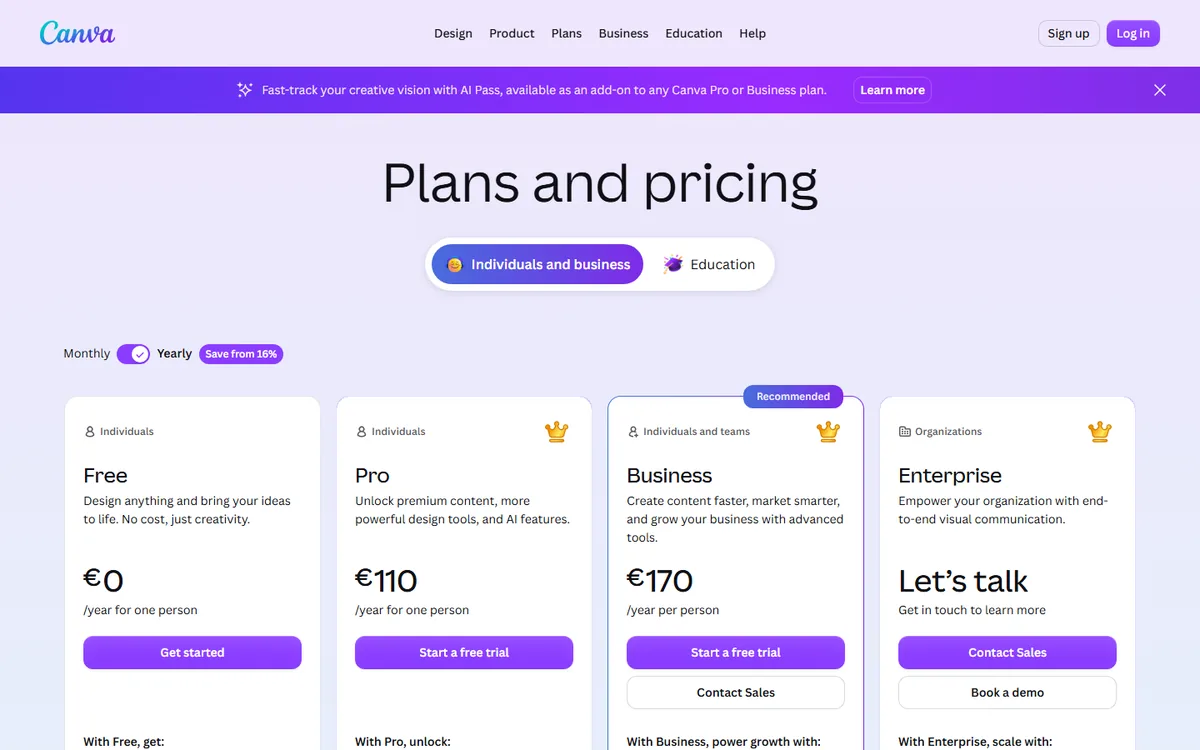
Canva has a free plan and paid plans for individuals and teams. I could not read the current price list when I checked, so confirm plans on its pricing page.
Canva Reviews
Hotjar
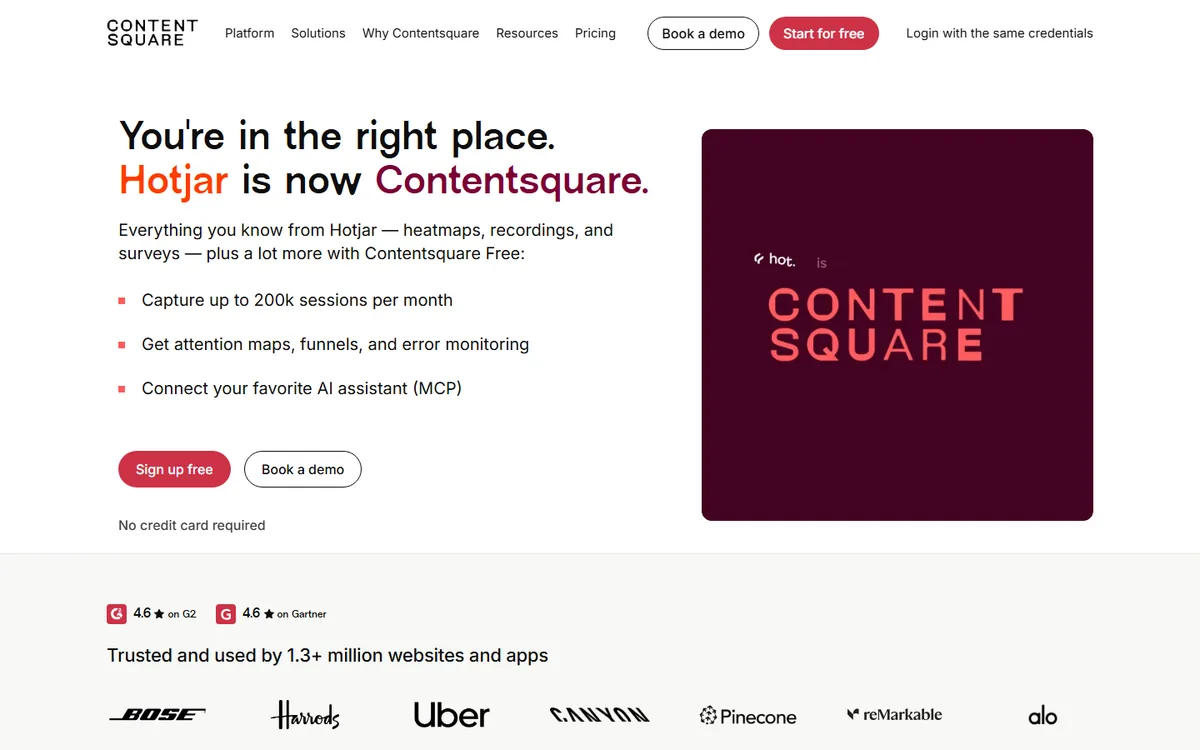
See How Visitors Actually Use Your Pages Before You Rewrite Them
Hotjar offers heatmaps, session recordings and on-page surveys that show where visitors click, scroll and stop.
Traffic without leads is a conversion problem, and Hotjar helps you see why. Heatmaps show whether visitors reach your call to action. Recordings show confusion, rage clicks and abandoned forms, and surveys ask people directly why they left.
I use it on a few key pages for a month, learn what to change and then reduce it. You need enough traffic for the patterns to mean something, and recordings take time to review.
What I Like About Hotjar
- Shows real visitor behavior
- Easy to install
- Surveys give direct feedback
What I Don’t Like About Hotjar
- Needs meaningful traffic to be useful
- Reviewing recordings is time-consuming
Hotjar Pricing
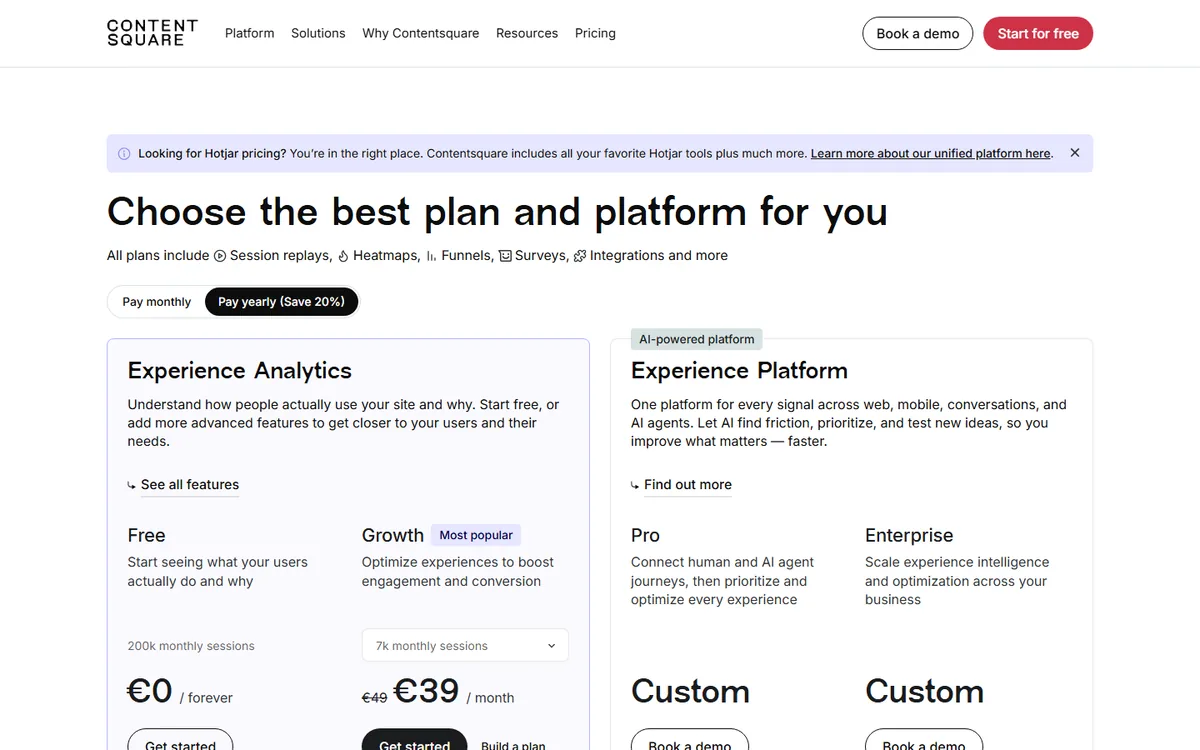
Hotjar offers a free plan and paid plans by usage. I could not read current prices when I checked, so confirm them on the vendor page.
Hotjar Reviews
Google Analytics
The Free Standard for Knowing Which Pages, Sources and Campaigns Bring Visitors
Google Analytics 4 tracks traffic, conversions and audience behavior across your website and apps.
You cannot run inbound without knowing where leads come from. Google Analytics is free, widely understood and connects to Search Console and Google Ads. Set up conversions for form fills and calls, and you can see which content produces leads.
The interface is not intuitive, and reports need setup to answer business questions. Spend an hour defining your conversions and one report, and you get most of the value.
What I Like About Google Analytics
- Free, with broad integrations
- Tracks conversions by source and page
- Works with Search Console and Google Ads
What I Don’t Like About Google Analytics
- Interface takes time to learn
- Default reports rarely answer business questions
Google Analytics Pricing
Standard Google Analytics is free. A paid enterprise version exists for large organizations, and Google lists those terms on its site.
Google Analytics Reviews
Surfer
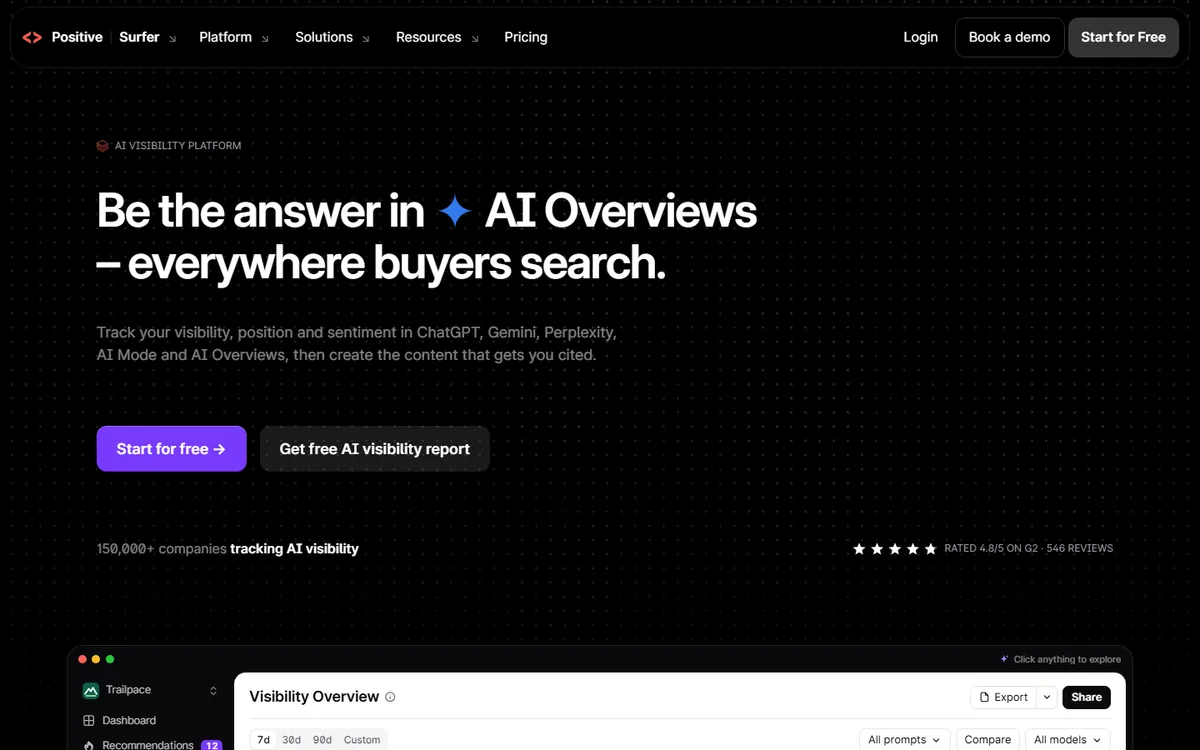
A Practical Editor for Writing Pages That Cover a Topic as Well as Those Already Ranking
Surfer analyzes top-ranking pages and guides your writing with topic coverage, structure and optimization suggestions.
Inbound content only brings leads if it ranks. Surfer shows which subtopics and terms ranking pages cover, then scores your draft as you write. For writers new to search, that guidance shortens the learning curve.
Treat the score as a guide, not a target. Chasing 100 can produce stiff writing. I recommend it for teams that publish regularly and want consistency, and less for those who publish occasionally.
What I Like About Surfer
- Clear, actionable content guidance
- Speeds up briefs and editing
- Fits well with writer workflows
What I Don’t Like About Surfer
- Score chasing can hurt readability
- Value depends on publishing regularly
Surfer Pricing
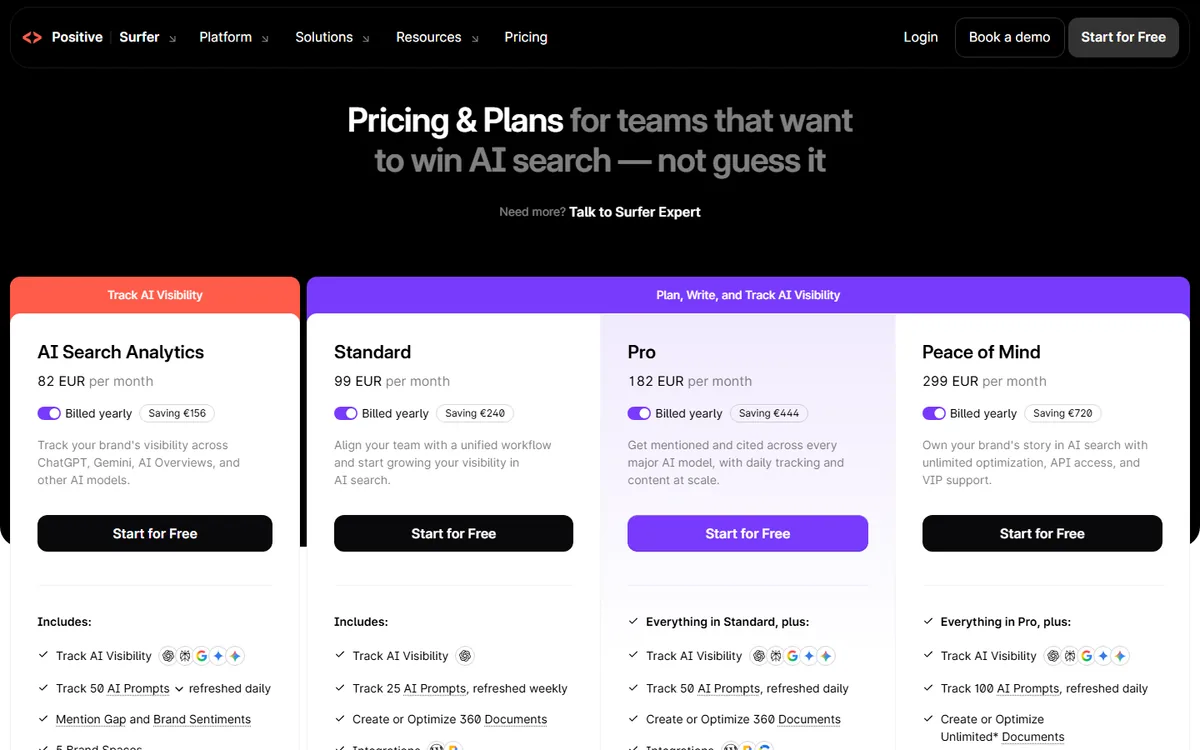
Surfer sells monthly and annual plans by usage level. I could not confirm current figures when I checked, so use its pricing page for current plans.
Surfer Reviews
Estimate What an Inbound Tool Could Return
Before you pick a plan, check whether the numbers work. Enter the manual hours the tool should replace and its monthly price, and see what it could return in a year. For a fuller picture of program returns, my explanation of inbound marketing ROI includes the formula.
Is the Tool Worth It for You?
Set the sliders to the work the tool would handle and the plan you have in mind.
How to Choose the Right Inbound Marketing Tools
You do not need all twelve. A small program usually needs five things: a place to publish and capture leads, an email tool, analytics, a CRM and one research tool. Answer four questions first:
- Which stage of the buyer journey is your weakest: awareness, nurture or conversion?
- How big is your team, and who will use each tool every week?
- Do you want one platform or the best tool for each job?
- What do you spend per month, and how many contacts will you have in a year?
If you run a lean team, start with Google Analytics, Mailchimp or ActiveCampaign and HubSpot's free tools. Add Semrush or Ahrefs when you can act on search data. Teams with larger needs can choose HubSpot Marketing Hub for one connected system. If you are a small business, my notes on inbound marketing for small business show what to set up first, and the inbound marketing checklist helps you confirm that no step is missing. For ideas on how teams use these tools in practice, see my inbound marketing examples.
Questions About Choosing Inbound Marketing Tools
What Is the Best Inbound Marketing Tool for Small Businesses?
For many small businesses I suggest HubSpot's free tools plus an email platform such as Mailchimp. That combination covers forms, a CRM and nurture email at low cost. Add search and analytics tools as your program grows.
Do I Need an All-in-One Inbound Platform?
Not always. An all-in-one platform connects content, email and sales data in one place, but it costs more. A set of focused tools can work well if you keep your contact data in one CRM.
Which Tool Is Best for Inbound Email Marketing?
Mailchimp suits simple campaigns and small lists. ActiveCampaign suits more advanced automation and lead scoring. HubSpot fits teams that want email inside a full platform.
Are Free Inbound Marketing Tools Good Enough?
They are enough to start. Google Analytics, a free CRM, free plans from Mailchimp or Buffer and Ahrefs webmaster tools cover the basics. Upgrade when a limit slows you down.
What Tools Do I Need for Inbound SEO?
A keyword and competitor tool such as Semrush or Ahrefs, Google Analytics and Search Console for tracking, and optionally a content editor such as Surfer. Most small teams can start with just Search Console and one paid research tool.
How Much Should I Spend on Inbound Marketing Software?
It depends on your team and contact count. Many small programs start with a few hundred dollars per month or less in software. Spend more only when a tool replaces hours of work you can value.
Can a Consultant Choose My Inbound Tools?
Yes. A consultant can compare tools against your processes, budget and contact volume, and help you avoid duplicate subscriptions. A short call often settles the choice.
Please note: pricing, plans and ratings change often. They were accurate at our last review; please verify them on the vendor sites before you buy. None of this is legal or financial advice.
Was this guide helpful?
Thanks for your feedback.
Warren Albright
Warren leads the Blue Hornet editorial team and works with the consultants to turn real client projects into practical guides on content, paid media, marketing automation, CRM and analytics. He comes from content and demand generation work, edits every article before a working marketing consultant reviews it, and draws on strategies, channel plans and audits from client projects to keep the advice grounded in real numbers.