Quick Summary
- HubSpot Marketing Hub is the strongest all-round platform here, but check whether your plan can be covered by a business associate agreement before you store patient data.
- Birdeye and Yext fit multi-location providers, and Semrush fits teams that plan content around real search demand.
- Paubox is the pick for emailing patients, and it has the highest G2 rating in this ranking.
- Keep analytics and tracking tags off authenticated pages such as patient portals, and confirm the rules with your compliance lead.
The Best Healthcare Marketing Tools at a Glance
| Tool | Type | Best for |
|---|---|---|
| 1. HubSpot Marketing Hub | Marketing automation and CRM | Teams that need one system for email, forms and lead follow-up |
| 2. Semrush | SEO and content research | Hospitals and clinics competing for condition and service searches |
| 3. Birdeye | Reviews, listings and messaging | Multi-location providers managing patient reviews |
| 4. Hootsuite | Social media management | Organizations that publish across several social accounts |
| 5. Yext | Listings and search presence | Large networks that need consistent provider and location data |
| 6. Paubox | HIPAA compliant email | Teams that email patients and need compliance built in |
| 7. Google Analytics | Web analytics | Measuring which pages and campaigns bring patient inquiries |
The 7 Best Healthcare Marketing Tools, Ranked
I start with the tools that suit the widest range of providers and move toward narrower ones. Tools are the smaller half of the decision: in the healthcare marketing consulting projects I review, the choice of audience and message matters more than the software, and compliance sets the limits on what you can connect.
HubSpot Marketing Hub
The Best All-Round Hub for Email, Forms and Lead Follow-Up if Your Team Can Handle Setup
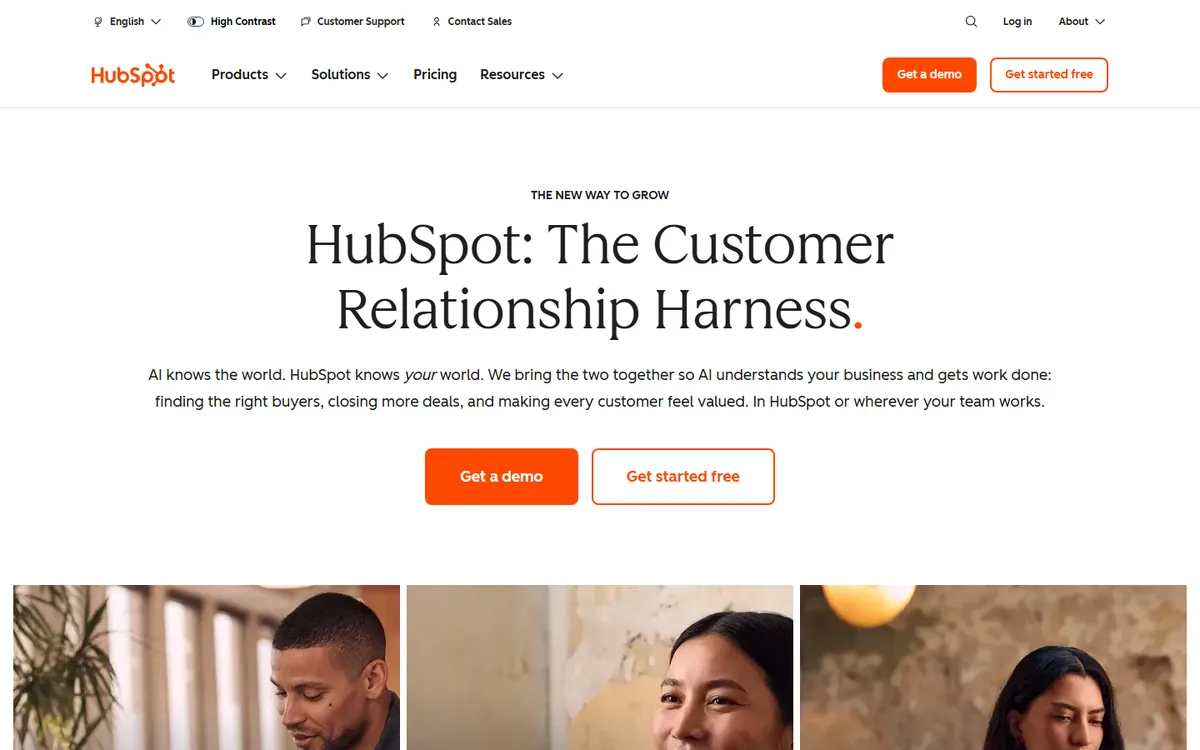
HubSpot Marketing Hub combines email, landing pages, forms, automation and reporting on top of a built-in CRM.
HubSpot is the platform I choose most often for a healthcare organization that wants lead capture, nurture emails and reporting in one place. A service-line inquiry form feeds the CRM, an automation sends the right follow-up, and your reports show which campaigns bring booked consultations. Because everything shares one contact record, the handoff between marketing and your intake team gets much cleaner.
Healthcare adds one hard rule. Before any patient information goes into a marketing platform, ask the vendor whether your plan can be covered by a business associate agreement, and keep health details out of forms until you have the answer in writing. My healthcare marketing tips cover that discipline in practice.
What I Like About HubSpot Marketing Hub
- Forms, email, automation and CRM share one contact record
- A free plan lets you test the basics before you pay
- Reporting connects campaigns to booked appointments or inquiries
What I Don’t Like About HubSpot Marketing Hub
- Professional and Enterprise plans carry large one-time onboarding fees
- Costs rise quickly as seats and contacts grow
HubSpot Marketing Hub Pricing
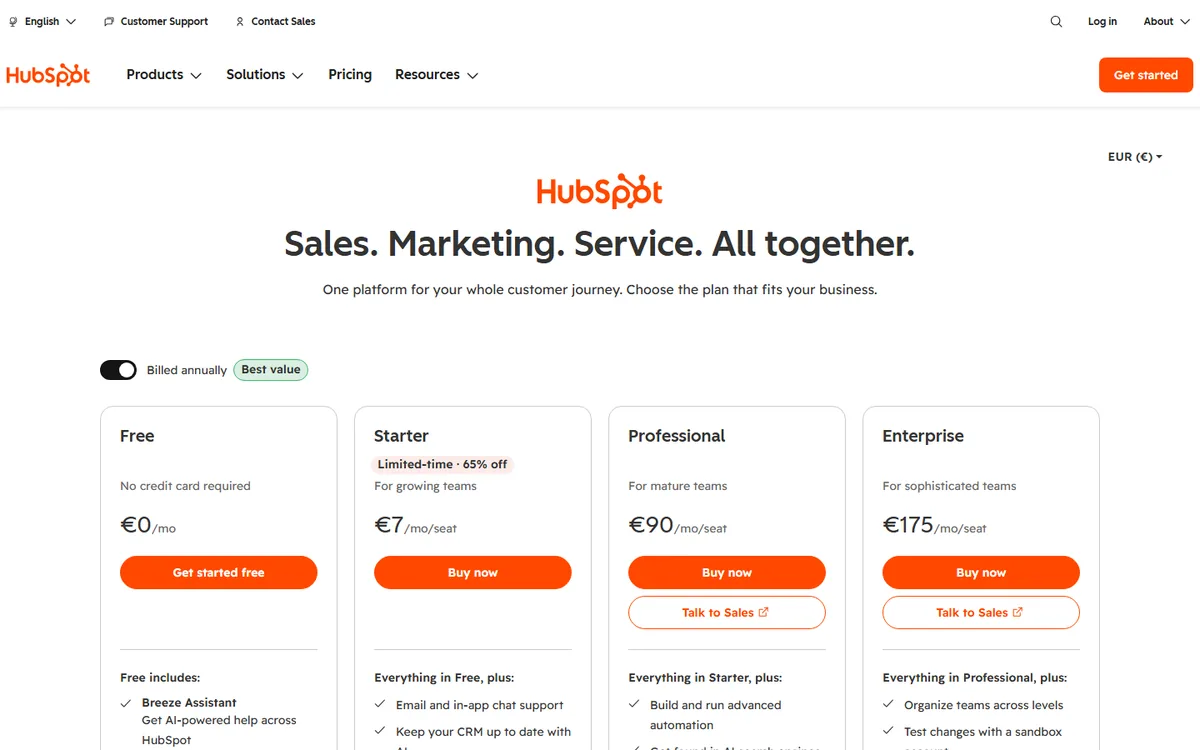
HubSpot lists a Free plan for up to two users. The Starter plan is priced per seat and sits under $25 a month per seat. Professional starts at $800 a month with three core seats and a one-time $3,000 onboarding fee, and Enterprise starts at $3,600 a month with a one-time $7,000 onboarding fee.
HubSpot Marketing Hub Reviews
Semrush
The Most Complete Toolbox for Finding Out What Patients Search Before They Book
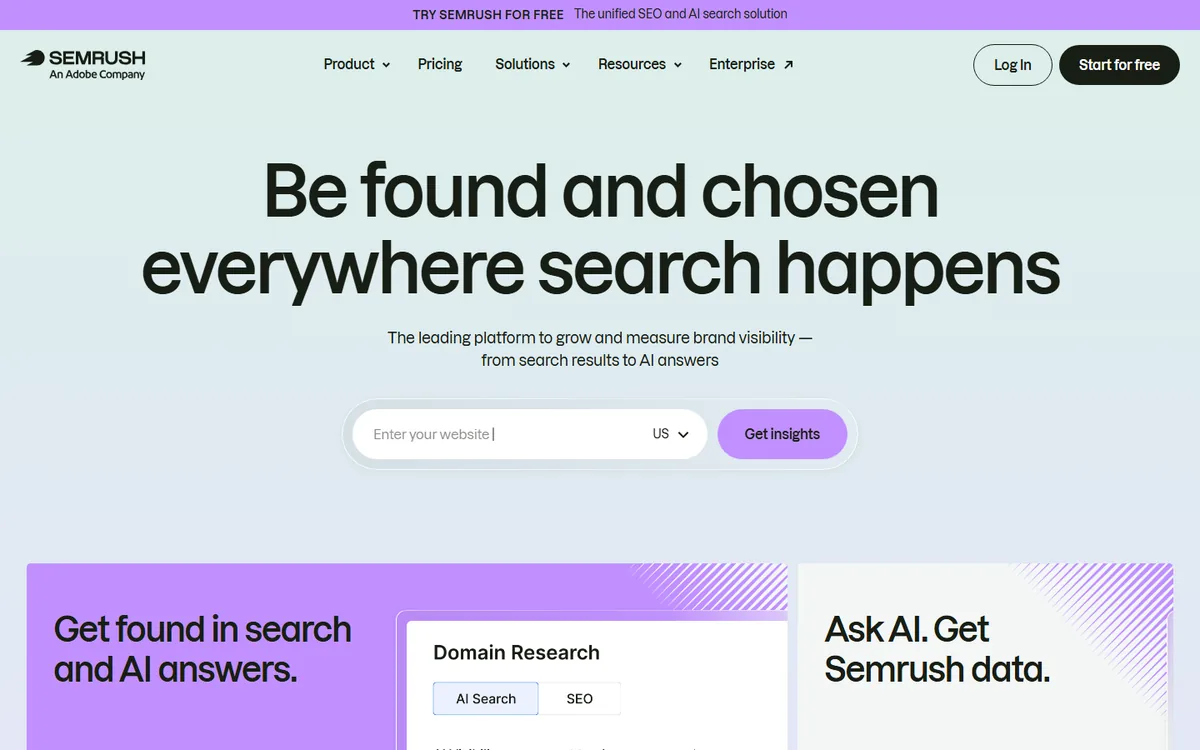
Semrush covers keyword research, competitor analysis, site audits, rank tracking and content planning in one subscription.
Patients search for symptoms, treatments and providers long before they call. Semrush shows you what they type, how many people type it and which competitors already rank. A multi-location practice can see that a competing clinic owns the answer to a treatment question and decide whether to write a better page or look elsewhere.
I use it to pick topics rather than to chase rankings, and the same logic runs through my write-up of healthcare marketing trends, where search is moving toward AI answers. The learning curve is steep, and the monthly cost is hard to justify unless someone on your team will open it every week.
What I Like About Semrush
- The keyword and competitor data is deep and easy to export
- Site audits flag technical problems across a large provider website
- Content tools help you plan topics around real search demand
What I Don’t Like About Semrush
- There is a lot to learn, and a small team will use a fraction of it
- Add-ons and extra seats raise the bill beyond the headline price
Semrush Pricing
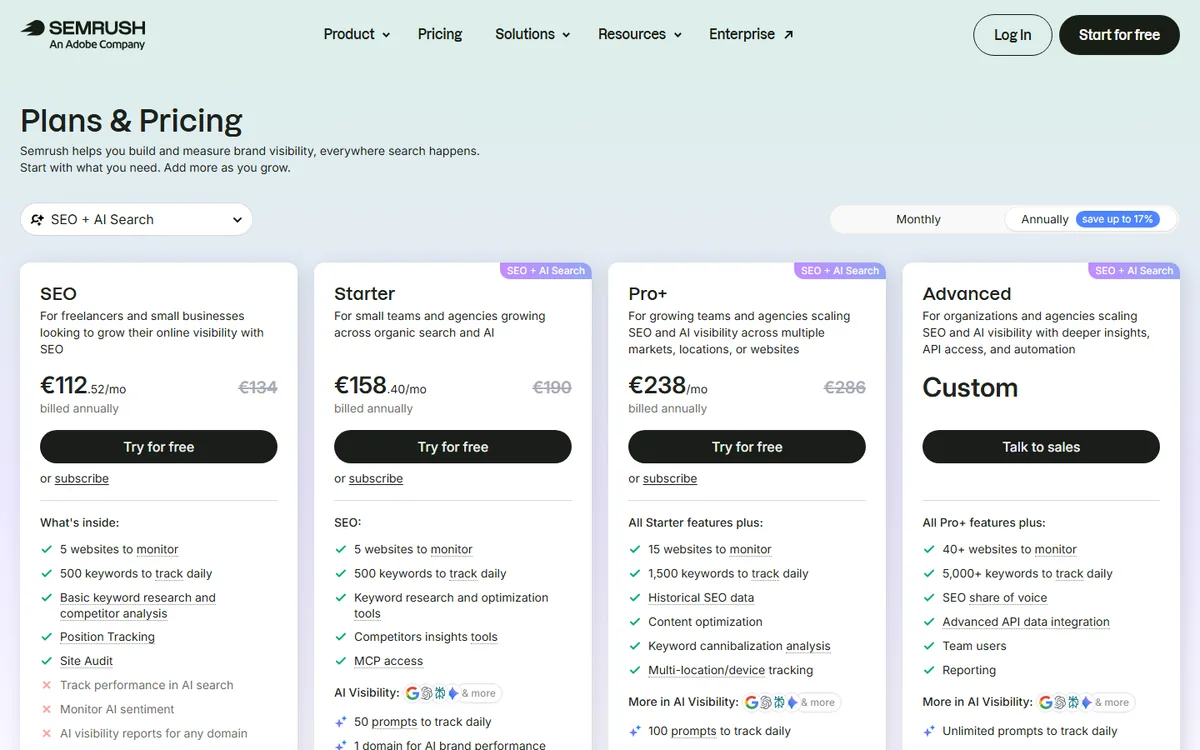
Semrush’s own pricing page did not load for me, so I used a third-party summary, which lists Pro at $139.95 a month on monthly billing, Guru at $249.95 and Business at $499.95, with lower rates on annual billing. Confirm the current prices on semrush.com before you buy.
Semrush Reviews
Birdeye
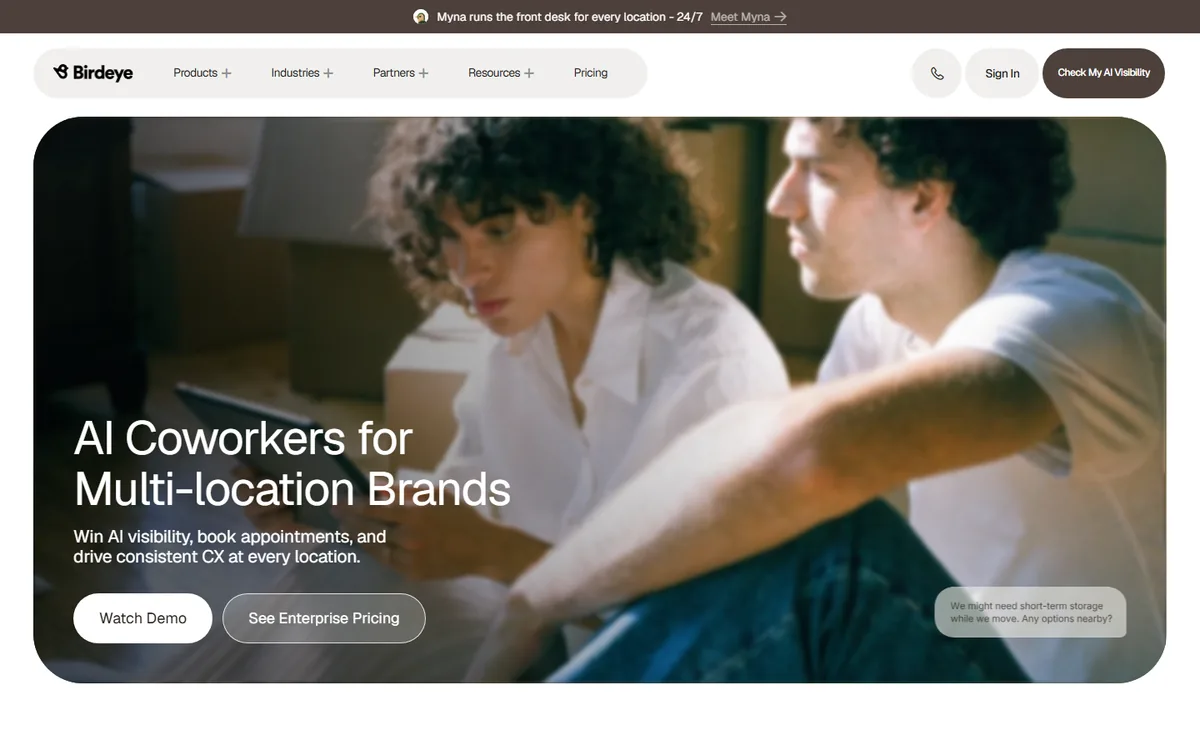
The Easiest Way to Collect and Answer Patient Reviews at Several Locations
Birdeye sends review requests, keeps listings accurate and brings reviews and patient messages into one inbox.
Reviews are often the first thing a new patient reads about your clinic, and the volume matters as much as the star rating. Birdeye automates the ask after each visit and tracks the results by location. You can compare offices, spot a drop early and reply from one screen.
For healthcare, I add two cautions. Never confirm a patient relationship in a public review reply, and write your reply template with your compliance lead. Review collection is one of the cheapest wins in my list of healthcare marketing examples, because it improves local visibility and trust at once.
What I Like About Birdeye
- Review requests, replies and listings run from one dashboard
- Per-location reporting suits provider groups
- The G2 rating is high across a large pool of reviews
What I Don’t Like About Birdeye
- No public price list, so expect a sales call
- Smaller single-site clinics may not need the full platform
Birdeye Pricing
Birdeye does not publish plan prices. Its pricing page uses a form, with tiers by number of locations from 1 to 3 up to 1,000 or more, and the plans are customized to your business.
Birdeye Reviews
Hootsuite
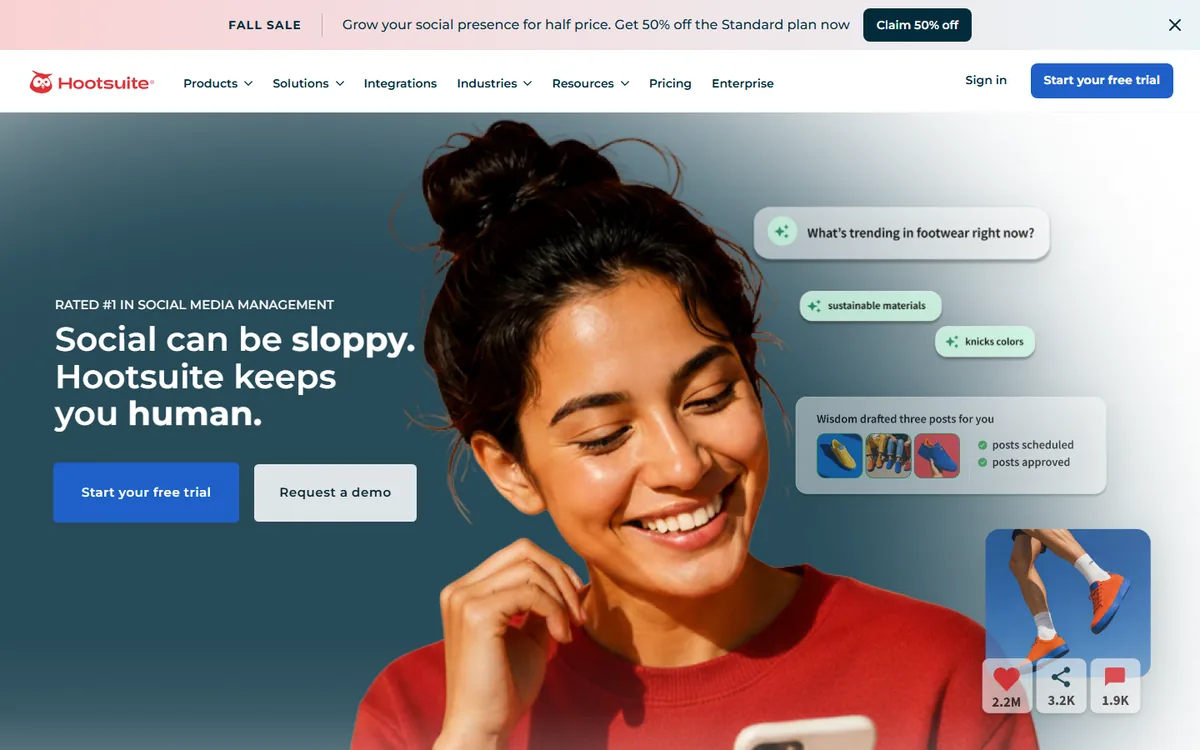
A Dependable Scheduler for Organizations With Many Accounts and Approval Steps
Hootsuite schedules posts across social networks, collects replies in one inbox and reports on results.
A hospital with several service lines, a foundation and a physician group can end up with a dozen social accounts. Hootsuite lets one team plan and schedule posts for all of them, route drafts through approval and answer comments from a single screen. The approval step helps with healthcare content, where a clinician or compliance reviewer should see a post before it goes live.
It does not make your content better. If your social strategy is thin, a scheduler only publishes thin posts faster. Pair it with a plan like the one in my healthcare marketing challenges guide, which covers the content and compliance hurdles first.
What I Like About Hootsuite
- Scheduling, approvals and a shared inbox sit in one place
- It supports many accounts and team members
- Reports let you compare networks side by side
What I Don’t Like About Hootsuite
- Prices are per user, so a large team gets expensive
- The best analytics sit on higher tiers
Hootsuite Pricing
Hootsuite lists Standard at $99 per user per month, Professional at $199 and Advanced at up to $399, with Enterprise on request. Annual billing lowers the per-user rate, and Standard, Professional and Advanced include a 14-day free trial.
Hootsuite Reviews
Yext
Built for Networks That Need Provider and Location Data to Match Everywhere
Yext manages business listings, reviews and search presence from a single source of data, mainly for multi-location organizations.
A health system may have hundreds of providers and locations, and wrong phone numbers or old addresses send patients to the wrong place. Yext keeps one record and pushes updates out to directories and search platforms. Duplicate suppression and centralized review monitoring are the features reviewers praise most.
The cost is the issue for smaller organizations, and some reviewers report that listings can revert to old information if you cancel. If you have one or two locations, a well-kept Google Business Profile does most of the job at no cost.
What I Like About Yext
- One data record updates many directories
- Reviews can be monitored and answered in one dashboard
- Helpful for networks with many locations and providers
What I Don’t Like About Yext
- Reviewers call it expensive for small practices and agencies
- Listings can revert to outdated information after cancellation
Yext Pricing
Capterra lists Yext plans per year: Emerging at $199, Essential at $449, Complete at $499 and Premium at $999, with a free trial and no free version. Confirm whether prices apply per location and what a full contract costs.
Yext Reviews
Paubox
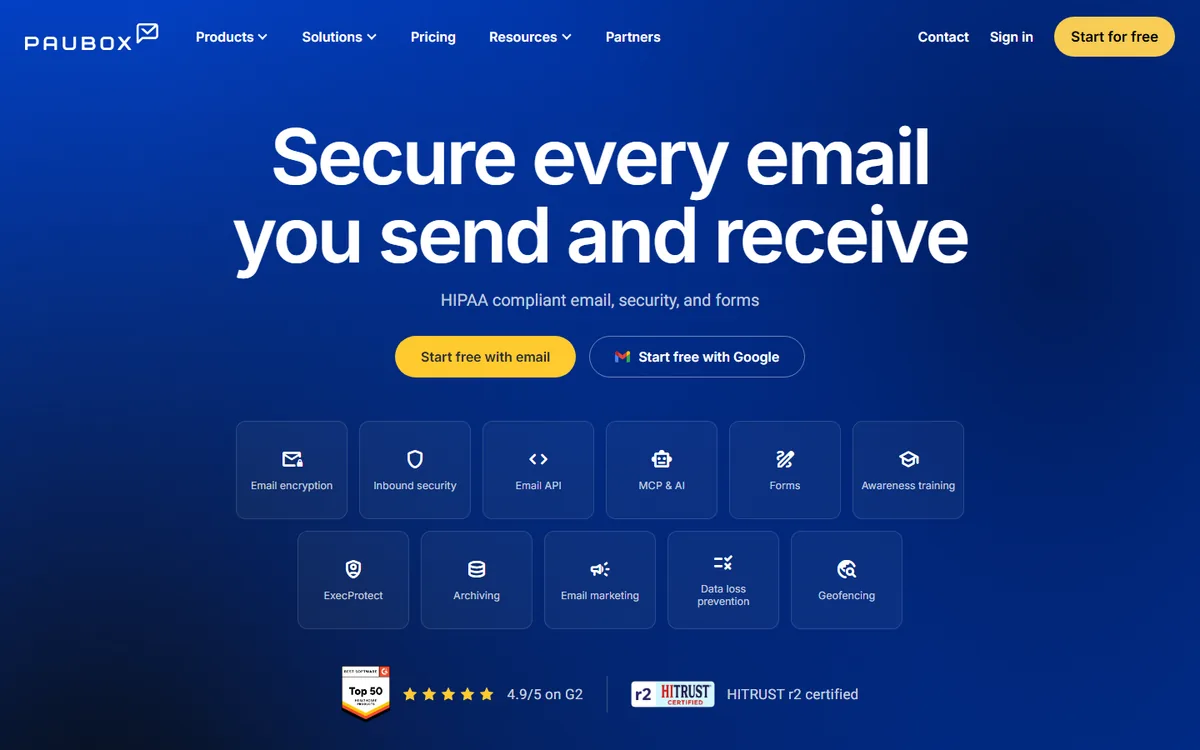
The Safest Way to Email Patients Without Building Compliance Yourself
Paubox provides HIPAA compliant email, with encryption handled automatically, and a separate marketing email product.
Most email tools were never designed for protected health information. Paubox encrypts messages so your team can send them without asking the patient to log in to a portal. For a clinic that sends appointment details, forms or follow-up care instructions by email, that removes a daily compliance worry.
I include it because healthcare marketing is more than newsletters, and a tool built for the sensitive side of email belongs on the list. Its 4.9 G2 rating from 674 reviews is the highest of the seven. Use it for messages that contain patient details, and keep general newsletters in your marketing platform.
What I Like About Paubox
- Encryption works without extra steps for the recipient
- Plans combine email, security and archiving options
- The G2 rating is the highest in this ranking
What I Don’t Like About Paubox
- The pricing page showed placeholder prices when I checked
- It is a narrower tool than a full marketing platform
Paubox Pricing
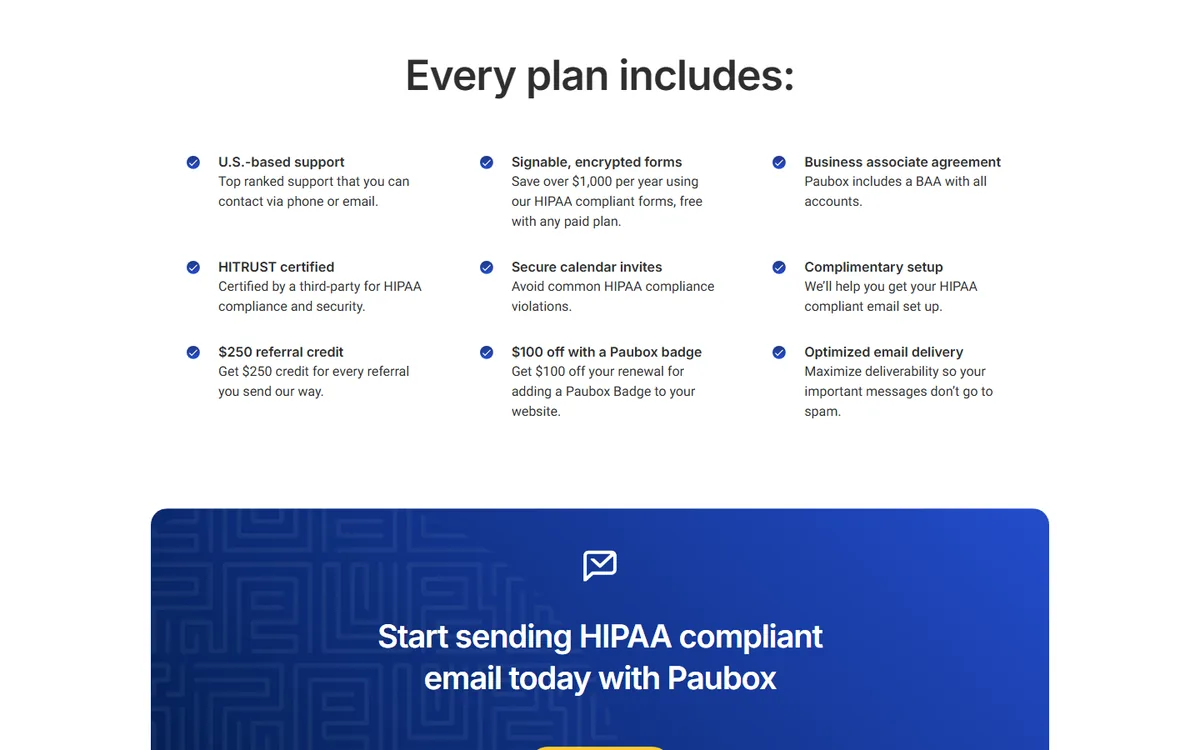
Paubox Email Suite comes in Standard, Plus and Premium plans, each with a 14-day free trial and a 30% saving for annual billing. The prices on its pricing page displayed as placeholders when I checked, so ask Paubox for the current monthly price per sender.
Paubox Reviews
Google Analytics
Free Measurement That Shows Which Pages and Campaigns Bring Patient Inquiries
Google Analytics tracks visits, sources and conversions on your website for free.
Without measurement you cannot say which channel brings patients. Google Analytics shows where visitors come from and which service pages lead to form submissions and calls. It is the base for any report you send to leadership.
Healthcare needs care here. The federal tracking-technology guidance from HHS has been partly overturned in court, but it still applies to authenticated pages such as patient portals, so keep analytics tags off logged-in areas and check with your compliance team before you add new ones. Read the HHS tracking technology guidance and ask your counsel which parts still apply.
What I Like About Google Analytics
- It costs nothing for most organizations
- It shows which channels and pages lead to inquiries
- It is the common language for reporting across agencies
What I Don’t Like About Google Analytics
- The interface takes time to learn
- Privacy rules limit where you can use it on a healthcare site
Google Analytics Pricing
Google Analytics is free in its standard form, and a paid enterprise tier exists. Check the current terms on Google’s site, because they change.
Google Analytics Reviews
Estimate the Return on a Healthcare Marketing Tool
Before you pick a plan, check whether the numbers work. Enter the manual hours the tool should take over and its monthly price, and you will see what it returns in a year. Use the calculator as a floor, because it only counts time saved and not new patients.
Is the Tool Worth It for You?
Set the sliders to the work the tool would handle and the plan you have in mind.
How to Choose a Healthcare Marketing Tool
Compliance and fit decide more than features. Before you compare vendors, answer four questions:
- Which gap costs you the most today: search visibility, reviews, lead follow-up or social publishing?
- Will the tool touch protected health information, and will the vendor sign a business associate agreement?
- Which systems does it need to connect to, such as your CRM or scheduling platform?
- Who owns the tool, and who approves content before it goes out?
If you need one system to run email, forms and follow-up, start with HubSpot. If you manage many locations, look at Birdeye and Yext, and if search is your main channel, Semrush earns its price. Add Paubox when email carries patient details, and Google Analytics so you can measure every one of the others.
Questions About Choosing Healthcare Marketing Tools
What Is the Best Marketing Tool for a Healthcare Organization?
For most organizations that need one system, HubSpot Marketing Hub is the strongest all-round choice. If your main problem is patient reviews, Birdeye is closer, and if it is search visibility, Semrush is. Pick by the biggest gap in your patient flow.
Do Healthcare Marketing Tools Have to Be HIPAA Compliant?
Tools that store or send protected health information need the right agreements and safeguards. Ask each vendor whether it signs a business associate agreement, and keep health details out of any tool that does not. Your compliance lead has the final say.
Can I Use Google Analytics on a Healthcare Website?
Many organizations do, on public pages. A federal court partly vacated the HHS tracking-technology guidance, but tracking tools still may not be used on authenticated pages such as patient portals unless HIPAA permits it. Check the current status with your compliance advisor.
How Much Do Healthcare Marketing Tools Cost?
Costs range from free for Google Analytics to hundreds or thousands of dollars per month for HubSpot Professional or Enterprise. Several vendors in this list, including Birdeye, do not publish prices, so request quotes for the same scope before you compare.
Do I Need an SEO Tool Like Semrush?
You need one if your team plans to publish content or compare itself with competing providers every month. If you only maintain a few service pages, the free tools from Google may be enough for now.
Which Tool Should a Small Clinic Start With?
Start with a complete Google Business Profile, a review routine and Google Analytics, all of which are free or cheap. Add HubSpot or Birdeye when you can name the gap they would close.
How Do I Measure Whether a Tool Pays Off?
Choose one number before you start, such as booked appointments from web forms or new reviews per month, and compare it with the three months before. If the number does not move, change how you use the tool or end the contract.
Please note: pricing, plans and ratings change often. They were accurate at our last review; please verify them on the vendor sites before you buy. None of this is legal or financial advice. Tools that touch patient data need their own HIPAA review with your compliance team.
Was this guide helpful?
Thanks for your feedback.
Warren Albright
Warren leads the Blue Hornet editorial team and works with the consultants to turn real client projects into practical guides on content, paid media, marketing automation, CRM and analytics. He comes from content and demand generation work, edits every article before a working marketing consultant reviews it, and draws on strategies, channel plans and audits from client projects to keep the advice grounded in real numbers.