Quick Summary
- Fix your free Google Business Profile before you pay for any other dental marketing tool.
- Weave and RevenueWell are the two dental-specific platforms here: Weave for calls and texts, RevenueWell for recall and reactivation.
- Mailchimp and Canva both have free plans and cover newsletters and design for a small practice.
- Keep patient health details out of general tools, and ask vendors about business associate agreements before you connect patient data.
The Best Dental Marketing Tools at a Glance
| Tool | Type | Best for |
|---|---|---|
| 1. Weave | Phones, texting and reviews in one system | Practices that want one inbox for every patient message |
| 2. Birdeye | Reviews, listings and messaging | Multi-location groups that care most about Google reviews |
| 3. RevenueWell | Dental patient engagement and automation | Practices that want recall and reactivation campaigns built for dentistry |
| 4. Podium | Webchat, texting and review requests | Front desks that miss leads from website chat |
| 5. Mailchimp | Email marketing with a free plan | Monthly newsletters and promotions on a tight budget |
| 6. Canva | Design with a free plan | Social posts, flyers and office signage in your own style |
| 7. Google Business Profile | Free local listing | Every practice, because it feeds map and local search results |
The 7 Best Dental Marketing Tools, Ranked
I rank tools by how much of a practice’s patient flow they cover, then by price. Software only helps once the plan behind it is clear, and in the projects I review through dental marketing consulting, the practices that name one leak to fix before buying see results fastest.
Weave
The Closest Thing to a Single Inbox for Everything Your Front Desk Hears From Patients
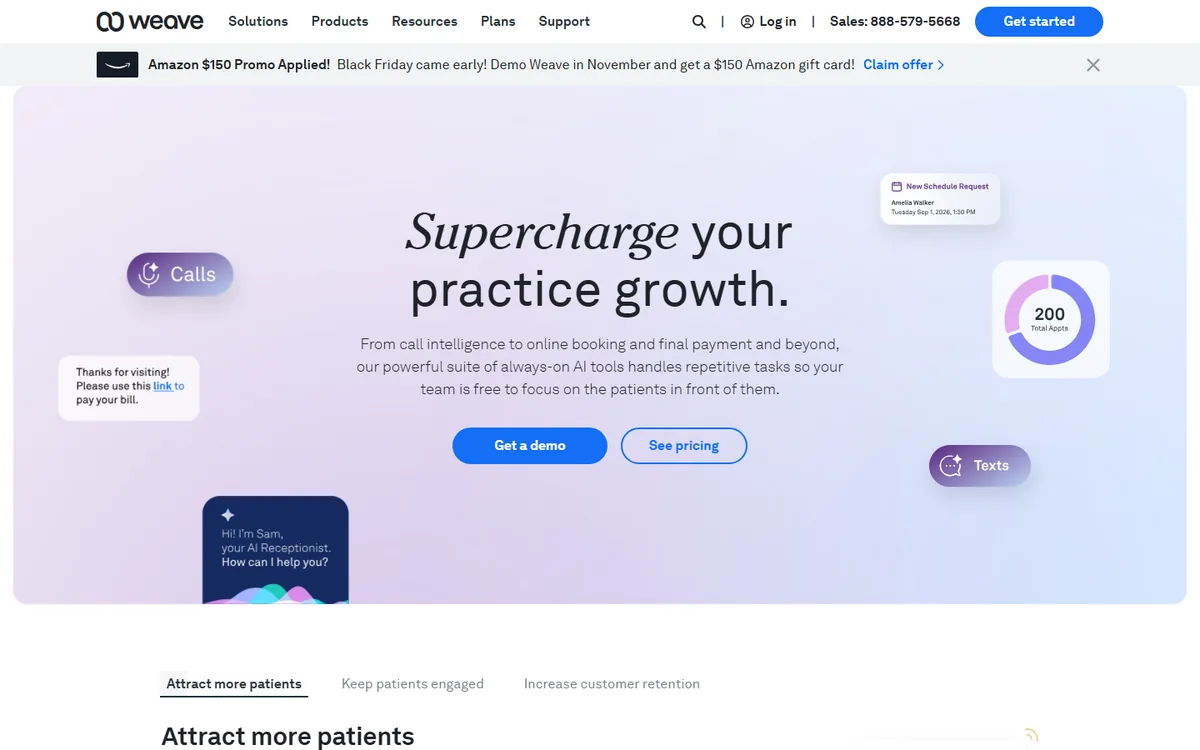
Weave combines your phone system, two-way texting, appointment reminders, online reviews and payments in one product built for healthcare offices.
I recommend Weave first because most dental marketing problems start at the front desk. A new patient calls, nobody answers, and the ad money you spent on that click is gone. Weave puts calls, texts and reminders into one screen, so every missed call can trigger a text back within seconds. Review requests go out after the visit without anyone remembering to send them.
The trade-off is commitment. Weave replaces your phone system, which makes it more than a marketing add-on, and I would only start the switch when you are ready to retrain the whole team. Before you buy anything for lead generation, read my dental marketing tips, because a practice that answers every call often gets more from the same ad budget than one that doubles it.
What I Like About Weave
- Missed calls turn into text conversations instead of lost patients
- Reminders, review requests and payment links live in the same system
- Built for dental and medical offices, so the workflows already match how you run a day
What I Don’t Like About Weave
- The phone system comes bundled, so switching is a real project
- Pricing is quoted by location and feature set, which makes comparison harder
Weave Pricing

Capterra lists Weave from $199 per month per location, with no free plan or free trial. Weave quotes the final price by location and features, so ask for the all-in monthly cost, including any setup or hardware fees, before you compare it with other tools.
Weave Reviews
Birdeye
Strong Review Collection and Local Listings for Groups That Manage Several Offices
Birdeye collects reviews, keeps your business listings consistent and gives you one inbox for review replies and patient messages.
Reviews decide a large share of dental choices, and Birdeye is built around that fact. It asks patients for a review by text or email after the visit, posts the results to Google and other sites, and shows you every new review in one feed. If you run several offices, you see which location is slipping before the rating drops.
In my client work, the money is in the routine rather than the dashboard. A practice that asks every patient and answers every review will beat a practice with a better tool and no routine. My dental marketing strategy guide shows where review collection sits in the wider plan, ahead of paid ads for most small practices.
What I Like About Birdeye
- Review requests, replies and listings are handled from one place
- The 4.7 G2 rating comes from thousands of reviews, so the sample is large
- Works across many locations, with reporting per office
What I Don’t Like About Birdeye
- Price available on request, so you have to talk to sales to learn the cost
- It is more tool than a single-chair practice needs
Birdeye Pricing
Birdeye does not publish plan prices. Its pricing page asks you to fill in a form with your number of locations, and the tiers on that form run from 1 to 3 locations up to 1,000 or more. Expect a quote based on locations and features.
Birdeye Reviews
RevenueWell
Dental-Specific Recall and Reactivation Campaigns That Fill Open Chairs
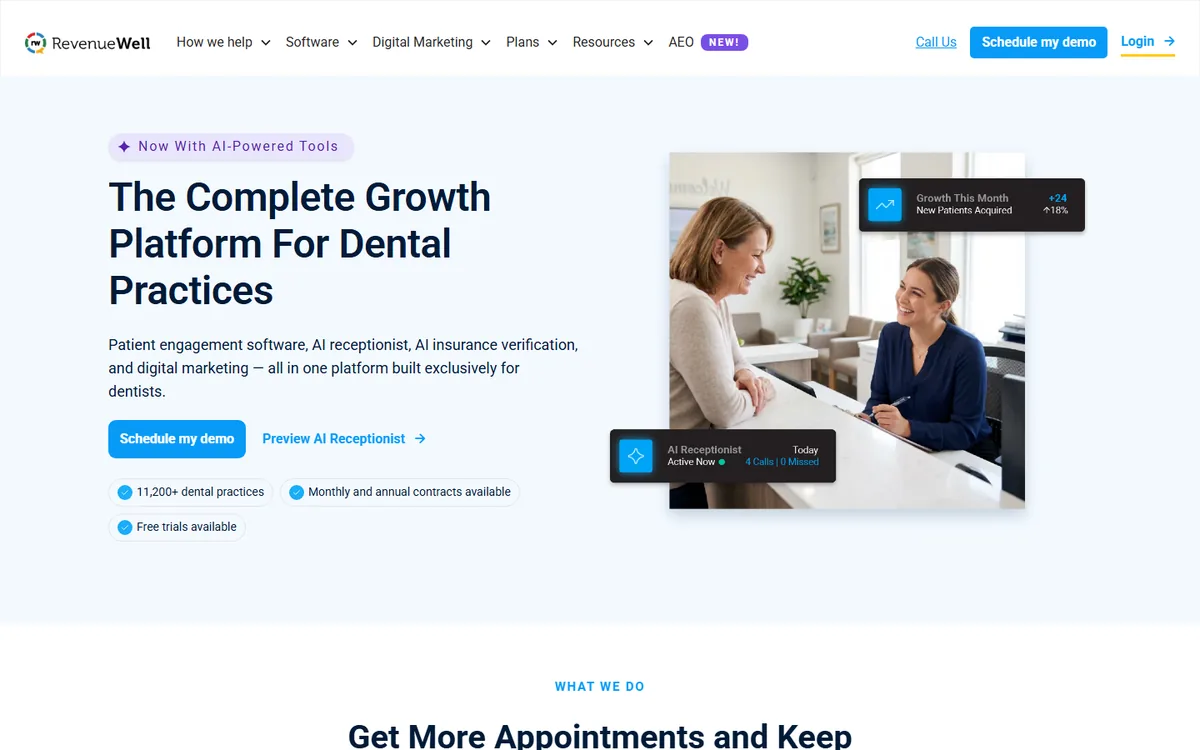
RevenueWell is a patient engagement platform for dental offices, with reminders, recall campaigns, reviews and a texting inbox.
The patients you already have are the cheapest source of new appointments. RevenueWell connects to your practice management software, finds patients who are overdue for a visit or have unscheduled treatment, and sends them messages on a schedule. That recall work rarely gets done by hand, and it is where many practices leave revenue sitting.
I like tools that start from a dental workflow instead of a generic marketing one, and this is one of them. It will not bring you strangers who have never heard of you, so pair it with a local search and review plan. The dental marketing ROI math shows why reactivation often beats paid acquisition on payback.
What I Like About RevenueWell
- Recall and reactivation campaigns are built for dental scheduling
- Connects to common practice management systems, so lists stay current
- Texting, email and review requests share one set of patient records
What I Don’t Like About RevenueWell
- It focuses on existing patients, so you need another tool for new patient acquisition
- Per-user pricing adds up for a larger team
RevenueWell Pricing
Capterra lists RevenueWell from $189 per user per month on the Starter plan, with a free trial. G2 does not show plan prices, so confirm the current rate and any setup fee with the vendor.
RevenueWell Reviews
Podium

A Good Fit if Website Visitors Message You Before They Call
Podium captures website chat, text messages and review requests in one inbox, and it offers an optional AI employee add-on that answers messages.
Many new patients now start with a text or a chat box, and a message sitting unanswered for an hour is a patient who booked somewhere else. Podium puts web chat and texting in one place, so your team can answer quickly from one screen. Review invitations ride on the same channel.
Podium is general-purpose software for local businesses, so it knows less about dentistry than Weave or RevenueWell. That is fine if you only need the messaging layer and already own the rest of your stack. Check its reply speed against the trends in my dental marketing trends outlook, which covers how patients expect to book.
What I Like About Podium
- Web chat, texting and review requests share one inbox
- The optional AI add-on can answer common questions outside office hours
- Quick to set up on a website, with a typical rollout measured in weeks
What I Don’t Like About Podium
- Price available on request, so you have to ask sales for a quote
- Less dental-specific than Weave or RevenueWell
Podium Pricing
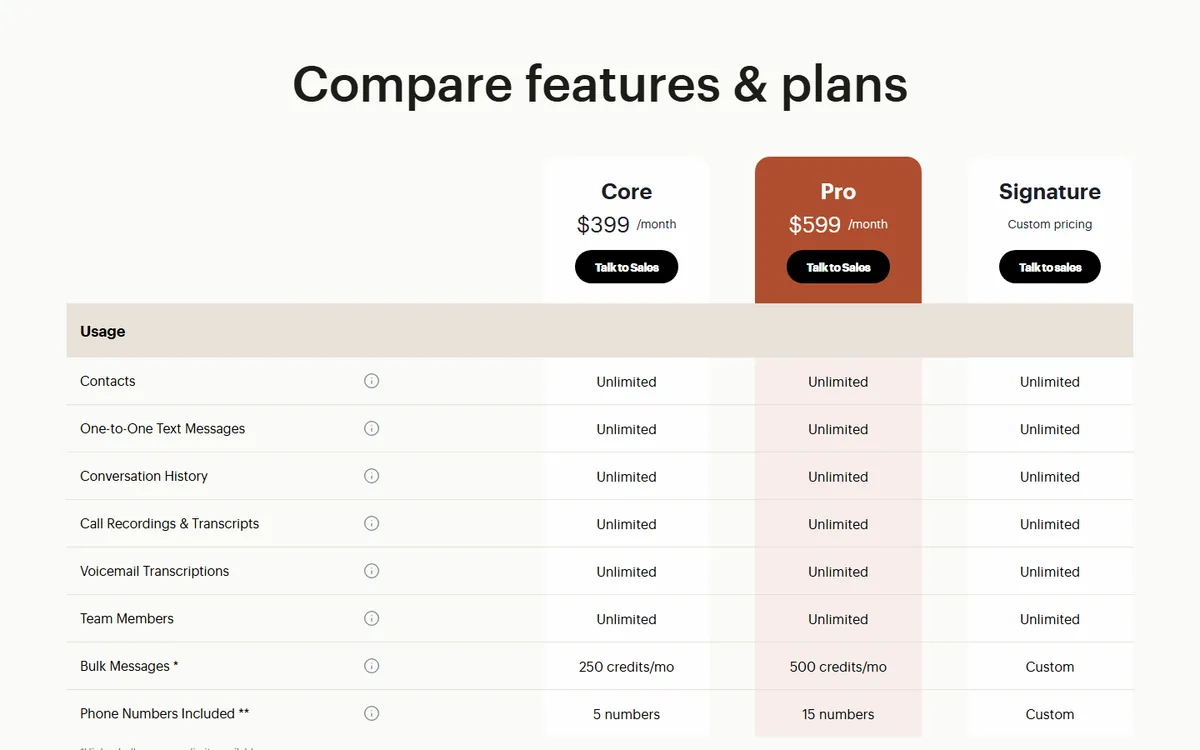
Podium does not list prices. Its pricing page says plans are fitted to your business and sends you to sales, and Capterra shows the price as available on request with no free trial or free version. Ask what the AI employee add-on costs on top of the base plan.
Podium Reviews
Mailchimp
The Cheapest Place to Start Sending Patient Newsletters and Promotions
Mailchimp sends email campaigns and automations from templates, and it keeps a free plan for small lists.
A monthly email to your patient list costs almost nothing and reminds people you exist between visits. Mailchimp makes that easy with ready templates, a drag-and-drop editor and simple automations such as a welcome email for new patients. A practice with a few hundred contacts can start on the free plan.
I add one warning. Patient health details do not belong in a general email tool, so keep messages to office news, seasonal offers and general oral health tips, and leave appointment specifics to your practice software. For a first campaign, my consulting team usually starts with a four-email welcome series.
What I Like About Mailchimp
- A free plan covers a small practice list
- Templates and automations are easy for a front desk to learn
- Reports show opens and clicks without extra setup
What I Don’t Like About Mailchimp
- It is not built for dental, so there is no link to your scheduling data
- Costs rise as your contact list grows
Mailchimp Pricing
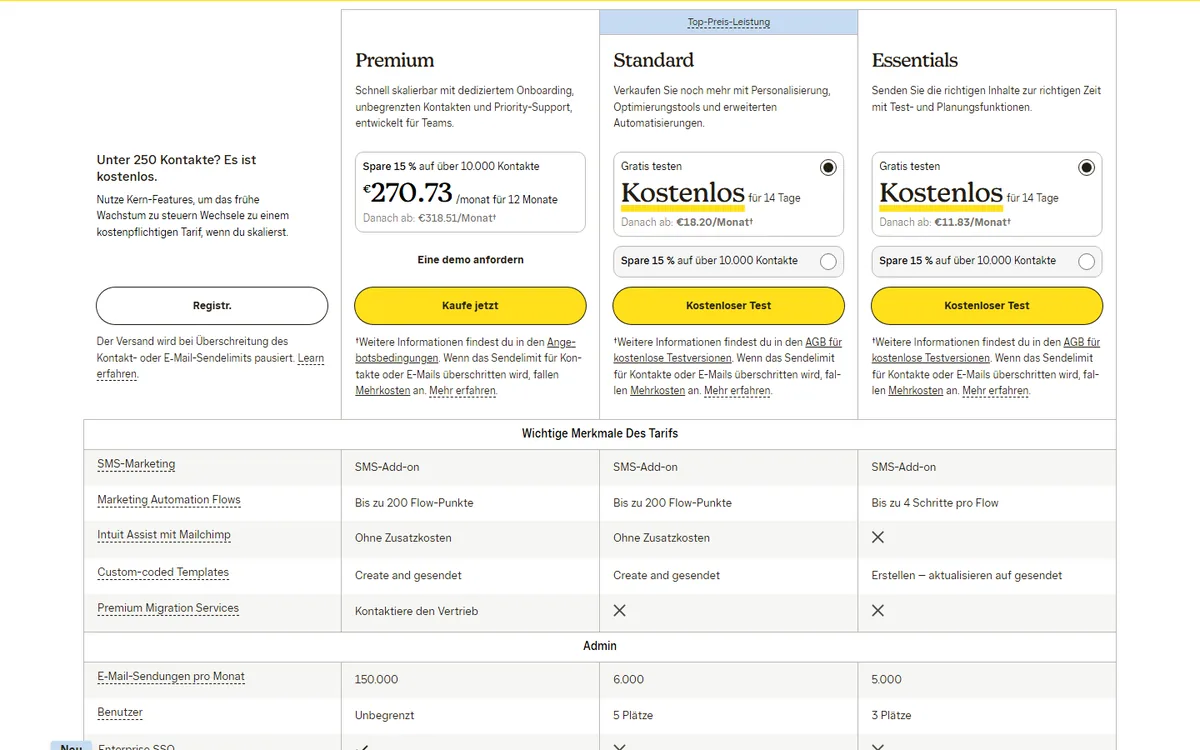
The Mailchimp pricing page lists a Free plan with up to 250 contacts and 500 emails a month, and paid plans from $13 (Essentials), $20 (Standard) and $350 (Premium) a month. Prices move with the size of your contact list, and Essentials and Standard include a 14-day free trial.
Mailchimp Reviews
Canva
The Fastest Way to Make Social Posts and Flyers That Look Like Your Practice
Canva is a design tool with thousands of templates for social posts, flyers, postcards and signs, plus a free plan.
Dental marketing needs a steady stream of simple visuals: a staff welcome post, a whitening offer, a hygiene reminder card for the waiting room. Canva lets your front desk make those in minutes. Save your logo, colors and fonts in a brand kit and every piece looks like it came from the same practice.
It will not write a strategy for you, and a pretty post that nobody sees earns nothing. Use Canva to produce what your plan already calls for. The dental marketing tips I publish treat design as the last step after you know who you want to reach and where.
What I Like About Canva
- The free plan covers most small-practice needs
- Brand kits keep every post and flyer consistent
- Print and social sizes are one click away
What I Don’t Like About Canva
- Stock content can look generic if you do not add your own photos
- Advanced brand controls sit behind paid tiers
Canva Pricing
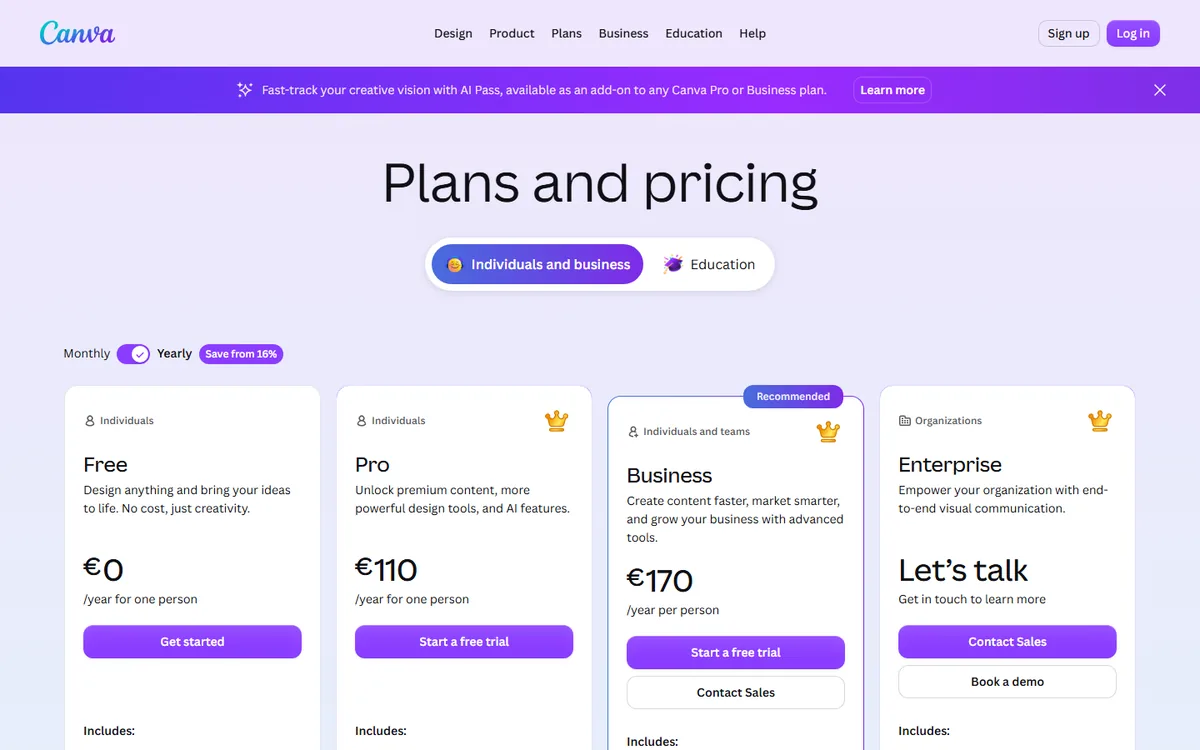
Canva has a free plan. Capterra lists Canva Pro at $15 per user per month and Canva Teams at $10 per user per month with a three-person minimum, and Enterprise on request. Canva's own pricing page could not be loaded when I checked, so confirm the current figures there.
Canva Reviews
Google Business Profile
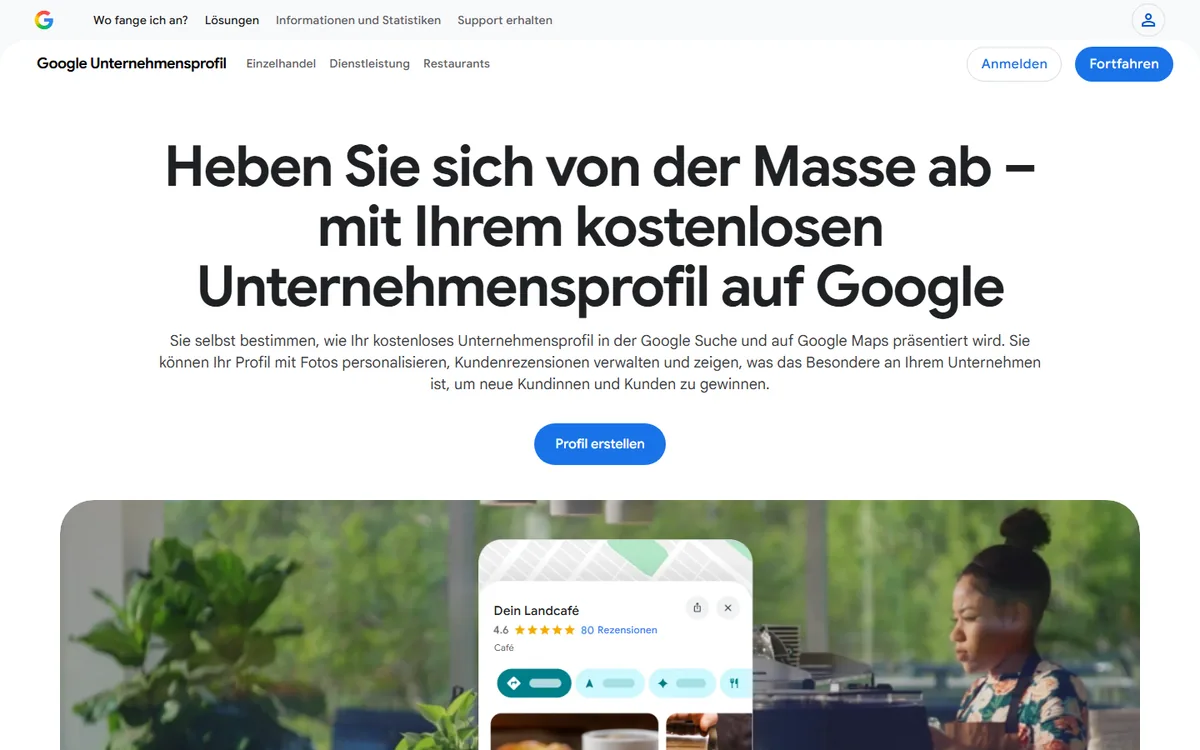
The Free Listing Every Dental Practice Needs Before Paying for Anything Else
Google Business Profile controls how your practice shows up on Google Maps and in local search, and it costs nothing.
When someone searches for a dentist nearby, the map results and the Business Profile card usually come first. Fill in your hours, services and photos, answer questions and reply to every review. These steps take a few hours, and they are the cheapest marketing work in dentistry.
I rank it last because it is basic, and I would still do it before anything above. A practice with an incomplete profile and a $400 monthly review tool has its priorities backwards. Pair the profile with a review routine and you have the base of the plan I describe in my dental marketing strategy guide.
What I Like About Google Business Profile
- It is free and comes straight from the source of local search results
- Posts, photos and Q&A keep your listing fresh
- Insights show how many people call, request directions or visit your site
What I Don’t Like About Google Business Profile
- There is no support line for individual practices
- Spam and fake reviews can take effort to get removed
Google Business Profile Pricing
Google Business Profile is free. There is nothing to buy to claim or edit your listing, so the only cost is the time you spend keeping it current.
Google Business Profile Reviews
Estimate the Return on a Dental Marketing Tool
Before you commit to a plan, check the numbers. Enter the manual hours the tool will take off your team’s plate and its monthly price, and you will see the yearly return. For the patient-revenue side, use the payback formulas in my dental marketing ROI guide.
Is the Tool Worth It for You?
Set the sliders to the work the tool would handle and the plan you have in mind.
How to Choose a Dental Marketing Tool
Fit with your daily routine matters more than any feature list. Before you compare vendors, answer four questions:
- Where do you lose patients today: missed calls, thin reviews, overdue recalls or low search visibility?
- Does the tool connect to your practice management software?
- Will it touch patient health information, and does the vendor sign a business associate agreement?
- Who on your team owns it, and how many minutes a week will that take?
If calls are the leak, I would look at Weave. If you want reviews across several offices, look at Birdeye. If your schedule has gaps and a long list of overdue patients, RevenueWell is the closer fit, and if you only need chat and texting on your website, Podium is enough. Everything else on the list fills the free basics.
Questions About Choosing Dental Marketing Tools
What Is the Best Dental Marketing Tool for a Small Practice?
If you can pick only one, start with a free Google Business Profile and add a review tool once your listing is complete. Weave suits you if missed calls are the problem, and RevenueWell suits you if recall and reactivation are. Match the tool to the leak in your patient flow rather than to the longest feature list.
Are There Free Dental Marketing Tools?
Yes. Google Business Profile is free, Canva has a free plan, and Mailchimp has a free plan for up to 250 contacts. Those three cover local search, design and basic email, which is enough to run a first organized month of marketing.
How Much Should a Dental Practice Spend on Marketing Tools?
Tool costs are small next to ad spend. The platforms in this ranking run from free to a few hundred dollars per month, per location or per user. A cost that is reasonable for you depends on how many new patients one extra recall or one extra review brings in, so work that out first.
Do Dental Marketing Tools Need to Be HIPAA Compliant?
Any tool that handles patient health information needs the right agreements and safeguards. Keep health details out of general tools such as Mailchimp or Canva, and ask each vendor whether it signs a business associate agreement if the tool will touch patient data. Your compliance advisor has the final word.
Should I Buy Weave or RevenueWell?
Weave replaces your phone system and adds texting and reviews, so it fits practices that miss calls. RevenueWell sits on top of your practice software and runs recall and reactivation campaigns. Practices with a strong front desk and a weak recall list often gain more from RevenueWell.
How Do I Know If a Dental Marketing Tool Is Working?
Pick one number before you start, such as booked appointments from missed-call texts, new Google reviews per month or reactivated patients. Check it monthly against the month before you bought the tool. If it hasn't moved in a quarter, change how you use the tool or cancel.
Can I Run Dental Marketing Without an Agency?
Yes, for the basics: your listing, reviews, recall messages and a monthly email. An agency or consultant helps when you need paid search, a new website or a plan across several locations. A short call is usually enough to tell which camp you are in.
Please note: pricing, plans and ratings change often. They were accurate at our last review; please verify them on the vendor sites before you buy. None of this is legal or financial advice. Tools that touch patient data need their own compliance review.
Was this guide helpful?
Thanks for your feedback.
Warren Albright
Warren leads the Blue Hornet editorial team and works with the consultants to turn real client projects into practical guides on content, paid media, marketing automation, CRM and analytics. He comes from content and demand generation work, edits every article before a working marketing consultant reviews it, and draws on strategies, channel plans and audits from client projects to keep the advice grounded in real numbers.