Quick Summary
- ChatGPT and Jasper cover most writing needs, with Jasper stronger on brand voice for teams.
- Canva and Adobe Firefly lead for visuals, and Firefly is aimed at commercial use.
- Madgicx, Optmyzr and Google Performance Max suit different mixes of paid media.
- Choose by the task that costs you the most hours, then run a pilot against a baseline.
The Best AI Marketing Tools at a Glance
| Tool | Type | Best for |
|---|---|---|
| 1. Jasper | Writing assistant | Brand-consistent team copy |
| 2. ChatGPT | General AI assistant | All-round drafting and analysis |
| 3. Canva | Design and creative | On-brand visuals for non-designers |
| 4. Writesonic | SEO writing | SEO articles at scale |
| 5. Adobe Firefly | Image and video | Commercially safe images |
| 6. AdCreative.ai | Ad creative | Ad variants for paid social |
| 7. Madgicx | Ad optimization | Meta ads optimization |
| 8. Google Performance Max | Ad platform AI | Google campaigns across channels |
| 9. HeyGen | Video | Short avatar videos |
| 10. Midjourney | Image generation | Concept art and campaign imagery |
| 11. Semrush | SEO suite | Keyword and competitor research |
| 12. Optmyzr | Ad optimization | Search ads management |
| 13. HubSpot Marketing Hub | CRM and automation | CRM-based campaigns |
The 13 Best AI Marketing Tools, Ranked
I start with the tools that suit the widest range of teams and move toward specialist ones for ads, video and CRM-based campaigns. The tool is only part of the result, and a marketing consultant can help you decide where AI belongs in your workflow before you buy. Prices and ratings below were read from vendor and G2 pages while writing, and I left out anything I could not confirm. For the full picture of costs and returns, see my guide to AI marketing ROI, and for the problems teams hit once the tools are live, read about AI marketing challenges.
Jasper
Brand-Aware Copy for Marketing Teams That Publish Every Week
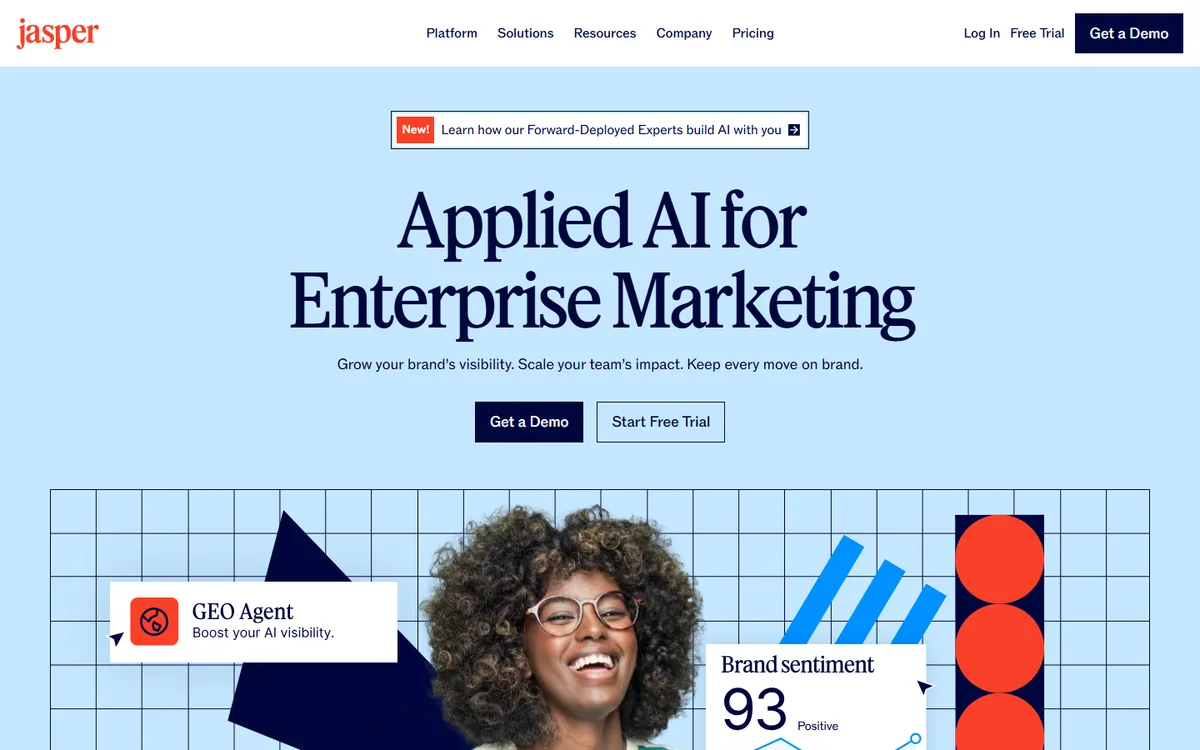
Jasper is built for marketing teams, with brand voice, campaign templates and shared workspaces on top of the large language models.
I recommend Jasper when several people write for one brand and consistency matters more than raw model choice. You upload a style guide and examples, and drafts for blogs, emails, ads and landing pages start closer to your voice. In my client work, the gain shows up in editing time: drafts need lighter rewrites than a blank chat window produces.
The trade-off is cost and credit habits. Teams that regenerate a lot burn through allowances, and a solo marketer may get the same result from a general chat tool. Test it on one real campaign before you roll it out.
What I Like About Jasper
- Brand voice and style guide support keeps drafts consistent
- Campaign and template library speeds up common formats
- Team workspaces suit several writers
What I Don’t Like About Jasper
- Output still needs editing for facts and tone
- Pricing is steep for a solo user
Jasper Pricing
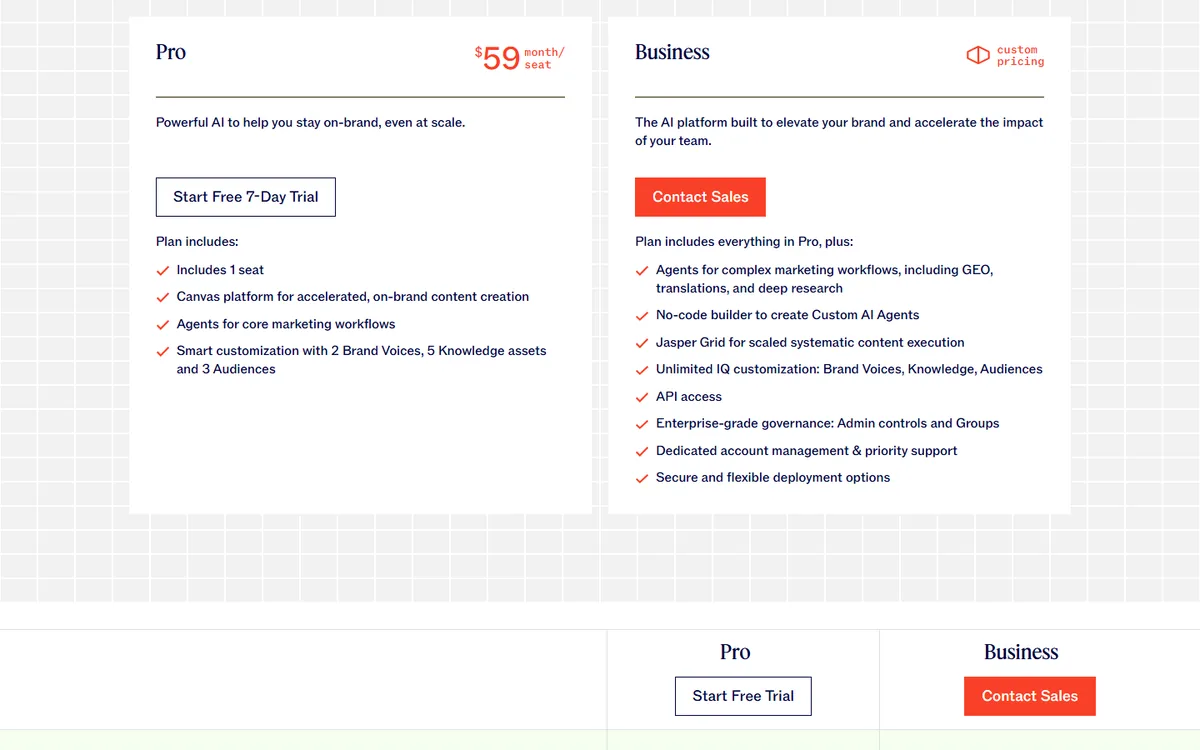
Jasper lists a Pro plan at $69 per seat per month on monthly billing, or $59 per seat per month billed yearly. The Business plan is custom priced through sales, and a 7-day free trial is offered.
Jasper Reviews
ChatGPT
The Flexible General Tool for Ideas, Drafts, Research and Analysis
ChatGPT handles copy, outlines, research summaries, spreadsheet analysis and image ideas in one place, and it fits almost every marketing workflow.
If you buy one AI tool, this is where I would start. You can use it for subject line variants, ad angles, persona questions, audit notes and quick analysis of an exported report. Custom GPTs let you save instructions and examples for tasks you repeat, which works as a light version of a brand voice tool.
Its weakness is that it does not know your brand until you teach it, and it will state invented facts with confidence. Give it source material, ask for citations you can check and keep a person on the final edit.
What I Like About ChatGPT
- Covers writing, analysis and brainstorming in one tool
- Custom GPTs store your instructions for repeat tasks
- Low entry price for individuals
What I Don’t Like About ChatGPT
- Needs careful prompts and fact-checking
- No built-in publishing or ad platform links
ChatGPT Pricing
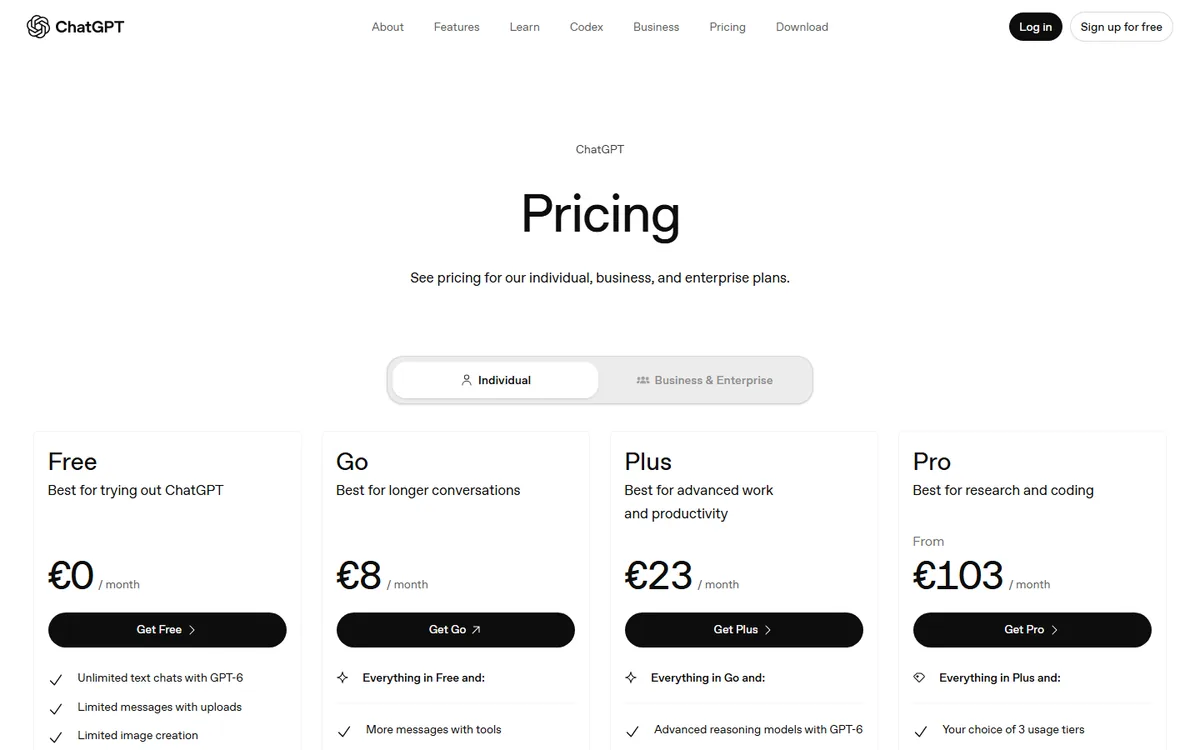
ChatGPT has a free plan, a Plus plan at $20 per month, a Team plan at $30 per user per month billed monthly or $25 per user per month billed annually, and Enterprise pricing through sales.
ChatGPT Reviews
Canva
The Easiest Way to Turn Drafts Into On-Brand Visuals
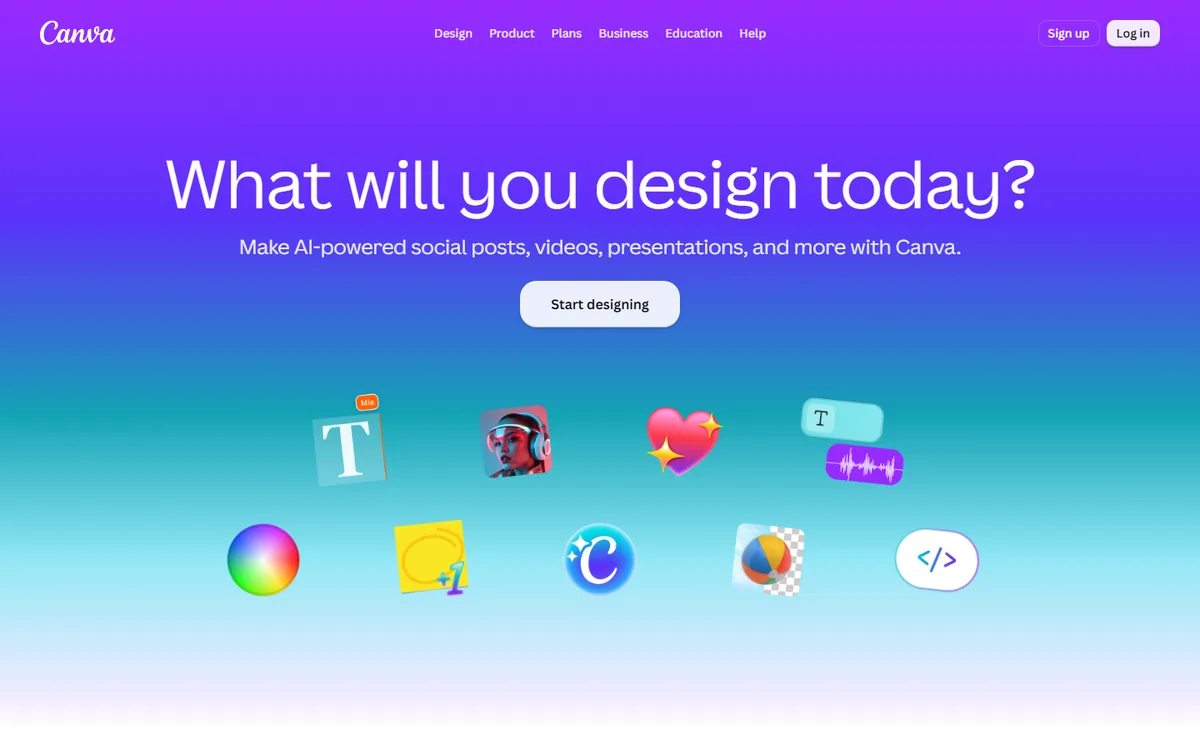
Canva pairs a drag-and-drop editor with AI features for image generation, background removal, resizing and writing help inside designs.
Canva is the tool I see non-designers actually use. Brand kits keep fonts, colors and logos consistent, and the AI features handle the chores: resizing a post into six formats, removing a background, generating a draft image. For social posts, presentations and simple ads, you get decent results without waiting on a designer.
It will not replace a designer for complex brand work, and AI images need a check for odd details. Set up a brand kit first and lock templates, so the rest of your team stays on brand.
What I Like About Canva
- Brand kit and templates keep visuals consistent
- AI resize and edit tools save repetitive work
- Large template library for social and ads
What I Don’t Like About Canva
- Complex custom design hits its limits
- AI-generated images vary in quality
Canva Pricing
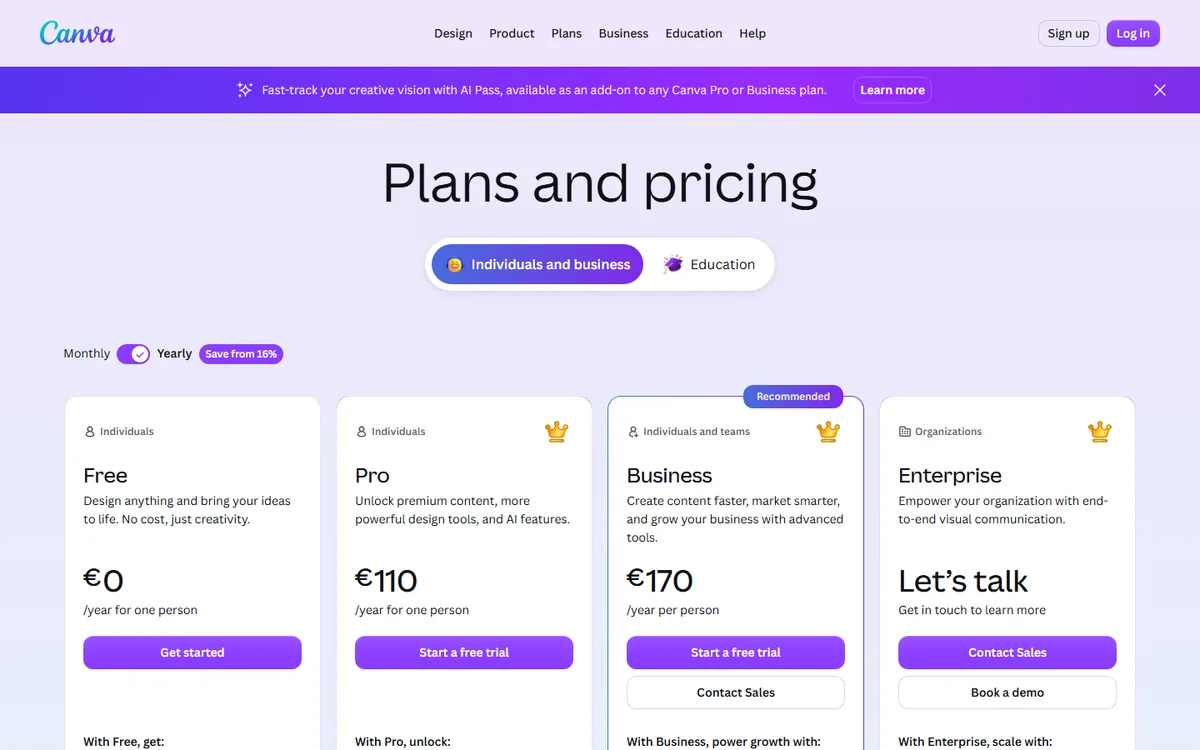
Canva offers a free plan, with paid plans for individuals and teams that add brand kits, more AI usage and collaboration. Check canva.com/pricing for current prices, since plans and AI limits change often.
Canva Reviews
Writesonic
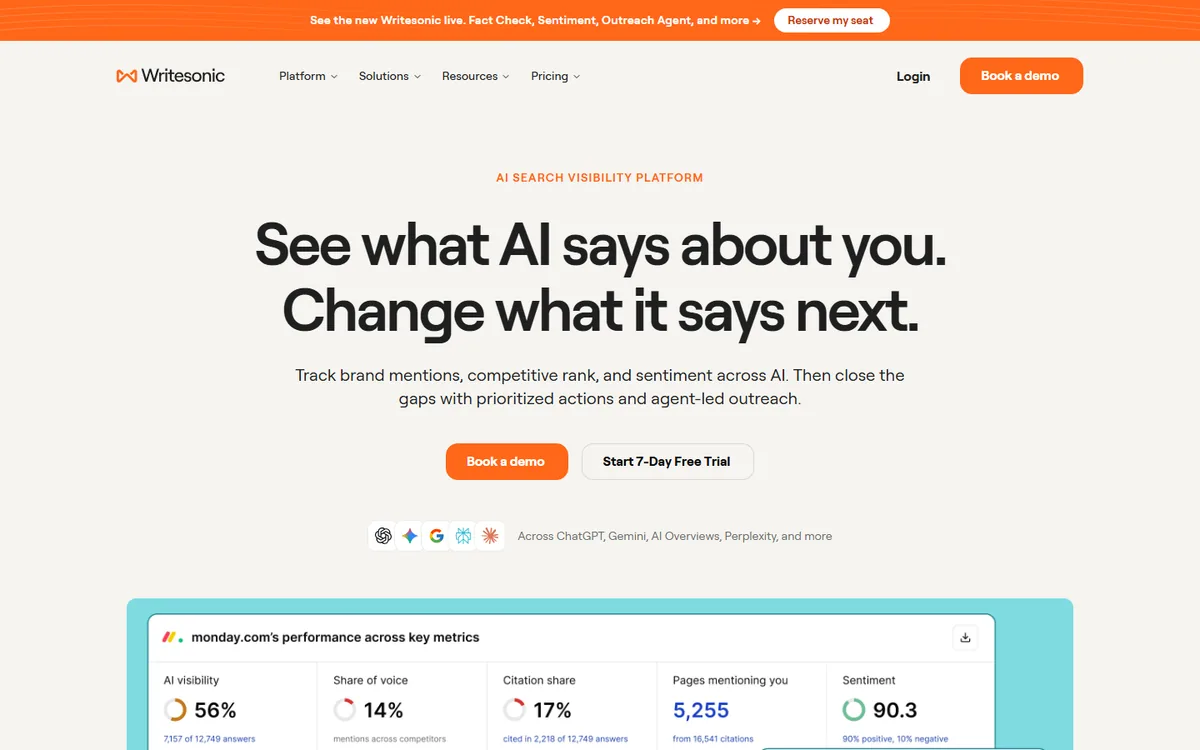
Content Creation With Built-In SEO and AI Search Visibility Tracking
Writesonic combines an AI writer, SEO tools and tracking of how your brand appears in AI search answers.
I like Writesonic for teams that publish articles for organic search and want drafting and optimization in one workspace. It generates articles from a keyword, suggests structure from top-ranking pages and now tracks brand mentions in AI answers, which is a growing question for many clients.
As with any article generator, first drafts need your own examples, interviews and facts to avoid sounding like everything else. Use it for outlines and first drafts, and put your expertise in the edit.
What I Like About Writesonic
- Article drafting and SEO guidance in one place
- Tracks brand visibility in AI search answers
- Reasonable entry plan for small teams
What I Don’t Like About Writesonic
- Drafts are generic without your input
- Higher plans are priced for agencies
Writesonic Pricing
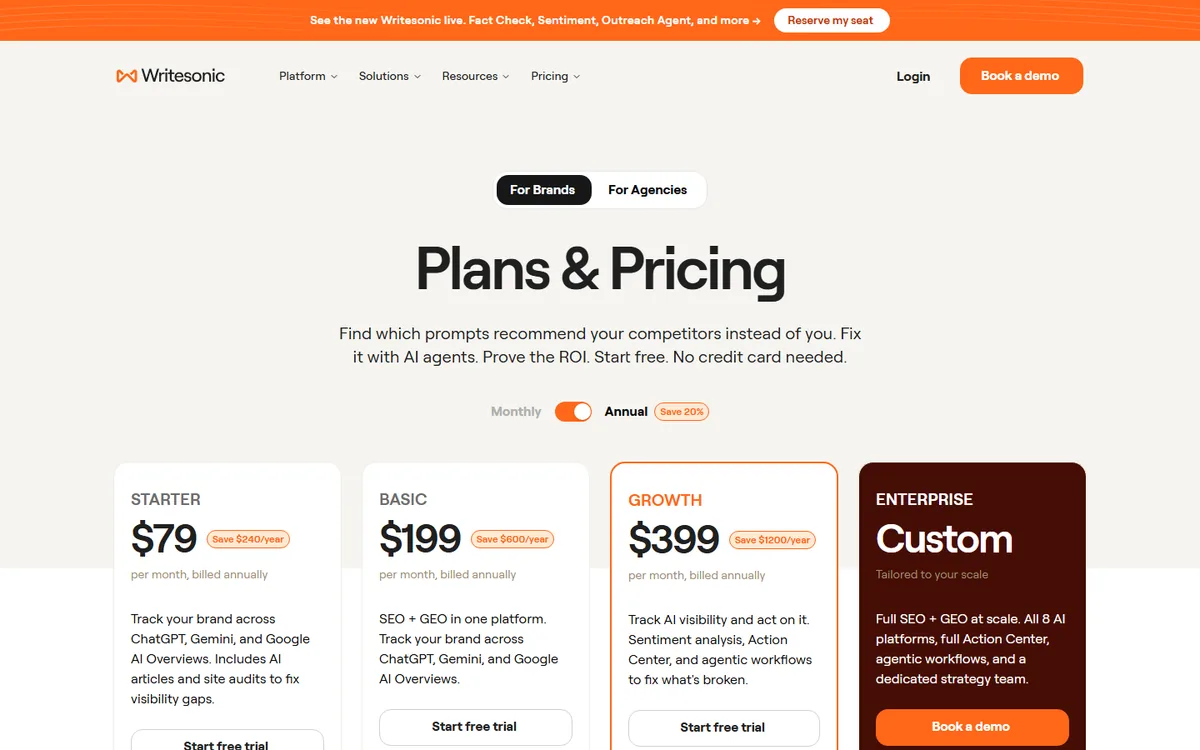
Writesonic lists Starter at $79 per month, Basic at $199 per month and Growth at $399 per month when billed annually, plus Enterprise pricing through sales. The Starter, Basic and Growth plans include free trials.
Writesonic Reviews
Adobe Firefly
Commercially Safe Image Generation Inside the Adobe Tools Your Designers Know
Firefly generates images, effects and video clips, and works inside Photoshop, Illustrator and Express.
Firefly is the tool I suggest to teams that worry about image rights. Adobe trains it on licensed and public-domain material, and the output connects to the Creative Cloud apps where designers already work. Generative fill in Photoshop alone saves hours on retouching and extending backgrounds.
Reviewers on G2 point to inconsistent output that does not always match the prompt, which matches what I see: expect several tries. It works best as a designer's tool rather than a one-click replacement.
What I Like About Adobe Firefly
- Training data aimed at commercial use
- Works inside Photoshop and Illustrator
- Strong editing features such as generative fill
What I Don’t Like About Adobe Firefly
- Output can miss the prompt
- Credit limits on lower plans
Adobe Firefly Pricing
Adobe lists a Free plan, Firefly Standard at $9.99 per month, Pro at a regular $19.99 per month and Pro Plus at a regular $49.99 per month, with team plans from $19.99 per license per month. Promotional discounts apply to some plans, so check the current page.
Adobe Firefly Reviews
AdCreative.ai
Fast Ad Image and Copy Variants for Paid Social Teams
AdCreative.ai generates banner, social ad and video creative with copy, and scores each design on its likely performance.
This tool suits performance marketers who need many variants fast. You enter your brand assets and a product or offer, and it produces ad sets sized for each platform with headline options. The predicted score gives you a starting order for testing, though I treat it as a guess until real results arrive.
Designs can look similar between accounts, so add your own photography and brand touches. Use it to fill your testing pipeline, then let live data pick the winners.
What I Like About AdCreative.ai
- Produces many ad sizes and variants in minutes
- Connects creative generation to testing
- Helpful for small teams without a designer
What I Don’t Like About AdCreative.ai
- Designs can look templated
- Predicted scores are not a substitute for tests
AdCreative.ai Pricing
AdCreative.ai prices its plans by credits and number of brands, and I could not read the current prices from its pricing page. Check adcreative.ai/pricing before you decide.
AdCreative.ai Reviews
Madgicx
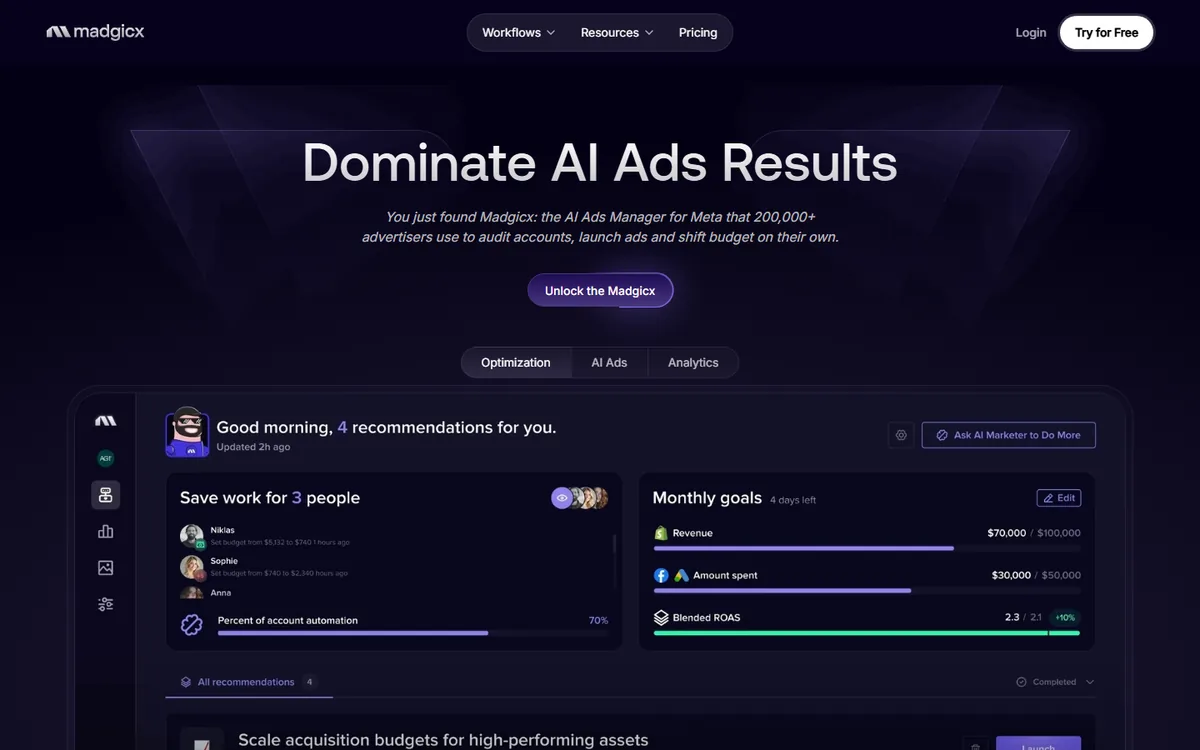
Meta Ads Optimization With AI Audiences, Reporting and Creative Insights
Madgicx connects to your Meta ad account to suggest audiences, flag wasted spend and report on creative performance.
Madgicx is for businesses that put most of their paid budget on Facebook and Instagram. It shows which creatives fatigue, which audiences overlap and where spend does not convert, and it can automate rules such as pausing weak ads. I find the creative reports the most useful part, because they show patterns across dozens of ads at once.
If you run few campaigns, the software may not earn back its price. It also focuses on Meta, so look elsewhere if your mix is mostly search or LinkedIn.
What I Like About Madgicx
- Creative and audience reports for Meta ads
- Rules and automation for pausing weak ads
- Pricing scales with ad spend
What I Don’t Like About Madgicx
- Mostly useful for Meta advertisers
- Many features take time to learn
Madgicx Pricing
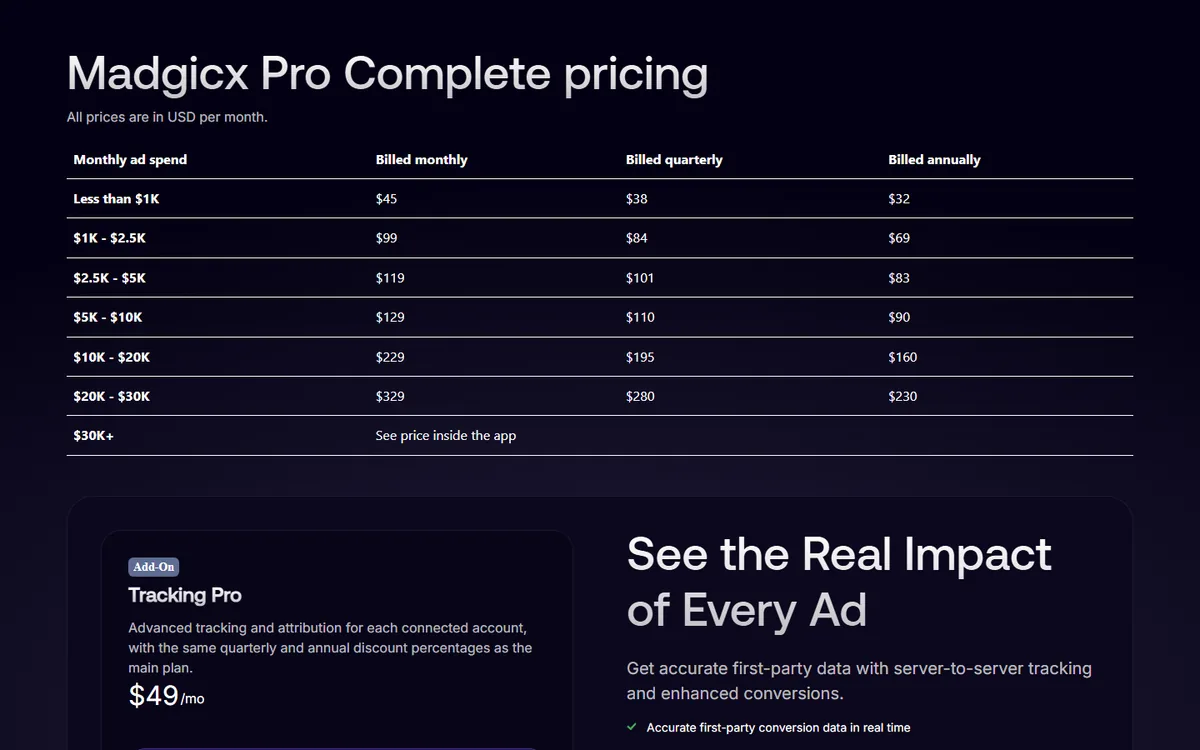
Madgicx prices its Pro Complete plan by monthly ad spend. On monthly billing it starts at $45 per month for under $1,000 of spend, and reaches $329 per month for spend of $20,000 to $30,000, with lower rates on quarterly and annual billing. A 7-day free trial is offered.
Madgicx Reviews
Google Performance Max
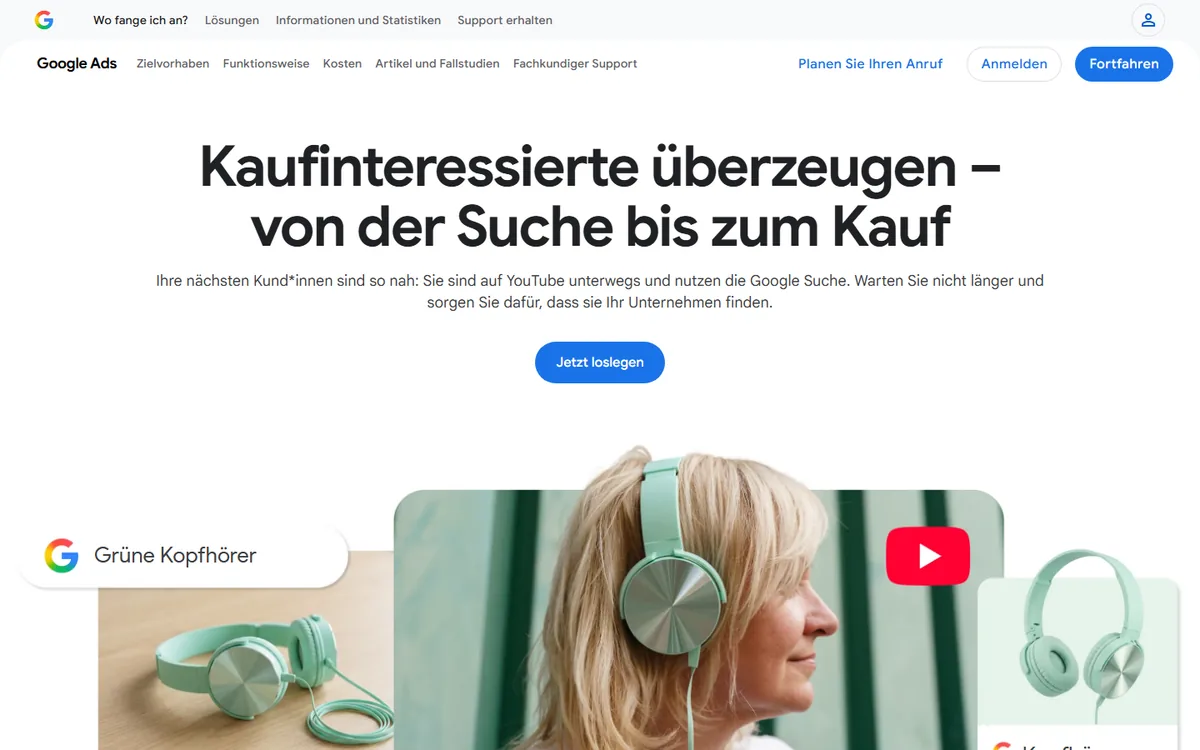
Google's Own AI for Running Ads Across Search, YouTube, Display and Maps
Performance Max uses Google AI to place your ads across all Google channels, choosing bids, audiences and creative combinations from your assets and goals.
Performance Max is not a separate product you buy, since it lives inside Google Ads. For many clients with clear conversion tracking, it finds customers that manual campaigns miss. It needs good inputs: accurate conversion data, strong images and text assets and clear audience signals.
The trade-off is control. Reporting is limited compared with traditional campaigns, and weak tracking sends spend to low-value actions. Start with a capped budget and compare against your existing search campaigns.
What I Like About Google Performance Max
- No extra software fee beyond ad spend
- Reaches several Google channels in one campaign
- Improves with good conversion data
What I Don’t Like About Google Performance Max
- Limited visibility into where ads appear
- Poor tracking leads to poor results
Google Performance Max Pricing
Google does not charge a separate fee for Performance Max. You pay for the ad clicks or impressions your campaign buys, within the budget you set.
Google Performance Max Reviews
HeyGen
Avatar Videos and Translations Without a Film Crew
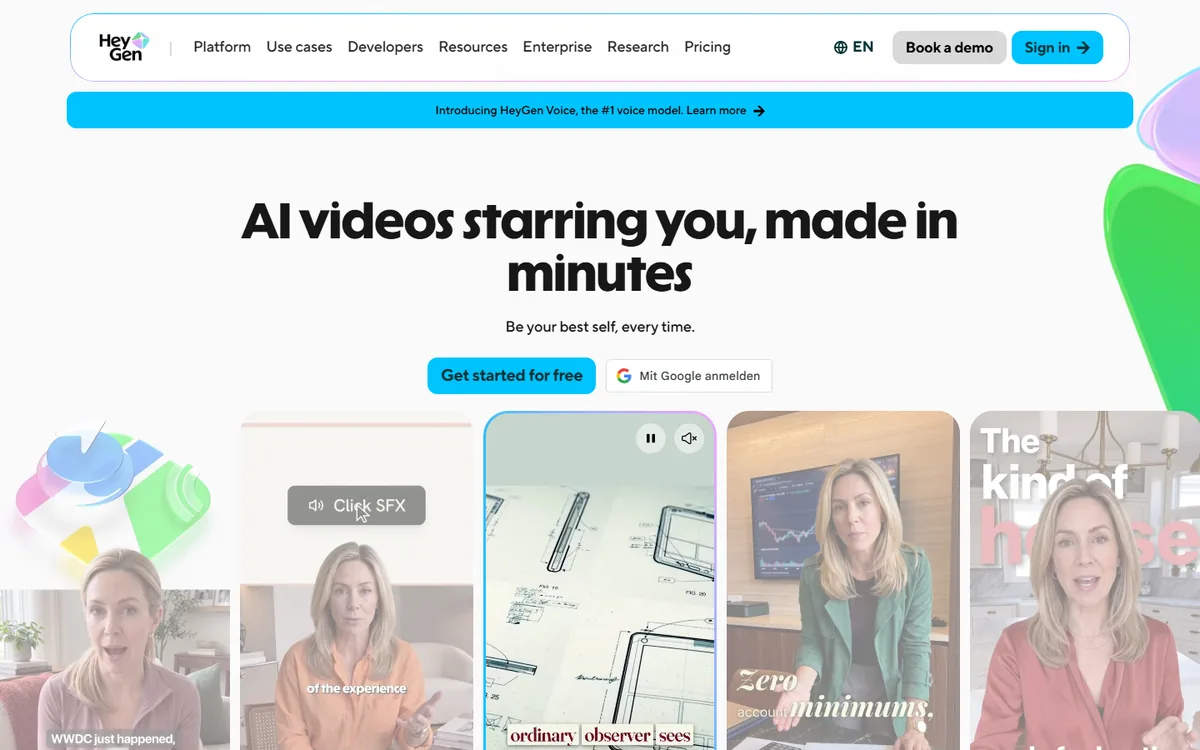
HeyGen creates presenter-style videos from a script using AI avatars and voices, and translates existing videos with lip sync.
HeyGen helps when you need many short videos: product explainers, onboarding clips, localized ads. You paste a script, pick an avatar or use your own, and get a finished video in minutes. Translation with matched lip movement lets you reuse one video across markets.
Avatars still look a little stiff in longer clips, and viewers notice. Use them for short, functional videos, and keep real people on camera for brand-defining content. Disclose AI use where your platform or audience expects it.
What I Like About HeyGen
- Fast video from a script
- Translation into many languages with lip sync
- Easy for non-editors to use
What I Don’t Like About HeyGen
- Avatars can feel stiff in long videos
- Credits run down quickly on heavy use
HeyGen Pricing
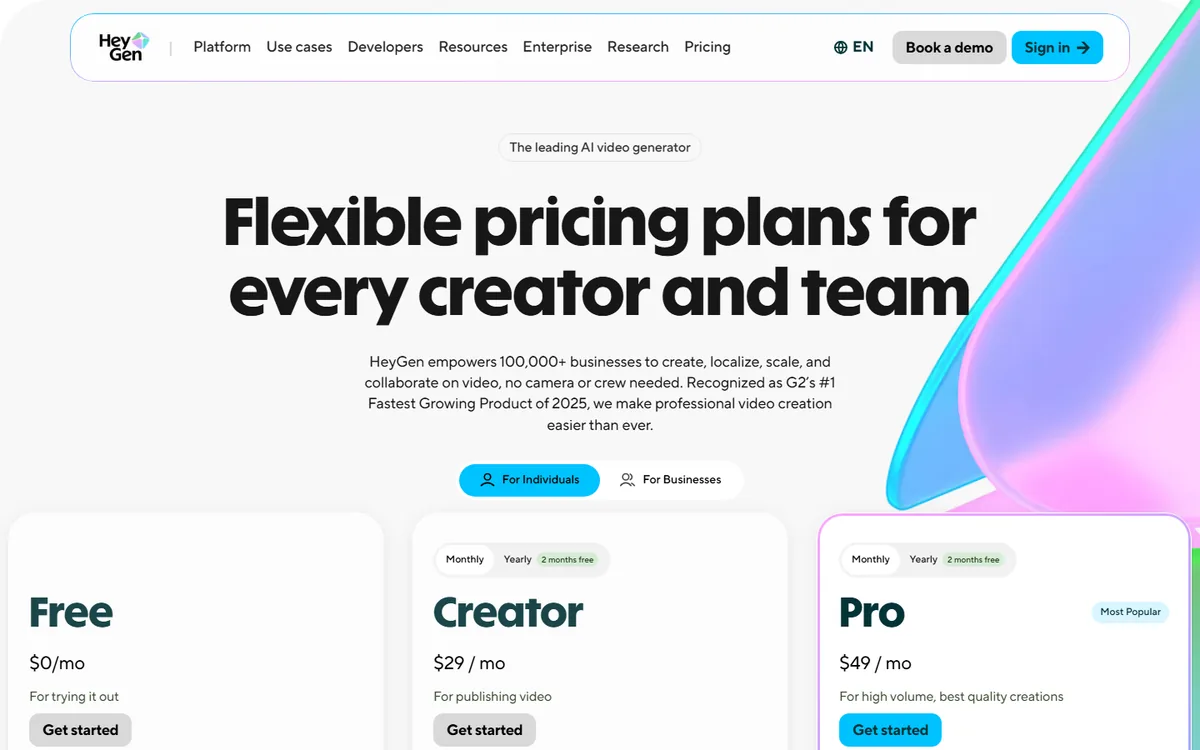
HeyGen offers a Free plan, Creator at $29 per month ($24 per month billed annually), Pro from $49 per month, and Business at $149 per month plus $20 per additional seat. Enterprise pricing is custom.
HeyGen Reviews
Midjourney
The Strongest Choice for Distinctive Concept Art and Campaign Imagery
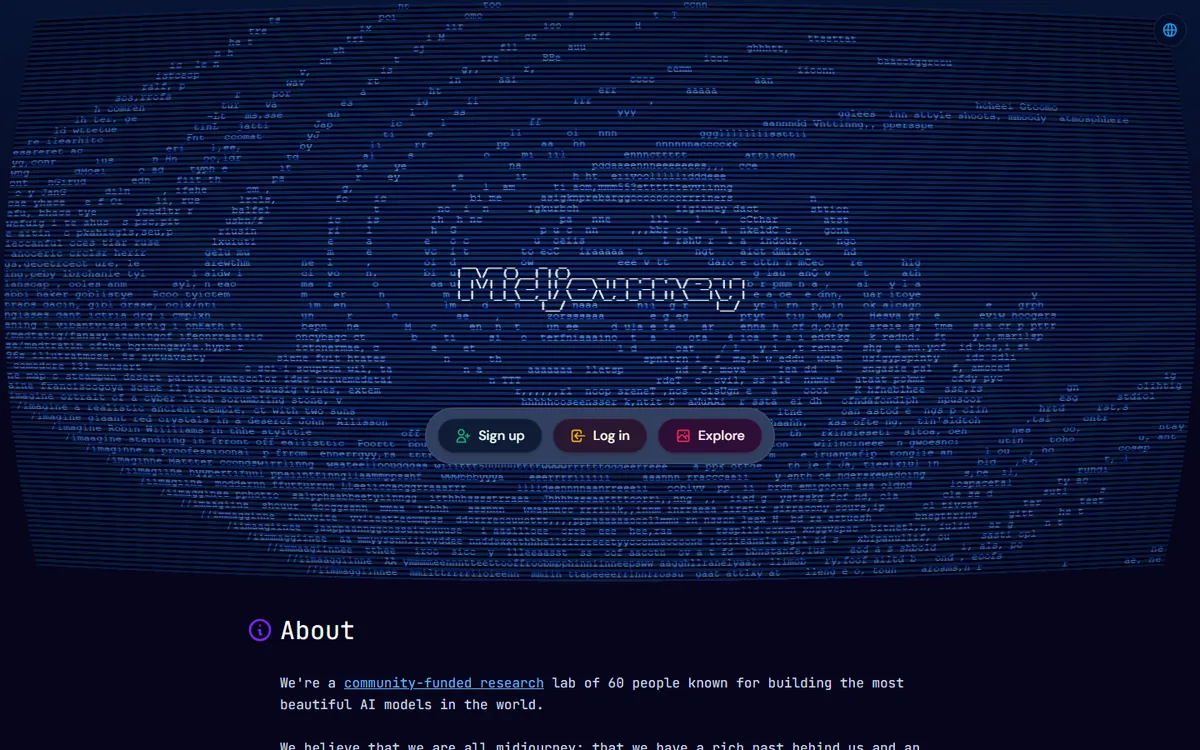
Midjourney produces stylized images from text prompts, and many creative teams use it for concepts, moodboards and editorial art.
I use Midjourney when a campaign needs a look that stock photography cannot supply. Prompts and style references give you images with a clear visual direction, which is useful for early concepts and pitch decks. It is less suited to precise product shots or anything with accurate text.
Check the licensing and your company's rules before using generated images in published work, and avoid imitating a living artist's style. For exact brand assets, keep a designer in the loop.
What I Like About Midjourney
- Distinctive, high-quality visual style
- Good for concepting and moodboards
- Strong community and prompt resources
What I Don’t Like About Midjourney
- Poor at accurate text and exact product details
- Learning curve for prompts
Midjourney Pricing
Midjourney sells paid subscription plans with different monthly amounts of generation time. I could not read the current prices from its plan page, so check midjourney.com before you subscribe.
Midjourney Reviews
Semrush
SEO and Competitor Research With AI Help for Keywords and Content
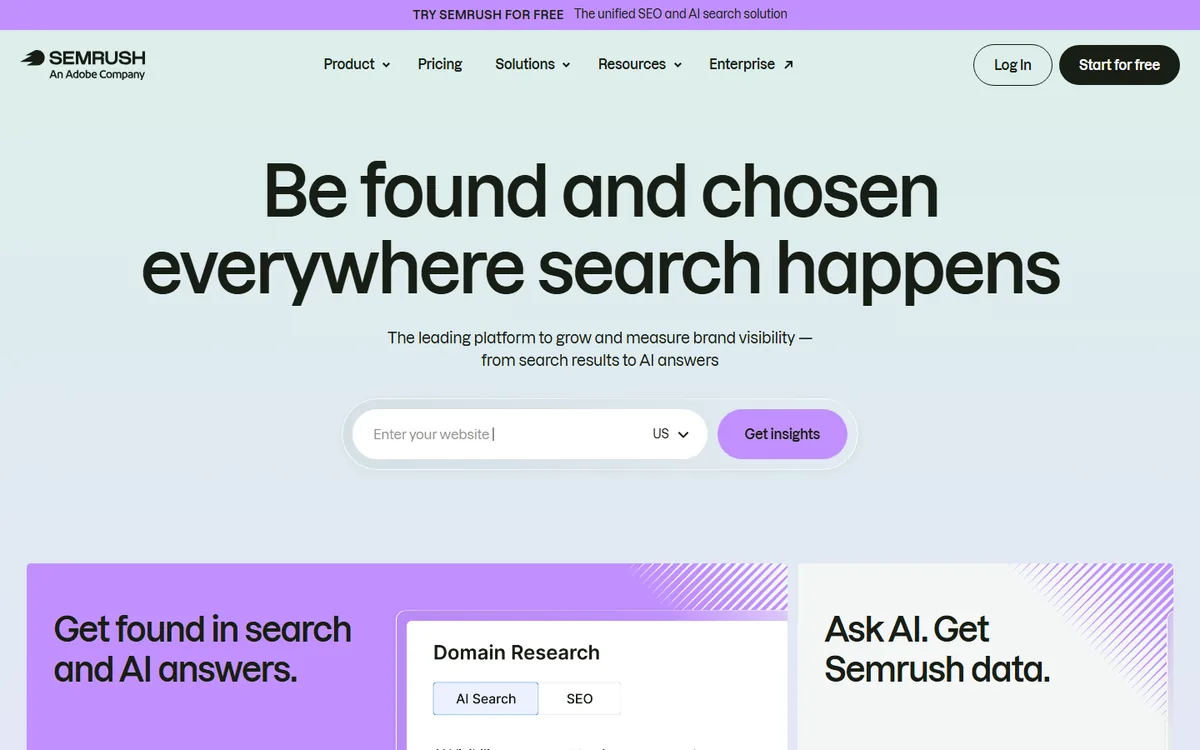
Semrush covers keyword research, competitor analysis, site audits and content tools, and adds AI features for writing and reporting.
Semrush is the research layer that makes your AI copy tools smarter. You find what people search, what competitors rank for and where your content has gaps, then feed those findings to a writing tool. The AI features help with content ideas, summaries and snippets, but the underlying data is what you pay for.
It is a large suite with a lot to learn, and costs add up when you add extra modules. Start with keyword research and site audits and expand only if you use them.
What I Like About Semrush
- Large keyword and competitor databases
- Useful site audit and tracking tools
- AI features connected to real search data
What I Don’t Like About Semrush
- Takes time to learn the full suite
- Add-ons raise the total cost
Semrush Pricing
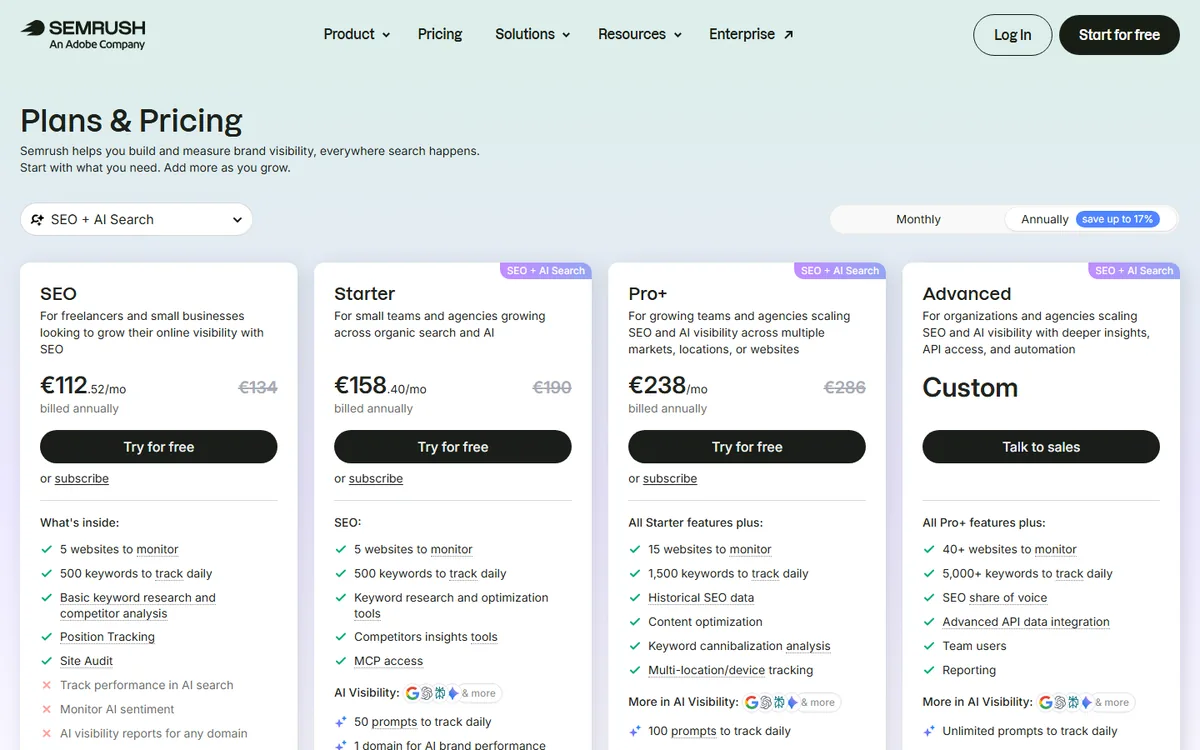
Semrush sells monthly subscription plans with different limits, plus extras. I could not load its price page, so check semrush.com/prices for current plans.
Semrush Reviews
Optmyzr
Search Ads Management With Optimization Suggestions and Rules
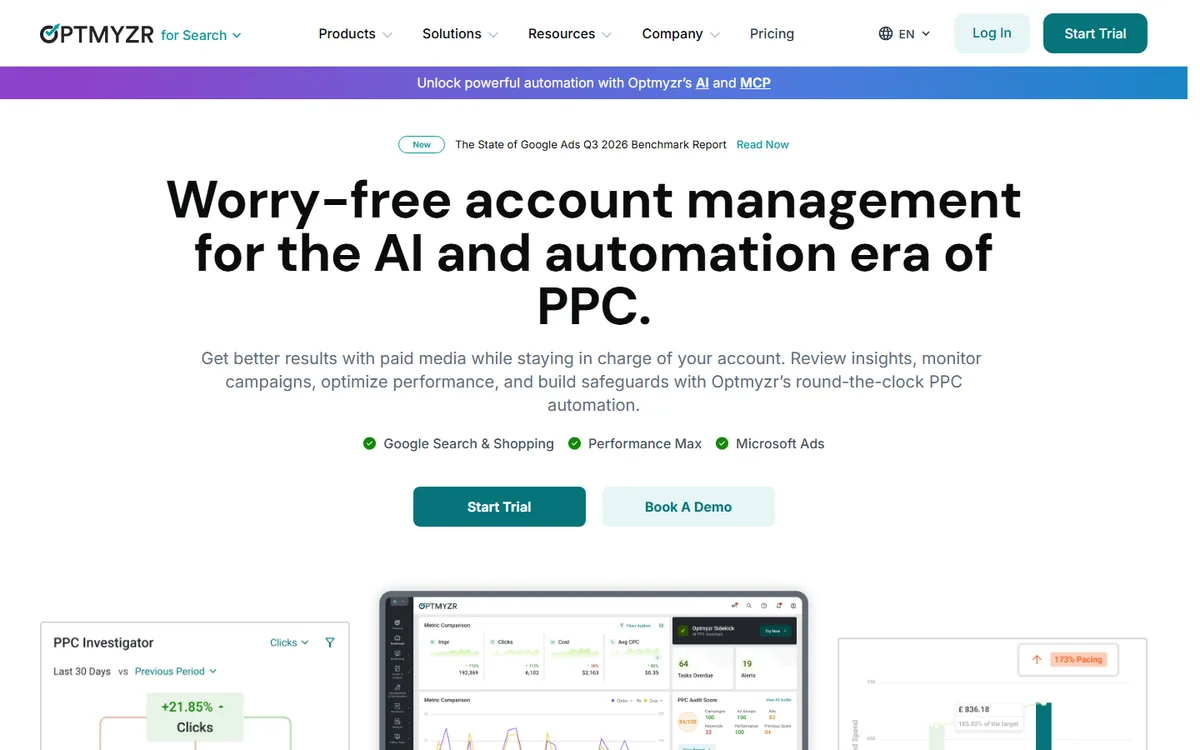
Optmyzr gives agencies and in-house teams audits, bid and budget tools and scripts for Google, Microsoft and Meta ads.
Optmyzr is a good fit when you manage several search accounts and want faster checks for wasted spend. Its optimization suggestions flag issues such as poor search terms, weak ad copy and budget limits, and you decide which to apply. Reports save time for agencies that update clients every month.
It rewards hands-on advertisers, so teams with a single small account may not use enough to justify it. Check each suggestion against your goals instead of accepting them all.
What I Like About Optmyzr
- Optimization suggestions across accounts
- Reporting that saves agency hours
- Supports several ad platforms
What I Don’t Like About Optmyzr
- Overkill for one small account
- Suggestions need human review
Optmyzr Pricing
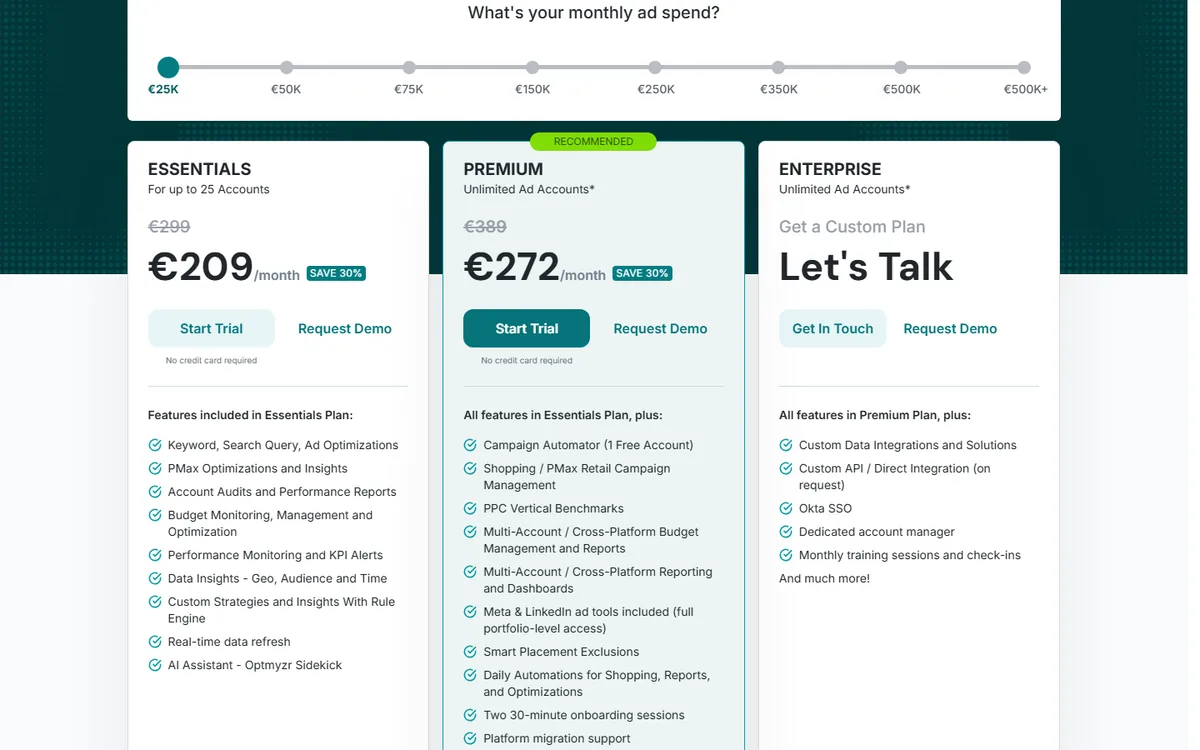
Optmyzr lists Essentials, Premium and Enterprise plans, with Enterprise priced through sales. Dollar amounts did not load on the pricing page when I checked, so confirm current prices at optmyzr.com/pricing.
Optmyzr Reviews
HubSpot Marketing Hub
AI Inside the CRM, for Teams That Want Campaigns and Contacts in One Place
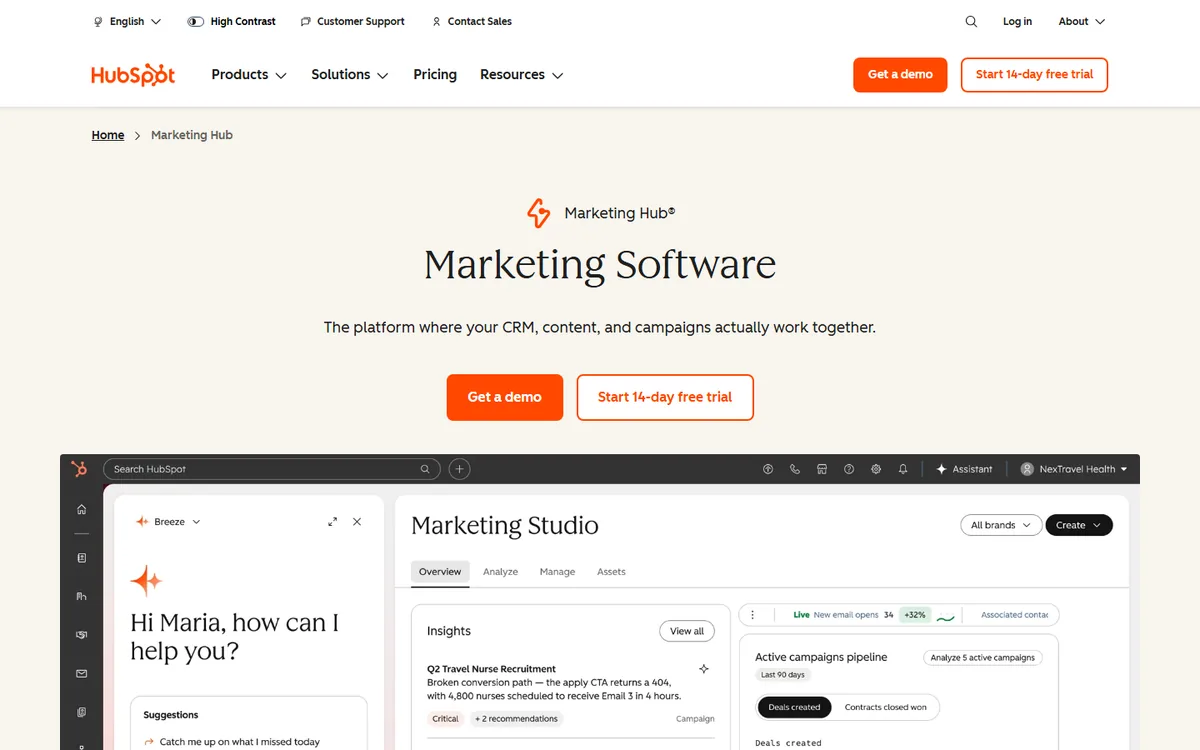
HubSpot's Breeze AI sits inside Marketing Hub and helps with content drafts, email, social posts and campaign assistance, using your CRM data.
The advantage of HubSpot is context. AI drafts can use the contacts, lists and past campaign results already stored in your CRM, so you move from idea to segment to email in one place. For small and mid-sized teams that want one system, that integration matters more than any single AI feature.
Costs rise sharply between tiers, and the Professional tier carries a one-time onboarding fee. If you already run another CRM, evaluate fit carefully before moving.
What I Like About HubSpot Marketing Hub
- AI tied to your CRM data
- All-in-one platform for email, forms and reporting
- Large library of integrations
What I Don’t Like About HubSpot Marketing Hub
- Higher tiers get expensive quickly
- One-time onboarding fees on Professional and Enterprise
HubSpot Marketing Hub Pricing
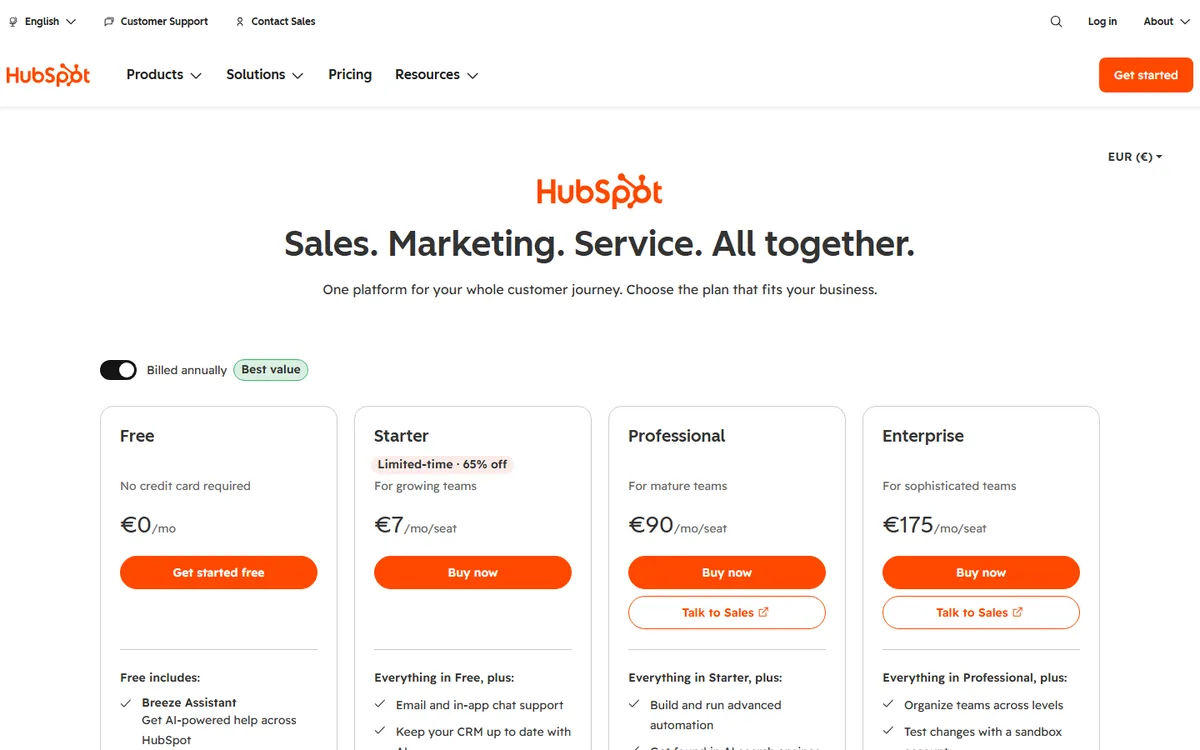
HubSpot lists a Free plan for up to 2 users. Professional starts at $800 per month with 3 core seats and a one-time $3,000 onboarding fee, and Enterprise starts at $3,600 per month with 5 core seats and a one-time $7,000 onboarding fee. Starter pricing was unclear on the page, so check it directly.
HubSpot Marketing Hub Reviews
Check What an AI Marketing Tool Is Worth to You
Pick one task your team repeats weekly, such as drafting ad variants or building the monthly report. The calculator estimates the yearly value after you subtract the tool cost. If the result is close to zero, start with a free plan, and see my AI marketing implementation steps for a rollout that avoids costly delays.
Is the Tool Worth It for You?
Set the sliders to the work the tool would handle and the plan you have in mind.
How to Choose the Right AI Marketing Tool
In my experience, the job you need done decides more than the feature list. Before you compare vendors, answer four questions:
- Which task costs your team the most hours each week?
- Which platforms must the tool connect to, such as your CRM, ad accounts or CMS?
- Who reviews the output for brand, facts and claims?
- How will you measure whether it helped, and against which baseline?
For writing, I usually start teams on ChatGPT or Jasper. For visuals, Canva and Firefly cover most needs, and for paid media, Madgicx, Optmyzr and Google's own AI each suit a different mix of platforms. Use the AI marketing checklist before you commit to any of them, and run a four-week pilot with a clear baseline.
Questions About Choosing AI Marketing Tools
What Is the Best AI Marketing Tool for Small Businesses?
For most small businesses, I suggest ChatGPT for writing and analysis and Canva for visuals. Both have free or low-cost plans and cover a wide range of tasks. Add a specialist tool only after you know which task costs you the most time.
Which AI Tool Is Best for Writing Marketing Copy?
Jasper suits teams that need brand voice control across several writers, and ChatGPT suits individuals who want flexibility. Writesonic is a good fit for SEO articles. In every case, plan for a human edit, since fact and tone checks still matter.
Which AI Tools Help with Paid Advertising?
Madgicx works on Meta ads, Optmyzr covers search and other platforms, AdCreative.ai generates ad creative, and Google Performance Max is built into Google Ads. Your choice depends on where most of your ad budget goes.
Are AI-Generated Images Safe to Use Commercially?
It depends on the tool and its terms. Adobe states that Firefly is built for commercial use, and other tools have their own licenses. Read each tool's terms, avoid copying living artists' styles and keep a designer's review in your process.
How Much Do AI Marketing Tools Cost?
Costs range from free plans to several thousand dollars a month for CRM platforms at higher tiers. Many writing and design tools sit between $10 and $100 per user per month. Check each vendor's current price list, since plans and AI limits change often.
Do I Need a Consultant to Choose AI Marketing Tools?
Not always. A consultant helps when you have many tools already, limited review capacity or unclear goals. Ask for a vendor-independent recommendation, a fixed quote and a measure of results, so the advice is based on your numbers.
How Do I Measure Whether an AI Tool Is Worth It?
Record a baseline before you start, such as hours per task, cost per lead or output per week. Run a pilot for four to eight weeks and compare. If the tool does not change at least one number, drop it or move to a cheaper plan.
Please note: pricing, plans and ratings change often. They were accurate at our last review; please verify them on the vendor sites before you buy. None of this is legal or financial advice.
Was this guide helpful?
Thanks for your feedback.
Warren Albright
Warren leads the Blue Hornet editorial team and works with the consultants to turn real client projects into practical guides on content, paid media, marketing automation, CRM and analytics. He comes from content and demand generation work, edits every article before a working marketing consultant reviews it, and draws on strategies, channel plans and audits from client projects to keep the advice grounded in real numbers.