Quick Summary
- Asana, monday.com and ClickUp are the fastest ways to bring order to campaign planning for small and mid-sized teams.
- Wrike and Adobe Workfront suit larger teams that need proofing, resource planning and strict approvals.
- Airtable and Notion cover the data and documentation side: content registers, playbooks and naming rules.
- Pick based on your workflow and a short pilot with real campaigns, not on feature lists.
The Best Marketing Operations Tools at a Glance
| Tool | Type | Best for |
|---|---|---|
| 1. Asana | Work management | Marketing teams that need clear ownership and deadlines |
| 2. monday.com | Visual work platform | Teams that want flexible boards and quick setup |
| 3. Wrike | Enterprise work management | Agencies and larger teams with heavy approval needs |
| 4. ClickUp | All-in-one work platform | Lean teams that want tasks, docs and goals in one place |
| 5. Smartsheet | Spreadsheet-style work management | Teams that think in spreadsheets and need reporting |
| 6. Airtable | Database and app platform | Teams that track content, assets or campaigns as structured data |
| 7. Adobe Workfront | Enterprise work management | Large marketing organizations running many projects and creative reviews |
| 8. Teamwork.com | Project management for client work | Agencies and service teams that track time and client budgets |
| 9. Notion | Connected workspace | Small teams that want playbooks, briefs and planning in one wiki |
The 9 Best Marketing Operations Tools, Ranked
I start with the tools that suit the widest range of marketing teams and move toward enterprise and specialist platforms, so you can stop reading once you find your fit. Software is only part of the answer: in the marketing operations consulting projects I review, the written process behind the tool decides more than the tool itself.
Asana
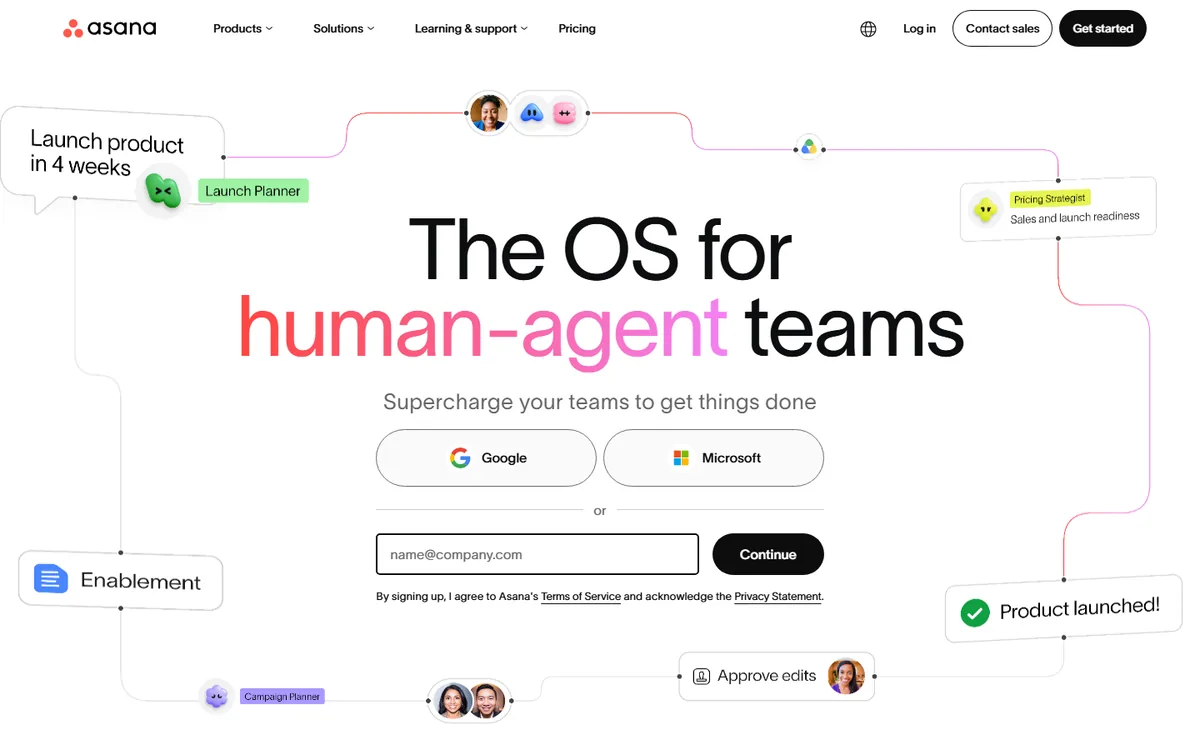
The Clearest Way to Show Who Owns Each Campaign Task and When It Is Due
Asana organizes campaigns as projects with tasks, owners, due dates and dependencies, and adds forms, rules and AI helpers on top.
I recommend Asana when your main operations problem is accountability. A request form feeds a project template, every task has one owner and the timeline view shows what slips before it hurts a launch. Marketing is the most common industry among its Capterra reviewers, which matches what I see in client work. The catch is cost and noise: timelines, reporting and advanced automation sit on paid plans, and notification settings need attention in week one or your team will tune everything out. If you plan to turn the setup into a repeatable process, my marketing operations framework shows how to structure the stages.
What I Like About Asana
- Intake forms and templates make every campaign start the same way
- Timeline and dependency views show slipping work early
- Integrations cover Slack, Google Workspace, Salesforce and Zapier
What I Don’t Like About Asana
- Timelines, reporting and advanced automation need paid plans
- Notifications get noisy until you configure them
Asana Pricing
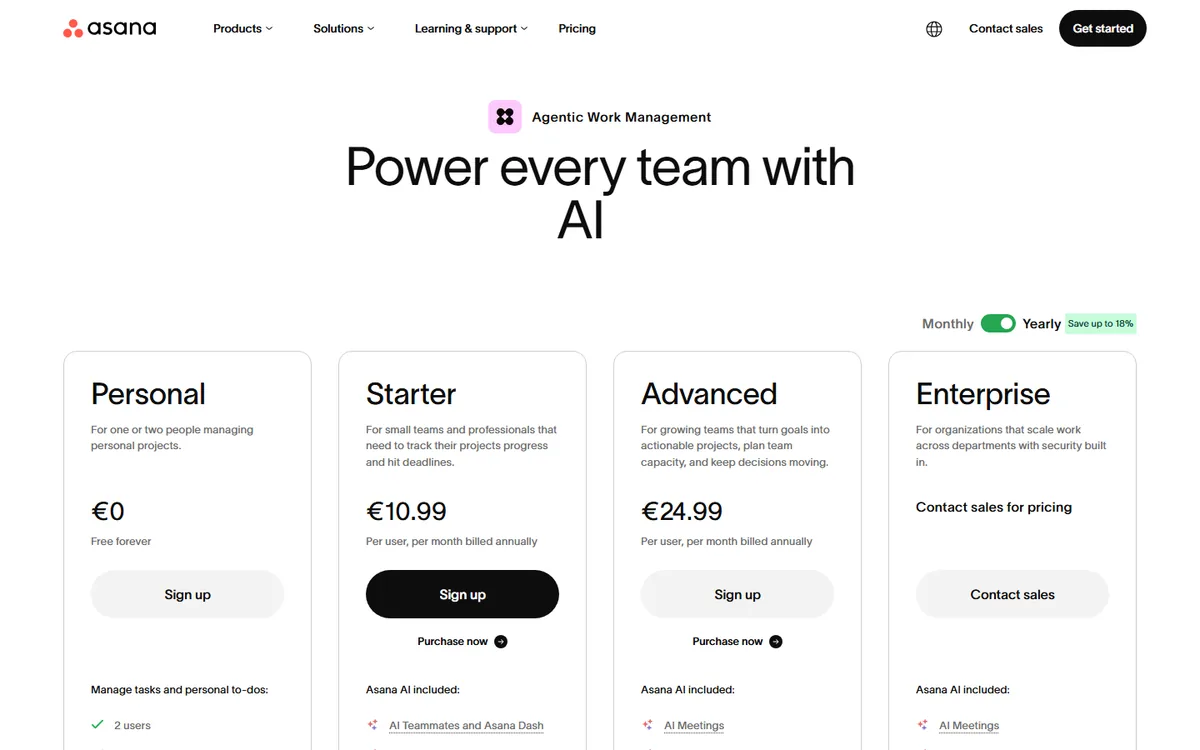
Asana has a free Personal plan for up to 10 teammates. Starter is listed at $10.99 per user per month and Advanced at $24.99 per user per month, and Enterprise plans are quoted on request.
Asana Reviews
monday.com
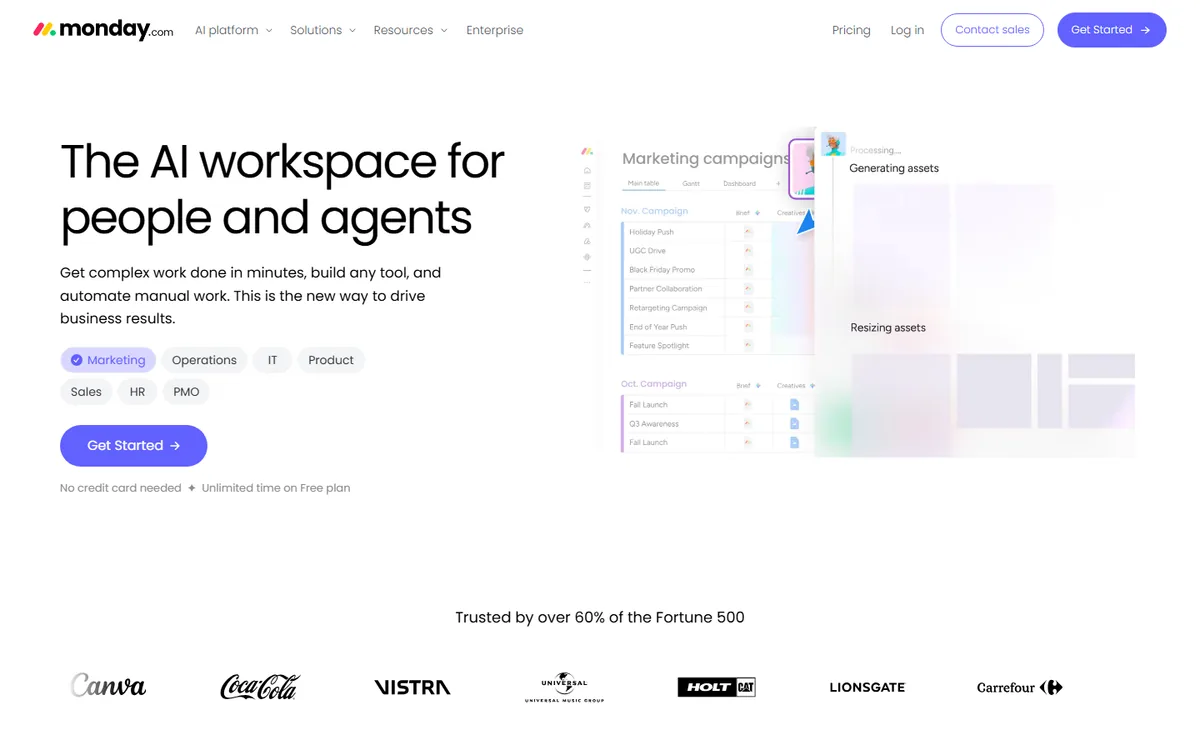
The Most Flexible Board-Based Workspace for Planning Campaigns Across Channels
monday.com runs work on customizable boards, with views for calendar, timeline and workload, plus automations, dashboards and AI features.
monday.com is the tool I see marketing teams adopt fastest, because a usable campaign calendar takes an afternoon, not a project. You build one board for requests, another for production and a dashboard that rolls both up for leadership. G2 reviewers rate it highest in this list, and ease of use is the reason most of them give. The trade-off is discipline: flexibility lets every team build its own board, and a year later you have fifteen layouts and no shared reporting. Agree on naming and column rules first, the same way I describe in marketing operations best practices.
What I Like About monday.com
- Boards, calendars and dashboards are quick to set up
- Automations handle status changes and reminders without code
- Strong ratings for ease of use across thousands of reviews
What I Don’t Like About monday.com
- Costs rise with seats and AI credits
- Boards can sprawl without naming and column rules
monday.com Pricing
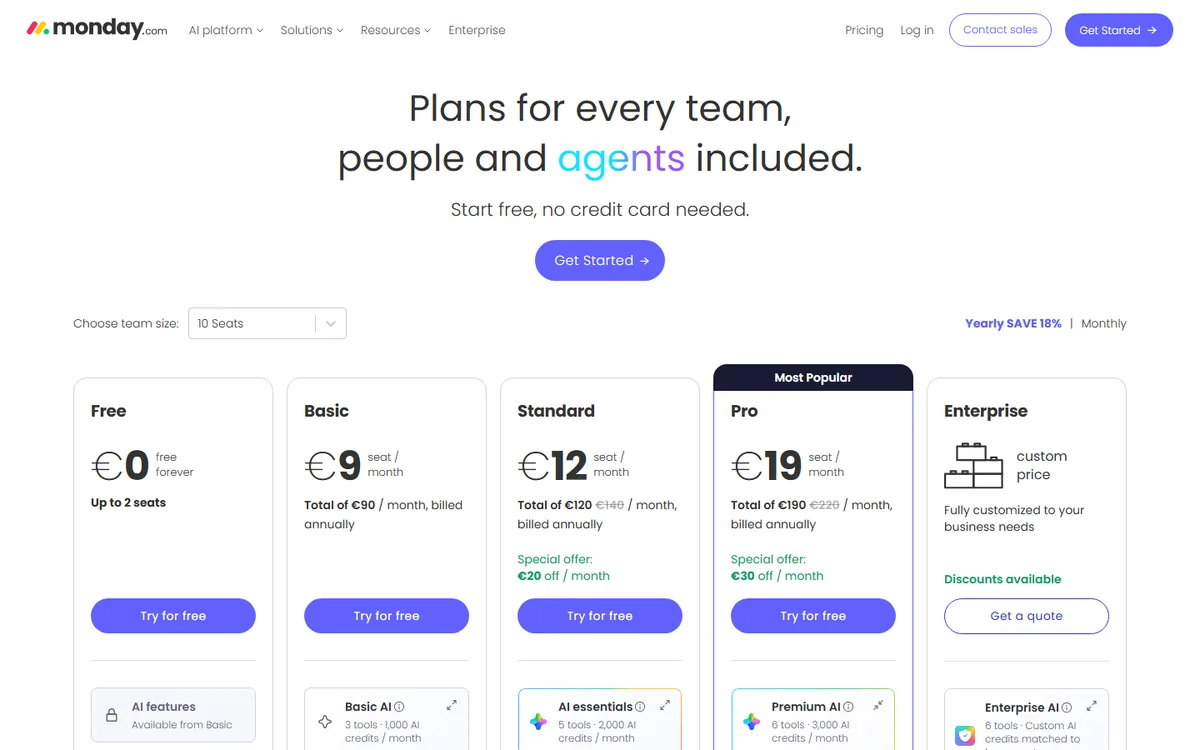
monday.com offers a free plan. Capterra lists Basic at $9 per user per month (billed annually, three-seat minimum), Standard at $12 and Pro at $19, with Enterprise quoted on request.
monday.com Reviews
Wrike
A Strong Fit for Proofing, Approvals and Resource Planning in Busy Marketing Teams
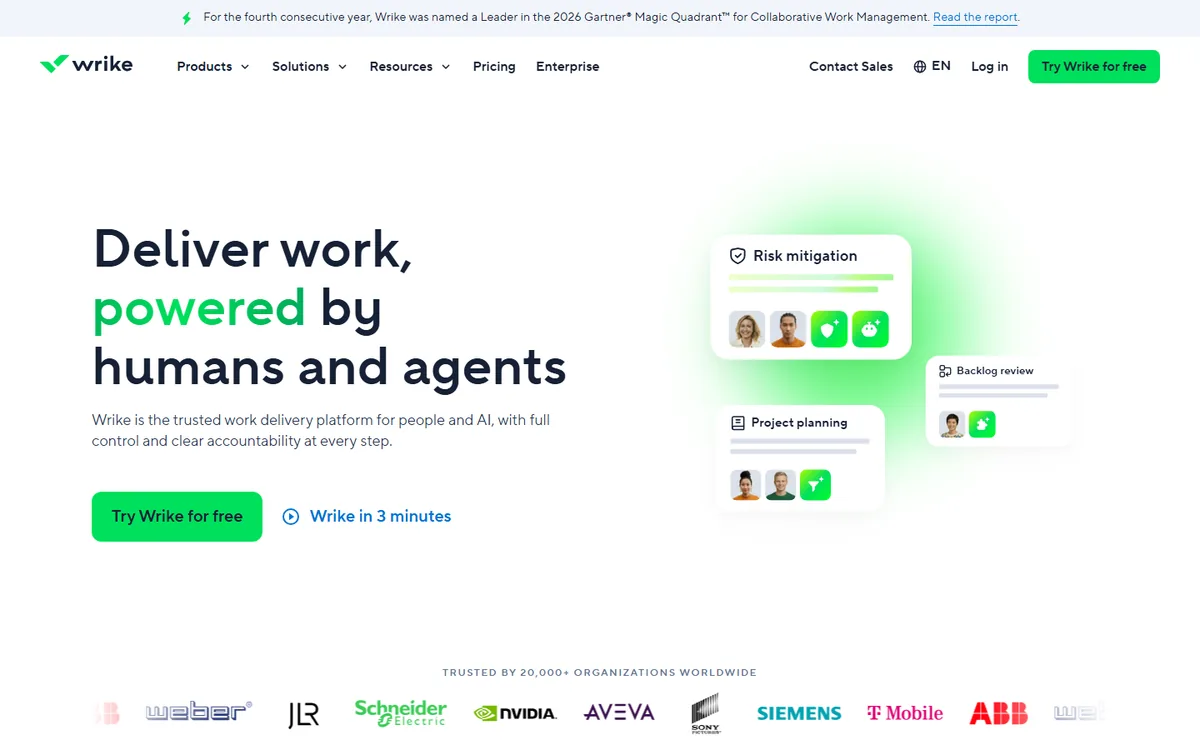
Wrike combines project management with request forms, proofing, approval workflows and resource views, aimed at teams with many parallel campaigns.
Wrike earns its place when creative review is your bottleneck. Assets go through proofing with comments on the file itself, approvals follow a set path and the workload view shows who is overbooked before you promise another launch date. Larger marketing teams and agencies get the most from it. Smaller teams often find it heavier than they need, and its G2 score trails the lighter tools here. Pick it when governance matters more than speed of setup, and pair it with a short list of marketing operations KPIs so the extra structure shows up in cycle times.
What I Like About Wrike
- Proofing and approvals keep creative review inside one tool
- Workload views show capacity before you commit to deadlines
- Request forms route work to the right team automatically
What I Don’t Like About Wrike
- The interface feels heavy for small teams
- Price jumps from Team to Business and above
Wrike Pricing
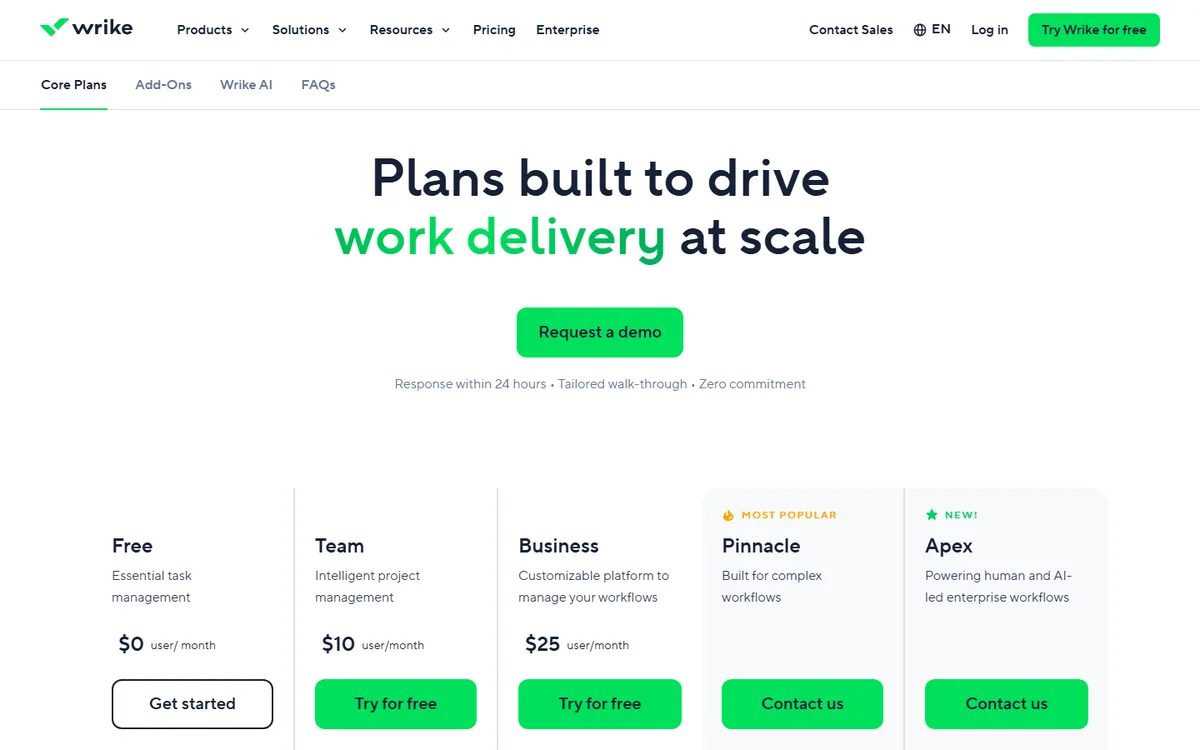
Wrike has a free plan. Team is listed at $10 per user per month for 2 to 15 users and Business at $25 for 5 to 200 users, according to G2 and Capterra. Pinnacle and Apex are quoted on request, and paid plans include a 14-day trial.
Wrike Reviews
ClickUp
The Best Value for Teams That Want Tasks, Docs and Dashboards Under One Roof
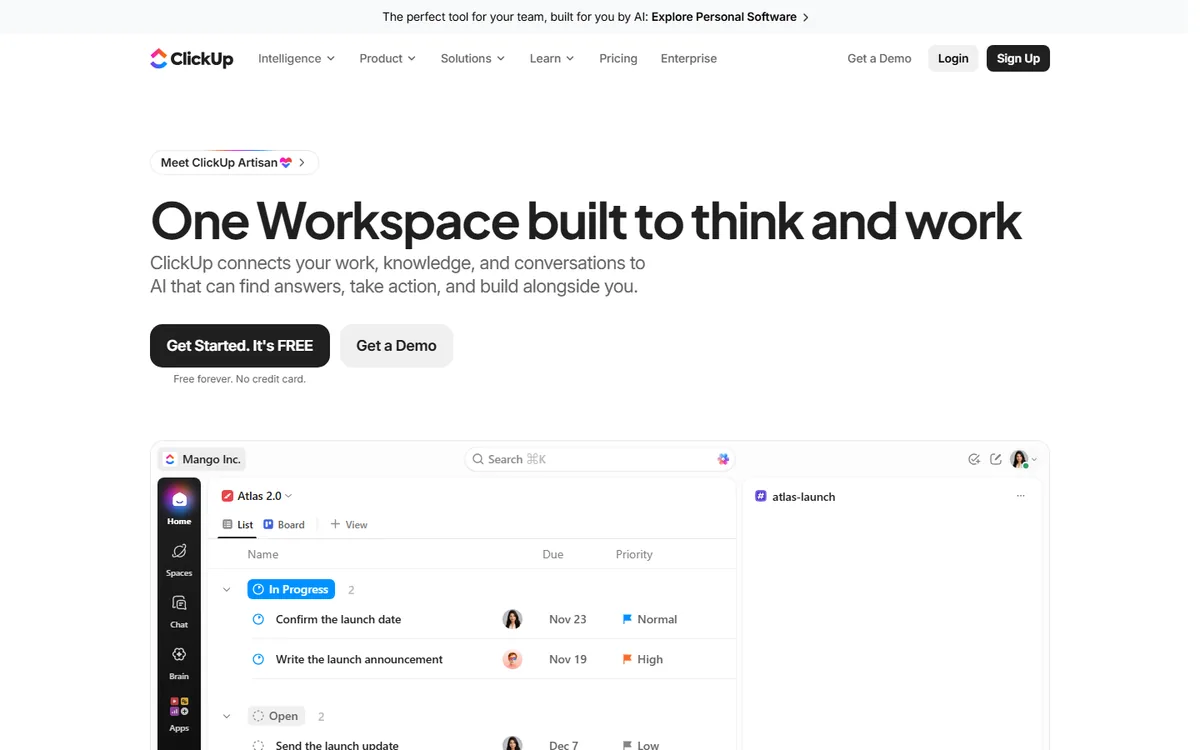
ClickUp puts tasks, docs, chat, goals and dashboards into one workspace, with custom fields, many views and built-in AI.
ClickUp gives small marketing teams the most features per dollar in this list. You can keep the editorial calendar, briefs, task lists and a simple dashboard in one place, which removes the tool switching that slows lean teams down. It is also the tool most likely to overwhelm a new user. I have seen teams lose a month to setup because every feature was switched on at once. Start with one space, three statuses and one dashboard, then add. Large workspaces can slow down, so keep archived work tidy. A simple marketing operations strategy tells you which features to ignore.
What I Like About ClickUp
- Free and low-cost plans include many features
- Custom fields, statuses and views fit most workflows
- Docs, tasks and goals live in one workspace
What I Don’t Like About ClickUp
- The feature set overwhelms new users
- Large workspaces can load slowly
ClickUp Pricing
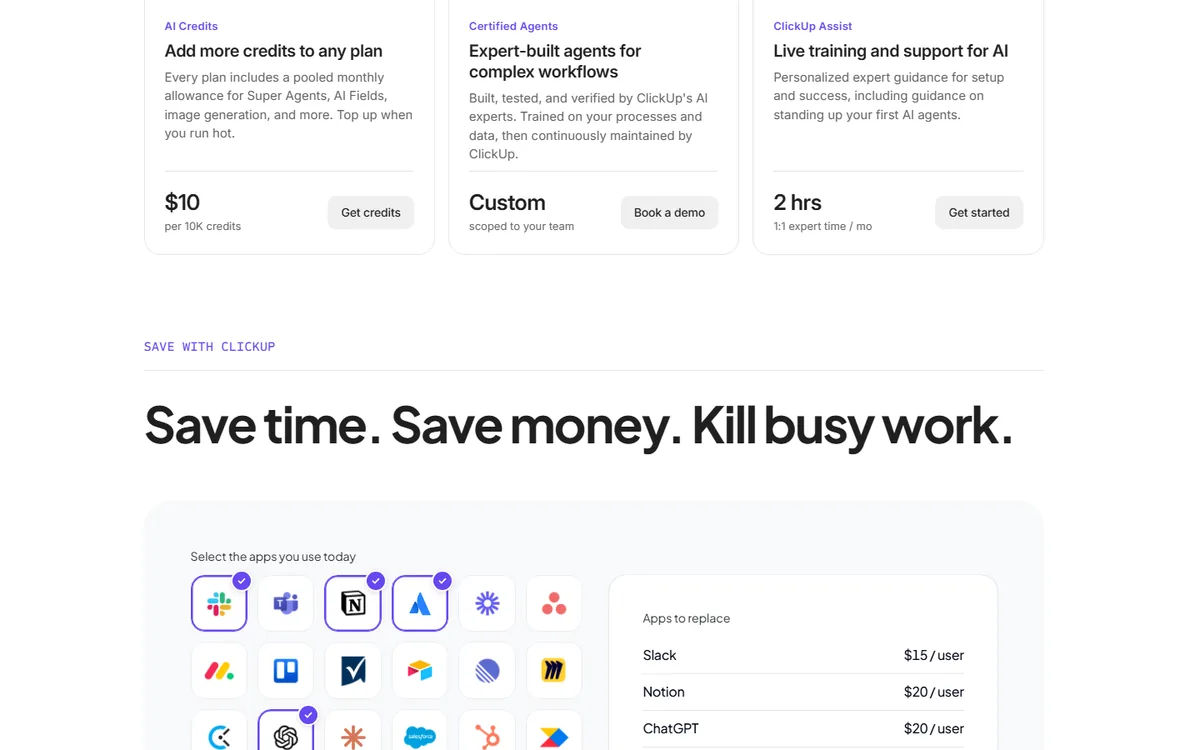
ClickUp has a free plan. Unlimited is listed at $10 per user per month and Business at $19, with Enterprise quoted on request, according to G2 and Capterra.
ClickUp Reviews
Smartsheet
The Easiest Step Up for Teams That Live in Spreadsheets but Need Real Workflow
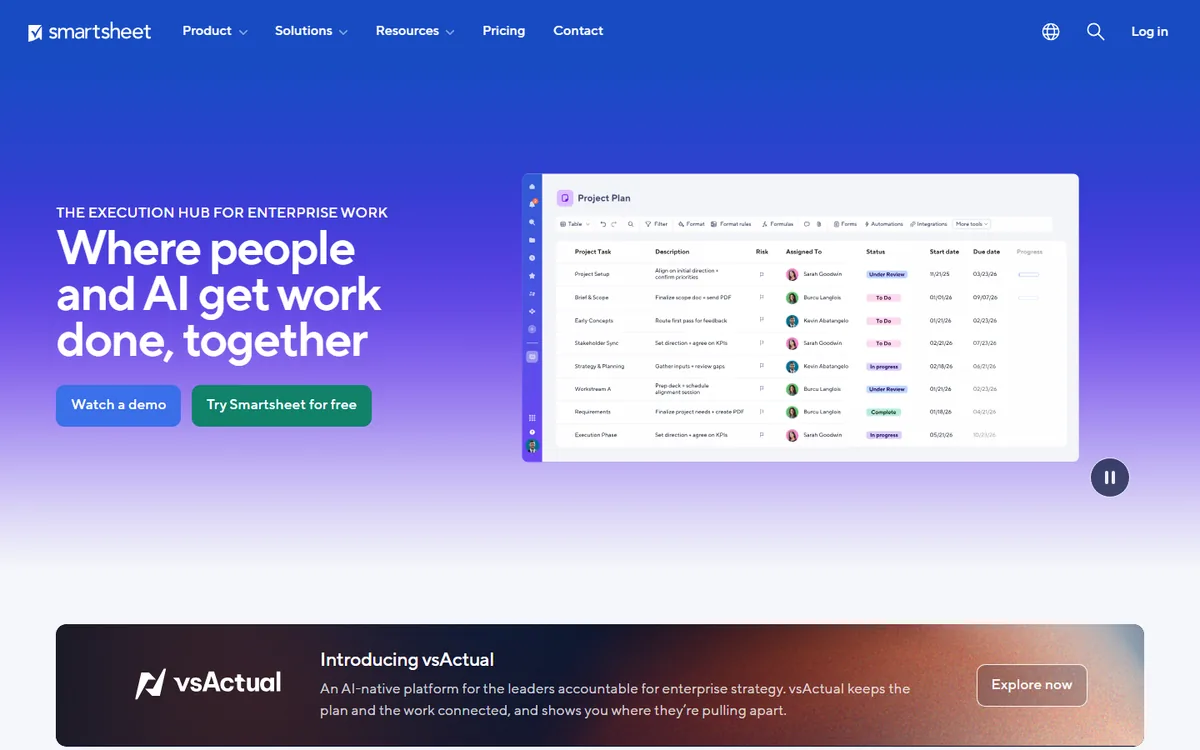
Smartsheet looks like a spreadsheet and works like a project tool, with grids, Gantt charts, forms, automations and dashboards.
If your campaign plan already lives in a big spreadsheet, Smartsheet lets you keep the grid and add what a spreadsheet cannot do: assignments, reminders, dependencies, approvals and live dashboards. It has the largest review base on G2 in this list, which says something about how widely it is used for planning. The weakness is design: it can feel less polished than newer boards, and getting a campaign calendar that marketers enjoy takes effort. It is strongest when reporting to finance or leadership matters. Pair it with the metrics in marketing operations metrics to build that reporting layer.
What I Like About Smartsheet
- The grid feels familiar to anyone who uses spreadsheets
- Dashboards and reports suit leadership updates
- Forms and automations cover intake and approvals
What I Don’t Like About Smartsheet
- The interface feels less modern than board-first tools
- Setup takes effort before a campaign view feels natural
Smartsheet Pricing
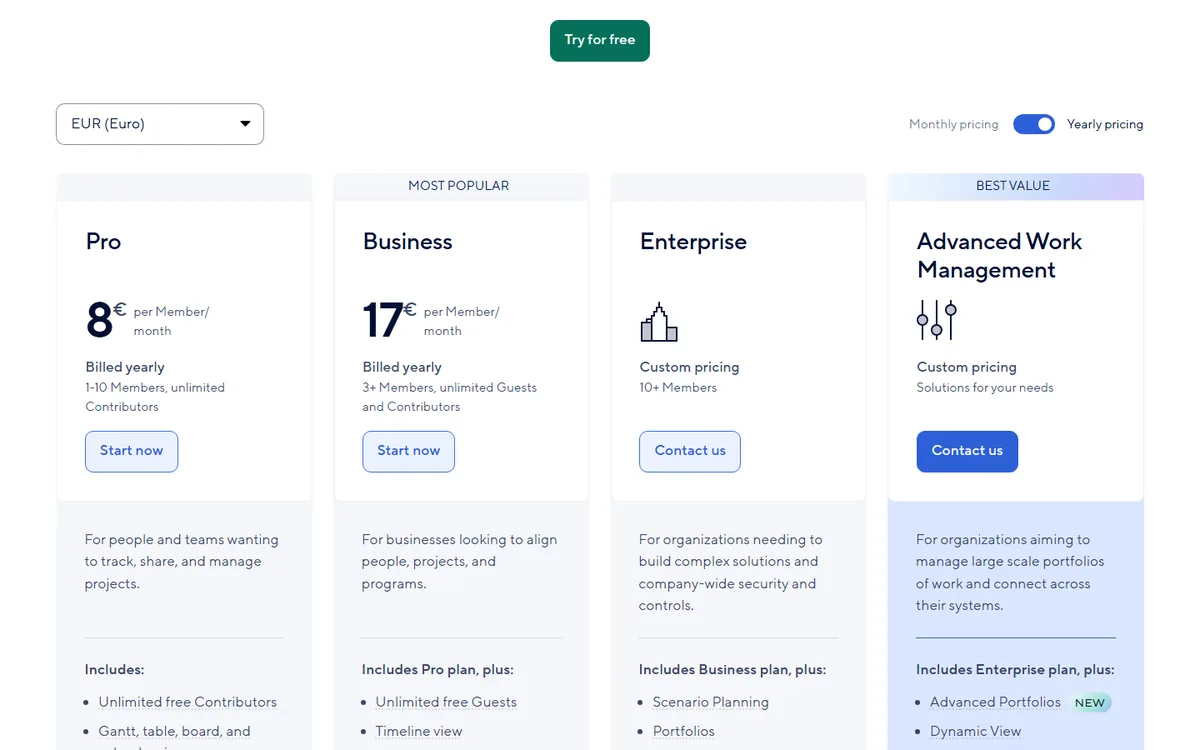
Smartsheet lists Pro at $9 per user per month and Business at $19 on Capterra. Enterprise and Advanced Work Management plans are quoted on request, and a free trial is available.
Smartsheet Reviews
Airtable
The Best Choice for Content Libraries, Asset Tracking and Custom Workflows Built on Data
Airtable combines a spreadsheet interface with a relational database, then adds views, interfaces, automations and AI.
Airtable shines when your operations problem is data, not tasks. A content library linked to campaigns, channels, owners and results is easy to build, and interfaces let your team work in a clean view without touching the base. Marketing is one of the most common industries among its G2 reviewers. The cost is a learning curve: linked records and formulas take practice, and large bases can slow down. Per-seat pricing also climbs fast for wide teams. I use it for content and asset registers, often alongside a task tool, and the approach ties into the marketing operations consulting work on data hygiene.
What I Like About Airtable
- Linked records make content and campaign registers easy to query
- Interfaces give non-technical users a clean working view
- Automations and integrations connect Slack, Google and Salesforce
What I Don’t Like About Airtable
- Linked records and formulas have a learning curve
- Seat pricing climbs quickly for large teams
Airtable Pricing
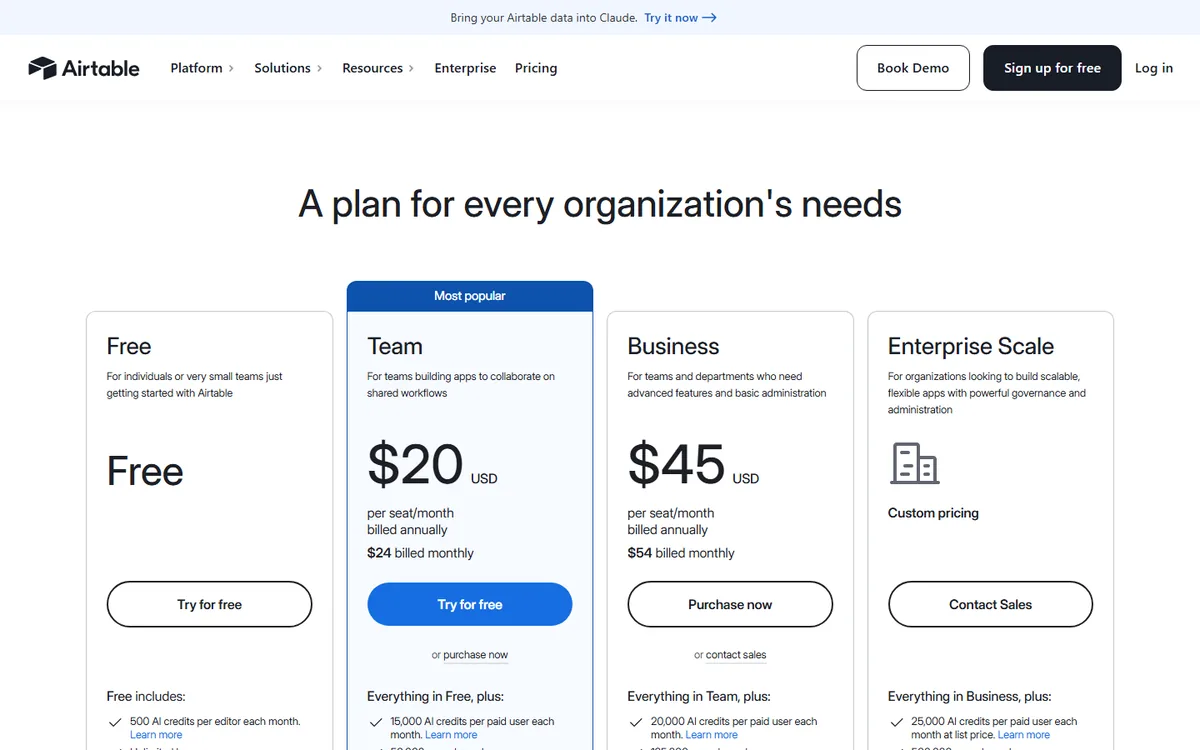
Airtable has a free plan with up to five editors. Team is listed at $20 per user per month and Business at $45, with Enterprise Scale quoted on request, according to Capterra and G2.
Airtable Reviews
Adobe Workfront
The Heavyweight Choice for Large Marketing Organizations With Complex Approvals and Governance
Adobe Workfront manages enterprise marketing work with intake, planning, resourcing, proofing, reporting and links to Adobe Creative Cloud and Experience Cloud.
Workfront is built for organizations where hundreds of projects run at once and finance wants to see hours against budgets. It handles portfolios, resource capacity and structured approvals better than any lighter tool here. Expect a real implementation: G2 data points to about four months to implement, and reviewers on both sites describe the cost as high. For a small team it is overkill. For a global team with shared creative resources and strict governance it can be the right answer, as long as someone owns configuration after launch. Review your reporting needs with the marketing operations KPIs in mind before you shortlist it.
What I Like About Adobe Workfront
- Portfolio and resource planning suit large marketing organizations
- Proofing and approvals handle strict governance
- Connects with Adobe Creative Cloud and Experience Cloud
What I Don’t Like About Adobe Workfront
- Implementation takes months and needs an owner
- Cost sits at the top of this list
Adobe Workfront Pricing
Adobe does not publish Workfront prices. Plans are quoted by sales, and reviewers on G2 and Capterra describe it as one of the more expensive options, so ask for a written quote before you plan a budget.
Adobe Workfront Reviews
Teamwork.com
The Practical Pick for Teams That Bill Clients or Track Time Against Campaign Budgets
Teamwork.com focuses on client and project work, with time tracking, budgets, workload views, requests and portals for outside stakeholders.
Teamwork.com works best when your marketing team behaves like an agency, internally or externally. Time tracking, budgets and workload sit next to the tasks, so you can see whether a campaign is profitable or just busy. Its ratings are solid on both review sites, though the review count is smaller than the big names. Smaller in-house teams that do not track time may not use half of it. Test whether your team will actually log hours before you pay for that feature, and keep the process simple, as in my marketing operations strategy playbook.
What I Like About Teamwork.com
- Time tracking and budgets sit next to the tasks
- Client portals and request forms suit agency work
- Workload views show capacity across projects
What I Don’t Like About Teamwork.com
- In-house teams that skip time tracking use fewer features
- Smaller community and template library than the largest tools
Teamwork.com Pricing
Teamwork.com has a free plan for up to five users. Basics is listed at $9.99 per user per month (three-seat minimum) and Accelerate at $24.99 (five-seat minimum), billed annually. Optimize and Enterprise are quoted on request, and paid plans include a 14-day trial.
Teamwork.com Reviews
Notion
The Best Home for Playbooks, Briefs and Lightweight Planning in a Small Marketing Team
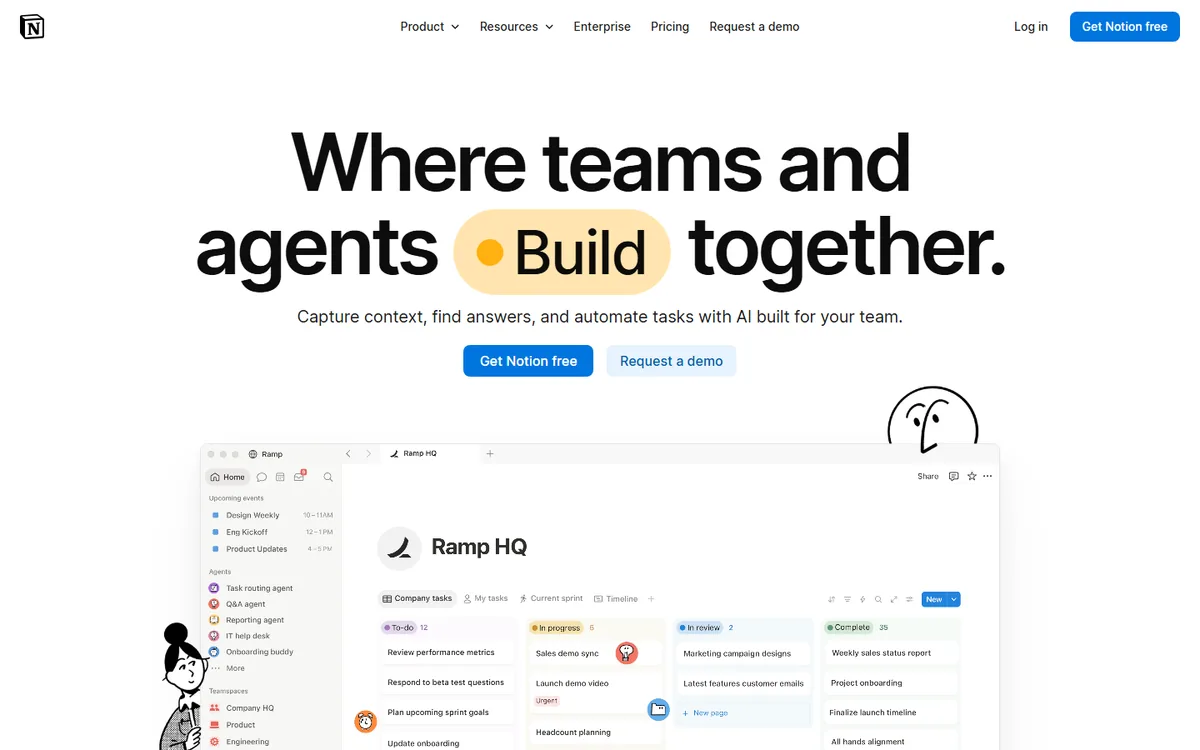
Notion combines documents, wikis and databases in one workspace, with templates, automations and an AI assistant.
Notion is where I put the written side of marketing operations: process playbooks, brief templates, naming rules, onboarding guides and a simple campaign database. Documentation and planning live together, which means the rules actually get read. It has one of the highest ratings in this list on both review sites. It is not a full project tool: approvals, resource planning and detailed reporting are thin, and large workspaces slow down. Many teams pair Notion for documents with a task tool for execution. Start with a single page that records your process, then build outward from the framework.
What I Like About Notion
- Playbooks, briefs and databases live in one searchable place
- Templates make onboarding new team members fast
- Free and low-cost plans suit small teams
What I Don’t Like About Notion
- Approvals, resource planning and reporting are limited
- Large workspaces can slow down
Notion Pricing
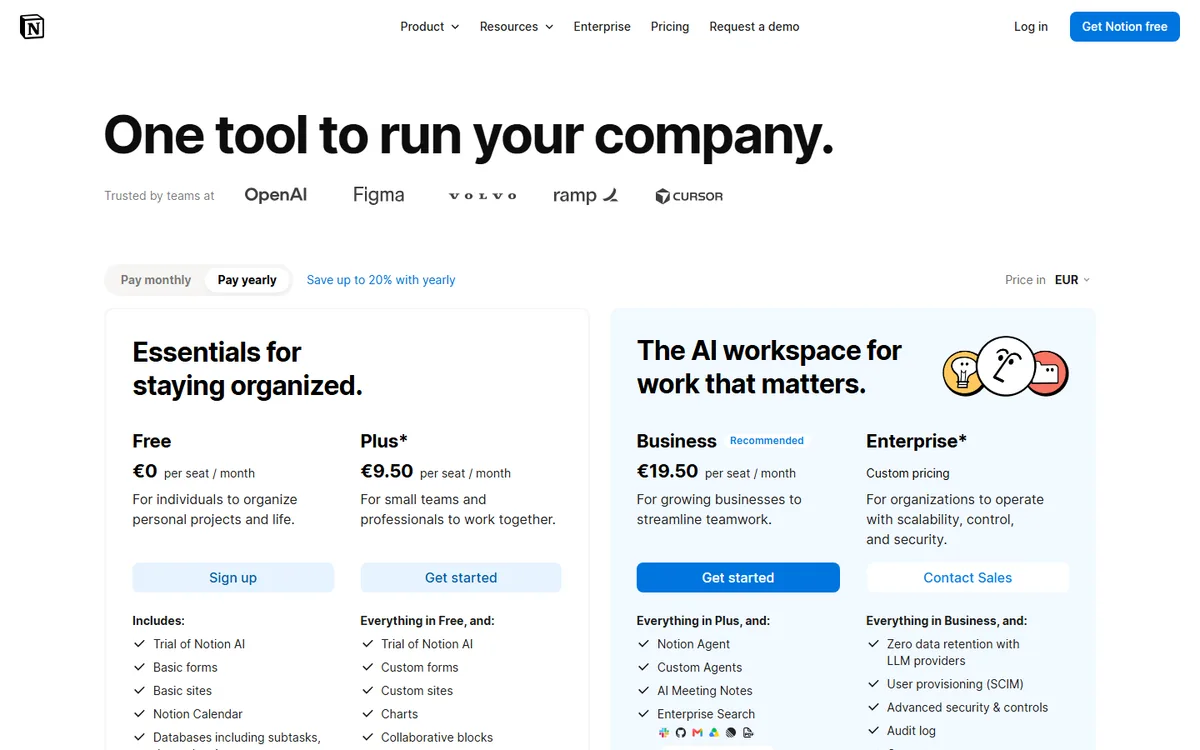
Notion has a free plan. Plus is listed at $12 per user per month and Business at $24, with Enterprise quoted on request, according to Capterra.
Notion Reviews
Estimate the Return on a Marketing Operations Tool
Before you pick a plan, check whether the numbers work for you. Enter the manual hours you want to remove, such as status meetings, chasing approvals and building reports, and the monthly price of the tool you are considering. You will see what it could return in a year. If you track results afterward, the measures in marketing operations metrics show you what to compare.
Is the Tool Worth It for You?
Set the sliders to the work the tool would handle and the plan you have in mind.
How to Choose the Right Marketing Operations Tool
In my experience, fit with your workflow decides more than any feature list. Before you compare vendors, answer four questions:
- Where does work wait today: in briefs, creative review, approvals or reporting?
- How many people need to use the tool every day, and how technical are they?
- Which systems must connect, such as your CRM, ad accounts, email platform or Slack?
- Who will own the setup and keep it tidy after launch?
If you want speed and ease, I usually recommend monday.com or Asana. If you want the most features per dollar, look at ClickUp. If you run heavy creative approvals, shortlist Wrike or Workfront, and if you manage content as structured data, choose Airtable. Run a two-week pilot on one real campaign, then decide.
Questions About Choosing Marketing Operations Tools
What Is the Best Marketing Operations Tool for a Small Team?
For most small teams I recommend monday.com or ClickUp as a starting point. Both set up quickly, include automations and have free or low-cost plans. Choose monday.com if ease of use matters most, and ClickUp if you want tasks, docs and dashboards in one place at a lower cost per seat.
Do I Need a Separate Tool for Marketing Operations?
Not always. If your team already uses a project tool well, extend it with intake forms, templates and dashboards before you buy anything. A new tool only pays off when the problem is process or visibility that your current software cannot handle, such as proofing, resource planning or portfolio reporting.
What Is the Difference Between Project Management and Marketing Operations Tools?
Project management tools track tasks, owners and deadlines. Marketing operations tools usually add intake forms, approval workflows, asset review, capacity planning and reporting across campaigns. Many products in this list sit in both groups, so judge them by the workflow you need, not the label.
Which Tool Is Best for Creative Approvals and Proofing?
Wrike and Adobe Workfront are built for structured proofing and approvals, with comments directly on assets and set approval paths. Asana and monday.com cover simpler review steps. If creative review is your biggest bottleneck, test proofing with a real asset during the trial.
How Much Should I Budget for Marketing Operations Software?
Per-seat prices in this list range from about $9 to $45 per user per month for published plans, and enterprise tools such as Adobe Workfront are quoted by sales. Add time for setup and training, which often costs more than the licenses in the first year.
Can I Use More than One Tool?
Yes, and many teams do. A common setup is a task tool for execution, a wiki such as Notion for playbooks and a database such as Airtable for content or asset registers. Decide which tool owns which type of information, so you do not end up with duplicate records.
How Do I Switch Tools Without Losing Momentum?
Migrate one team or one campaign type first, keep the old tool read-only for a month and write down the new process before moving data. Train one champion per team, and review adoption after 30 days. Moving everything at once is the most common reason a switch stalls.
Please note: pricing, plans and ratings change often. They were accurate at our last review; please verify them on the vendor sites before you buy. None of this is legal or financial advice.
Was this guide helpful?
Thanks for your feedback.
Warren Albright
Warren leads the Blue Hornet editorial team and works with the consultants to turn real client projects into practical guides on content, paid media, marketing automation, CRM and analytics. He comes from content and demand generation work, edits every article before a working marketing consultant reviews it, and draws on strategies, channel plans and audits from client projects to keep the advice grounded in real numbers.