Quick Summary
- Start with free analytics and a CRM, then add tools only when a test needs them.
- HubSpot suits teams that want one system, while Mixpanel, PostHog and VWO suit focused product and testing work.
- Price each tool at your real volume of contacts, events or tasks, not at the entry plan.
- A small stack with an owner for each tool beats a large stack nobody opens.
The Best Growth Marketing Tools at a Glance
| Tool | Type | Best for |
|---|---|---|
| 1. HubSpot Marketing Hub | All-in-one marketing and CRM | Teams that want one system for leads, email and reporting |
| 2. Google Analytics 4 | Web and app analytics | Every team, as the free baseline for traffic and conversions |
| 3. Semrush | SEO and competitor research | Teams that grow through search and content |
| 4. Mixpanel | Product analytics | Software teams that need funnels, retention and activation data |
| 5. Hotjar | Heatmaps, recordings and surveys | Teams that need to see why visitors do not convert |
| 6. PostHog | Open-source analytics suite | Technical teams that want analytics, replay and experiments together |
| 7. Customer.io | Behavior-triggered messaging | Product and subscription companies running lifecycle email |
| 8. VWO | A/B testing and conversion optimization | Sites with enough traffic to run clean split tests |
| 9. Zapier | No-code workflow automation | Small teams connecting forms, CRM and email without a developer |
The 9 Best Growth Marketing Tools, Ranked
I start with tools that suit the widest range of teams and move toward specialist platforms, so you can stop reading once you find your fit. The tool is only part of the result: in the growth marketing consulting projects I review, picking the right test matters more than picking the platform.
HubSpot Marketing Hub
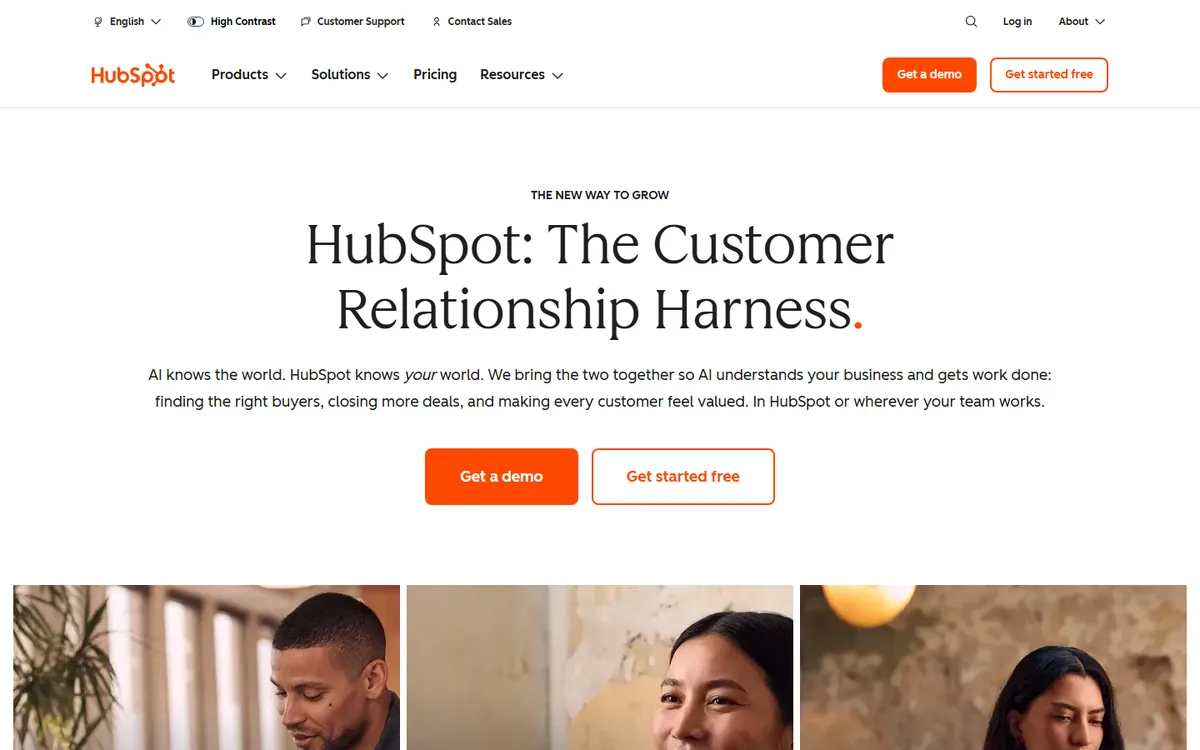
The Best Single System to Run Your Growth Loop From First Visit to Closed Deal
HubSpot joins a free CRM to landing pages, forms, email, lead scoring and attribution reports in one place.
I put HubSpot first because growth work falls apart when data lives in four tools. With the CRM and marketing tools in one database, you can see which landing page, email and ad produced a customer, then act on it the same afternoon. That closes the loop between a test and its revenue effect, which is the part most small teams never manage.
In my client work, HubSpot pays off most for teams of three to thirty people who want to run lifecycle email, lead scoring and reporting without a developer. The weak spot is price creep: seats, contacts and add-ons raise the bill quickly, and the Professional tier is a real step up. I suggest starting on the free tools or Starter and moving up only when a specific feature blocks a test.
What I Like About HubSpot Marketing Hub
- Contacts, deals and campaign data sit in one database
- Landing pages, forms and email are easy to build without developers
- Attribution and funnel reports make test results easy to read
What I Don’t Like About HubSpot Marketing Hub
- Costs rise fast as contacts and seats grow
- Professional and Enterprise tiers add a large jump in price
HubSpot Marketing Hub Pricing
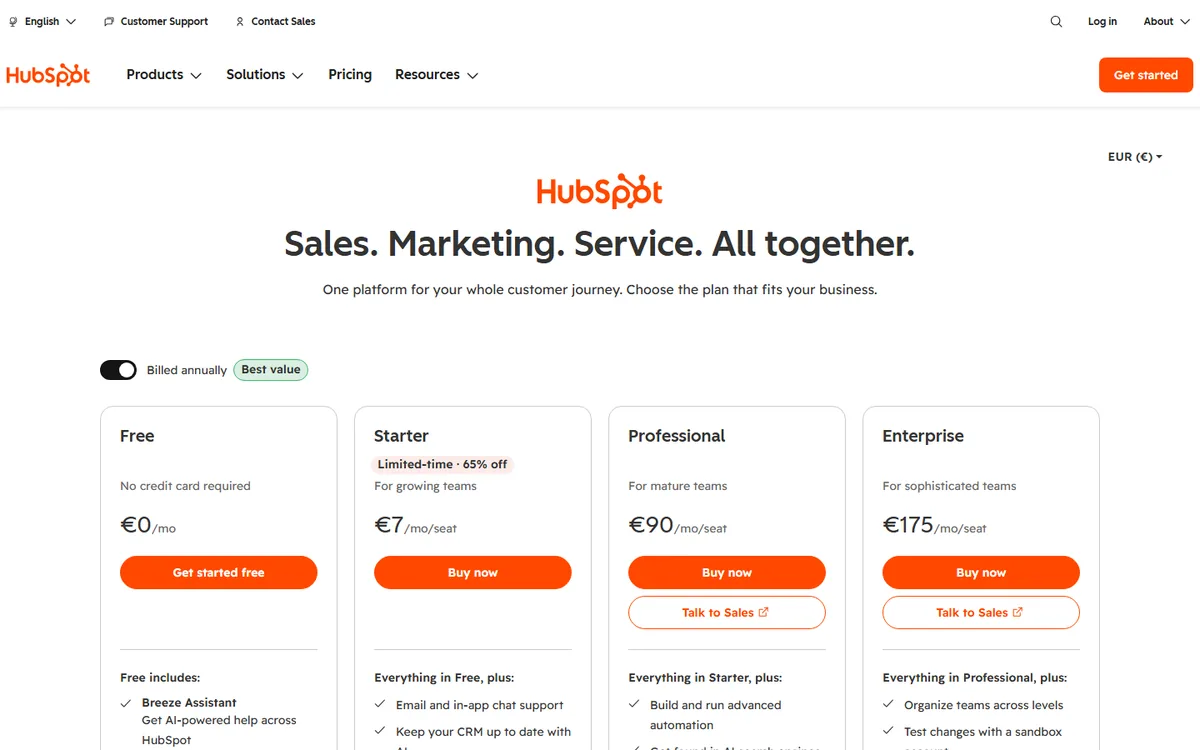
HubSpot offers free tools. Its pricing page lists Marketing Hub Starter at $15 per user per month, Professional at $890 per month with three core seats, and Enterprise at $3,600 per month with five core seats. The page notes that final pricing must be confirmed with HubSpot, so check the current quote before you plan a budget.
HubSpot Marketing Hub Reviews
Google Analytics 4
The Free Baseline Every Growth Team Needs Before It Buys Anything Else
Google Analytics 4 tracks visits, events and conversions across your site and app, at no cost for standard use.
You cannot run a growth test without knowing who visited, what they did and which source sent them. Google Analytics 4 does that for free, with an event-based model that lets you track form submissions, purchases and any action you define. Exploration reports and audiences let you slice results by source, page or segment.
I treat GA4 as the first thing to set up and the last thing to trust blindly. The interface is not friendly, and I have seen more than one account where the key conversion event was never configured. Spend an afternoon on event naming and conversion setup, and connect it to your CRM so a lead's source follows them into the pipeline.
What I Like About Google Analytics 4
- Free for standard use, with strong source and conversion reporting
- Connects to Google Ads and Search Console out of the box
- Custom events track the exact actions that matter to you
What I Don’t Like About Google Analytics 4
- The interface and reports take time to learn
- Sampling and thresholds can hide detail on small data
Google Analytics 4 Pricing
Standard Google Analytics 4 is free. Google Analytics 360, the enterprise edition, is sold through Google or its partners at custom prices, and G2 lists no starting price for it. Most small and mid-sized teams never need to leave the free version.
Google Analytics 4 Reviews
Semrush
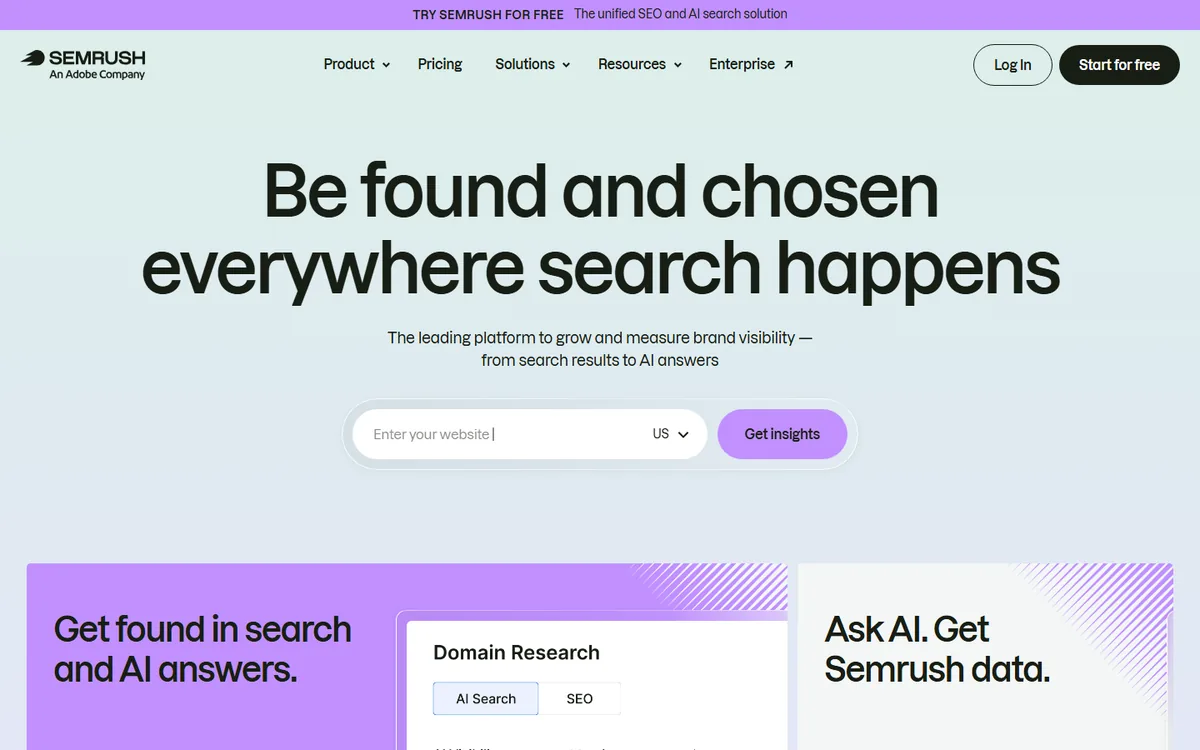
The Fastest Way to Find Keywords and Competitor Gaps When Search Is Your Main Channel
Semrush gives you keyword research, competitor traffic data, site audits and rank tracking in one subscription.
If search content is a growth channel for you, Semrush shortens the research phase from days to hours. You can see which pages bring competitors traffic, which keywords they rank for that you do not and how hard each topic is to win. That turns a content backlog into a ranked list of bets.
The tool is deep, and most users touch a fraction of it. I use it for keyword research, competitor gap reports and site audits, and I ignore the rest unless a project calls for it. Treat the volume and difficulty numbers as estimates, and check a few results by hand before you commit a month of writing.
What I Like About Semrush
- Keyword and competitor data in one place
- Site audit finds technical issues you would miss by hand
- Content and position tracking tools support a full SEO workflow
What I Don’t Like About Semrush
- Pricing climbs once you need several projects or more users
- The feature count can overwhelm a small team
Semrush Pricing
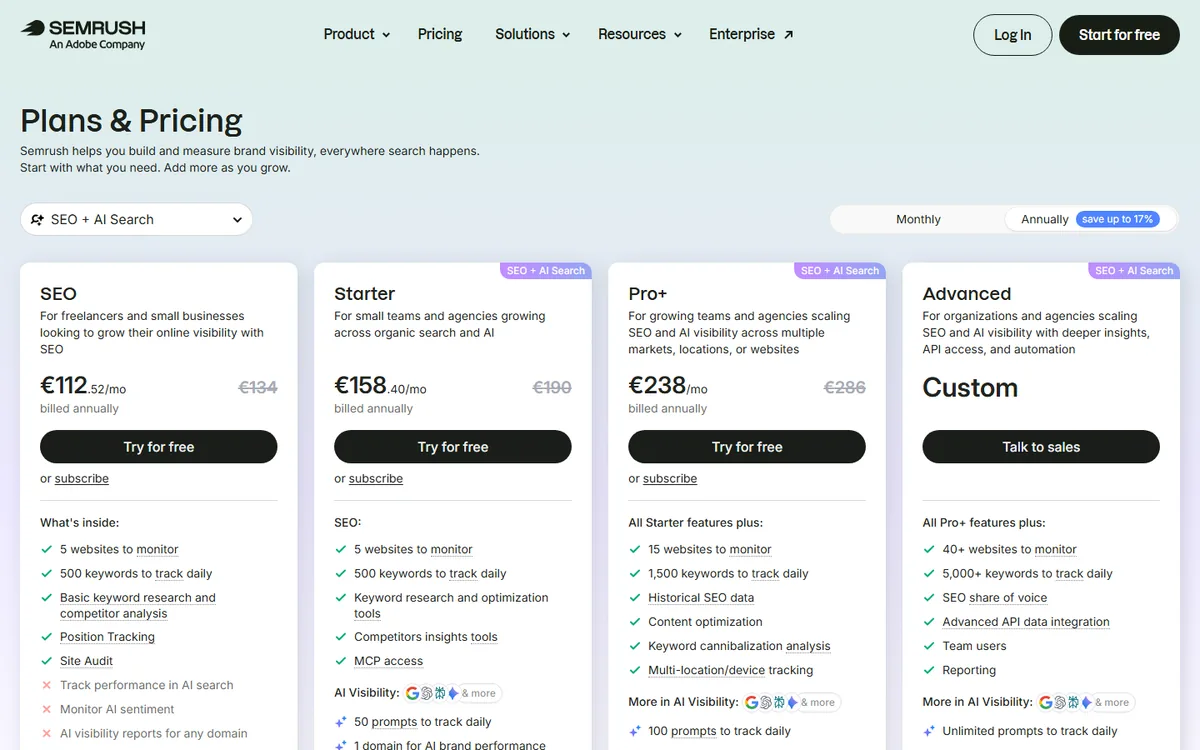
G2 lists the Semrush Pro plan at $139.95 per month. Higher plans add more projects, keywords and users, and custom enterprise pricing is available. Check the current plan limits before you buy, because they decide whether Pro is enough.
Semrush Reviews
Mixpanel
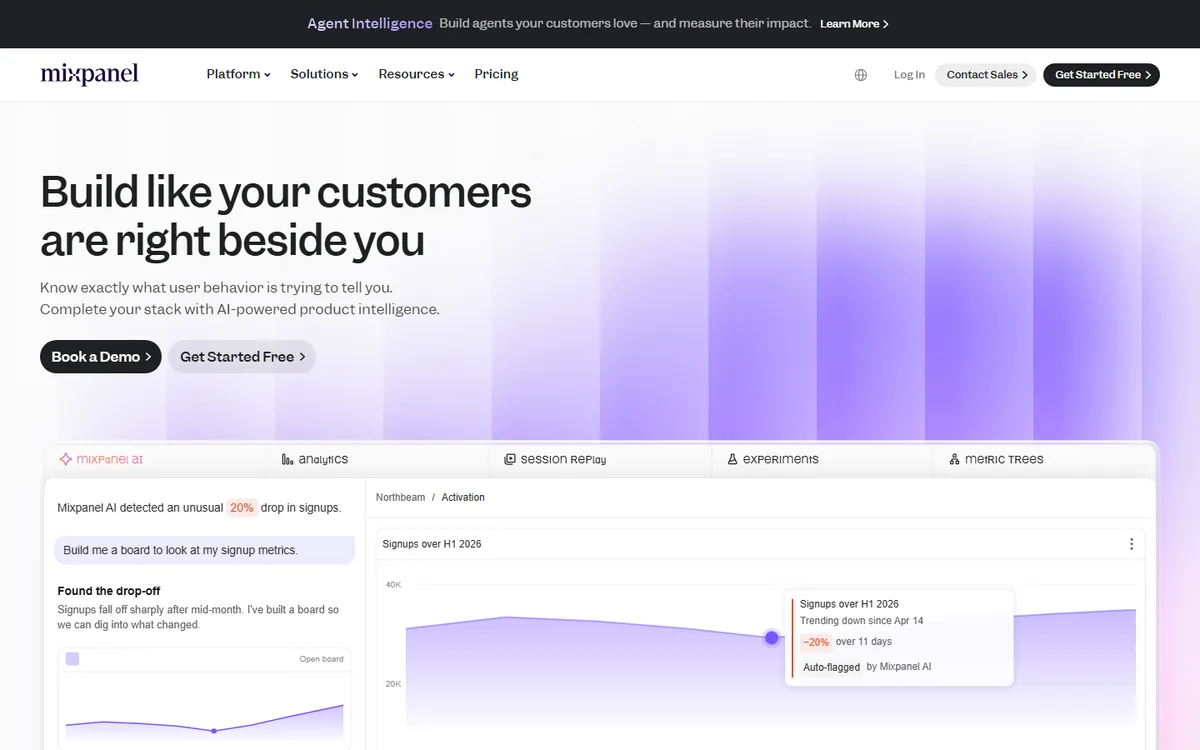
Best for Seeing Exactly Where New Users Drop Out of Your Product
Mixpanel tracks what users do inside your product and shows funnels, retention curves and cohorts without writing queries.
When the weak stage in your funnel is activation or retention, web analytics is not enough. Mixpanel records events such as created a project or invited a teammate, then shows how many users reach each step and how many return later. You can compare cohorts before and after a change, which is the core of a growth test.
It rewards planning. Teams that decide on a small set of events and name them clearly get value in a week. Teams that track everything end up with a dashboard nobody trusts. I recommend ten to twenty well-named events and a weekly look at one funnel and one retention chart.
What I Like About Mixpanel
- Funnels and retention reports are quick to build and easy to read
- Cohort comparison makes before-and-after tests simple
- A free plan covers early-stage usage
What I Don’t Like About Mixpanel
- Needs careful event planning to stay useful
- Less useful for sites with no product to log in to
Mixpanel Pricing
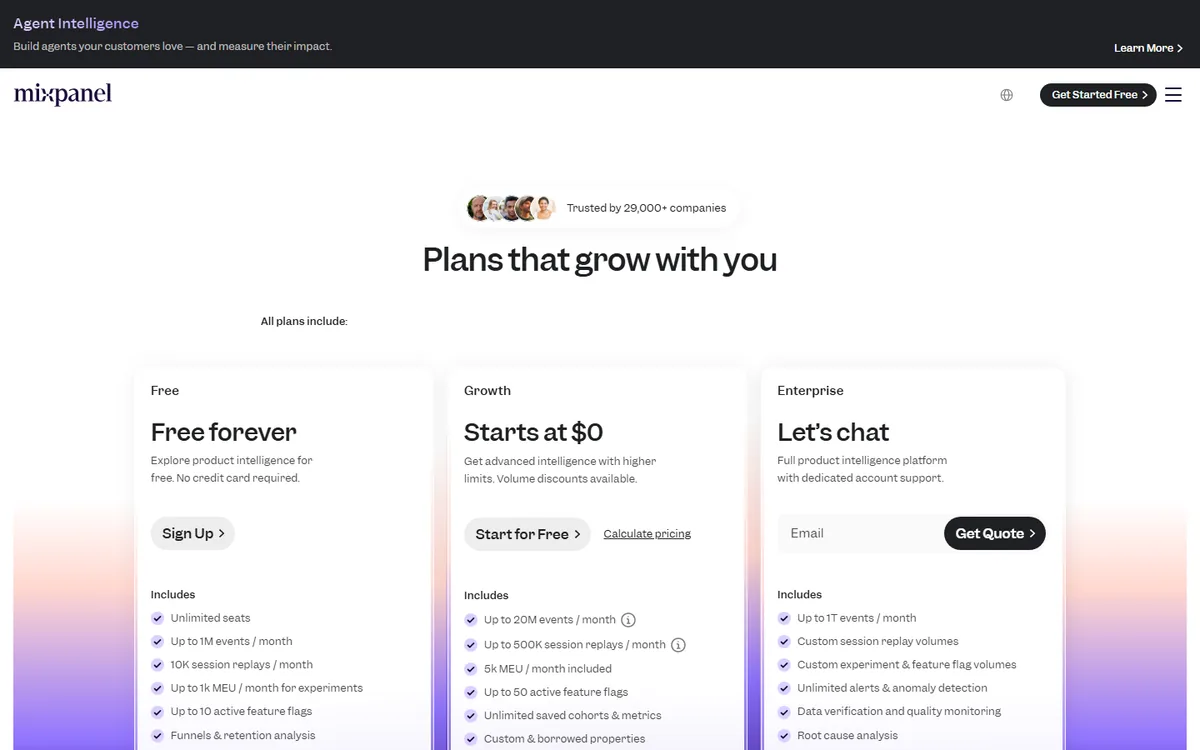
G2 lists a Free plan, a Growth plan from $25 per month and custom pricing for Enterprise. Costs depend on event volume, so estimate your monthly events before you pick a plan.
Mixpanel Reviews
Hotjar
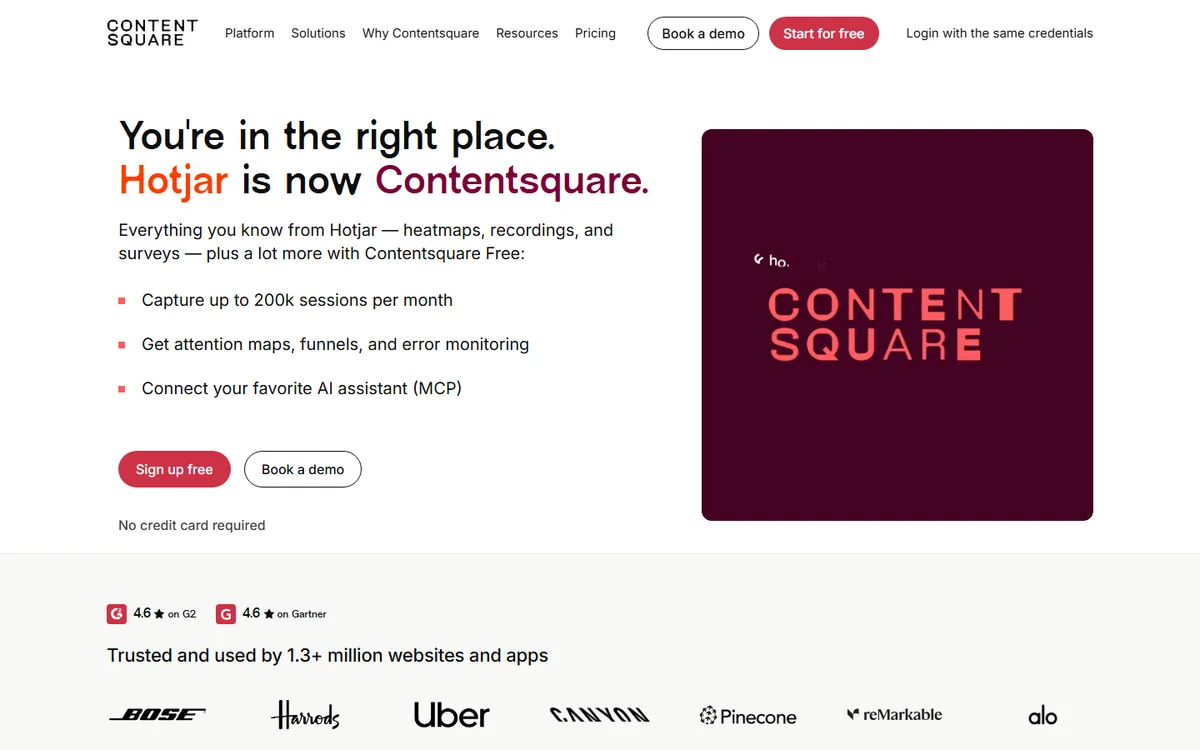
The Quickest Way to Learn Why Visitors Leave When the Numbers Show a Problem but Not the Reason
Hotjar adds heatmaps, session recordings and on-page surveys, so you can watch what visitors actually do on a page.
Analytics tells you that a page loses people. Hotjar helps you see why. A heatmap shows where visitors click and how far they scroll, recordings show hesitation and rage clicks, and a one-question survey asks people directly what stopped them. Those three views feed the hypothesis stage of any growth cycle.
Watch ten recordings of your most important page before you write a hypothesis. I have never done this without finding something, such as a button that does not look clickable or a form field that confuses people. Use it for qualitative insight, and let your analytics tool and a proper test tell you whether a fix worked.
What I Like About Hotjar
- Recordings reveal problems numbers cannot show
- Surveys let visitors tell you in their own words
- Setup takes minutes with a single script
What I Don’t Like About Hotjar
- Recordings take time to review
- Low-traffic pages produce thin heatmaps
Hotjar Pricing
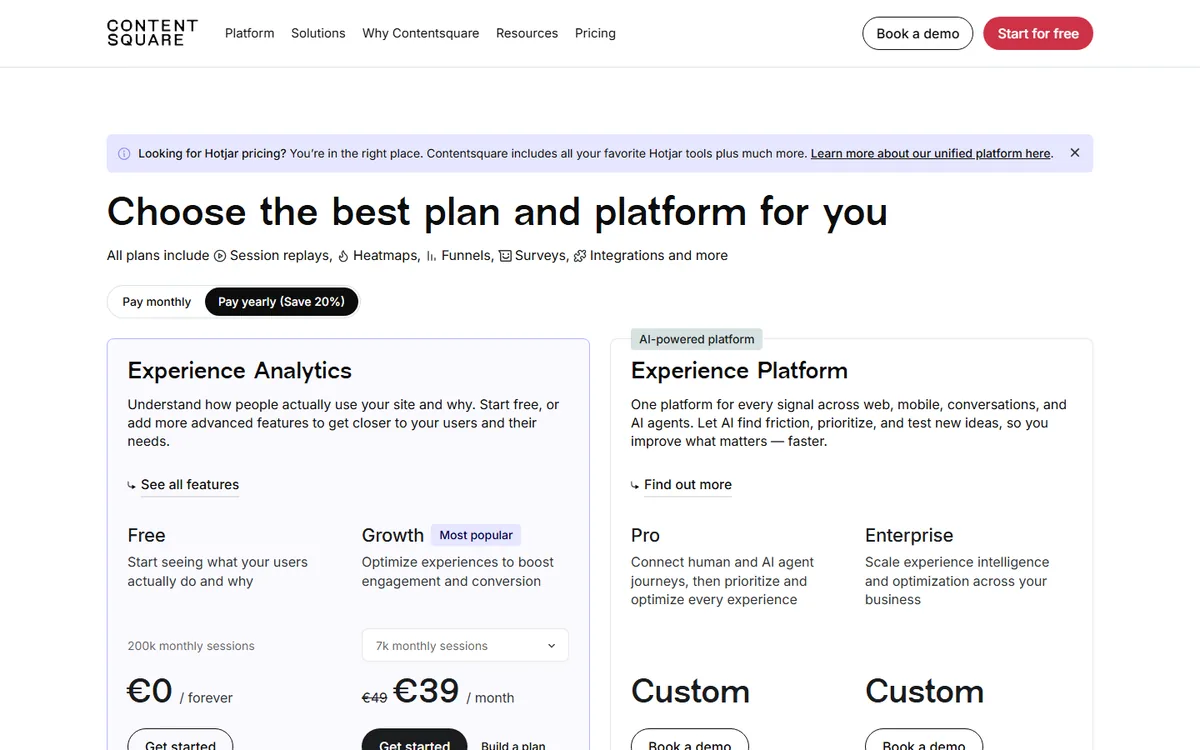
G2 lists a Free plan and a Growth plan from $40 per month, with custom pricing for Pro. Plans depend on how many sessions you record each month, so check the volume limits against your traffic.
Hotjar Reviews
PostHog
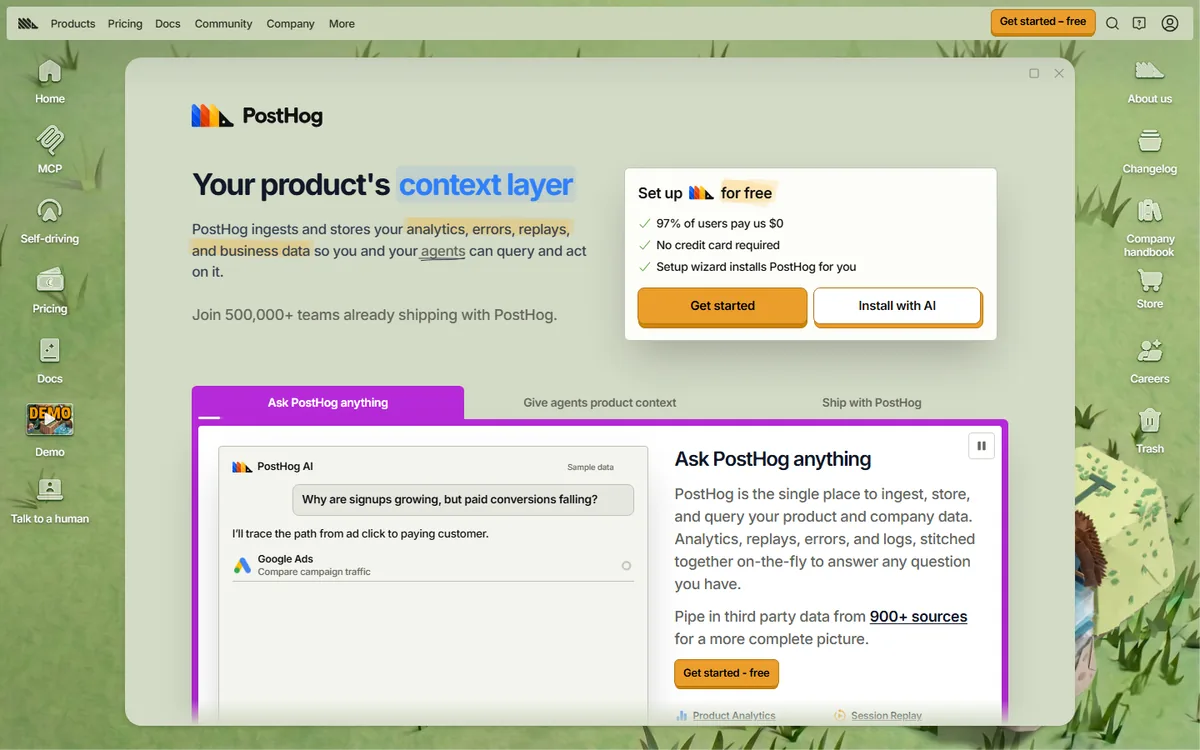
Best for Technical Teams That Want Analytics, Recordings and Experiments in One Open-Source Platform
PostHog bundles product analytics, session replay, feature flags, experiments and surveys, with a free tier and a self-hosting option.
PostHog attracts teams with a developer on staff. Instead of paying for four tools, you install one and get funnels, replay, feature flags and A/B experiments. Because the data lives in one place, you can start an experiment on a feature and read the effect on retention without exporting anything.
I recommend it to startups and product-led companies that want growth tooling without a heavy bill. It asks more from you than Mixpanel or Hotjar, since someone has to set up events and keep the install tidy. Marketing-only teams without developer help will find it slower to adopt.
What I Like About PostHog
- One platform covers analytics, replay, flags and experiments
- Usage-based pricing with a generous free allowance
- Self-hosting is available when data must stay in-house
What I Don’t Like About PostHog
- Setup needs developer time
- Marketing-only teams may find the interface technical
PostHog Pricing
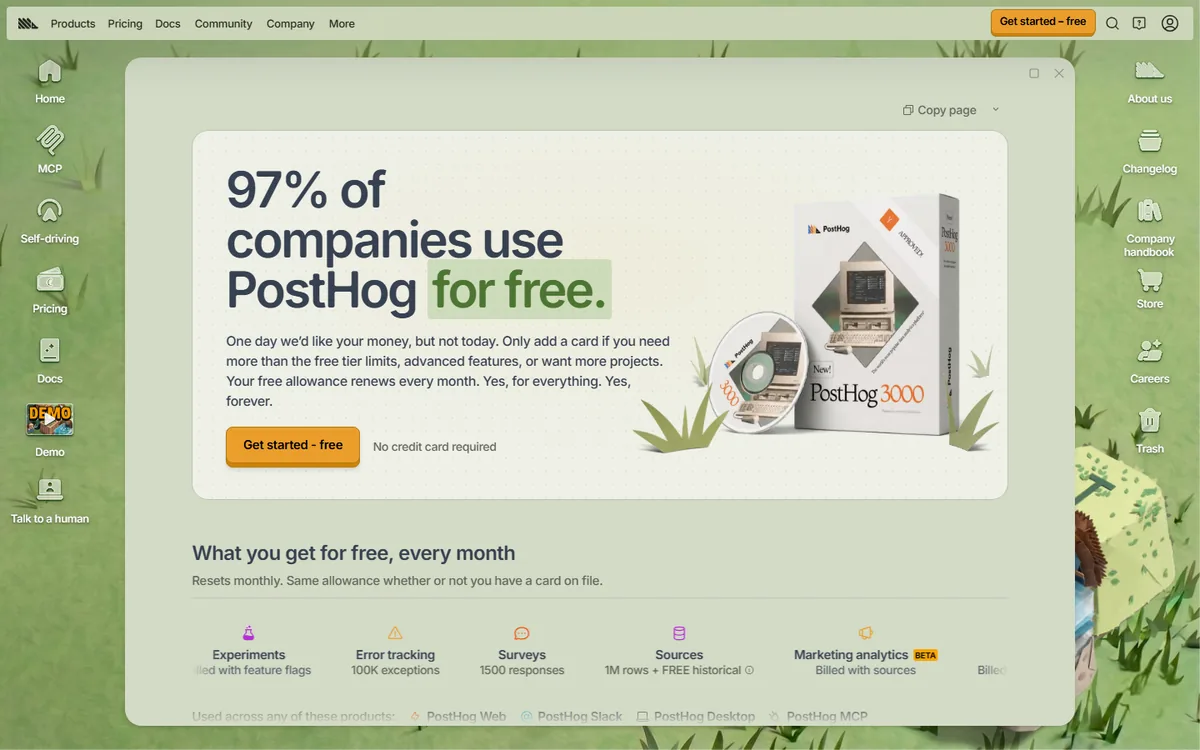
G2 lists PostHog's analytics, experiments and surveys products as starting at $0 per month, with usage-based pricing above the free allowance. Your bill depends on events and recordings, so use the pricing calculator on its site.
PostHog Reviews
Customer.io
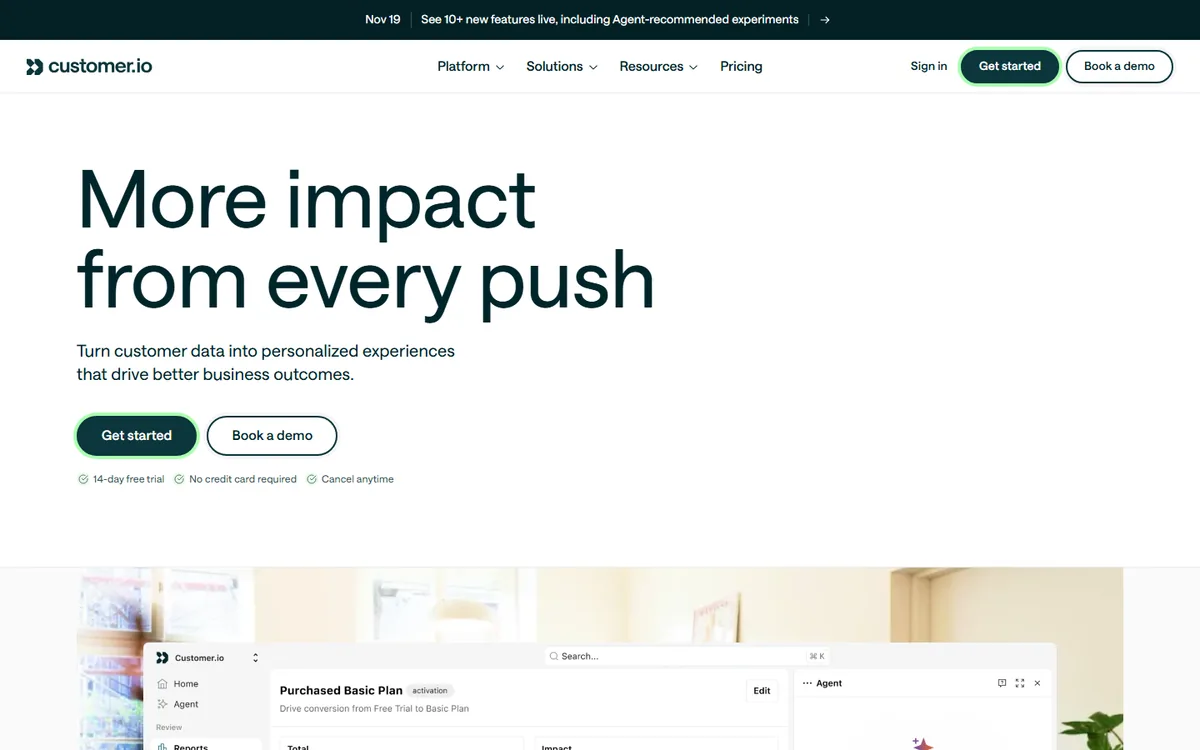
Best for Sending the Right Message at the Right Moment Based on What Users Do
Customer.io sends email, push, SMS and in-app messages triggered by user behavior, with a visual workflow builder.
Retention work depends on timing: a welcome email after signup, a nudge after three quiet days, a win-back after a month. Customer.io lets you build those flows from events and attributes, with branching logic that stays readable. It suits companies whose product data matters to the message.
It takes more setup than a newsletter tool, because you need to send events from your product. In return, you get far more targeted messages. I would pick it over a general email tool when onboarding and retention are the weak stage in your funnel and you have developer help for the first integration.
What I Like About Customer.io
- Visual workflows handle complex lifecycle logic
- Events from your product drive timing and content
- Multiple channels sit in one workflow
What I Don’t Like About Customer.io
- Needs developer help for the first event setup
- Less suited to simple newsletters
Customer.io Pricing
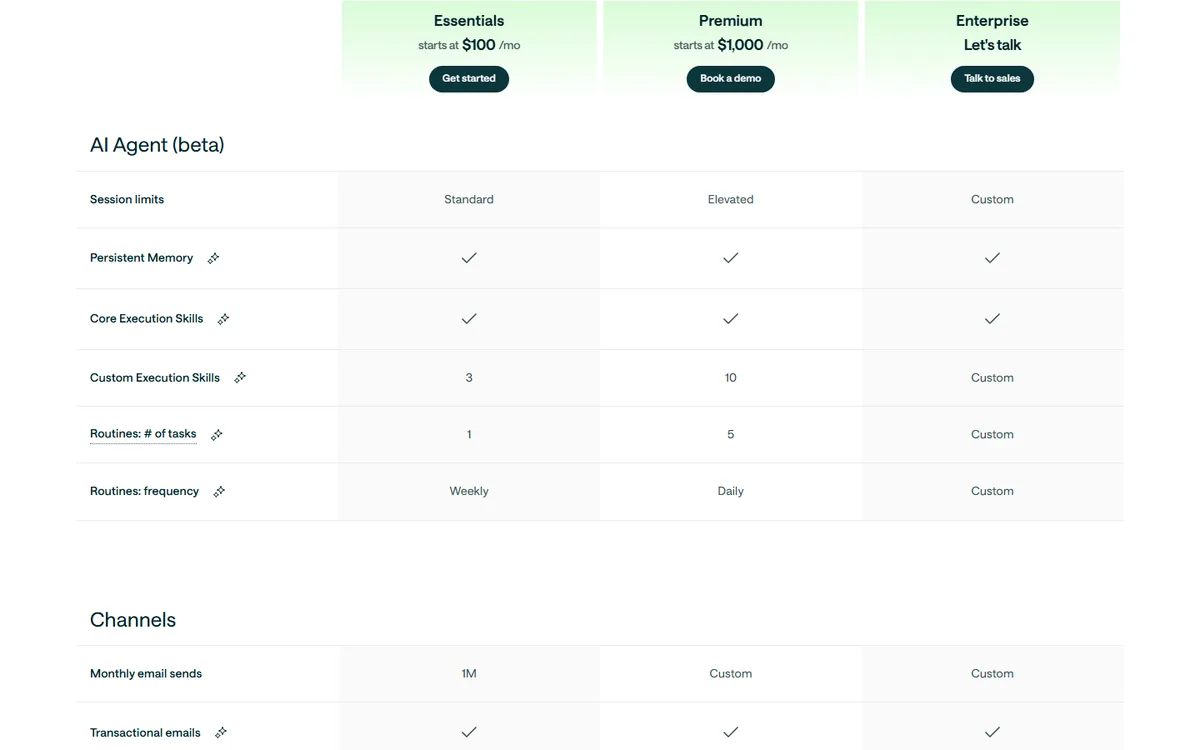
G2 lists the Essentials plan at $100 per month, priced by usage. Higher tiers add more profiles, channels and support. Confirm your profile count on the pricing page, since it drives the cost.
Customer.io Reviews
VWO
Best for Running Proper A/B Tests on Landing Pages and Checkout Flows
VWO runs A/B and multivariate tests, with heatmaps, surveys and personalization added to the same platform.
Once a page gets steady traffic, guessing at headline changes wastes time. VWO lets you split traffic between versions, track goals and read the result with statistics built in. A visual editor means marketers can build a variant without waiting for a developer.
Be honest about traffic before you buy. A page with a few hundred monthly visitors will not reach a clear result in a reasonable time, and no tool changes that. In my experience, the combination of a testing tool, a recordings tool and a weekly cadence beats any single feature.
What I Like About VWO
- Visual editor lets marketers create variants quickly
- Built-in statistics reduce the risk of false wins
- Testing, heatmaps and surveys live in one suite
What I Don’t Like About VWO
- Needs real traffic volume to pay off
- Price available on request on G2, so you need a quote
VWO Pricing
G2 shows no starting price for VWO, so confirm plans and traffic limits on the vendor's pricing page or with sales. Pricing typically depends on tested visitors per month.
VWO Reviews
Zapier
Best for Gluing Your Growth Tools Together When You Have No Developer
Zapier connects thousands of apps with trigger-and-action workflows, so data moves between your tools without manual work.
Growth teams use many small tools, and the cost of moving data between them adds up. Zapier sends a new form lead to your CRM, alerts the owner in chat and adds the contact to the right email sequence in one chain. That speed matters because a fast reply is one of the easiest conversion gains.
I use Zapier for quick experiments, such as routing a new lead source or logging test results to a sheet. Costs rise with task volume, so I move stable, high-volume flows into the native integrations of the main tools when I can. Keep a list of every active workflow, or you will not know what runs your funnel.
What I Like About Zapier
- Thousands of app connections and fast setup
- Lets marketers build without developer help
- Good for quick test setups
What I Don’t Like About Zapier
- Costs grow with task volume
- Large workflows become hard to maintain
Zapier Pricing
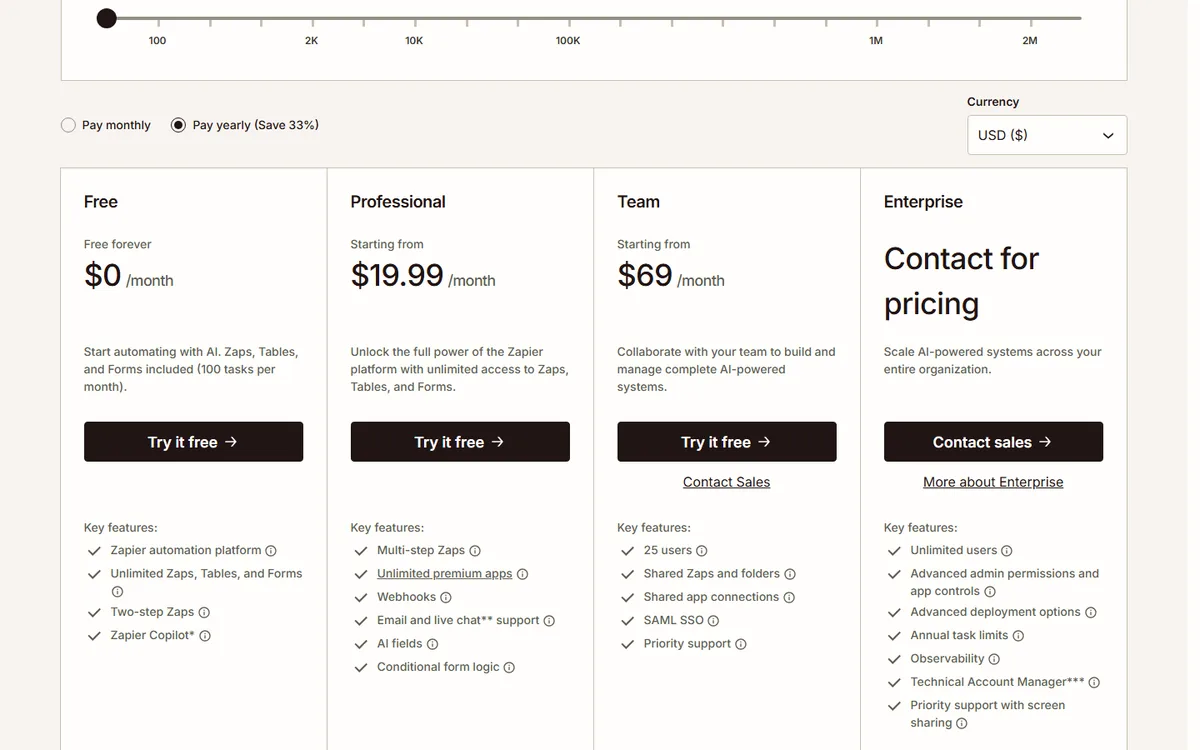
G2 lists a Free plan and a Professional plan from $29.99 per month, priced by tasks. Team and Enterprise plans add shared workspaces and admin controls. Estimate your monthly task count before you choose.
Zapier Reviews
Estimate the Return on a Growth Marketing Tool
Before you pick a plan, check whether the numbers work for you. Enter the manual hours the tool would save and its monthly price, and you will see what it could return in a year.
Is the Tool Worth It for You?
Set the sliders to the work the tool would handle and the plan you have in mind.
How to Choose Growth Marketing Tools for Your Stage
In my experience, fit with your stage decides more than any feature list. Before you compare vendors, answer four questions:
- Which funnel stage is weakest, and which number shows it?
- How much traffic or event volume do you have each month?
- Who will set the tool up and read its reports every week?
- Does it send data to your CRM, so results connect to revenue?
If you need a plan for what to test first, my guide to growth marketing strategy ranks priorities, and the growth marketing framework shows where each tool fits in the loop. Real-world plays that use these tools are collected in growth marketing examples. If you run an early-stage company, growth marketing for startups narrows the list to the few tools worth paying for in year one. If you want a second opinion on your setup, growth marketing consulting is a short call away.
Questions About Choosing Growth Marketing Tools
What Are the Best Free Growth Marketing Tools?
Google Analytics 4, the free tiers of HubSpot, Mixpanel, PostHog and Hotjar, and Zapier's free plan cover a lot of ground. I suggest starting with analytics and a CRM, then adding a testing or recordings tool when you have enough traffic to use it.
Which Growth Marketing Tool Should I Buy First?
Buy the tool that answers your biggest open question. If you do not know where customers come from, set up analytics and CRM tracking first. If you know but cannot see why they leave, add recordings. Add experimentation when traffic allows clean tests.
Do I Need a Developer to Use Growth Tools?
Not for most of them. HubSpot, Hotjar, VWO and Zapier are built for marketers. Product analytics and open-source tools such as Mixpanel, PostHog and Customer.io need a developer for the first setup, after which marketers can usually work on their own.
How Many Tools Is Too Many?
If a tool has no owner, no job and no weekly use, it is one too many. Most small teams I work with run well on five to eight: analytics, CRM, email, one research tool, one recordings tool and an automation layer.
How Do I Compare Tool Pricing Fairly?
Price each tool at your real volume of contacts, events, sessions or tasks, not at the entry plan. Add the hours your team will spend maintaining it. A cheap tool that eats ten hours a month can cost more than a pricier one that runs itself.
Are All-in-One Platforms Better than Separate Tools?
All-in-one platforms such as HubSpot reduce data gaps and simplify reporting, which suits smaller teams. Separate tools give you stronger features in one area and lower cost per feature, but need integrations and care. I choose by team size and technical skills.
How Do These Tools Fit a Growth Marketing Process?
Each stage of the loop needs one tool: analytics to measure, recordings and surveys to form hypotheses, a testing tool to run changes and an automation or CRM layer to keep wins running. The tools matter less than the weekly habit of using them.
Please note: pricing, plans and ratings change often. They were accurate at our last review; please verify them on the vendor sites before you buy. None of this is legal or financial advice.
Was this guide helpful?
Thanks for your feedback.
Warren Albright
Warren leads the Blue Hornet editorial team and works with the consultants to turn real client projects into practical guides on content, paid media, marketing automation, CRM and analytics. He comes from content and demand generation work, edits every article before a working marketing consultant reviews it, and draws on strategies, channel plans and audits from client projects to keep the advice grounded in real numbers.