Quick Summary
- Mailchimp, MailerLite and Brevo are the easiest places to start, and all three have free plans.
- Klaviyo, Omnisend and Drip fit online stores that want purchase data to drive their emails.
- ActiveCampaign and HubSpot suit teams that need automation or a CRM behind their email.
- Compare cost at the list size you expect in a year, then test your top two with real data.
The Best Email Marketing Software at a Glance
| Tool | Type | Best for |
|---|---|---|
| 1. Mailchimp | All-in-one marketing platform | Small teams that want email, landing pages and simple automation in one place |
| 2. Klaviyo | Ecommerce email and SMS platform | Online stores that want store data driving every segment and flow |
| 3. Brevo | Email, SMS and CRM platform | Teams that want a generous free plan and email plus SMS under one roof |
| 4. ActiveCampaign | Automation-first email and CRM platform | Teams that want advanced automation and built-in CRM without an enterprise price |
| 5. HubSpot Marketing Hub | Marketing suite with CRM | Teams that want email tightly connected to their CRM and sales reports |
| 6. Constant Contact | Beginner-friendly email platform | Local businesses and nonprofits that want simple tools and human support |
| 7. MailerLite | Lightweight email platform | Creators and small teams that want a clean tool at a low price |
| 8. Kit | Creator email platform | Creators and course sellers who want audience growth and simple sales tools |
| 9. GetResponse | Email and webinar platform | Marketers who want email, funnels and webinars in one subscription |
| 10. Omnisend | Ecommerce email and SMS platform | Stores that want email and SMS automation at a lower entry price |
| 11. Campaign Monitor | Design-focused email platform | Agencies and brands that care about polished, on-brand email design |
| 12. Drip | Ecommerce CRM and email platform | Growing ecommerce brands that want visual workflows and store data |
The 12 Best Email Marketing Software Options, Ranked
I start with platforms that suit the widest range of teams and move toward specialist tools for ecommerce, automation and design, so you can stop reading once you find your fit. Keep in mind that the platform is only part of the result: in the email marketing consulting projects I review, list quality and flow design matter more than the logo on the login page.
Mailchimp
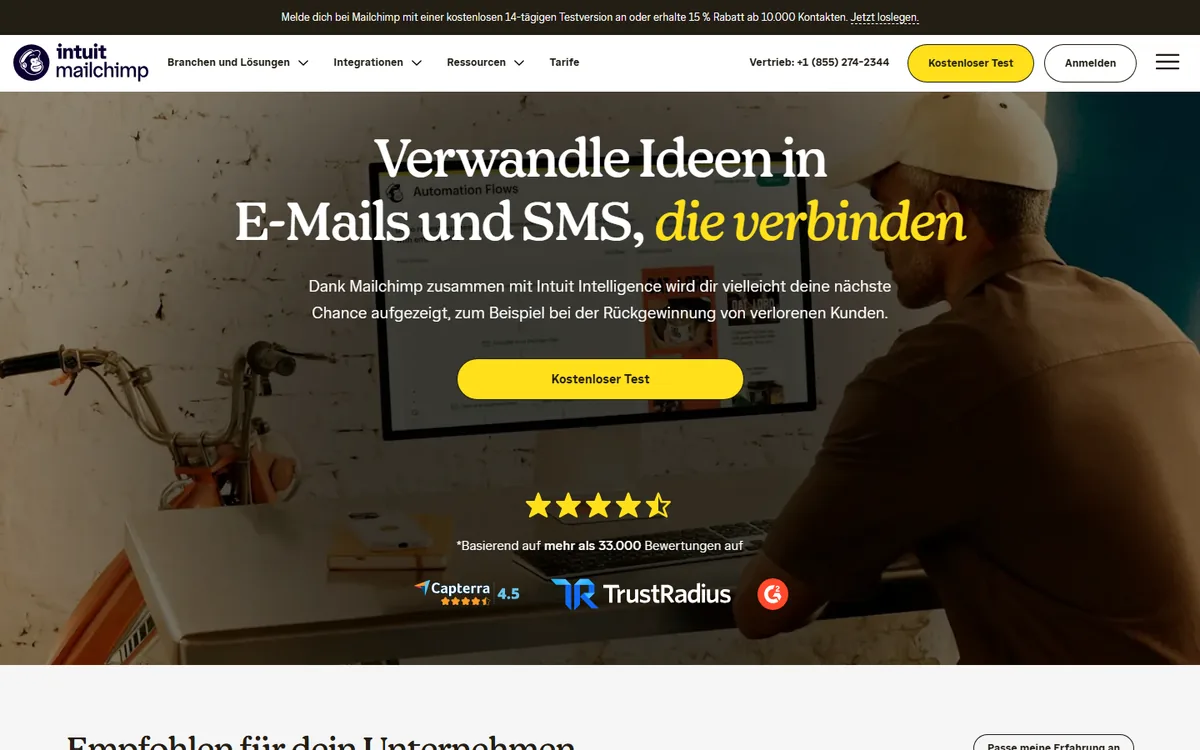
The Familiar All-in-One Choice for Small Teams That Want Email and Landing Pages Together
Mailchimp pairs email campaigns and automations with landing pages, forms and a basic CRM, and it still has a free plan.
Mailchimp is the name most people know in email marketing, and it earns that recognition with a friendly editor, ready-made templates and a wide app library. You can build a signup form, send a welcome email and set up a simple automation in an afternoon.
In my client work, I usually see Mailchimp fit teams with small lists and simple needs. The catch is cost growth: prices climb with your contact count, and advanced segmentation or reporting sits in higher plans. Many of the email marketing mistakes I fix start with picking a tool for the list you have today. If you outgrow it, moving to a tool built for automation is a project, so plan for that early.
What I Like About Mailchimp
- Easy editor and many templates
- Free plan to start with
- Large library of integrations
What I Don’t Like About Mailchimp
- Cost rises quickly as your list grows
- Advanced automation is limited on lower plans
Mailchimp Pricing
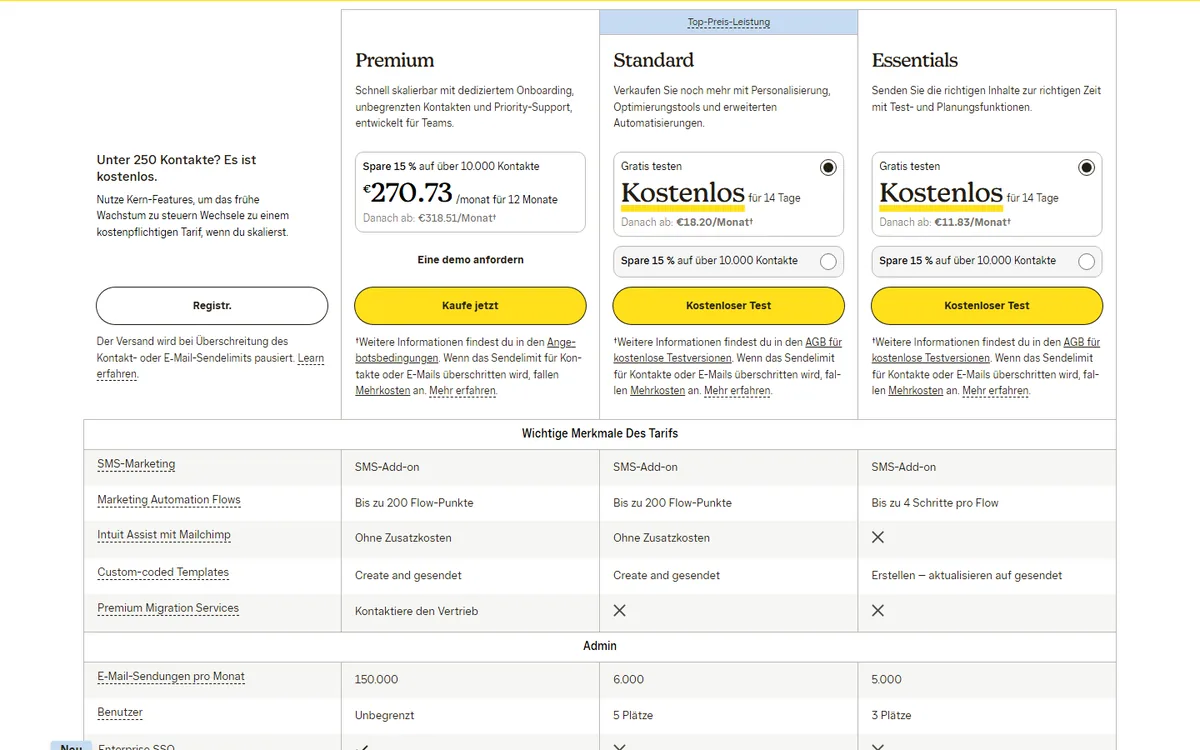
Mailchimp has a Free plan for up to 250 contacts and 500 sends a month, plus Essentials, Standard and Premium plans. At the time of writing, its pricing page showed introductory rates for the 10,000 contacts tier of $13 (Essentials), $20 (Standard) and $350 (Premium) per month for the first 12 months. Your price depends on the contact tier you choose.
Mailchimp Reviews
Klaviyo
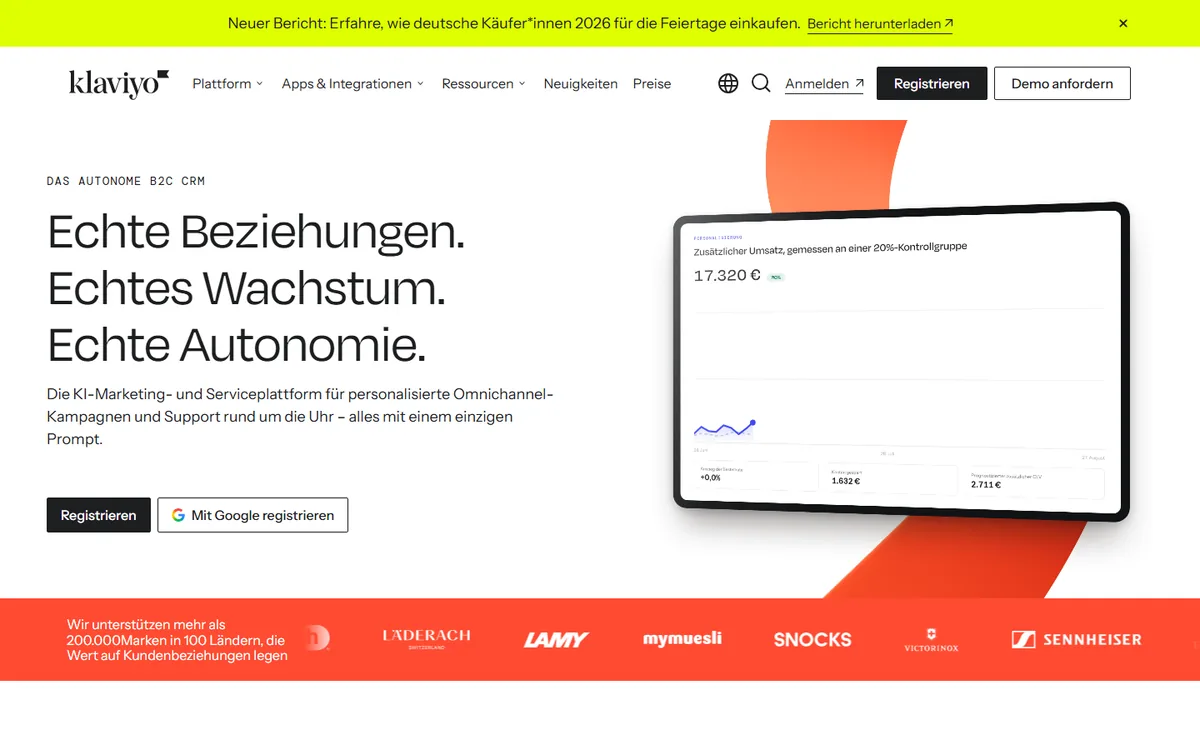
The Strongest Pick for Online Stores That Want Purchase Data to Drive Every Email
Klaviyo connects to your store and builds segments, flows and forms from real purchase and browsing behavior, with email and SMS in one tool.
Klaviyo reads what shoppers view, add to cart and buy, then lets you act on it. Abandoned cart, browse abandonment, post-purchase and win-back flows come with ready-made templates, and segments update on their own as behavior changes.
I recommend Klaviyo most often for stores with a steady catalog and a real customer history. The price is based on active profiles, so a big, inactive list gets expensive, and it asks more setup time than simpler tools. Clean the list first, and the numbers work far better. It also helps to pair the platform with a regular email marketing audit once a year.
What I Like About Klaviyo
- Deep store integrations and behavior segments
- Strong prebuilt flows for commerce
- Email and SMS in one place
What I Don’t Like About Klaviyo
- Cost depends on active profiles, so list hygiene matters
- More setup work than simple newsletter tools
Klaviyo Pricing
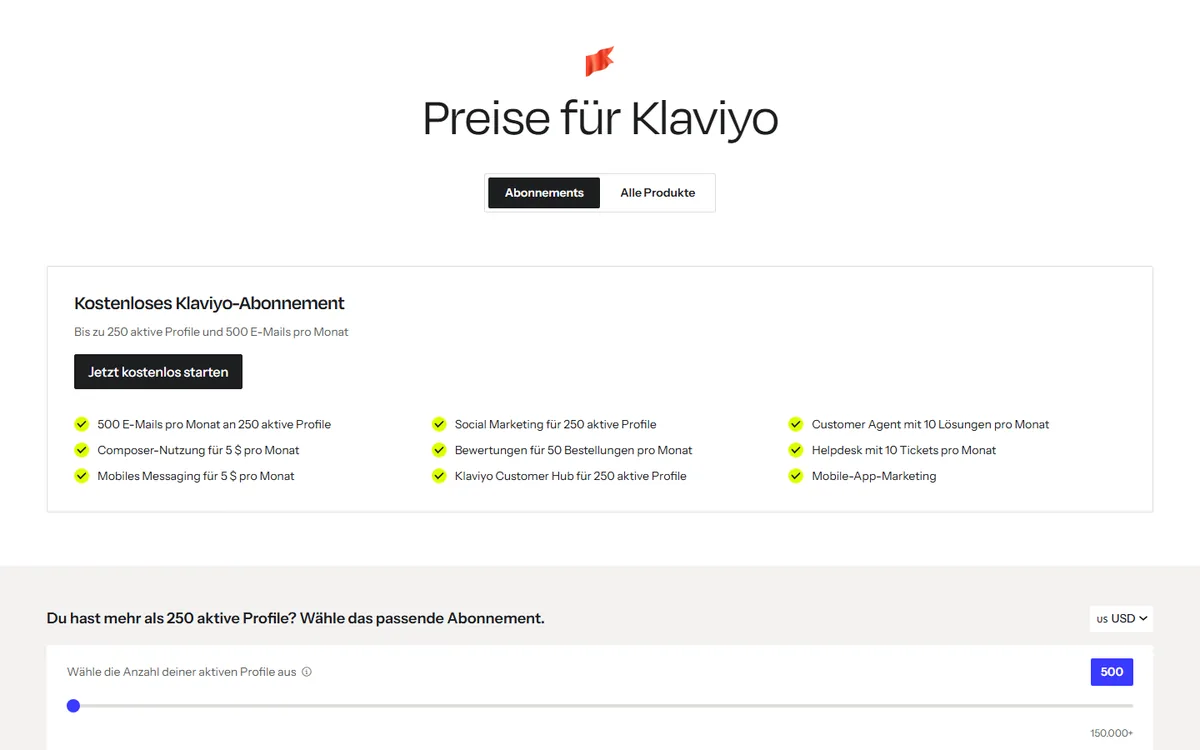
Klaviyo has a free plan for up to 250 active profiles and 500 emails a month. Paid plans are called Email, Marketing and Custom. At the time of writing, Email started at $20 per month for 500 active profiles, and Custom has no public price. Check the pricing page for your profile count.
Klaviyo Reviews
Brevo
A Budget-Friendly All-Rounder That Combines Email, SMS and a Light CRM
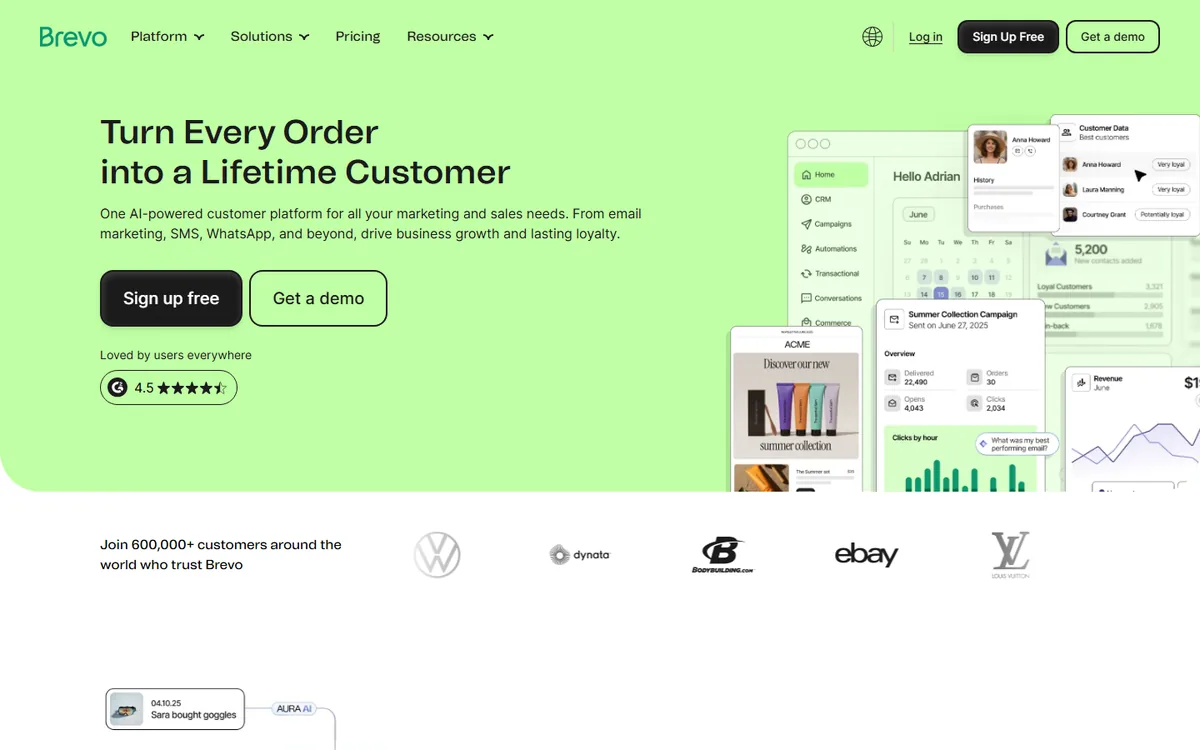
Brevo, formerly Sendinblue, offers email campaigns, automation, SMS and a basic CRM, with pricing built around send volume.
Brevo started as an email sender and grew into a broader suite with SMS, chat, a basic CRM and transactional email. Its free plan sends up to 300 emails a day, which is enough for a small list to try real campaigns.
Before you pick it, run through my email marketing checklist. Brevo pricing follows how many emails you send, not how many contacts you hold, which suits teams with a large list and a modest send schedule. The editor is fine rather than special, and some automation features sit on higher plans, so check the plan before you build around a feature.
What I Like About Brevo
- Pricing based on send volume, not list size
- Email, SMS and CRM in one tool
- Useful free plan
What I Don’t Like About Brevo
- Editor and templates feel less polished
- Some advanced features need higher plans
Brevo Pricing
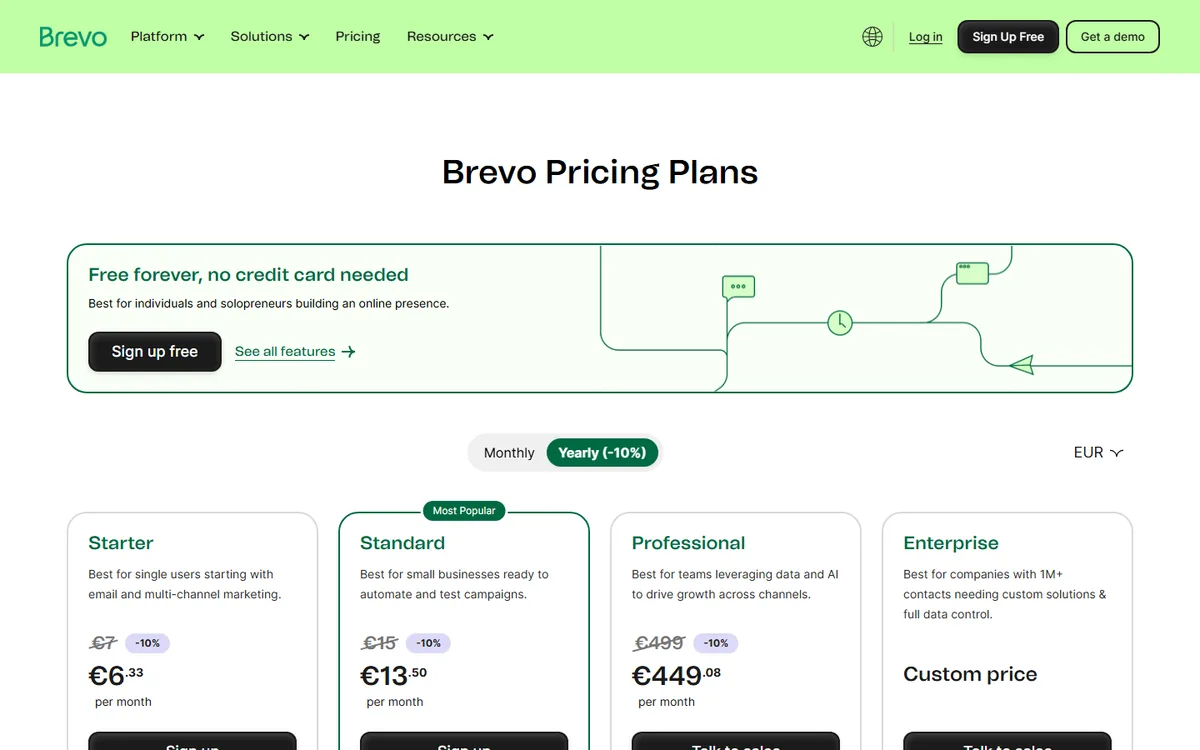
Brevo has Free, Starter, Standard, Professional and Enterprise plans, with a 10% discount on yearly billing. Its free plan allows up to 300 emails per day. The plan prices were not readable on the pricing page when I checked, so confirm current prices on Brevo’s site for your send volume.
Brevo Reviews
ActiveCampaign
The Best Pick for Teams That Want Advanced Automation Without Enterprise Complexity
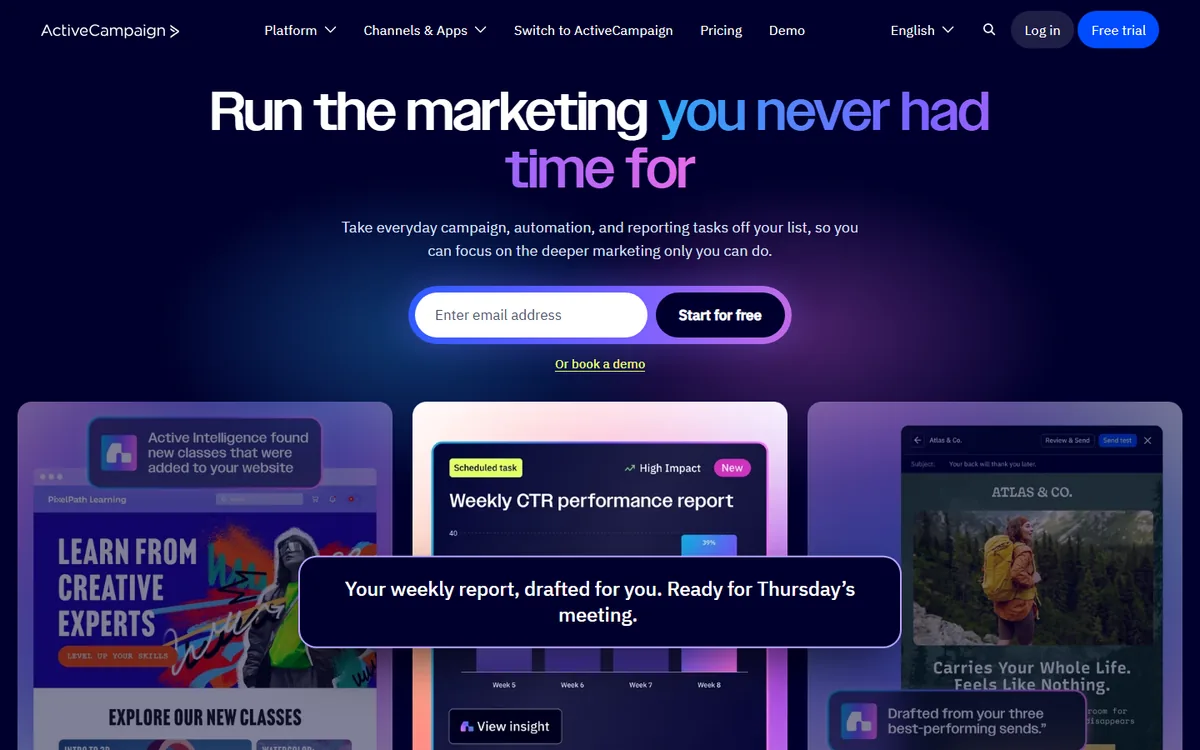
ActiveCampaign combines email, a visual automation builder, a built-in CRM and lead scoring for businesses that nurture buyers over time.
ActiveCampaign is built around automation. You draw a journey with triggers, conditions and waits, and the tool runs it for every contact. Lead scoring and a built-in CRM let sales see what a prospect read before the first call.
It is the tool I suggest when email has to support a longer sales cycle, such as B2B services or higher-priced products. The depth comes with a learning curve, and cost rises with contacts and plan level, so a team that only sends newsletters will pay for features it never uses.
What I Like About ActiveCampaign
- Powerful visual automation builder
- Built-in CRM and lead scoring
- Good segmentation and conditional content
What I Don’t Like About ActiveCampaign
- Steeper learning curve for new users
- Cost rises with contacts and plan level
ActiveCampaign Pricing
ActiveCampaign sells Starter, Plus, Pro and Enterprise plans, priced by contact count. The pricing page showed a 1,000 contacts default, but the monthly prices were not readable when I checked. Request a quote or check the live page for your list size.
ActiveCampaign Reviews
HubSpot Marketing Hub
The Right Fit When Email Has to Sit Inside Your CRM, Sales Pipeline and Reporting
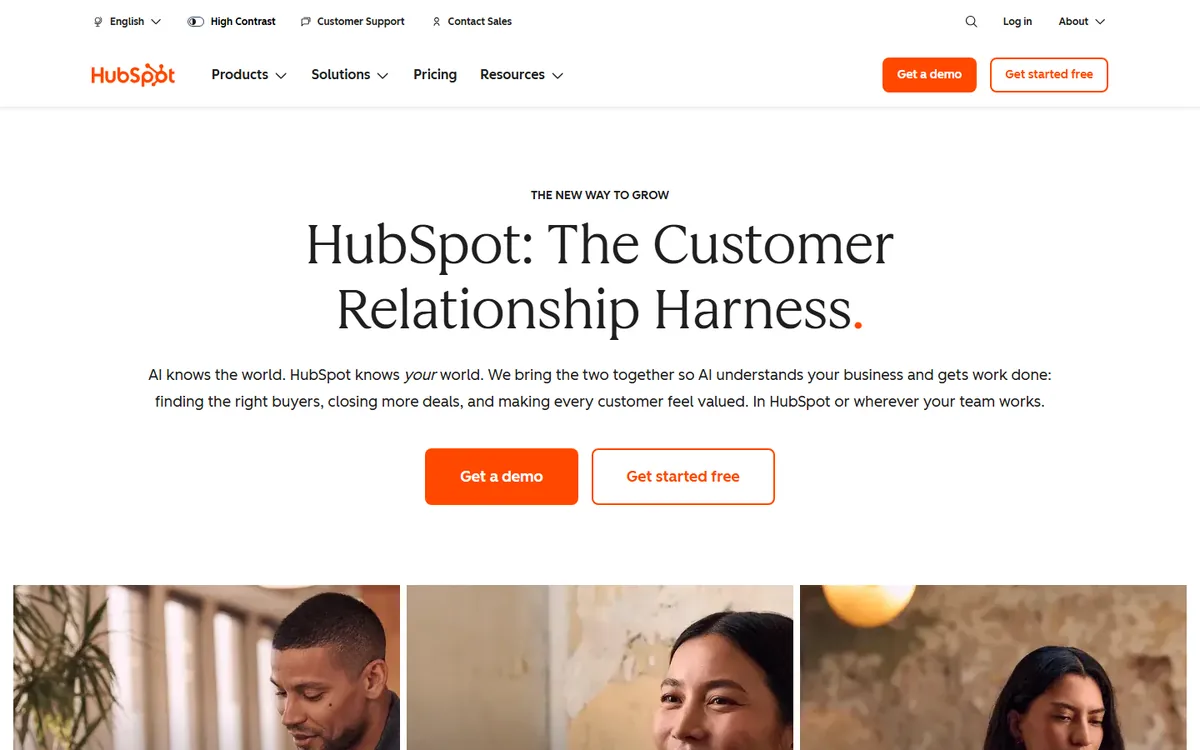
HubSpot Marketing Hub runs email, forms, landing pages and automation on top of the HubSpot CRM, from a free tier to enterprise.
HubSpot treats email as one part of a connected system. Every send, click and form fill lands on the contact record, so marketing and sales see the same history. The free tools let you try email, forms and a CRM before you pay.
I recommend it to teams that already want a CRM and reporting layer. The price jumps sharply between Starter and Professional, and onboarding fees apply at higher tiers, so budget for the whole package rather than only the email features.
What I Like About HubSpot Marketing Hub
- Email, CRM and reporting in one system
- Free tools to start with
- Large ecosystem and learning resources
What I Don’t Like About HubSpot Marketing Hub
- Large price jump from Starter to Professional
- Onboarding fees on higher tiers
HubSpot Marketing Hub Pricing
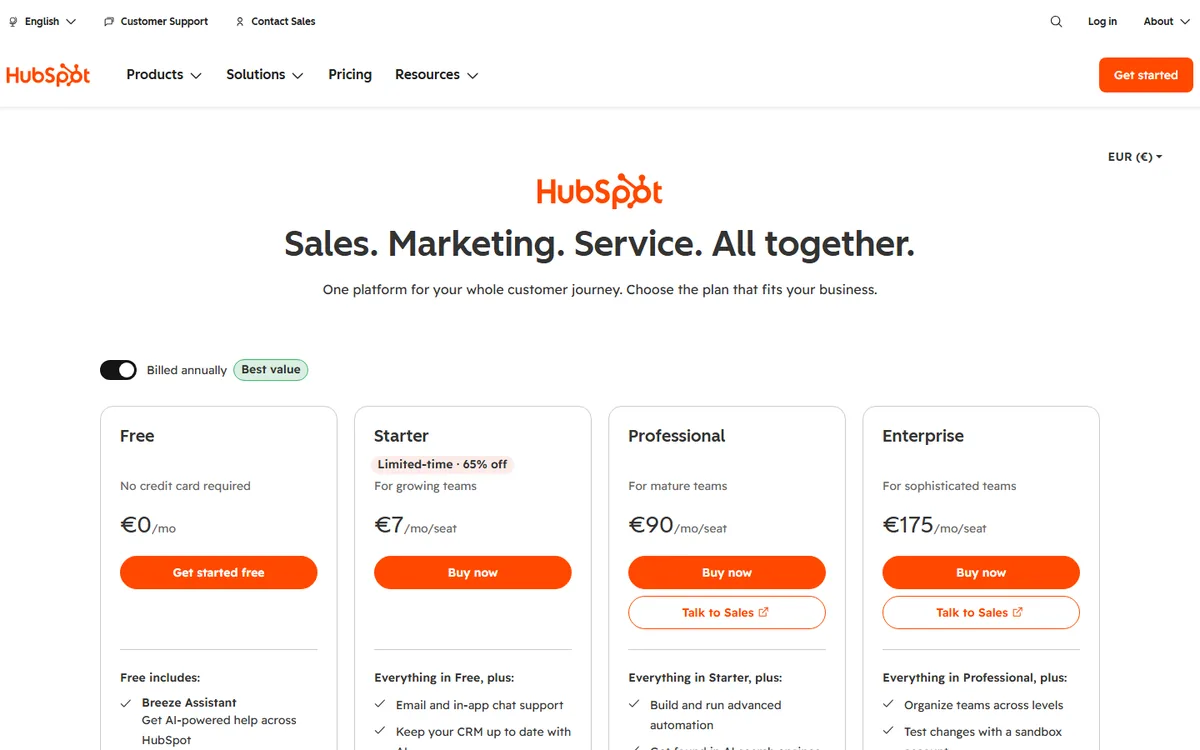
HubSpot Marketing Hub has a Free plan for up to two users with 2,000 email sends a month and HubSpot branding. Starter begins at $7 per month per seat. Professional starts at $800 per month including three core seats, with a one-time $3,000 onboarding fee. Enterprise starts at $3,600 per month, with a one-time $7,000 onboarding fee.
HubSpot Marketing Hub Reviews
Constant Contact
A Simple, Support-Heavy Choice for Local Businesses and Nonprofits
Constant Contact offers easy email campaigns, event tools, social posting and live support, aimed at small organizations.
Constant Contact is designed for people who do not want to learn a platform. Templates, a clear editor, event invitations and list tools cover what most local businesses and nonprofits need, and support is easy to reach by phone or chat.
In my experience, it works for straightforward newsletters and promotions. Automation is more basic than in specialist tools, and reporting is lighter. If you want behavior-based flows or deep segmentation, you will likely outgrow it within a year or two.
What I Like About Constant Contact
- Easy to learn and quick to launch
- Live support
- Event and nonprofit friendly tools
What I Don’t Like About Constant Contact
- Basic automation compared with specialist tools
- Lighter reporting and segmentation
Constant Contact Pricing
Constant Contact offers a free trial and prices by plan level and contact count. The pricing page did not show plan prices in the content I could read, so check the live page for your list size. The page also mentions prepay discounts of 10% for six months and 15% for a year.
Constant Contact Reviews
MailerLite
A Clean, Low-Cost Tool for Small Teams and Creators Who Want Good Email Without Clutter
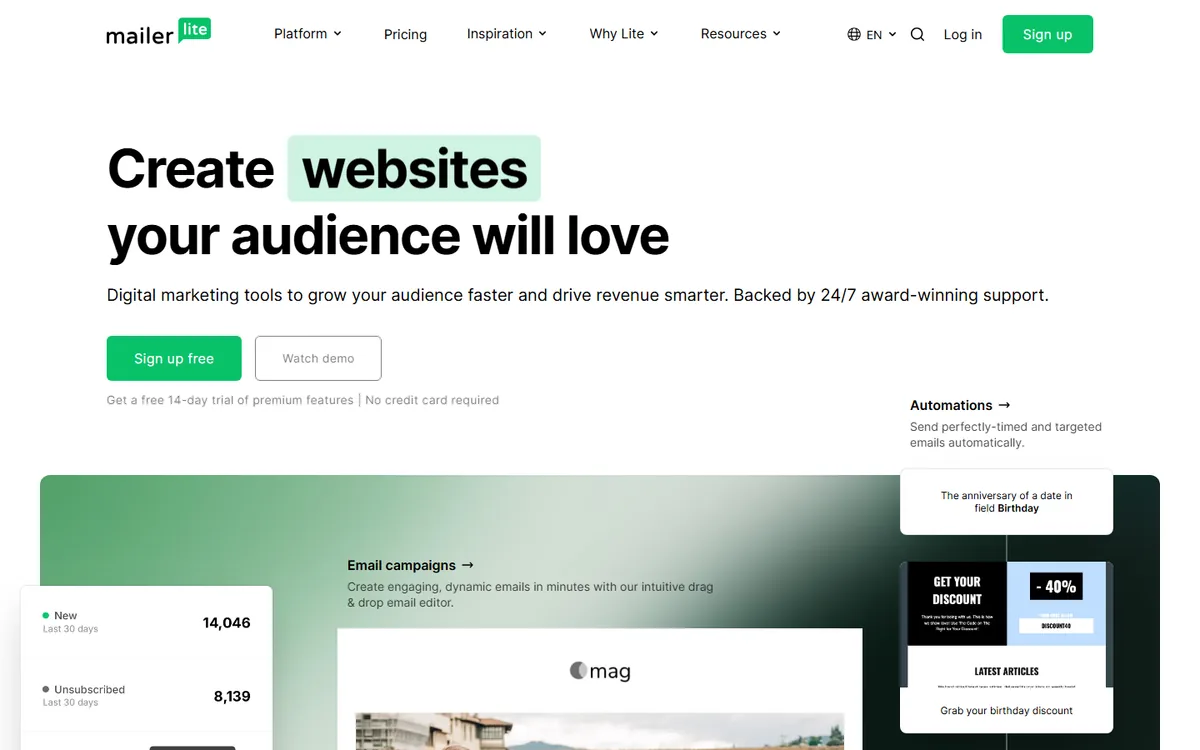
MailerLite offers a simple editor, landing pages, automation and a free plan, with a focus on keeping things easy.
MailerLite keeps the interface calm. The drag-and-drop editor is quick, the automation builder is easy to read and extras such as landing pages, websites and digital product sales come in the same account.
It fits creators, small businesses and newsletters that want a good result without a long setup. Very large or complex programs will hit limits in segmentation and advanced automation, so I suggest checking your three most important flows before you commit.
What I Like About MailerLite
- Clean, easy interface
- Low cost for the features
- Landing pages and forms included
What I Don’t Like About MailerLite
- Less depth for complex automation
- Fewer enterprise features than larger suites
MailerLite Pricing
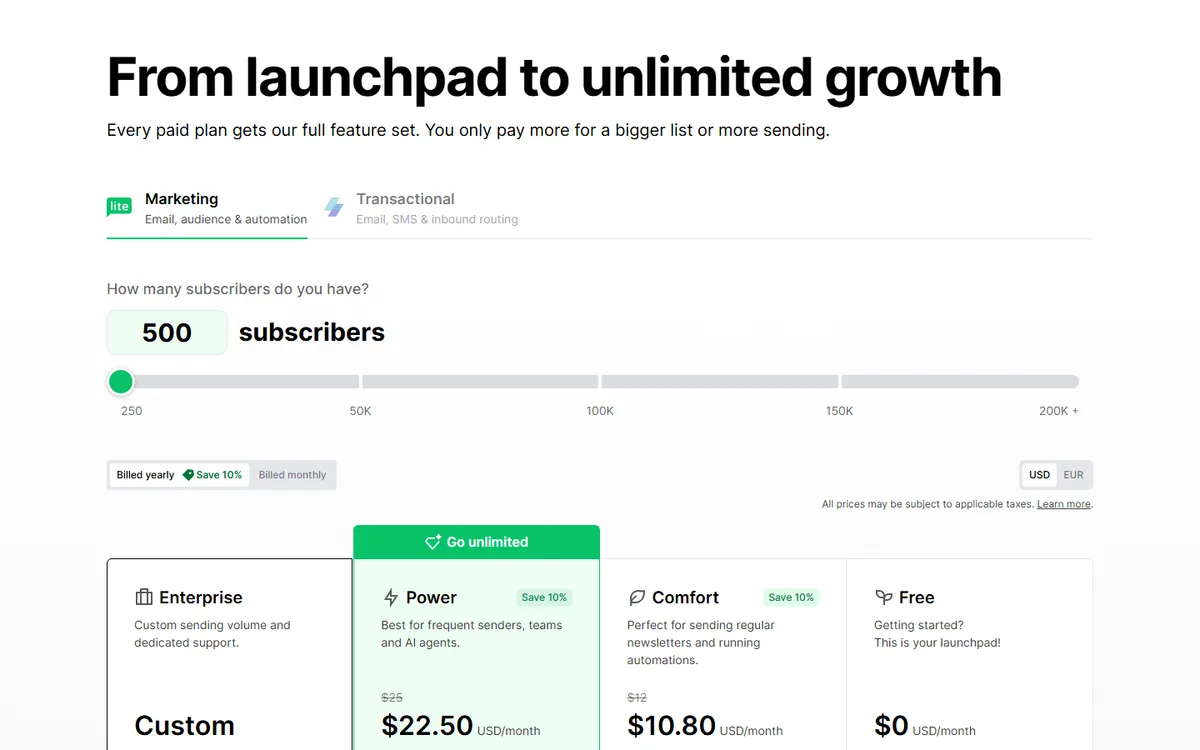
MailerLite has a Free plan for up to 250 subscribers and 2,500 emails a month. Paid plans are Comfort, starting at $12 per month, and Power, starting at $25 per month, with the final price depending on subscriber count. Enterprise is quoted for more than 200,000 subscribers, and yearly billing saves 10%.
MailerLite Reviews
Kit
The Creator-Focused Option for Growing an Audience and Selling to It
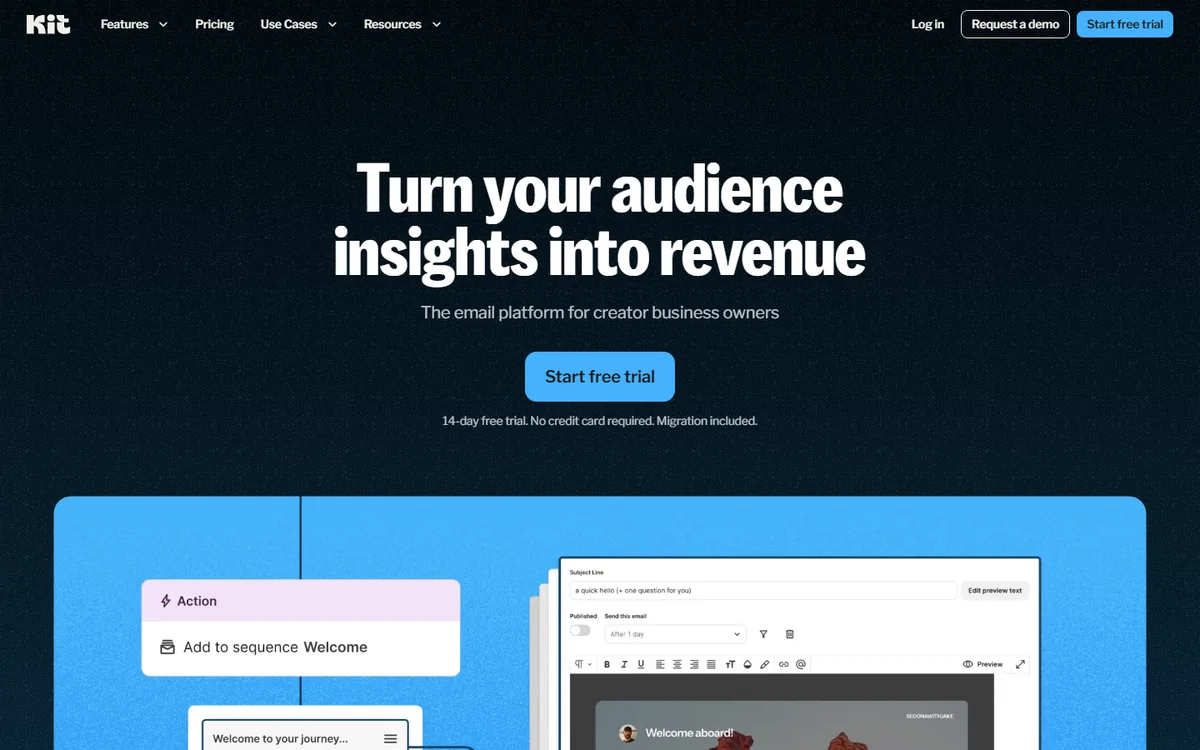
Kit, formerly ConvertKit, focuses on creators with landing pages, subscriber tags, automations and tools for selling digital products.
Kit is built for people who make a living from an audience: writers, course creators, coaches and podcasters. Forms and landing pages are simple, sequences are easy to read and subscribers are managed with tags rather than rigid lists.
I recommend it when your email is the main sales channel for digital products. Ecommerce stores with large catalogs are better served elsewhere, and the templates are plainer than design-led tools, which suits newsletters but may not suit image-heavy brands.
What I Like About Kit
- Simple tagging and sequences
- Large free plan for new audiences
- Good tools for selling digital products
What I Don’t Like About Kit
- Plain templates
- Not built for large product catalogs
Kit Pricing
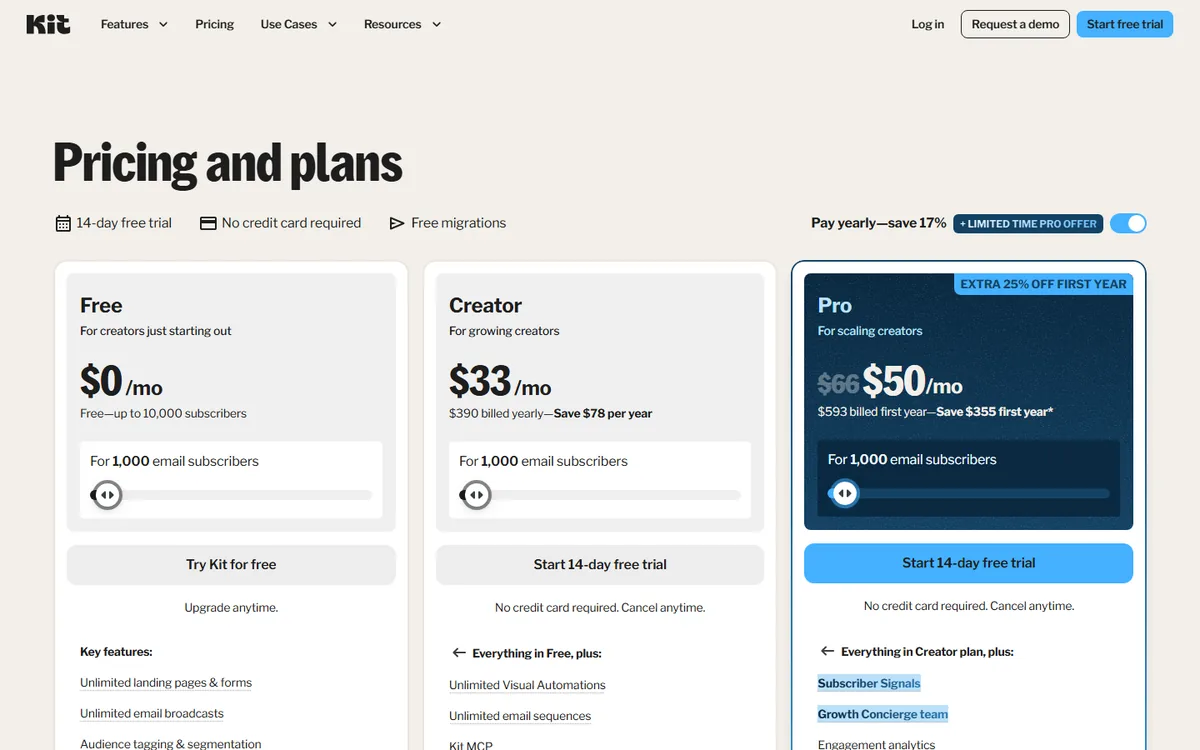
Kit has a Free plan for up to 10,000 subscribers. At the 1,000 subscribers tier, Creator costs $33 per month ($390 billed yearly), and Pro was shown at $50 per month on a first-year offer, regularly $66 per month. Prices rise with your subscriber count.
Kit Reviews
GetResponse
A Good Fit for Marketers Who Want Email, Funnels and Webinars Under One Subscription
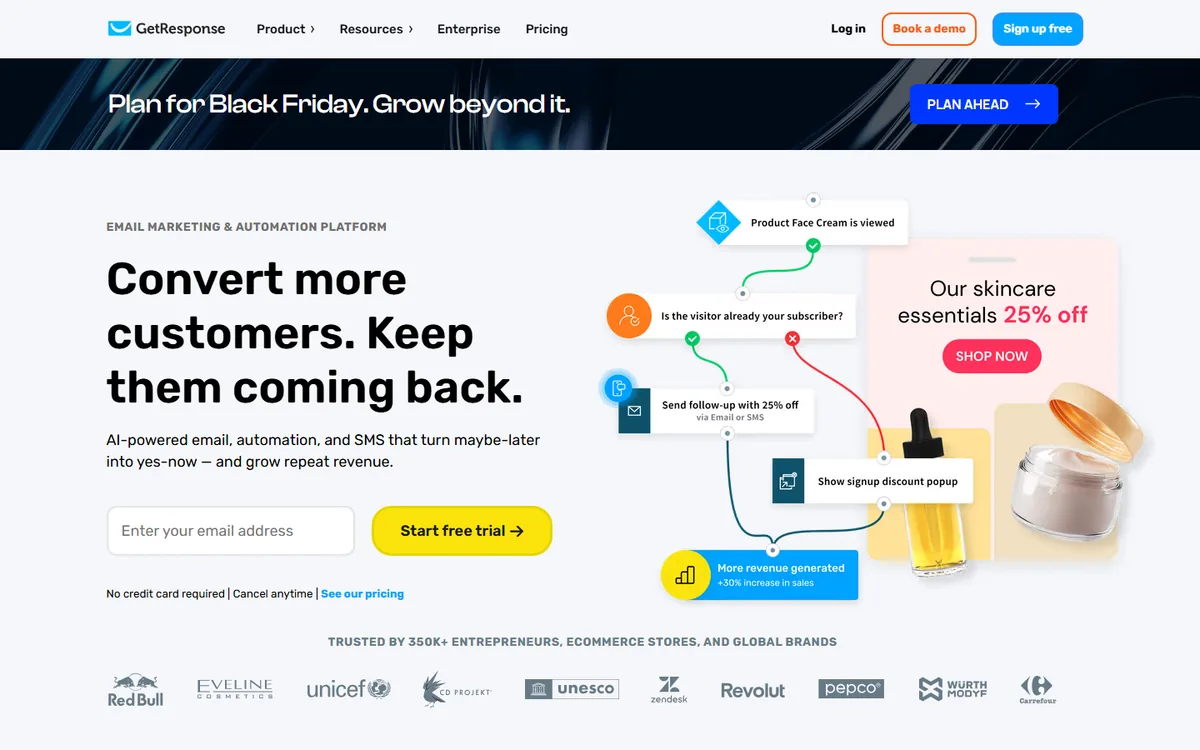
GetResponse combines email marketing, automation, landing pages, conversion funnels and webinar hosting.
GetResponse covers more than email. Landing pages, sales funnels, webinars and automation sit in one account, which saves paying for separate tools when your programs are built around events or lead-generation funnels.
It suits course sellers, coaches and B2B marketers who run regular webinars. The interface has many options and can feel busy, and some features such as webinars sit on higher plans, so check which plan includes what you plan to use first.
What I Like About GetResponse
- Webinars and funnels in the same tool
- Automation and landing pages included
- Free account and trial to test it
What I Don’t Like About GetResponse
- Interface can feel crowded
- Key features sit on higher plans
GetResponse Pricing
GetResponse lists Starter at $19, Marketer at $59 and Creator at $69 per month on monthly billing, plus custom Enterprise pricing. Yearly billing is cheaper. It also offers a free account with limited features and a 14-day trial of premium features.
GetResponse Reviews
Omnisend
A Lower-Cost Ecommerce Option for Stores That Want Email and SMS Working Together
Omnisend gives online stores email, SMS and push messages with prebuilt automation and a free plan.
Omnisend is built for ecommerce. Store integrations, product blocks, abandoned cart flows and welcome series are ready to use, and email, SMS and push are managed in the same workflows.
In my view it is the sensible alternative when Klaviyo feels like more than you need. Reporting and segmentation are less deep, so very large stores with complex catalogs may want more control. Smaller stores usually find it covers the revenue flows well.
What I Like About Omnisend
- Ready-made ecommerce flows
- Email, SMS and push in one place
- Lower entry cost than larger rivals
What I Don’t Like About Omnisend
- Less depth in reporting and segmentation
- Focused on ecommerce, less useful elsewhere
Omnisend Pricing
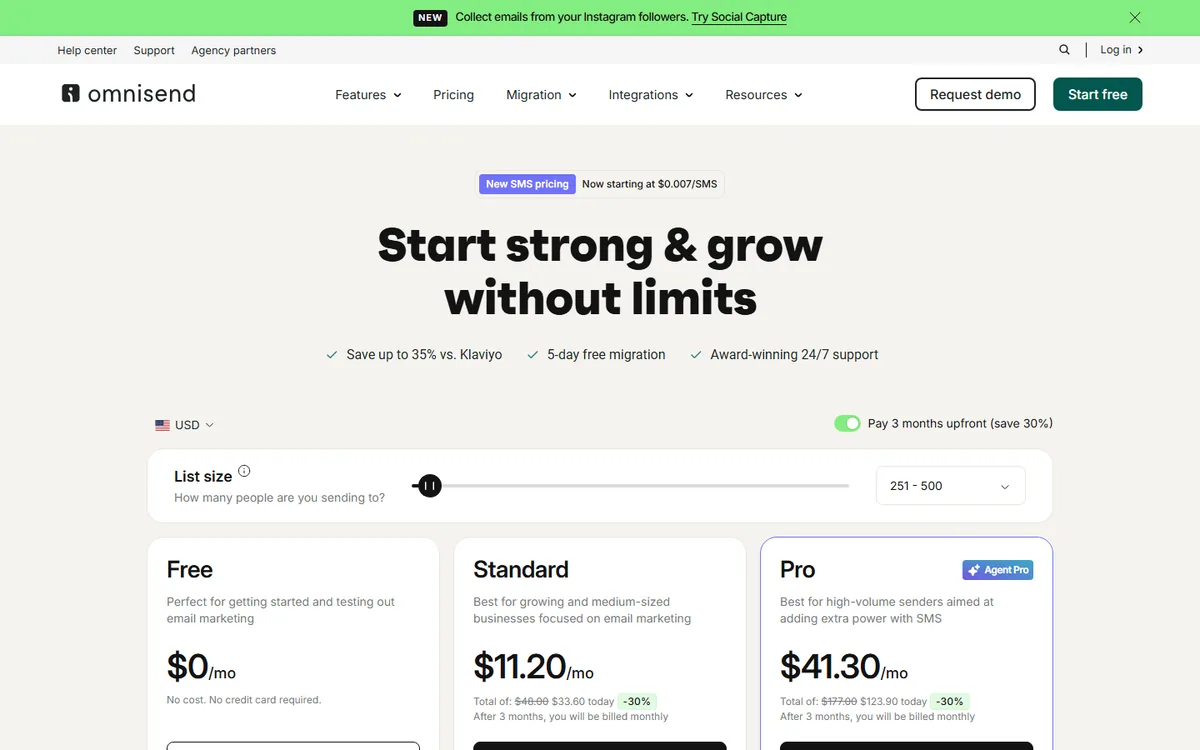
Omnisend has a Free plan with 500 emails a month for up to 250 contacts. Paid plans shown were Standard at $11.20 per month (500 contacts) and Pro at $41.30 per month (2,500 contacts), both with a 30% introductory discount. Prices change with list size.
Omnisend Reviews
Campaign Monitor
A Design-First Platform for Teams That Care About Polished, On-Brand Emails
Campaign Monitor focuses on well-designed emails, templates, segmentation and automation, with tools for agencies.
Campaign Monitor has long been popular with agencies and brand teams because it produces tidy, consistent emails and offers client-friendly management. Templates, segmentation and automation cover most standard programs.
It suits teams that want design control and a calm interface. It is less strong for ecommerce data or CRM-style journeys, so check that the integrations you need are available. Pricing tiers change over time, so confirm the current plans before you decide.
What I Like About Campaign Monitor
- Polished templates and editor
- Agency-friendly account management
- Solid segmentation tools
What I Don’t Like About Campaign Monitor
- Fewer ecommerce and CRM features
- Less depth in advanced automation
Campaign Monitor Pricing
Campaign Monitor lists Free (a 30-day trial), Lite, Essentials and Premier plans, plus custom Enterprise pricing. The plan prices were not readable when I checked, so confirm current prices on the vendor page. A website builder add-on shows at $10 per month.
Campaign Monitor Reviews
Drip
A Workflow-Focused Option for Ecommerce Brands That Want Flexible Visual Automation
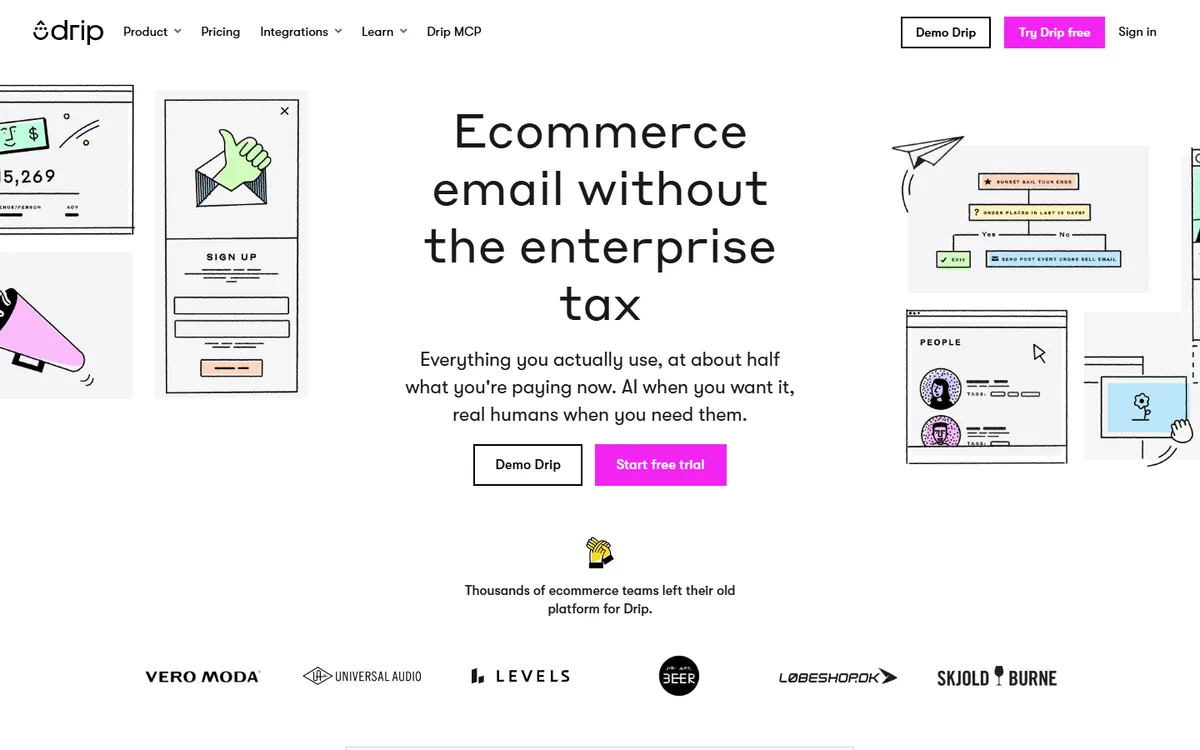
Drip combines email, SMS and a visual workflow builder with ecommerce data, designed for growing online brands.
Drip lets you build workflows visually and trigger them from shopping behavior, tags and custom events. It integrates with the main store platforms and gives marketers more control than template-based tools.
It suits brands that outgrew basic flows and want finer control, but do not want enterprise cost. The entry price is higher than lighter tools, so it is worth it only when your revenue depends on tailored flows.
What I Like About Drip
- Visual workflow builder
- Good ecommerce data and tagging
- Flexible custom events
What I Don’t Like About Drip
- Higher entry price than lighter tools
- Smaller ecosystem than the biggest platforms
Drip Pricing
Drip pricing started at $39 per month for up to 2,500 people on the list when I checked, with a two-week trial that does not require a card. Cost rises with the size of your list.
Drip Reviews
Estimate the Return on an Email Platform
Before you pick a plan, check whether the numbers work for you. Enter the manual hours the tool should save and its monthly price, and you will see what it could return in a year.
Is the Tool Worth It for You?
Set the sliders to the work the tool would handle and the plan you have in mind.
How to Choose the Right Email Marketing Software
In my experience, fit with your list and your revenue flows decides more than any feature list. Before you compare vendors, I suggest you answer four questions:
- How large is your list now, and how large will it be in twelve months?
- Do you need store or CRM data to trigger emails?
- Which flows matter most: welcome, cart, post-purchase or nurture?
- Who will build and maintain the emails: you, a marketer or an agency?
If you sell online, start with Klaviyo or Omnisend. If you sell services with longer cycles, look at ActiveCampaign or HubSpot. If you want low cost and simplicity, choose MailerLite, Mailchimp or Brevo. If you want a second opinion on your setup, a short call usually settles it.
Questions About Choosing Email Marketing Software
What Is the Best Email Marketing Software for Small Businesses?
For most small businesses, I suggest you start with MailerLite, Mailchimp or Brevo. All three have free plans, easy editors and basic automation. Choose MailerLite for a clean tool at a low price, Mailchimp for the widest app library and Brevo if you send a lot of email to a large list.
Which Email Marketing Software Is Best for Ecommerce?
Klaviyo, Omnisend and Drip are built around store data. Klaviyo goes deepest on behavior segments and flows, Omnisend costs less to start and Drip suits brands that want visual workflows. Check that your store platform has a native integration before you compare prices.
Is There Good Free Email Marketing Software?
Yes. Mailchimp, Klaviyo, Brevo, MailerLite, Kit, HubSpot and Omnisend all offer free plans with limits on contacts or sends. They are good for testing and for small lists. Check the sending cap and branding rules, because those usually decide when you need to upgrade.
What Should I Look for in Email Marketing Software?
Start with deliverability support, segmentation, automation, integrations with your store or CRM and clear reporting. Then compare cost at your expected list size in one year, not today. A short test with your own list shows more than any feature list.
How Much Does Email Marketing Software Cost?
Prices range from free plans to hundreds of dollars a month and mostly rise with list size or send volume. Compare at your real list size and include extras such as SMS, onboarding fees and extra users. Always confirm current prices on the vendor’s site.
Should I Use an All-in-One Platform or a Dedicated Email Tool?
If you already use a CRM such as HubSpot, a connected email tool saves manual work and gives cleaner reports. If email is your main channel and you want deeper automation, a dedicated tool such as ActiveCampaign or Klaviyo usually gives you more control for the price.
When Should I Switch Email Marketing Software?
Consider switching when your tool limits segmentation or automation you need, when costs grow faster than revenue or when deliverability problems persist after you clean your list. Plan the move carefully, because domain authentication and warm-up decide whether your sending reputation carries over.
Please note: pricing, plans and ratings change often. They were accurate at our last review; please verify them on the vendor sites before you buy. None of this is legal or financial advice.
Was this guide helpful?
Thanks for your feedback.
Warren Albright
Warren leads the Blue Hornet editorial team and works with the consultants to turn real client projects into practical guides on content, paid media, marketing automation, CRM and analytics. He comes from content and demand generation work, edits every article before a working marketing consultant reviews it, and draws on strategies, channel plans and audits from client projects to keep the advice grounded in real numbers.