Quick Summary
- A free analytics tool and a CRM are the base of every aviation marketing stack, before any paid software.
- HubSpot, ActiveCampaign and Mailchimp cover lead follow-up and email at different levels of complexity.
- Semrush, Hotjar and Looker Studio help you find terms, fix pages and report, but only if someone owns them.
- Pick the fewest tools you can manage, and review each one against bookings every quarter.
The Best Aviation Marketing Tools at a Glance
| Tool | Type | Best for |
|---|---|---|
| 1. HubSpot Marketing Hub | CRM and marketing suite | Teams that want CRM, email and forms in one place |
| 2. Semrush | SEO and competitor research | Finding search terms and checking competitors |
| 3. Google Analytics | Web analytics | Seeing which pages and sources bring inquiries |
| 4. Mailchimp | Email marketing | Newsletters and simple automations for owners and members |
| 5. Canva | Design | Quick graphics, flyers and social posts |
| 6. Hootsuite | Social media management | Scheduling and monitoring social posts across channels |
| 7. ActiveCampaign | Marketing automation | Behavior-based email and lead nurturing |
| 8. Birdeye | Reviews and reputation | Collecting and managing customer reviews |
| 9. Hotjar | Behavior analytics | Seeing why visitors leave without inquiring |
| 10. LinkedIn Sales Navigator | B2B prospecting | Building account lists for MRO, parts and services |
| 11. Looker Studio | Reporting dashboards | One monthly report from analytics, ads and sheets |
The 11 Best Aviation Marketing Tools, Ranked
I start with the tools that fit the widest range of aviation businesses and move toward specialists, so you can stop reading once you find your fit. The tool is only part of the result: in the aviation marketing consulting projects I review, picking the right audience and following up fast matters more than the platform. For the planning side, see my aviation marketing strategy playbook.
HubSpot Marketing Hub
The Easiest Single Home for Leads, Email and Follow-Up When You Run a Small Sales Team
HubSpot Marketing Hub links forms, email, landing pages, a free CRM and reporting, so every inquiry has a record and a next step.
For most aviation firms I advise, the biggest leak is follow-up, not traffic. HubSpot fixes that in one tool: a charter request or a discovery flight inquiry lands in the CRM with its source, a task is created and a timed email goes out. Your sales lead sees every conversation on one timeline.
I like it most for firms with long sales cycles, because deal stages and reminders keep quotes from going quiet. The catch is price creep. The free tools are generous, but the move to Professional tiers is a big jump, so I suggest you start on Starter and add features only when a specific need appears.
What I Like About HubSpot Marketing Hub
- Free CRM and forms give you a working lead system on day one
- Deal stages and tasks keep long quotes moving
- Reports link each source to deals won
What I Don’t Like About HubSpot Marketing Hub
- Costs rise sharply when you move beyond Starter
- Contact-based pricing can surprise you as your list grows
HubSpot Marketing Hub Pricing
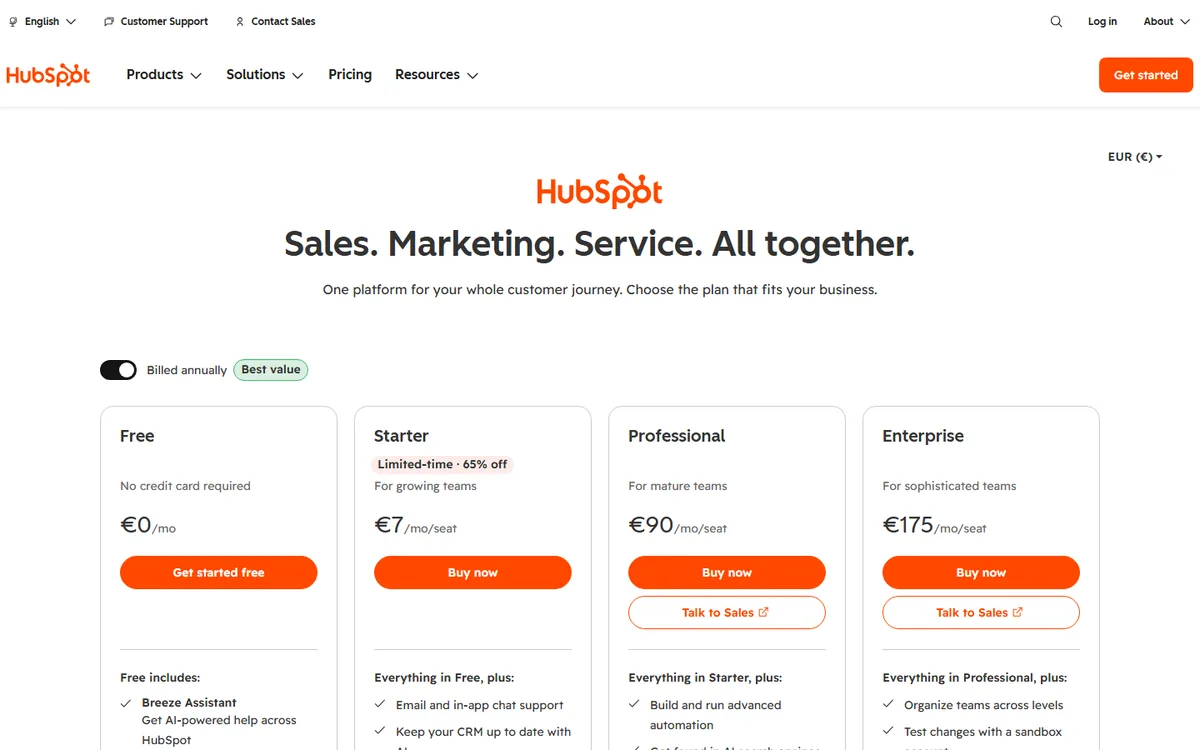
HubSpot has a free tier with basic tools. Marketing Hub Starter starts at $15 per user per month on Capterra and G2, and higher tiers cost considerably more. Check HubSpot's pricing page for the current plan limits before you commit.
HubSpot Marketing Hub Reviews
Semrush
The Strongest Way to See What Aviation Buyers Search For and Who Already Ranks
Semrush shows keyword demand, competitor rankings, backlinks and site health in one research suite, with add-ons for ads and social.
Aviation search terms are narrow and often local, such as "discovery flight near me" or "part 145 repair station". Semrush shows how many people search each one and who ranks, so you can pick pages worth writing instead of guessing. I also use it to check what a competing charter broker or school publishes.
It works best for someone who will use it weekly. The interface is dense, and the entry plan limits projects and results. If nobody on your team owns SEO, you may be paying for a tool you open twice a quarter.
What I Like About Semrush
- Keyword and competitor data is deep and easy to export
- Site audits find technical problems fast
- Works for both organic and paid research
What I Don’t Like About Semrush
- Dense interface with a real learning curve
- Entry plan limits can feel tight for agencies and multi-site firms
Semrush Pricing
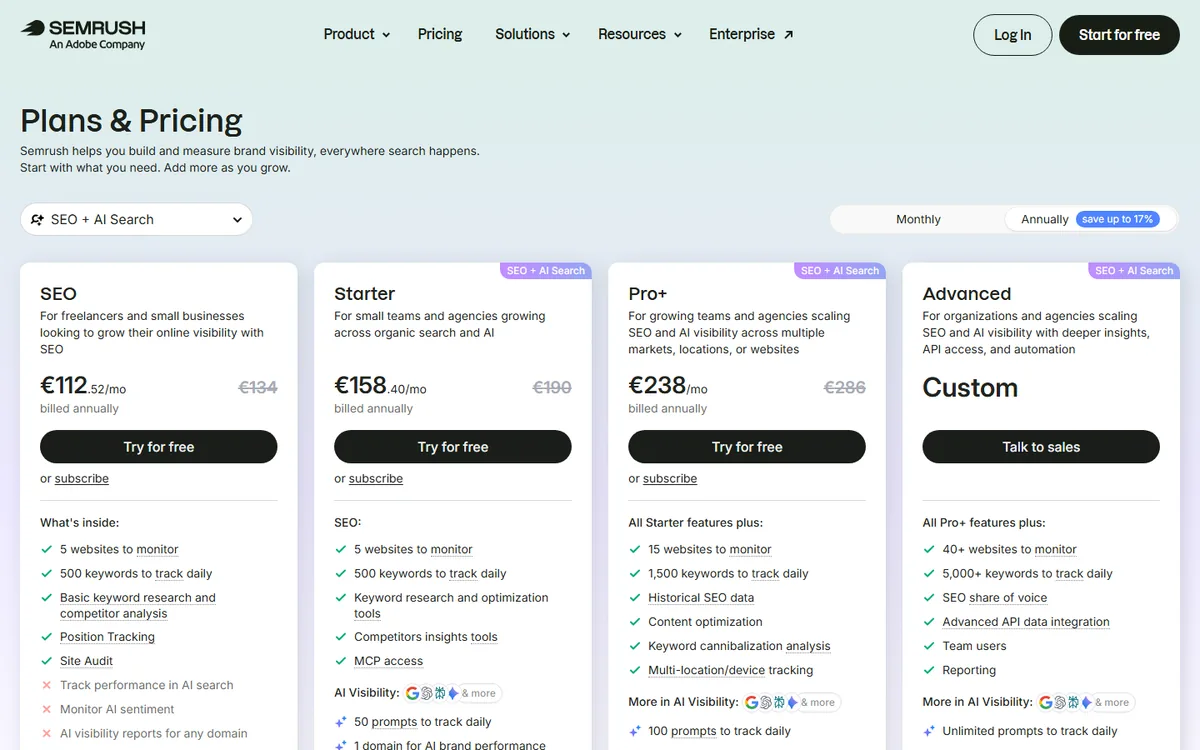
Semrush has a free account with limited use. Capterra and G2 list the Pro plan at $139.95 per month, with Guru at $249.95 and Business at $499.95 per month on G2. Some add-ons, such as Semrush Social and Local, have lower entry prices.
Semrush Reviews
Google Analytics
The Free Baseline Every Aviation Website Should Run Before Spending on Anything Else
Google Analytics 4 tracks visits, sources and conversions on your site and app, and it connects to Google Ads and Search Console.
If you do not know which source brings inquiries, start here. A few events, such as form submits, quote requests and phone-number clicks, show you which pages and campaigns lead to action. For a flight school, that can reveal that local search brings most students while social posts bring almost none.
The tool is free and powerful, but setup is on you. GA4 does not track calls or form submits meaningfully until you define them as conversions. I would also keep your CRM as the source of truth for revenue, because analytics cannot see what happened after the inquiry.
What I Like About Google Analytics
- Free and widely supported by other tools
- Connects to Google Ads and Search Console
- Custom conversions can track forms, clicks and calls
What I Don’t Like About Google Analytics
- Setup takes care, and defaults miss key events
- Interface is less intuitive than older versions
Google Analytics Pricing
Google Analytics is free for standard use. Enterprise-level features are sold through Google Marketing Platform, and G2 does not list a published price.
Google Analytics Reviews
Mailchimp
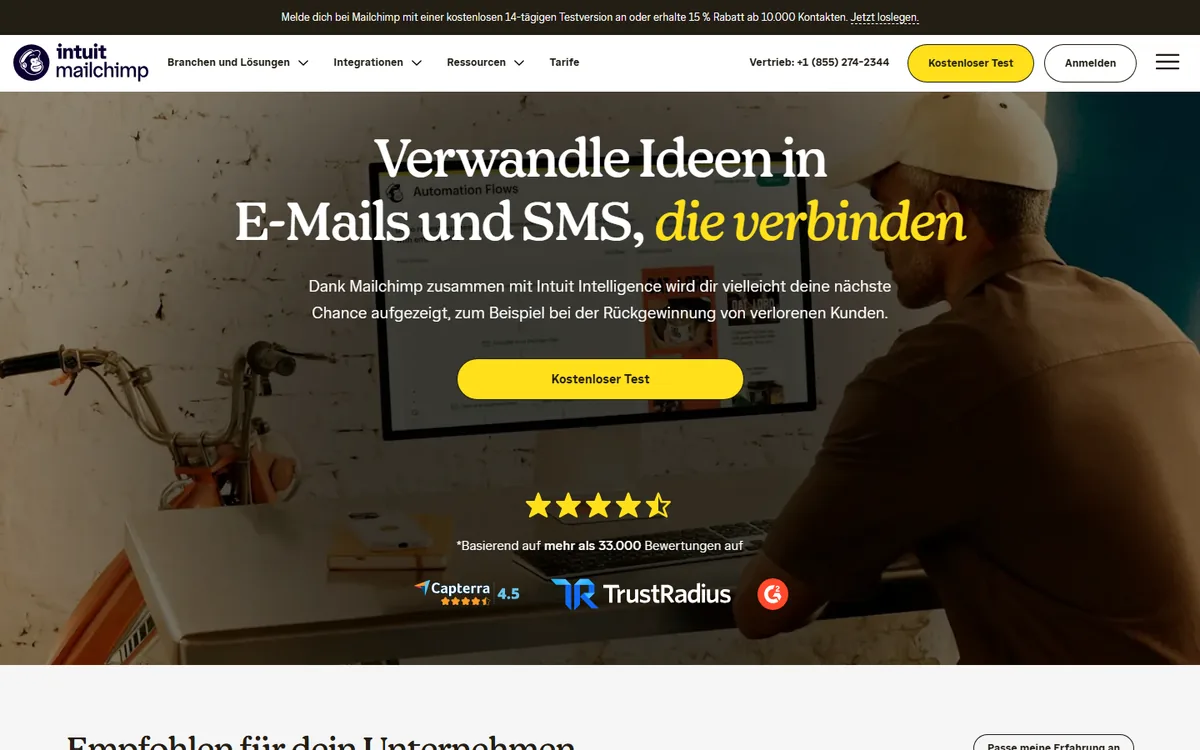
A Friendly Way to Keep Owners, Students and Past Customers in Touch Without a Big Setup
Mailchimp sends newsletters and automated emails, with templates, segments and basic reporting for small lists.
Past customers are your cheapest bookings, and email keeps you visible between flights. Mailchimp is easy to start with, with drag-and-drop templates, tags for aircraft type or program and a welcome series you can set up in an afternoon. A school can send discovery-flight reminders, and an FBO can send seasonal service offers.
As your list and automation needs grow, the price rises and the logic feels limited compared with tools built for automation. I would use it for straightforward newsletters and simple flows, and move to a more capable platform when you need branching, scoring or deeper CRM links.
What I Like About Mailchimp
- Quick to learn, with polished templates
- Tags and segments are simple to manage
- Free plan lets you test before paying
What I Don’t Like About Mailchimp
- Costs climb as your contact count grows
- Automation logic is basic for complex journeys
Mailchimp Pricing
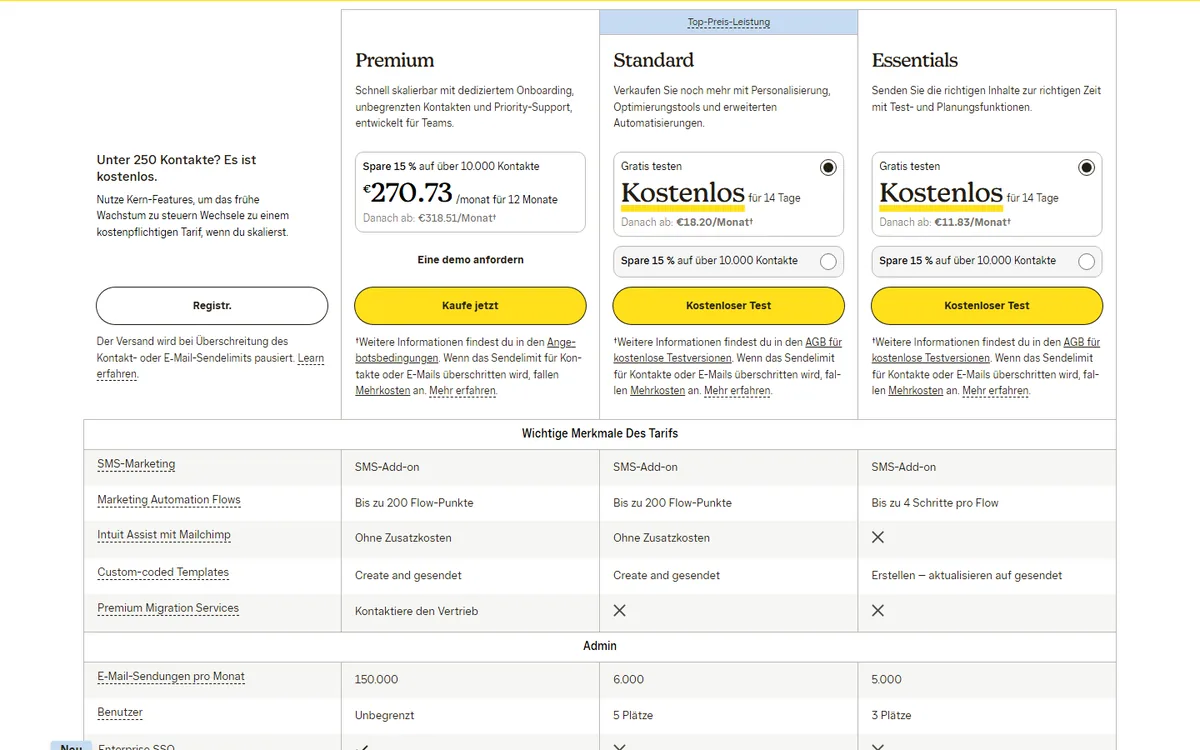
Mailchimp has a free plan, and Capterra lists Essentials from $13 per month. Standard and Premium plans add more automation, segments and support, and prices rise with the number of contacts.
Mailchimp Reviews
Canva
The Fastest Way to Turn Photos of Your Aircraft and Hangar Into Clean, Branded Content
Canva is a browser-based design tool with templates for social posts, flyers, presentations and short videos.
Aviation marketing leans on visuals. A line technician with a phone and Canva can turn a day in the hangar into a short clip, a lesson reminder or a fleet sheet in minutes. Brand kits keep colors and logos consistent when several people publish.
It will not replace a professional designer for a full rebrand or a detailed brochure. Where it shines is volume: social posts, email headers, quote cover sheets and event signs that need to look tidy and go out today.
What I Like About Canva
- Large template library speeds up everyday design
- Brand kit keeps colors and fonts consistent
- Free plan covers many basic needs
What I Don’t Like About Canva
- Template designs can look generic if you do not adjust them
- Advanced print work needs a professional tool
Canva Pricing
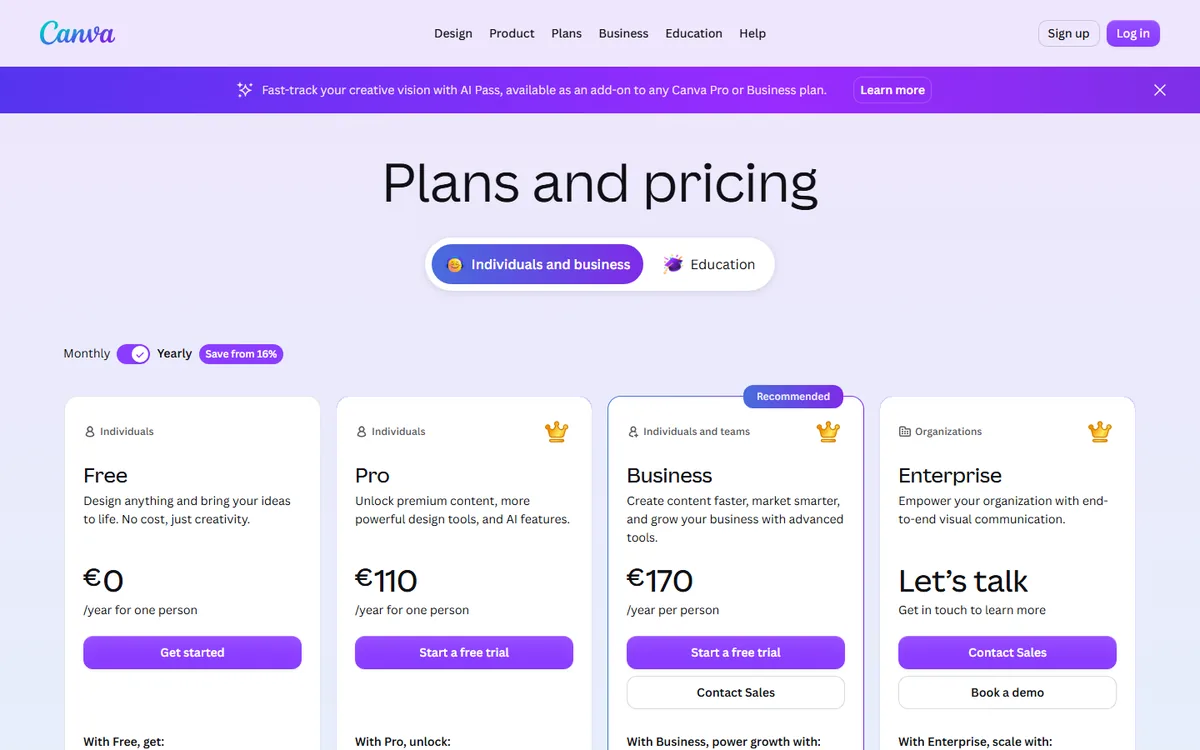
Canva has a free plan. Capterra lists Canva Pro at $15 per user per month, and both Capterra and G2 list Canva Teams at $10 per user per month. Teams requires a minimum number of users, so check the current terms.
Canva Reviews
Hootsuite
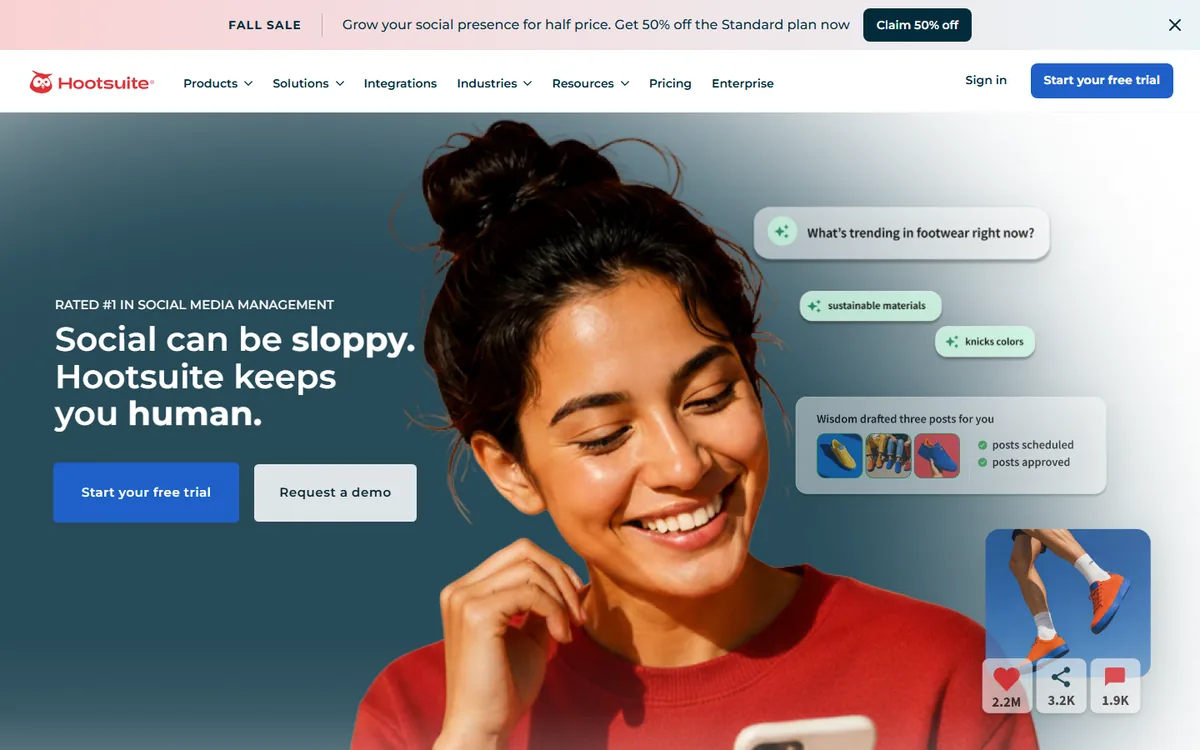
Worth It Only If Several People Publish Social Content and You Need One Calendar and Inbox
Hootsuite schedules posts, collects messages and mentions in one inbox and reports on social performance.
Social media is a modest source of bookings in most aviation segments, but it is where owners, students and recruits look you up. Hootsuite helps when two or more people post, because the calendar prevents gaps and duplicates, and the inbox catches questions that would otherwise go unanswered.
The price is the problem for small teams. The entry plan costs more than many full email platforms, so I only recommend it when your social volume justifies it. If one person posts a few times a week, a lower-cost scheduler or the native tools may be enough.
What I Like About Hootsuite
- One calendar and inbox for several channels
- Analytics show which posts earn engagement
- Approval steps help teams keep a consistent voice
What I Don’t Like About Hootsuite
- Expensive for small teams compared with alternatives
- Some features sit in higher plans
Hootsuite Pricing
Hootsuite has no free plan, only a trial. Capterra and G2 list the Standard plan from $99 per user per month, with higher plans costing more.
Hootsuite Reviews
ActiveCampaign
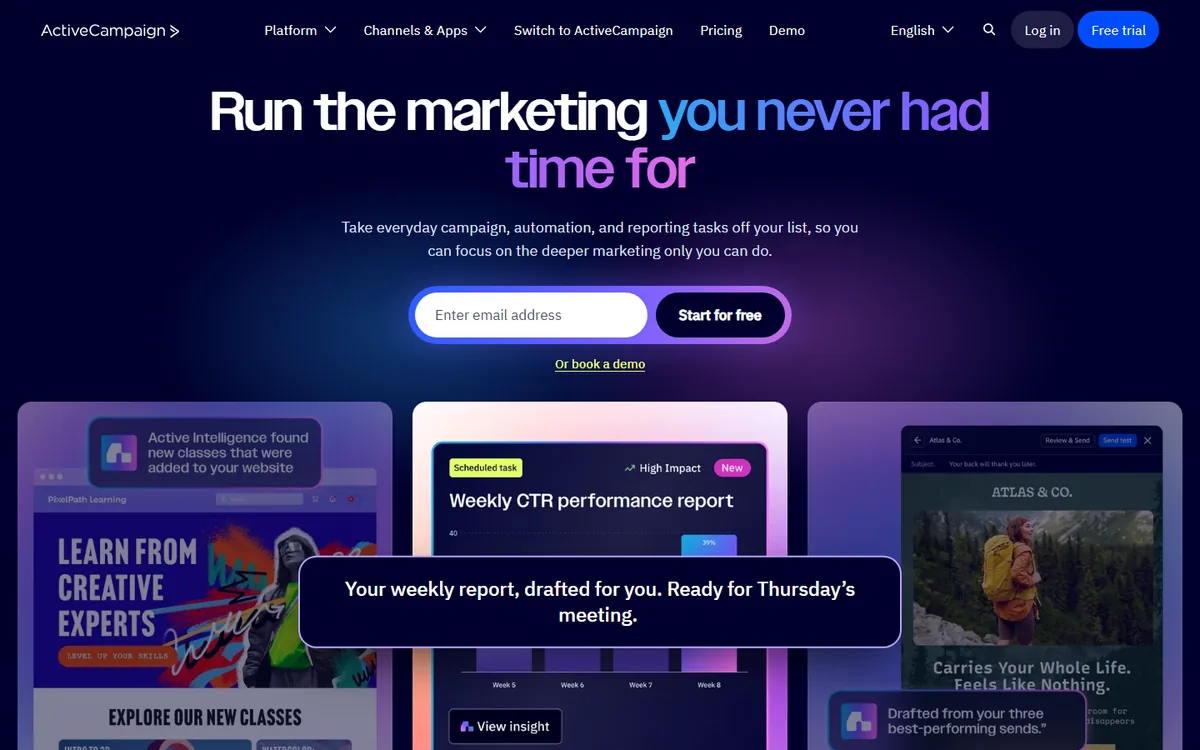
A Strong Step Up When Your Quotes and Inquiries Need Timed, Behavior-Based Follow-Up
ActiveCampaign combines email, automation, a light CRM and lead scoring, built around if-this-then-that flows.
Long aviation sales cycles need follow-up that reacts to what the buyer does. ActiveCampaign can send a note when a charter prospect opens a quote twice, assign a task to your sales lead and pause the sequence once a booking arrives. That kind of flow is hard in simpler email tools.
It rewards care in setup. The builder is powerful, and a messy automation can email the wrong people. Start with two or three flows, such as quote follow-up and post-service review requests, and document them before you add more.
What I Like About ActiveCampaign
- Automation builder handles branching and conditions well
- Lead scoring helps sales focus on warm buyers
- Good value compared with larger suites
What I Don’t Like About ActiveCampaign
- Setup takes time and a clear plan
- Reporting is less polished than larger platforms
ActiveCampaign Pricing
ActiveCampaign has no free plan, only a trial. Capterra and G2 list Starter from $15 per month, and higher plans add more automation, CRM features and contacts.
ActiveCampaign Reviews
Birdeye
A Practical Review Engine for FBOs, Schools and Charter Operators Who Rely on Local Trust
Birdeye requests reviews by text and email, collects them from Google and other sites and puts replies and messages in one inbox.
Reviews are the cheapest trust signal you can build. Birdeye sends a request after each lesson, flight or service visit, makes leaving a review a single tap and shows new ones in one inbox so you can reply fast. For a flight school or an FBO, steady reviews feed local search and ease first-time buyers' doubts.
Pricing is quote-based and aimed at multi-location businesses, so it can be more than a single-location operator needs. If you have one base, test the free review links on Google and a simple email template first, and move to a platform once volume justifies it.
What I Like About Birdeye
- Automated review requests by text and email
- Replies and messages in one inbox
- Reports across several locations
What I Don’t Like About Birdeye
- Price available on request and leans toward larger teams
- Extra modules add cost
Birdeye Pricing
Birdeye does not list a price on G2, and the vendor works with custom quotes. Ask for a quote based on your locations and the features you need, and compare it with the cost of doing review requests by hand.
Birdeye Reviews
Hotjar
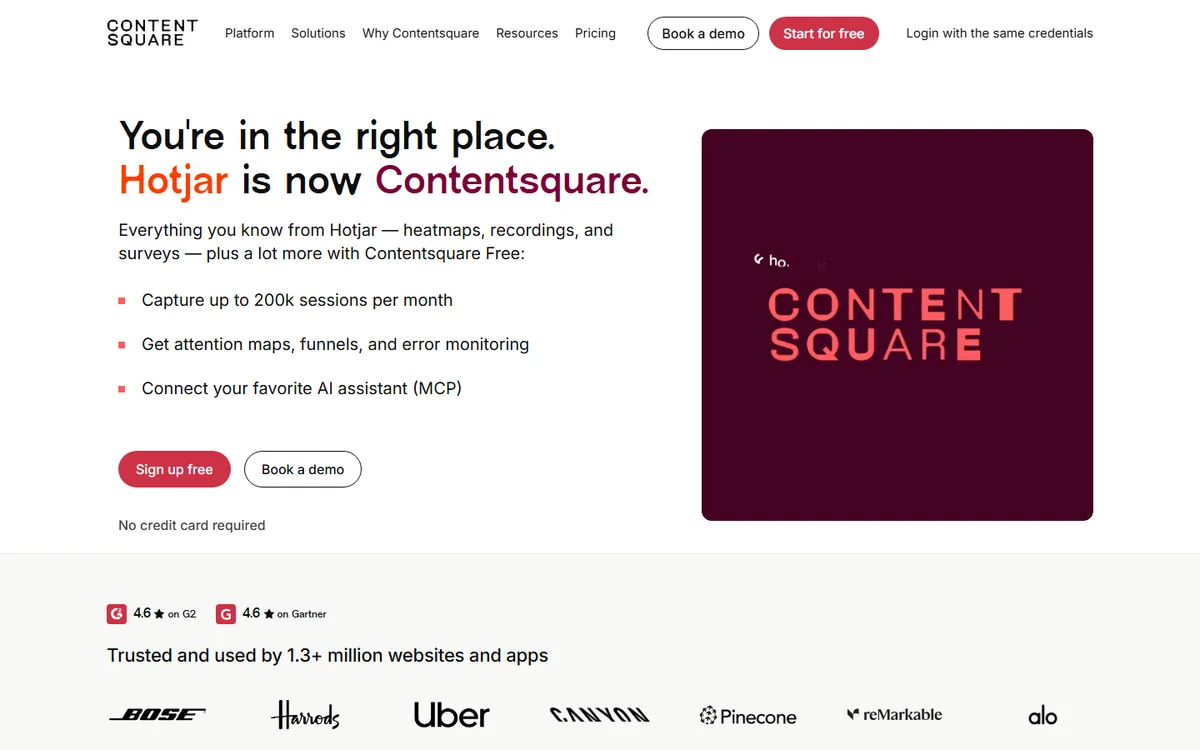
The Quickest Way to Watch Where Visitors Get Stuck on Your Quote and Booking Pages
Hotjar records sessions, builds heatmaps and runs short surveys so you see how visitors use your pages.
Analytics tells you that people leave your quote page. Hotjar shows why: a form field that confuses people, a button below the fold on a phone or a pricing note that nobody reads. For aviation sites with a small number of high-value visitors, watching 20 sessions can teach more than reading a month of charts.
Use it for a defined test and then switch the recorder off. Leaving sessions running adds cost and privacy work, and you must tell visitors and respect consent rules in the markets where you operate.
What I Like About Hotjar
- Session recordings show real behavior on your pages
- Heatmaps reveal what gets ignored
- Free plan is enough for a first test
What I Don’t Like About Hotjar
- Needs consent handling for privacy rules
- Recordings take time to review
Hotjar Pricing
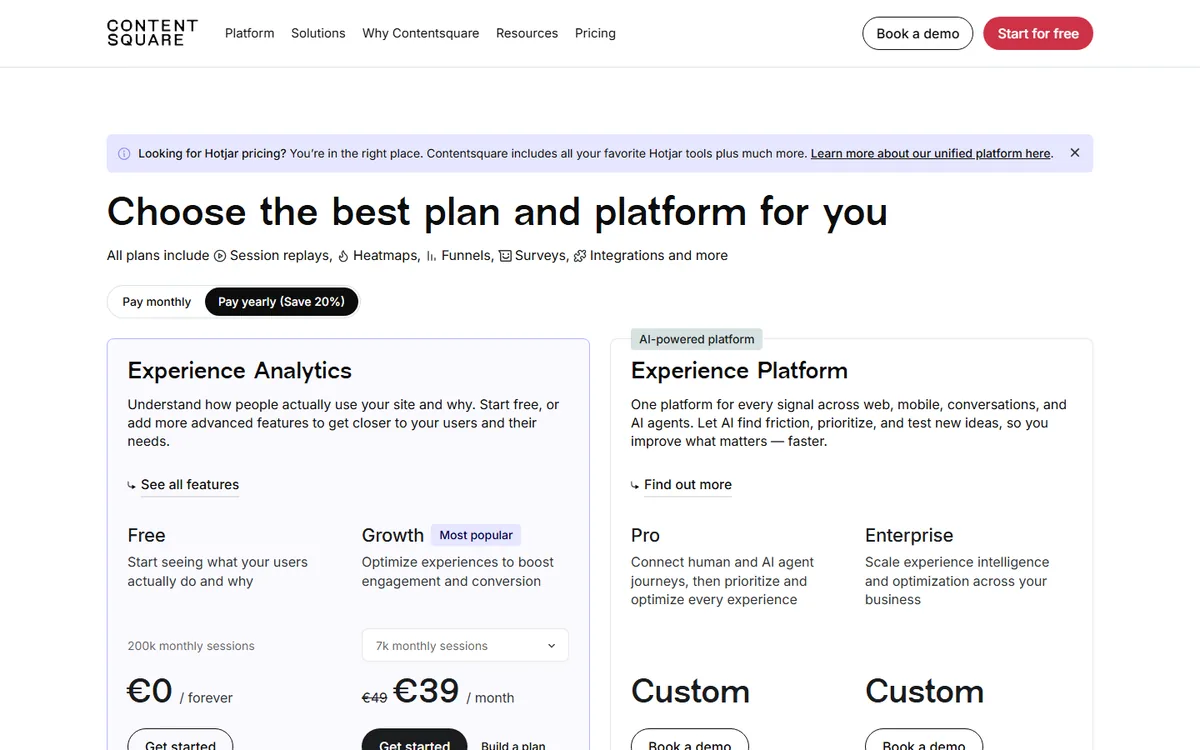
Hotjar has a free plan. G2 lists the Growth plan at $40 per month, and the Pro plan is shown as custom pricing billed per year. Check Hotjar's pricing page for current limits.
Hotjar Reviews
LinkedIn Sales Navigator
The Right Tool When You Sell to a Short List of Fleet, Maintenance and Procurement Buyers
Sales Navigator adds advanced search, lead and account lists, alerts and notes on top of LinkedIn.
MRO shops, parts suppliers and training providers sell to a small set of companies. Sales Navigator lets you build a list of target accounts, find the maintenance director, purchasing lead and fleet manager at each and get alerts when they change jobs or the company posts news.
It only pays if someone uses it every week. G2 reviewers rate its perceived cost at the top of the scale and often call it expensive for small teams, so I would trial it for a quarter with a defined list and a goal of meetings booked.
What I Like About LinkedIn Sales Navigator
- Detailed search filters by role, company and region
- Alerts on job changes and company news
- Saved lists keep outreach organized
What I Don’t Like About LinkedIn Sales Navigator
- Expensive for small teams
- Results depend on how carefully you write outreach
LinkedIn Sales Navigator Pricing
G2 does not list a price for Sales Navigator and shows a high perceived cost. LinkedIn publishes plan details on its site, so check the current options and any trial before you commit.
LinkedIn Sales Navigator Reviews
Looker Studio
A Free Way to Pull Analytics, Ads and CRM Exports Into One Report Your Owner Will Read
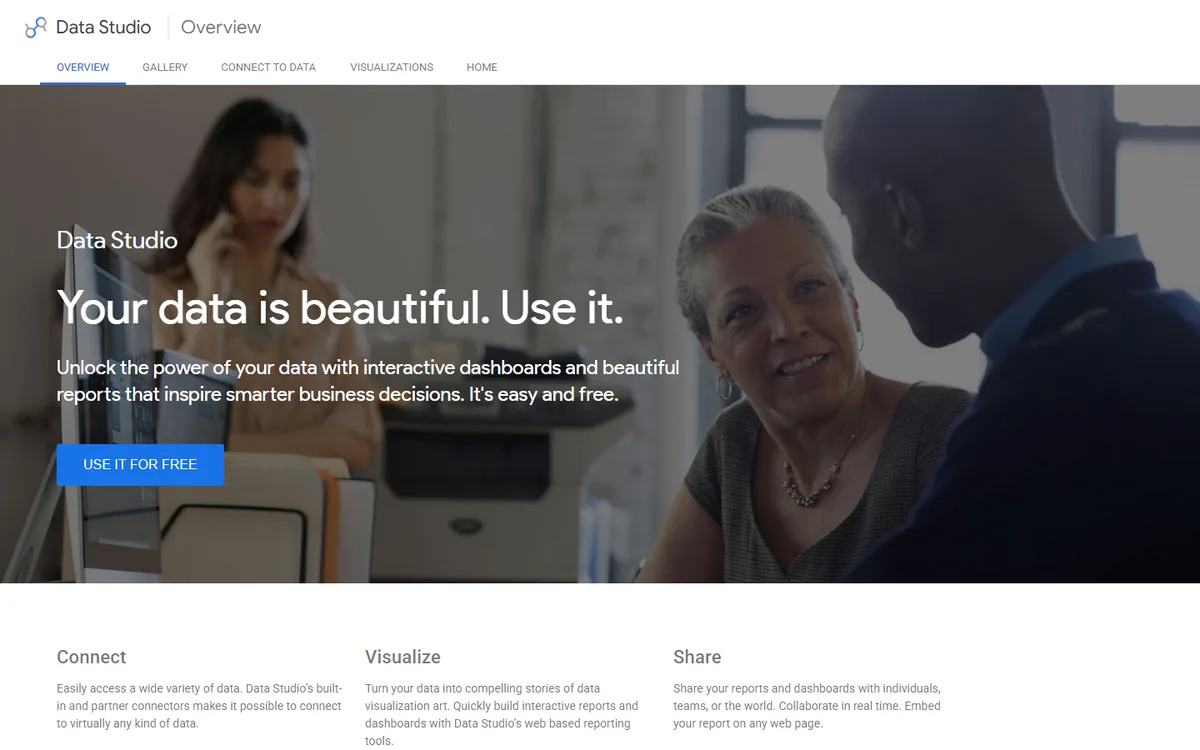
Looker Studio turns data from Google Analytics, Google Ads, Search Console and spreadsheets into shareable dashboards.
A monthly report that shows inquiries, quotes and bookings in one view keeps everyone aligned. Looker Studio pulls from Google tools and from spreadsheets, so you can combine ad spend with CRM bookings and show cost per booking by channel.
The strength is that it is free and flexible. The weakness is that you build it. Templates help, but messy data produces a messy dashboard, and a sheet-based CRM export means someone must update it. Keep the report to one page and five numbers.
What I Like About Looker Studio
- Free to use and easy to share
- Connects to Google tools and spreadsheets
- Flexible charts and filters
What I Don’t Like About Looker Studio
- You must build and maintain each report
- Connectors to non-Google tools may cost extra
Looker Studio Pricing
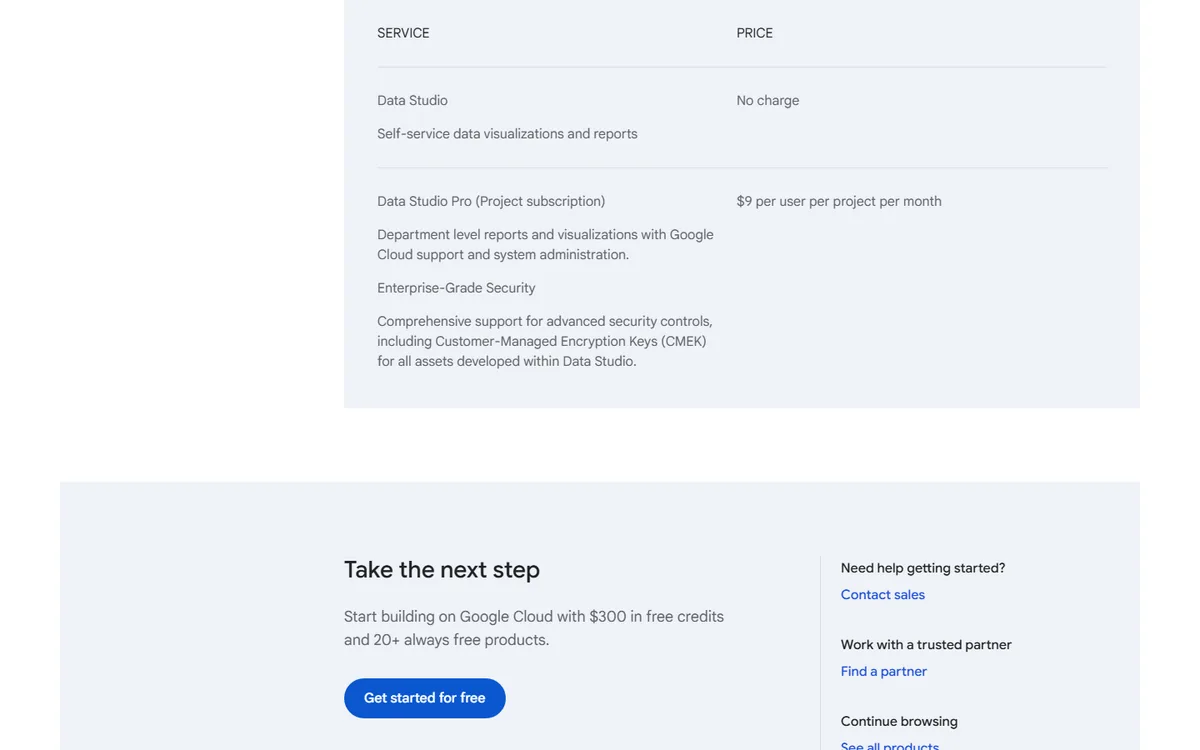
Looker Studio is free to use, and a paid Looker Studio Pro tier exists for teams that need extra management features. G2 does not list a price, so check Google Cloud for current details.
Looker Studio Reviews
Estimate the Return on a Marketing Tool
Before you pick a plan, check whether the numbers work for you. Enter the manual hours you want a tool to cover and its monthly price, and you will see what it could return in a year. Tools that save staff time, such as email automation or reporting, fit this test best. Tools that win bookings need to be judged on quotes and bookings, as I explain in my aviation marketing tips.
Is the Tool Worth It for You?
Set the sliders to the work the tool would handle and the plan you have in mind.
How to Choose the Right Aviation Marketing Tool
In my experience, fit with your sales process decides more than any feature list. Before you compare vendors, answer four questions:
- Where do you lose buyers today: before the inquiry, or after it?
- Who will own the tool and use it every week?
- Does it connect to your website, CRM and email list?
- What does it cost at your list size and team size in a year?
If you lose buyers after the inquiry, start with a CRM and email automation, such as HubSpot or ActiveCampaign. If you are not found, start with Semrush and your site pages. If you cannot tell, start with Google Analytics and Looker Studio. Since tools follow trends, I keep my notes on aviation marketing trends up to date, and a short call can settle your setup.
Questions About Choosing Aviation Marketing Tools
What Is the Best Marketing Tool for a Small Aviation Business?
I would start with Google Analytics and a CRM such as HubSpot, since they show you where inquiries come from and what happens to them. Add email with Mailchimp or ActiveCampaign once you have a list worth writing to, and Canva for everyday visuals.
Which Free Tools Are Worth Using?
Google Analytics, Looker Studio, Canva's free plan, Mailchimp's free plan, Hotjar's free plan and HubSpot's free CRM cover a lot. Their limits are real, but they are enough to find out which marketing works before you pay.
Do I Need a CRM for Aviation Marketing?
Yes. Long sales cycles and high-value deals mean you need to see every inquiry and its stage. A basic CRM with source tracking and reminders usually pays for itself with a few saved quotes.
How Many Tools Should I Use?
As few as you can manage. For most small firms that means analytics, a CRM, email and one design tool. Each extra tool needs an owner and a monthly check, or it becomes shelfware.
Are Review Tools Worth It for a Single-Location Business?
Often a simple review link and a standard email template are enough at first. Move to a review platform when you serve several bases or send enough requests that manual work becomes a burden.
What Should I Check Before I Buy a Tool?
Check whether it connects to your CRM and website, who will own it, what the real cost is at your list or user size and how you would export your data if you leave. Run a short trial with one defined goal.
Can These Tools Replace an Agency or Consultant?
They can replace some tasks, but not the planning. Tools execute choices about audiences, offers and follow-up, and a consultant helps you make them. Many teams use both, with the consultant setting up and training the team.
Please note: pricing, plans and ratings change often. They were accurate at our last review; please verify them on the vendor sites before you buy. None of this is legal or financial advice.
Was this guide helpful?
Thanks for your feedback.
Warren Albright
Warren leads the Blue Hornet editorial team and works with the consultants to turn real client projects into practical guides on content, paid media, marketing automation, CRM and analytics. He comes from content and demand generation work, edits every article before a working marketing consultant reviews it, and draws on strategies, channel plans and audits from client projects to keep the advice grounded in real numbers.