Quick Summary
- All-in-one platforms like HubSpot keep contacts, campaigns and reports in one place, but cost more as you grow.
- Specialist tools for SEO, email, social and design go deeper, and most teams need only one in each area.
- Free tiers from Google Analytics, HubSpot, Klaviyo, Buffer and Hotjar are enough to test a channel before you pay.
- Pick tools after your strategy and measurement plan, then run a short trial with real data.
The Best Digital Marketing Tools at a Glance
| Tool | Type | Best for |
|---|---|---|
| 1. HubSpot Marketing Hub | All-in-one marketing platform | Teams that want CRM, email, forms and reporting in one system |
| 2. Semrush | SEO and competitor research suite | Keyword research, rank tracking and competitor analysis |
| 3. Ahrefs | SEO and backlink analysis tool | Link research, content gaps and organic competitor analysis |
| 4. Mailchimp | Email marketing platform | Small teams starting with newsletters and simple automation |
| 5. ActiveCampaign | Marketing automation and CRM | Behavior-based email journeys and lead scoring |
| 6. Canva | Design and content creation tool | Social graphics, presentations and brand templates without a designer |
| 7. Hootsuite | Social media management platform | Scheduling, monitoring and reporting across many social accounts |
| 8. Google Analytics | Web and app analytics | Measuring traffic, conversions and channel performance for free |
| 9. Klaviyo | Email and SMS for ecommerce | Online stores that segment by purchase behavior |
| 10. Sprout Social | Social media management and listening | Brands that need social reporting, listening and customer care |
| 11. Buffer | Social media scheduler | Solo marketers and small teams that want simple scheduling |
| 12. Hotjar | Behavior analytics | Seeing why visitors do not convert |
| 13. Surfer SEO | Content optimization tool | Optimizing articles against what already ranks |
| 14. Unbounce | Landing page builder | Testing landing pages for paid campaigns |
| 15. Brevo | Email, SMS and CRM | Budget-conscious teams that need email plus SMS |
| 16. Moz Pro | SEO software | Teams that want SEO guidance with an easy learning curve |
The 16 Best Digital Marketing Tools, Ranked
I start with platforms that suit the widest range of teams and move toward focused tools for one job, so you can stop reading when you find your fit. Keep in mind that tools come after the plan: in my digital marketing strategy consulting work, choosing goals and channels first prevents most wasted subscriptions. Once you know which channels matter, the digital marketing strategy roadmap shows when each tool should arrive.
HubSpot Marketing Hub
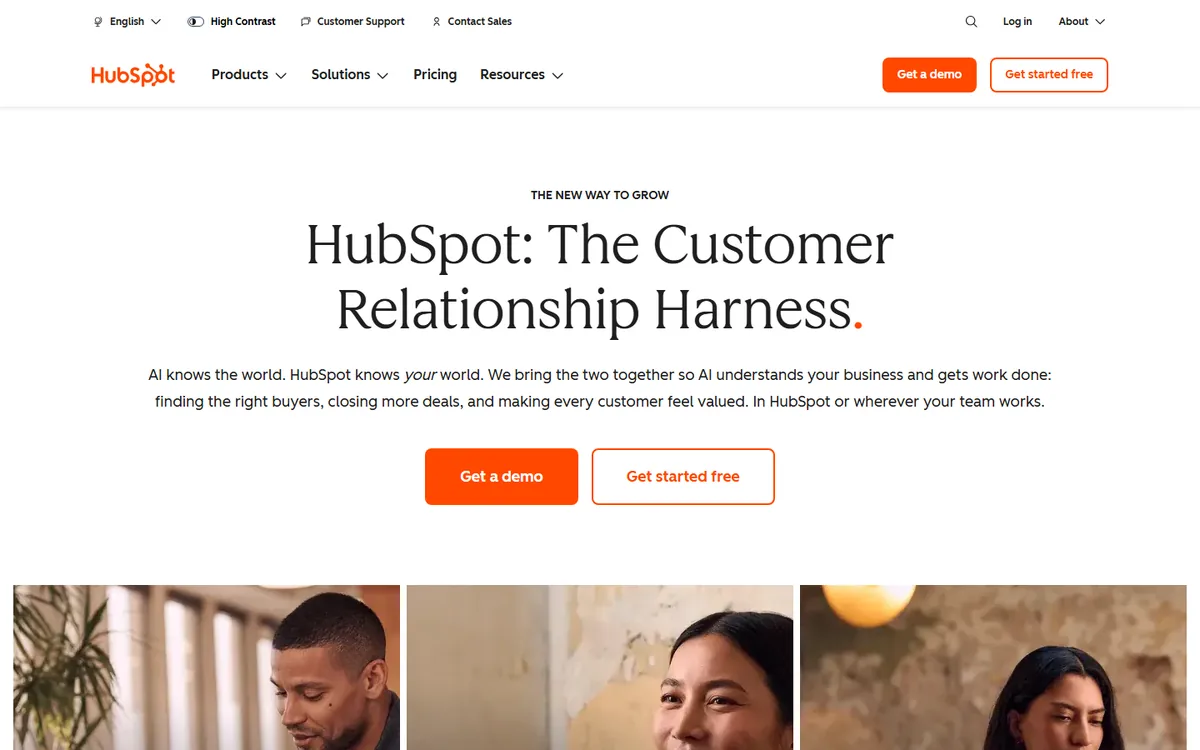
The Safest All-in-One Pick if You Want Marketing and Sales Data in the Same Place
HubSpot Marketing Hub combines email, landing pages, forms, automation, social tools and reporting on top of a free CRM.
HubSpot is where I send teams that have outgrown a pile of disconnected tools. Every form fill, email click and page visit lands on one contact record, so sales sees what marketing did before the first call. That single record is the real product, and it is why my client projects that start with a messy stack often end with a HubSpot migration.
The cost curve is the thing to plan for. The free and Starter tiers are friendly, but the jump to Professional is steep, and the onboarding fee is real money. I tell clients to price the Professional tier honestly before they commit, and to ask whether they will use automation and reporting enough to justify it.
What I Like About HubSpot Marketing Hub
- Contacts, deals and campaigns share one record, so reporting is simple
- The free tools let you start before you spend anything
- Training material and a large partner network make hiring help easy
What I Don’t Like About HubSpot Marketing Hub
- The step from Starter to Professional is a big price jump
- Contact-based pricing grows with your list
HubSpot Marketing Hub Pricing
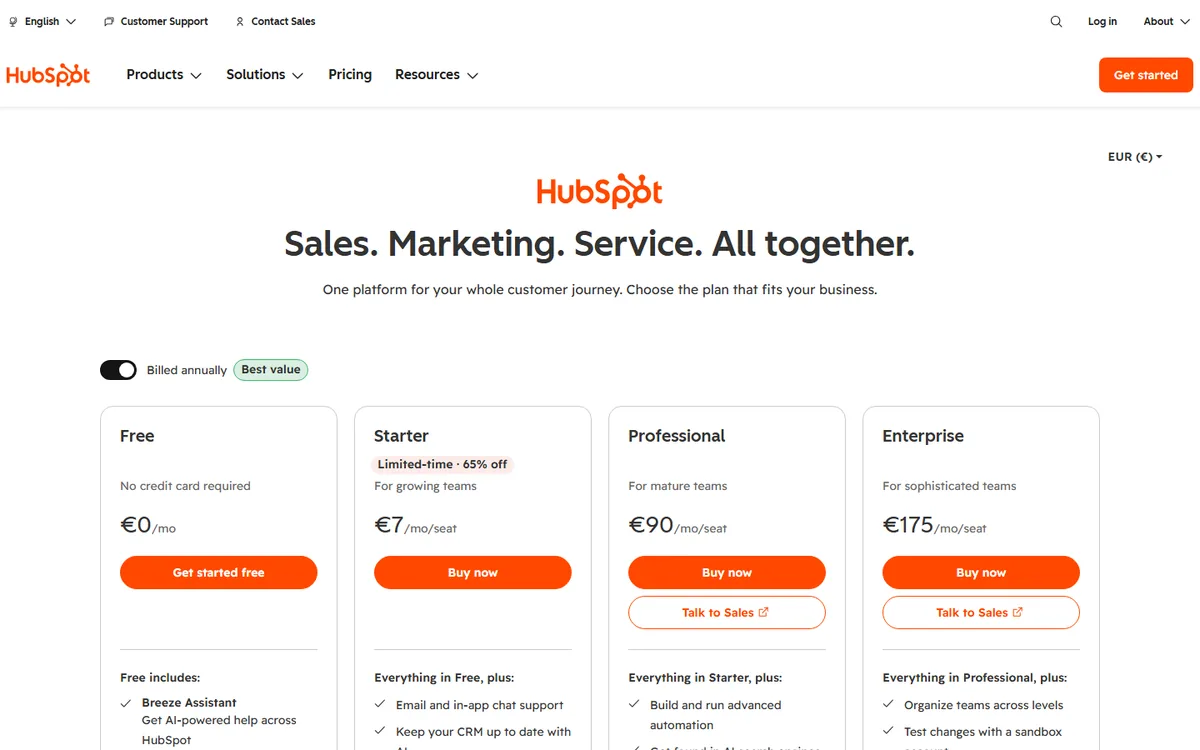
HubSpot lists a free tier for up to 2 users. Starter seats start at $7 per month for new customers, Professional starts at $800 per month including 3 core seats plus a one-time $3,000 onboarding fee, and Enterprise starts at $3,600 per month with a one-time $7,000 onboarding fee.
HubSpot Marketing Hub Reviews
Semrush
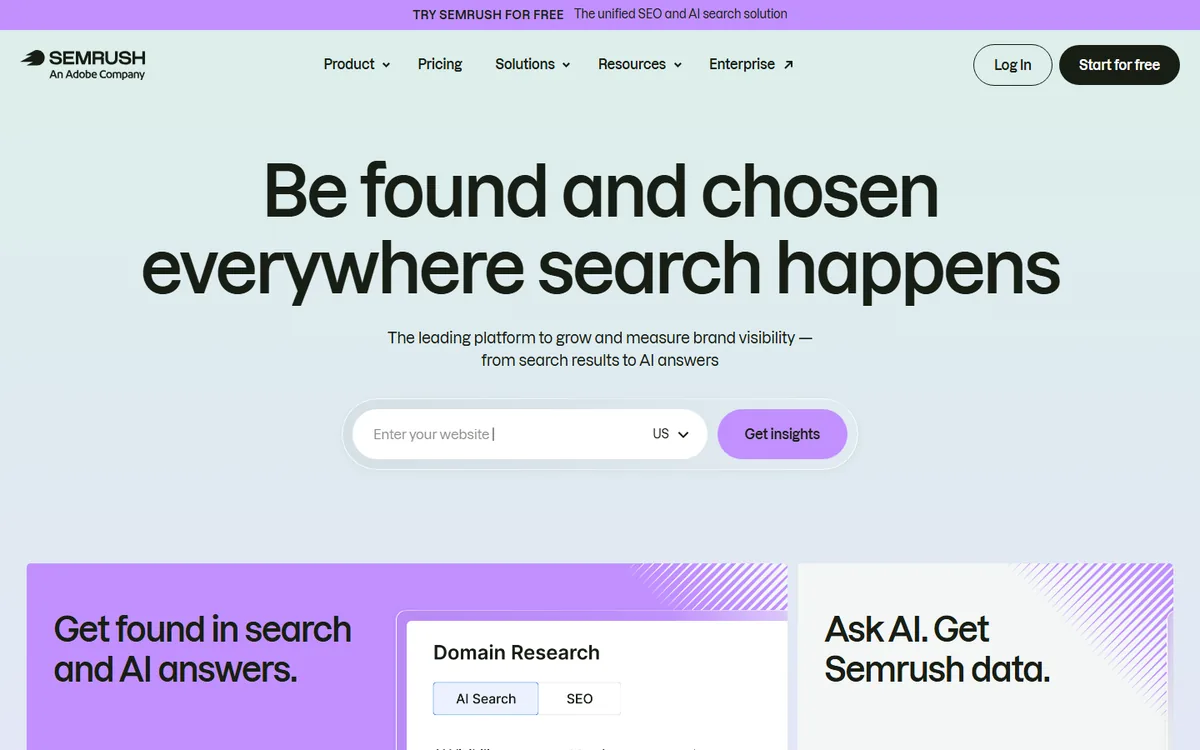
The Broadest SEO and Competitor Research Toolkit for Teams That Also Run Paid Search
Semrush bundles keyword research, site audits, rank tracking, competitor analysis and ad research in one subscription.
Semrush earns its place when you need one login for both organic and paid research. I use it to size keyword opportunities, check what competitors bid on and audit a site before a strategy project. The competitor views alone save hours of manual research.
Treat the numbers as estimates. Traffic and keyword volumes are modeled, so I use them to compare and prioritize, never to promise a result. The interface also has a lot of modules, and new users often get lost. Pick the three reports you need and ignore the rest.
What I Like About Semrush
- Keyword, ranking and ad research live in one place
- Site audits give you a prioritized fix list
- Competitor views make strategy work much faster
What I Don’t Like About Semrush
- Traffic figures are estimates and can mislead if taken literally
- The number of modules overwhelms new users
Semrush Pricing
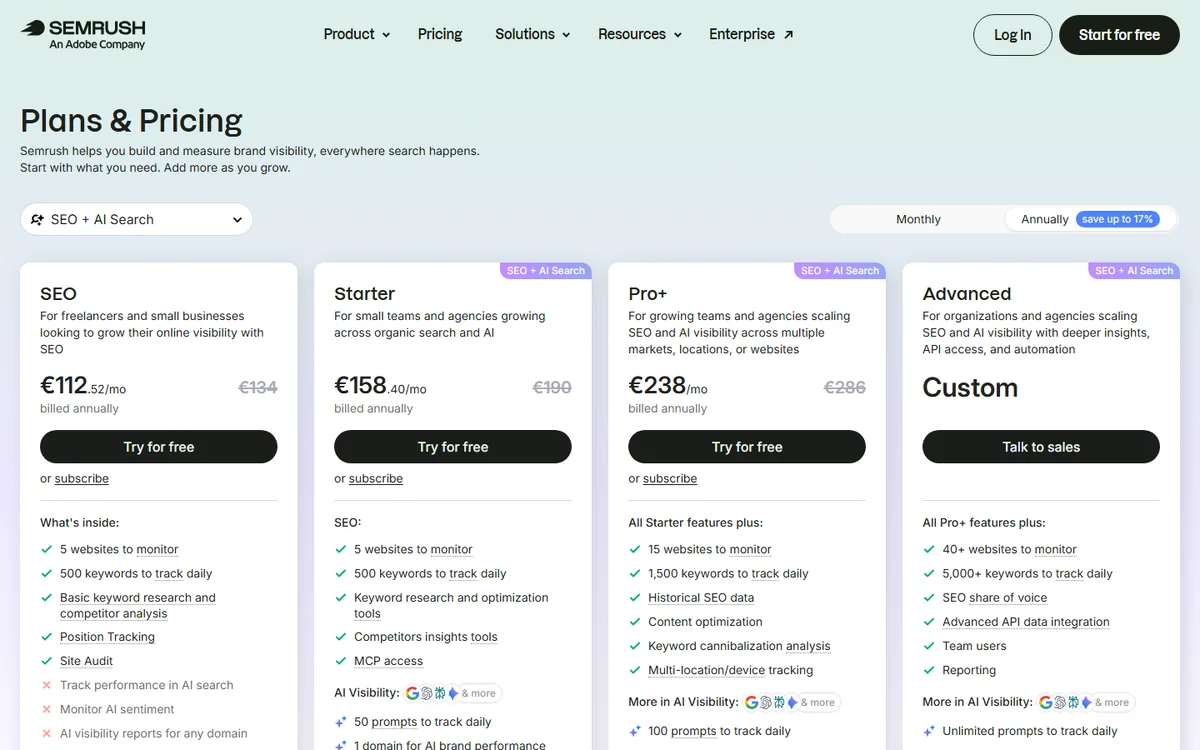
Semrush sells monthly subscriptions in tiers. Its pricing page could not be read when I checked, so confirm the current plan prices on semrush.com before you decide.
Semrush Reviews
Ahrefs
The Best Choice for Backlink Research and Organic Competitor Analysis
Ahrefs is known for its backlink index, and it also covers keyword research, site audits and rank tracking.
Ahrefs is my first pick when the question is why a competitor outranks you. The backlink data is detailed, and the content gap and top pages reports show quickly which topics win traffic in your market. Its keyword difficulty scores help me decide which articles are worth writing.
It is an SEO tool, not a full marketing suite. You get little for email, social or paid media, so most teams pair it with other tools. Pricing is also tiered by usage limits, which matters if you run many projects or add several seats.
What I Like About Ahrefs
- The backlink index is deep and easy to explore
- Content gap reports turn competitor data into a topic list
- Webmaster tools are free for sites you own
What I Don’t Like About Ahrefs
- It covers SEO only, so you need other tools for channels
- Usage limits push heavy users to higher plans
Ahrefs Pricing
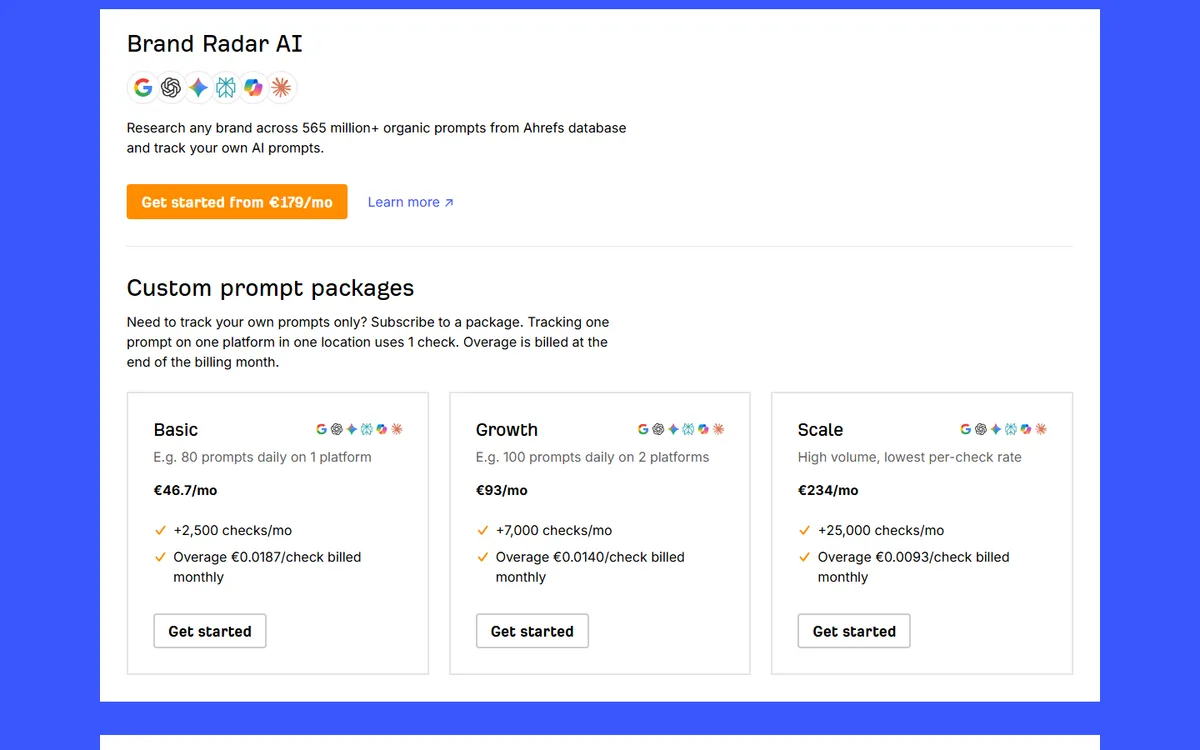
Ahrefs lists Starter at $29 per month, Lite at $129, Standard at $249 and Advanced at $449, with custom Enterprise pricing. Annual billing saves up to 17%. Ahrefs Webmaster Tools are free for your own sites.
Ahrefs Reviews
Mailchimp
A Friendly Starting Point for Small Teams That Need Email Up and Running Fast
Mailchimp offers email campaigns, landing pages, audience tools and basic automation with a free plan to start.
Mailchimp is the tool many small businesses meet first, and for a newsletter and a welcome flow it still does the job. The editor is easy, the templates look good and the reports show opens and clicks without setup.
The trade-off appears as your list grows. Prices rise with contacts, and advanced segmentation and automation sit on higher plans. When a client needs behavior-based journeys, I usually move them to ActiveCampaign or Klaviyo rather than stretch Mailchimp.
What I Like About Mailchimp
- The editor and templates are easy for beginners
- A free plan lets you test email before you pay
- Setup takes an afternoon, not a week
What I Don’t Like About Mailchimp
- Costs climb as your contact list grows
- Advanced automation is thinner than in dedicated tools
Mailchimp Pricing
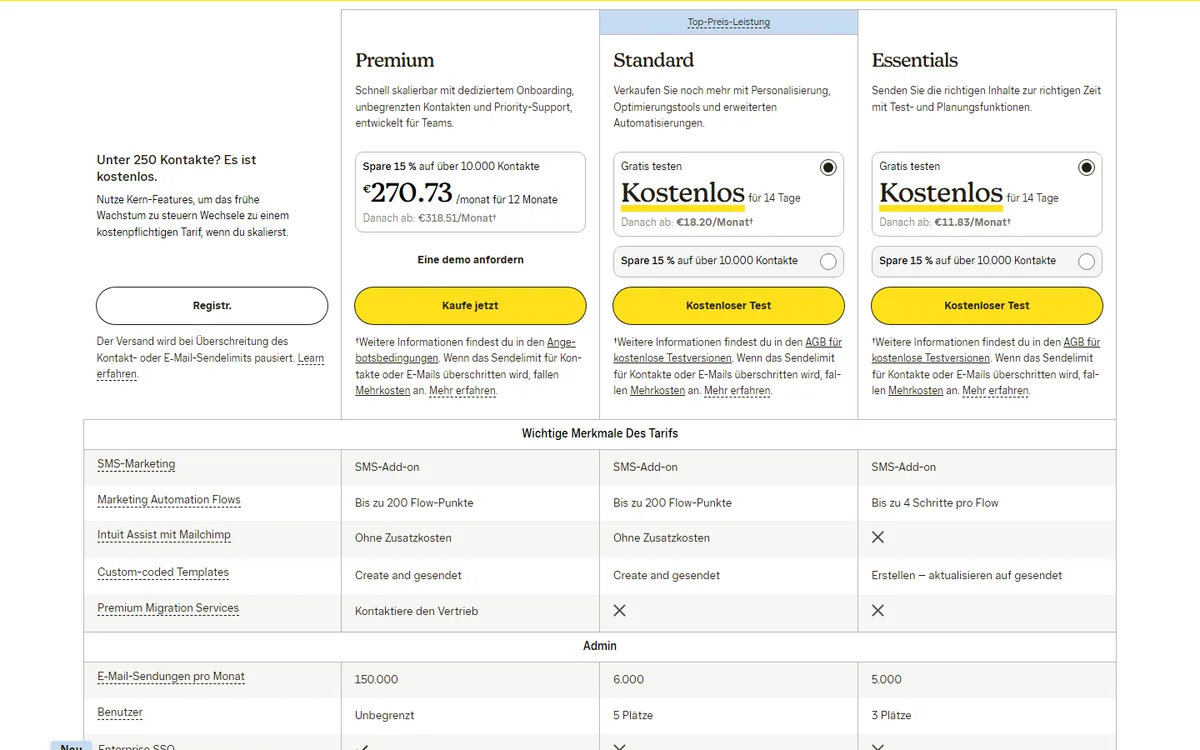
Mailchimp has a free plan for up to 250 contacts and 500 emails per month. Paid plans are listed at $13 (Essentials), $20 (Standard) and $350 (Premium) per month, shown as promotional rates for the first 12 months at 10,000+ contacts, so check the price after the promotion ends.
Mailchimp Reviews
ActiveCampaign
The Strongest Automation Builder for Teams That Want Real Behavior-Based Journeys
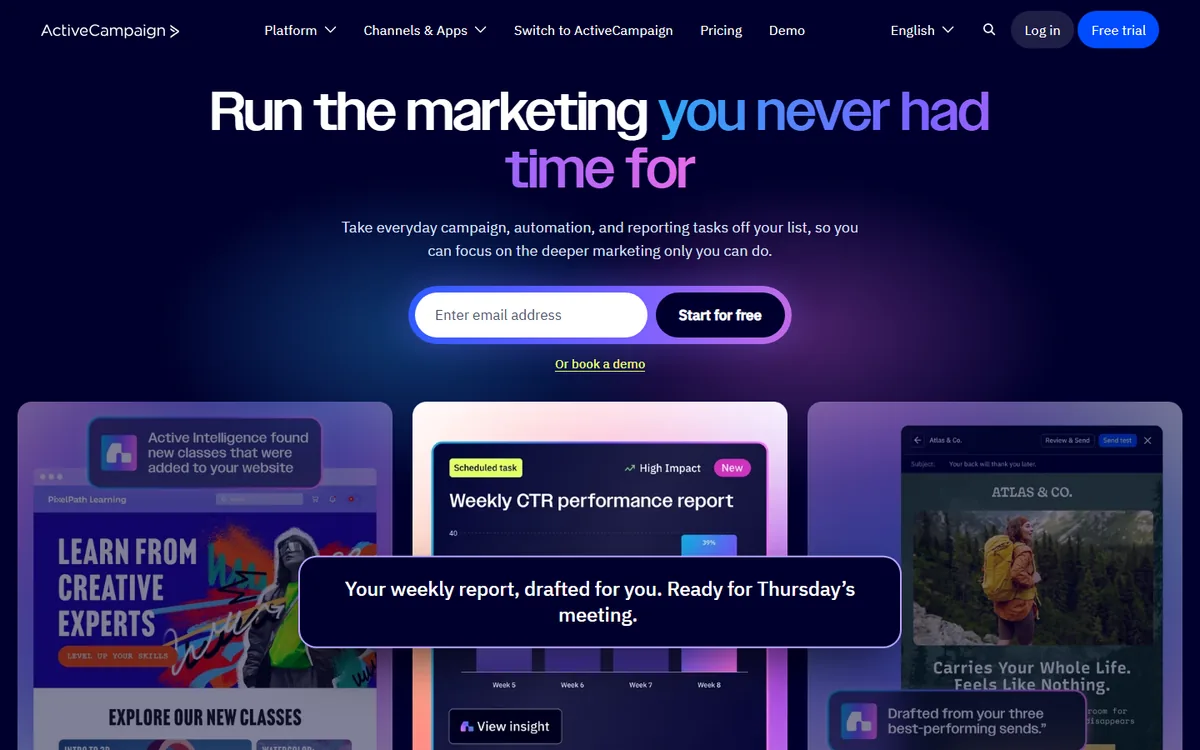
ActiveCampaign pairs email marketing with a visual automation builder, a built-in CRM and lead scoring.
ActiveCampaign is what I recommend when a company wants emails to react to what a contact does. You can trigger a sequence from a page visit, tag leads by interest and score them so sales calls the right people first. The automation canvas stays readable even with many branches.
Give it a proper setup. Teams that buy it and then build five simple emails waste the value. In my audits, the most common problem is a tangle of overlapping automations nobody documented, so keep a map of what triggers what.
What I Like About ActiveCampaign
- The automation builder handles complex logic clearly
- Lead scoring and a built-in CRM connect marketing and sales
- Deliverability tools and integrations are solid
What I Don’t Like About ActiveCampaign
- It takes time to learn and plan properly
- Costs rise with contacts and with higher tiers
ActiveCampaign Pricing
ActiveCampaign sells Starter, Plus, Pro and Enterprise plans priced by contact count. Amounts did not load on its pricing page when I checked, so confirm current prices on activecampaign.com.
ActiveCampaign Reviews
Canva
The Fastest Way for Non-Designers to Produce On-Brand Social and Campaign Visuals
Canva is a drag-and-drop design tool with templates, brand kits, video editing and AI features for everyday marketing assets.
Canva removes the bottleneck of waiting for a designer to resize a graphic. Brand kits keep colors and fonts consistent, and templates let a marketer produce social posts, one-pagers and slides in minutes. Most teams I work with use it daily.
It has limits. Complex layouts, print production and heavy brand systems still need a designer in a pro tool. My advice is to have a designer build the templates once, then let the team customize them, which keeps quality high and speed up.
What I Like About Canva
- Templates and brand kits keep assets consistent
- Anyone on the team can use it with little training
- Resizing one design for many channels is quick
What I Don’t Like About Canva
- Advanced design work outgrows it
- Overuse of stock templates can make brands look alike
Canva Pricing
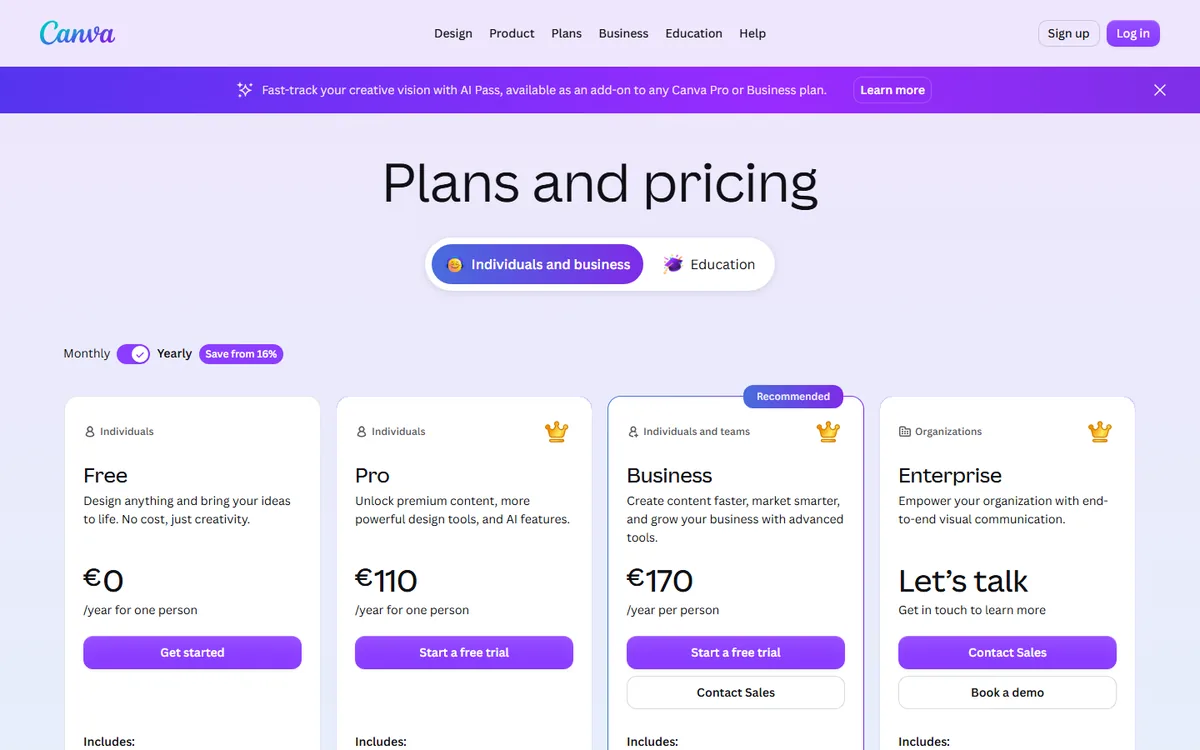
Canva offers free and paid plans. Its pricing page could not be read when I checked, so confirm current plan prices on canva.com.
Canva Reviews
Hootsuite
A Solid Control Center for Teams Managing Several Social Accounts and Approvals
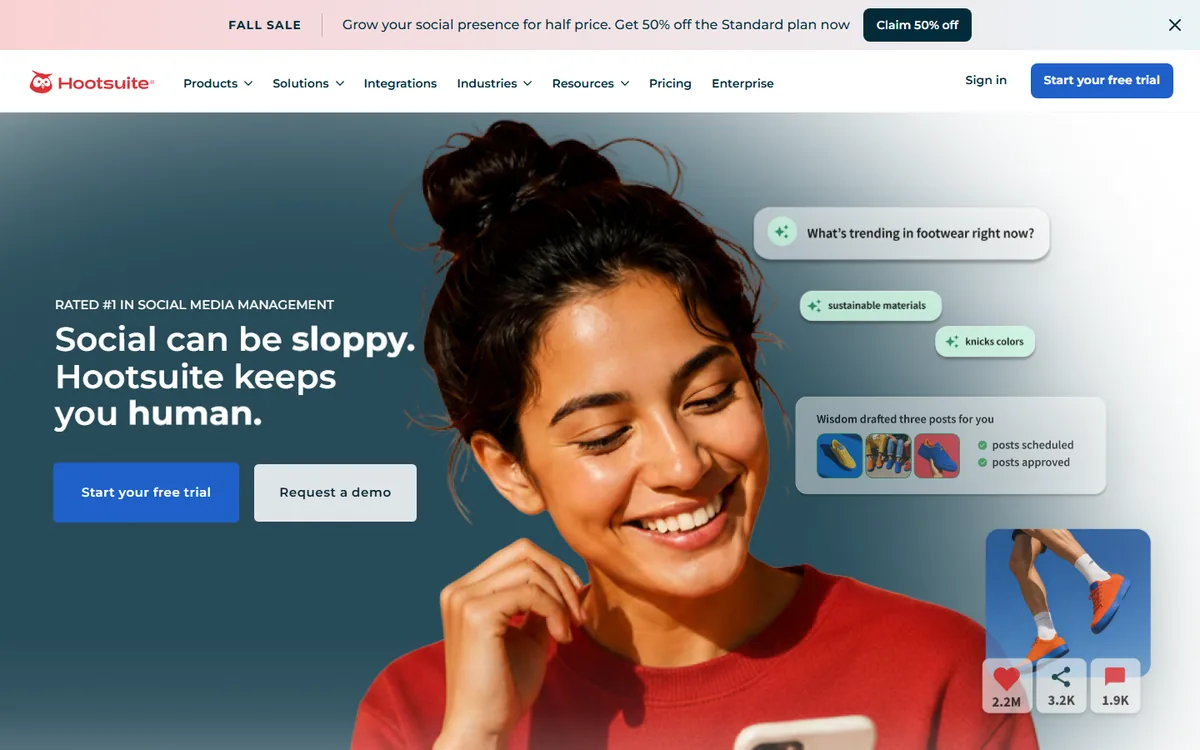
Hootsuite lets you schedule posts, monitor conversations and report on results across social networks from one dashboard.
Hootsuite fits teams with several brands or regions and an approval process. You plan content on a calendar, route drafts to a manager and track results in one report, which beats posting natively to each network.
It costs more per seat than lighter schedulers, so it makes sense when you need the monitoring, team workflows and reporting. If you only schedule posts for two or three accounts, you will pay for features you do not use.
What I Like About Hootsuite
- One calendar for all networks and brands
- Approval workflows suit larger teams
- Monitoring and reports save manual checking
What I Don’t Like About Hootsuite
- Per-user prices are high for small teams
- The interface feels crowded at first
Hootsuite Pricing
Hootsuite lists Standard at $99, Professional at $199 and Advanced at up to $399 per user per month on annual billing, plus custom Enterprise pricing.
Hootsuite Reviews
Google Analytics
The Free Measurement Baseline Every Marketing Team Should Set Up Properly
Google Analytics tracks how visitors find and use your site or app, with event-based reporting and conversion tracking.
Almost every strategy I review starts here, because you cannot improve what you do not measure. GA4 shows which channels bring visitors, which pages hold them and which actions turn into leads, all at no cost.
The tool is only as good as the setup. I often find accounts that count every button click as a conversion or miss the form that matters. Define a short list of conversion events, test them and connect Google Ads and Search Console before you trust a report.
What I Like About Google Analytics
- It is free and widely supported
- Event tracking adapts to most business goals
- It connects with Google Ads and Search Console
What I Don’t Like About Google Analytics
- The interface takes time to learn
- Poor setup produces misleading data
Google Analytics Pricing
Google says Google Analytics is available free of charge. A paid enterprise version, Analytics 360, exists, but its price was not published on the page I checked.
Google Analytics Reviews
Klaviyo
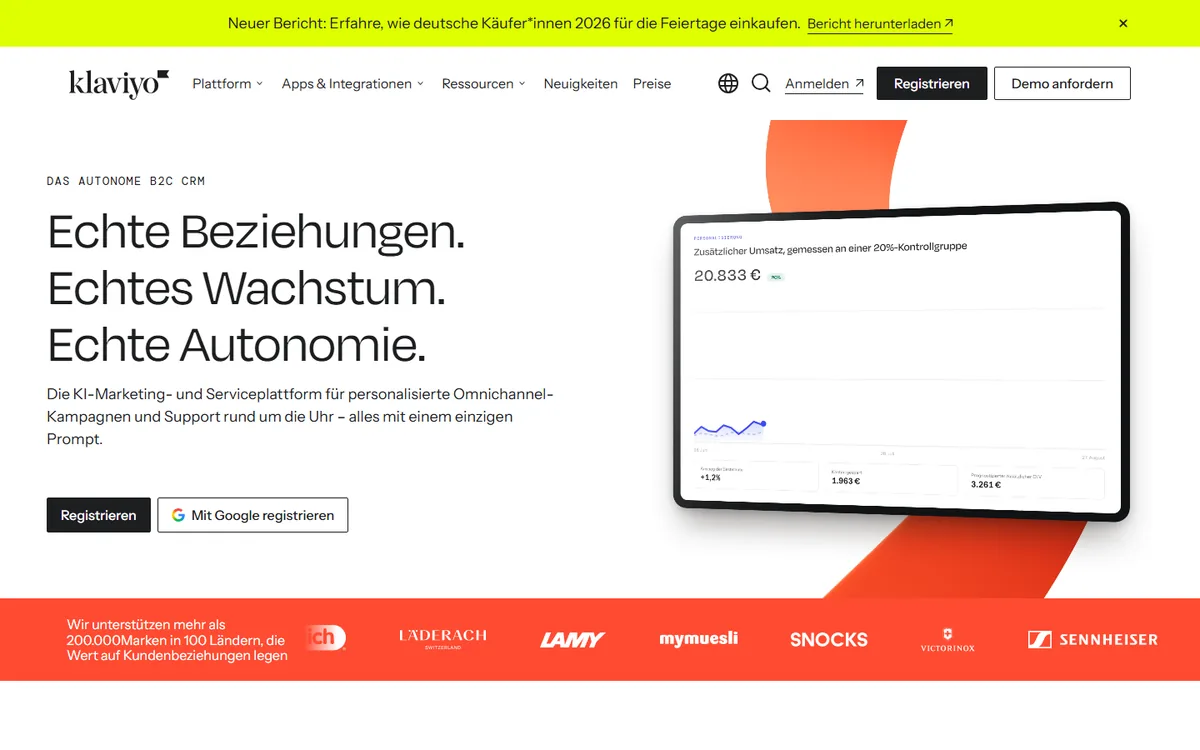
The Top Pick for Ecommerce Brands That Want Email and SMS Driven by Purchase Data
Klaviyo connects to your store and uses purchase and browsing data to power email and SMS campaigns and flows.
Klaviyo is the standard for online stores I work with. It pulls orders and browsing activity from the store, so you can send abandoned cart, back-in-stock and win-back flows without custom work. Segments by purchase history are quick to build.
It is built for commerce, so a service business gets less from it. Pricing follows active profiles, which means a large, stale list costs real money. Clean the list before you scale.
What I Like About Klaviyo
- Deep ecommerce integrations and ready-made flows
- Segmentation uses real purchase data
- Email and SMS sit in one platform
What I Don’t Like About Klaviyo
- It suits online stores better than service businesses
- Pricing grows with active profiles
Klaviyo Pricing
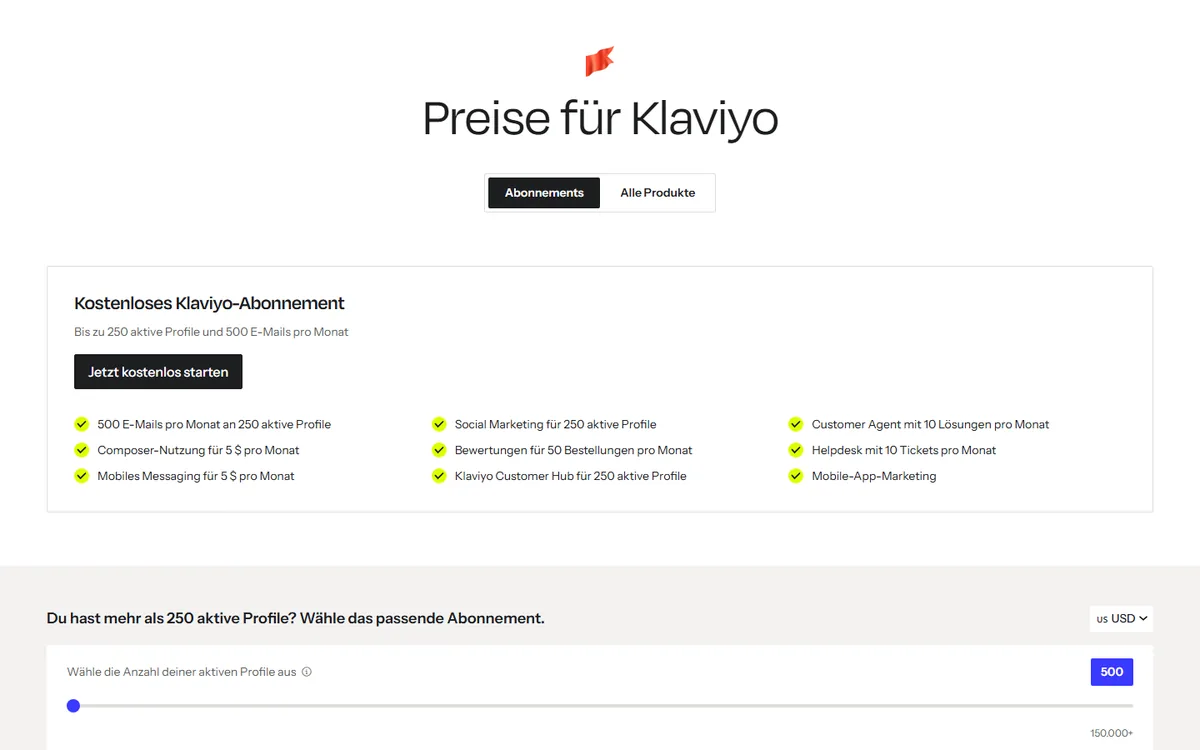
Klaviyo has a free plan for up to 250 active profiles and 500 emails per month. The Email plan starts at $20 per month for up to 500 active profiles and 5,000 emails.
Klaviyo Reviews
Sprout Social
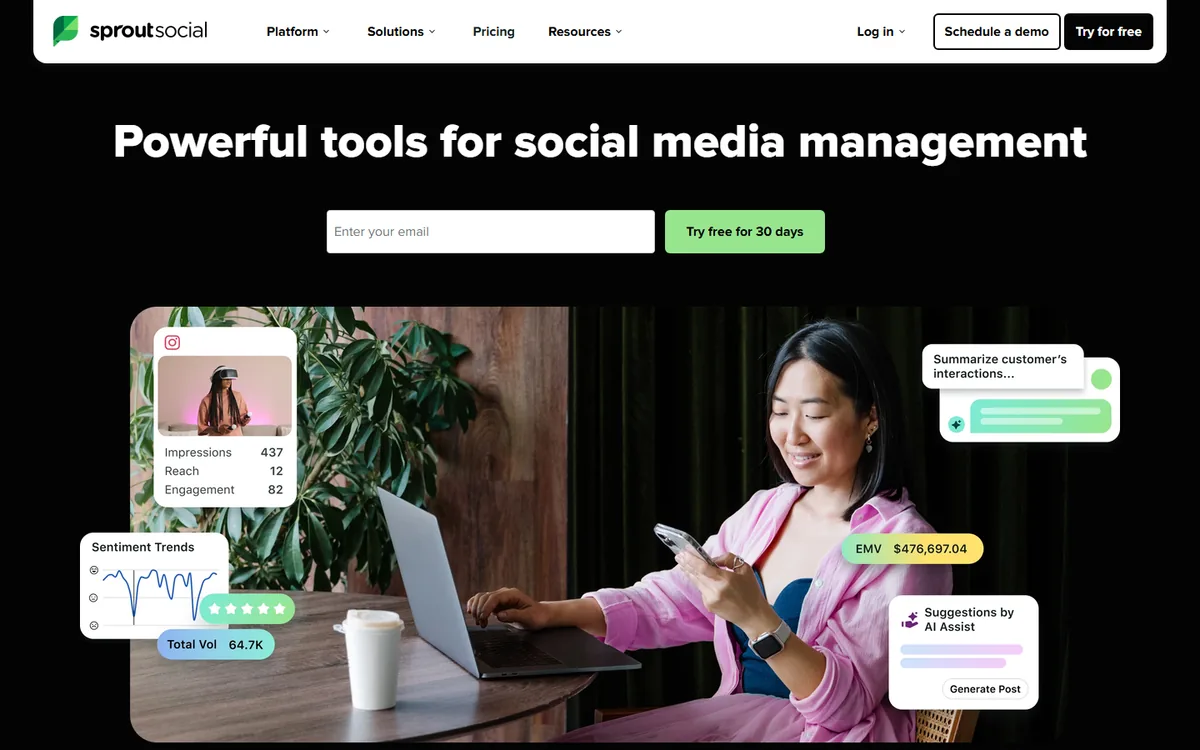
A Polished Choice When Social Reporting and Customer Care Matter as Much as Posting
Sprout Social covers publishing, a unified inbox, listening and analytics with reports built for stakeholders.
Sprout Social is the tool I pick when social media has to answer to leadership. The reports are clean, the inbox keeps customer messages organized and the listening features show what people say about the brand.
It is among the pricier options per seat, so I use it where social is a real channel with a team behind it. For a one-person account, a lighter scheduler like Buffer is enough.
What I Like About Sprout Social
- Reports are clear enough for executives
- A unified inbox helps customer care teams
- Listening adds context beyond your own posts
What I Don’t Like About Sprout Social
- Per-seat prices are high
- Some analytics features sit on upper tiers
Sprout Social Pricing
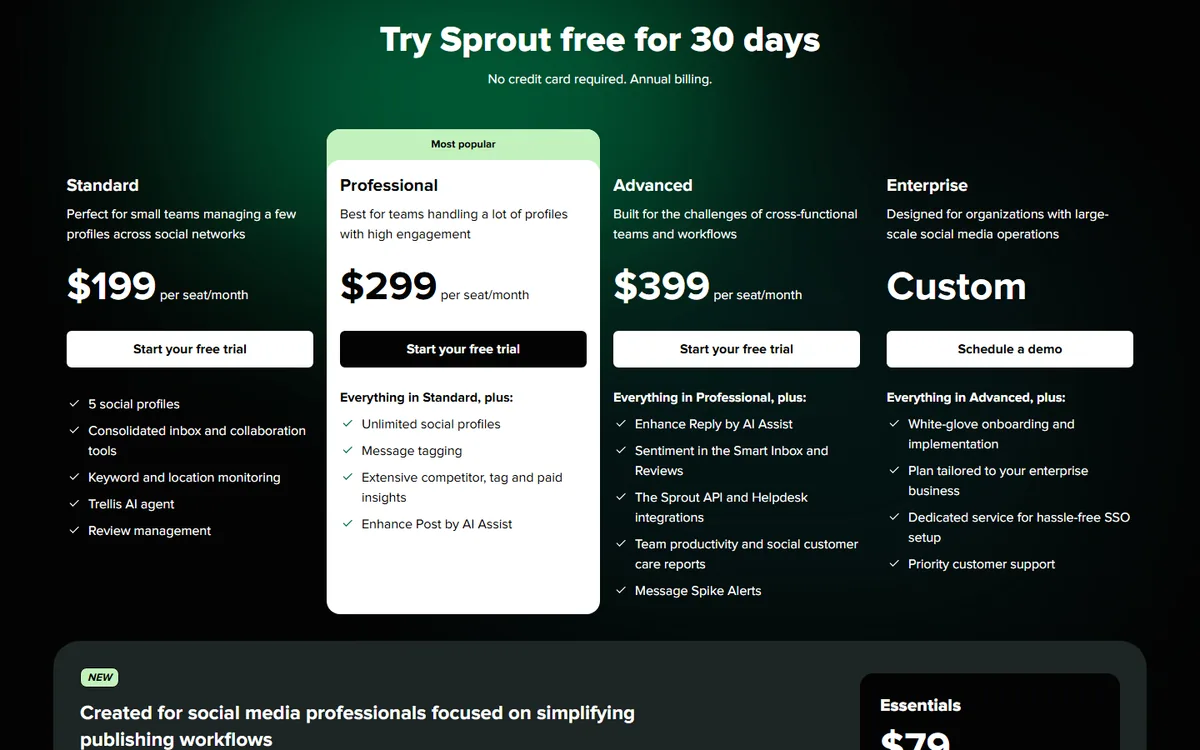
Sprout Social lists Essentials at $79 per seat per month (the page shows $99 if billed monthly), Standard at $199, Professional at $299 and Advanced at $399, with custom Enterprise pricing.
Sprout Social Reviews
Buffer
The Simplest, Cheapest Way to Schedule Social Posts Without Extra Complexity
Buffer schedules posts across social channels and adds basic analytics, with pricing per channel.
Buffer does one job well. You write a post, pick the channels and queue it. For founders and small teams that publish a few times a week, that is enough, and it keeps social from eating the calendar.
Per-channel pricing is friendly for a handful of accounts and adds up for many. If you need deep listening, approvals or customer care, move up to Hootsuite or Sprout Social.
What I Like About Buffer
- The interface is clean and quick to learn
- Per-channel pricing is easy to forecast
- A free plan covers up to three channels
What I Don’t Like About Buffer
- Reporting and listening are basic
- It lacks heavy team workflows
Buffer Pricing
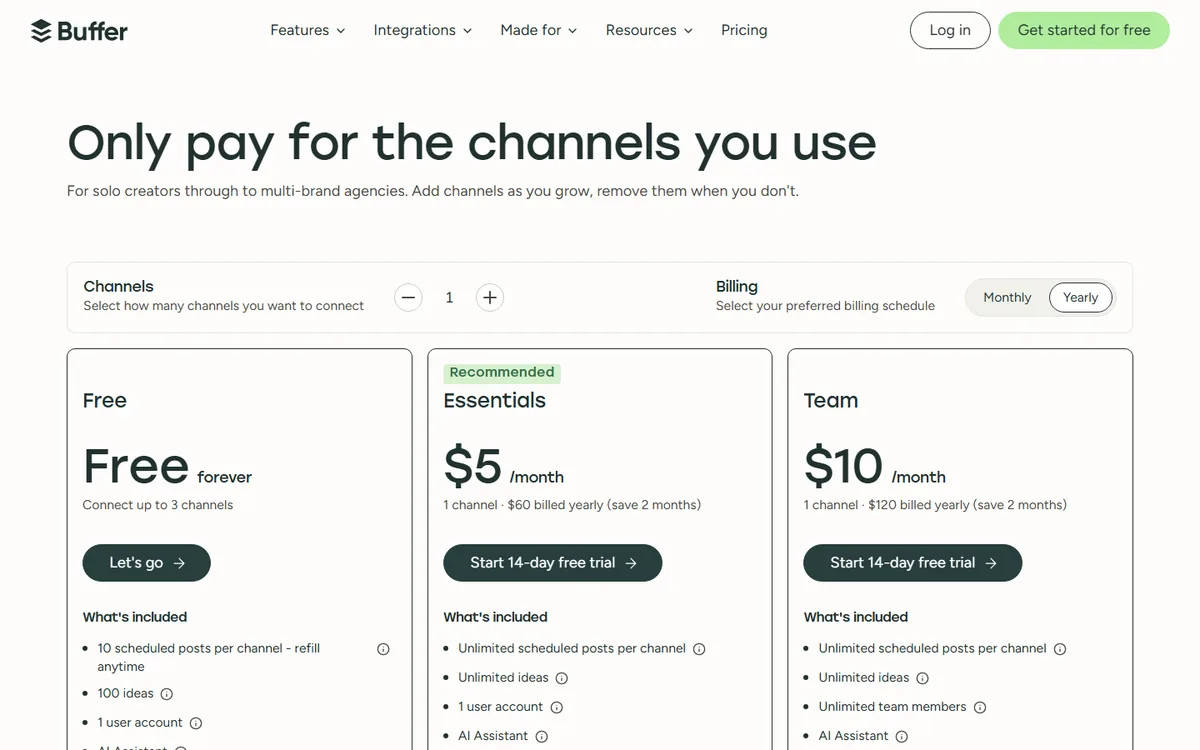
Buffer has a free plan with up to 3 channels and 10 scheduled posts per channel. Essentials costs $5 per channel per month and Team costs $10 per channel per month. The page shows two different annual discounts, so check at checkout.
Buffer Reviews
Hotjar
The Quickest Way to See Why Visitors Leave Pages Without Converting
Hotjar, now part of Contentsquare, adds heatmaps, session recordings and on-page surveys to your site.
Analytics tells you where people drop off. Hotjar shows you why. A handful of session recordings on a landing page often reveals a broken button or a confusing form faster than a week of reports.
Use it with a question in mind. Watching recordings without a hypothesis burns hours. I pick one page, watch a small batch of sessions, write down the patterns and test a fix.
What I Like About Hotjar
- Heatmaps and recordings are easy to read
- On-page surveys capture visitor feedback directly
- Setup needs only a tracking snippet
What I Don’t Like About Hotjar
- Filtering and segmentation could be more precise
- Session volumes cap lower plans
Hotjar Pricing
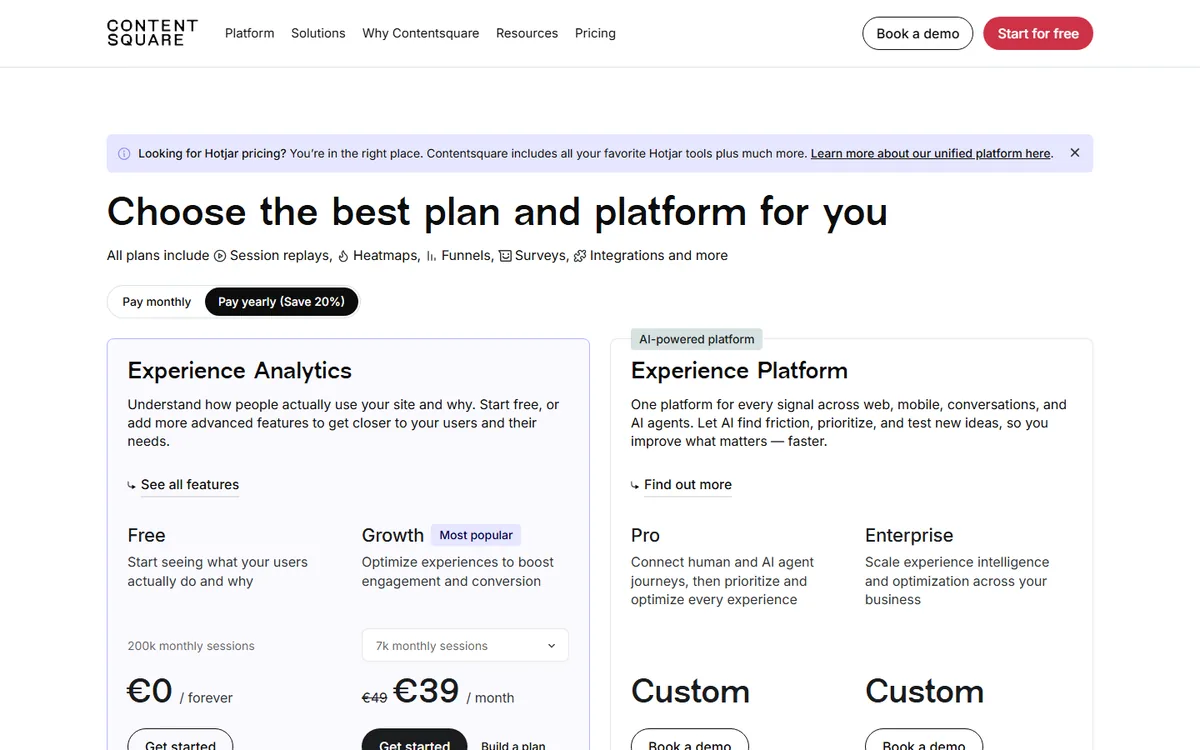
Hotjar has a free tier and a Growth plan listed at $40 per month on G2. Pro plans use custom annual pricing.
Hotjar Reviews
Surfer SEO
A Practical Content Editor for Teams That Publish SEO Articles at a Steady Pace
Surfer SEO analyzes the pages that rank for a keyword and guides your draft with terms, headings and length.
Surfer helps writers cover a topic completely. You enter a keyword, and it shows the terms and structure that top pages share, so a draft does not miss obvious subtopics. For teams with freelance writers, it gives editors a shared standard.
Do not chase the score. I have seen articles stuffed with terms to hit a number and read badly. Use it as a checklist for coverage, then write for the reader.
What I Like About Surfer SEO
- Gives writers a clear coverage checklist
- Speeds up editing for multi-writer teams
- Works with common writing workflows
What I Don’t Like About Surfer SEO
- Chasing the score can hurt readability
- It optimizes articles only, not wider SEO
Surfer SEO Pricing
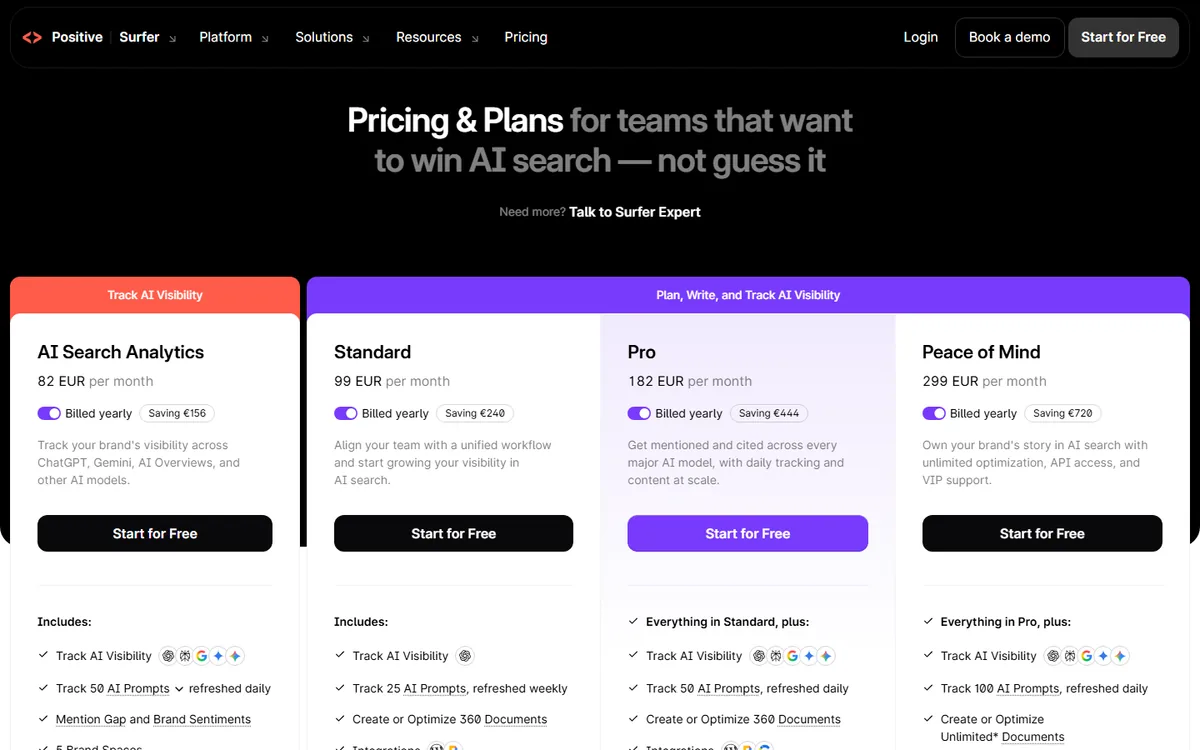
Surfer lists Discovery at $49 per month, Standard at $99, Peace of Mind at $299 and Enterprise at $999 as tailored packages.
Surfer SEO Reviews
Unbounce
A Fast Landing Page Builder for Teams That Test Offers and Headlines Often
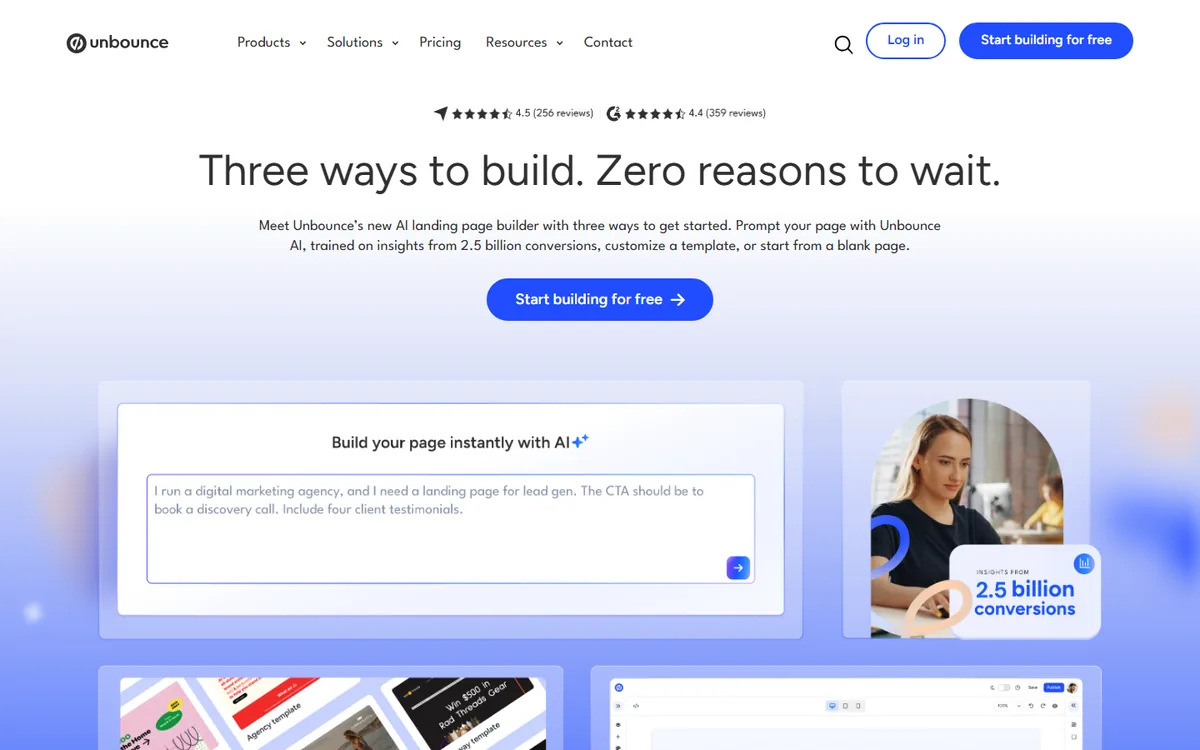
Unbounce builds and tests landing pages with a drag-and-drop editor and AI-assisted tools.
Paid campaigns need pages that match the ad, and waiting on a developer slows testing. Unbounce lets a marketer launch a page and run an A/B test in a day, which is exactly where many campaigns find easy gains.
It adds cost on top of your ad spend, so it pays off only if you launch and test pages regularly. If your site platform already builds good pages, you may not need it.
What I Like About Unbounce
- Marketers can launch pages without developers
- A/B testing is built into the workflow
- Templates speed up first drafts
What I Don’t Like About Unbounce
- Pricing climbs with traffic and features
- A separate tool means another place to maintain
Unbounce Pricing
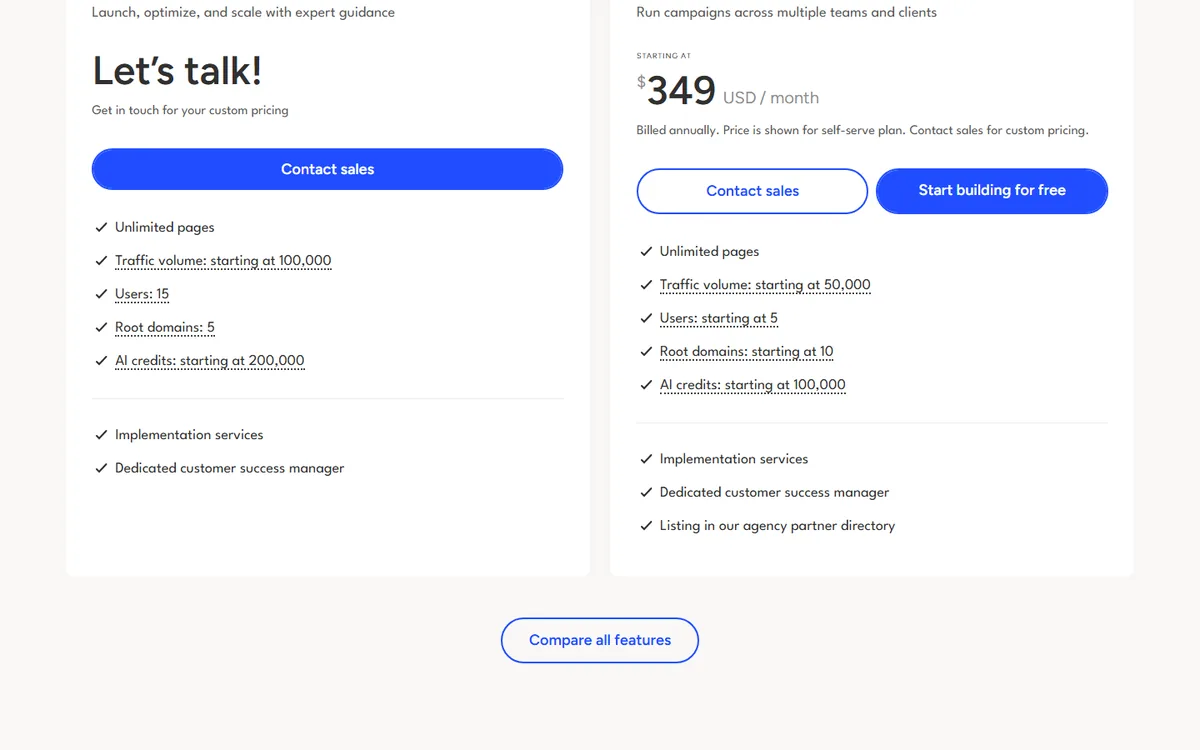
Unbounce lists Starter at $29 per month, Build at $99, Experiment at $149 and Optimize at $249, with Agency from $349 on annual billing and Concierge by quote. Yearly billing saves 25%.
Unbounce Reviews
Brevo
A Value Pick for Small Teams That Want Email, SMS and a Light CRM Together
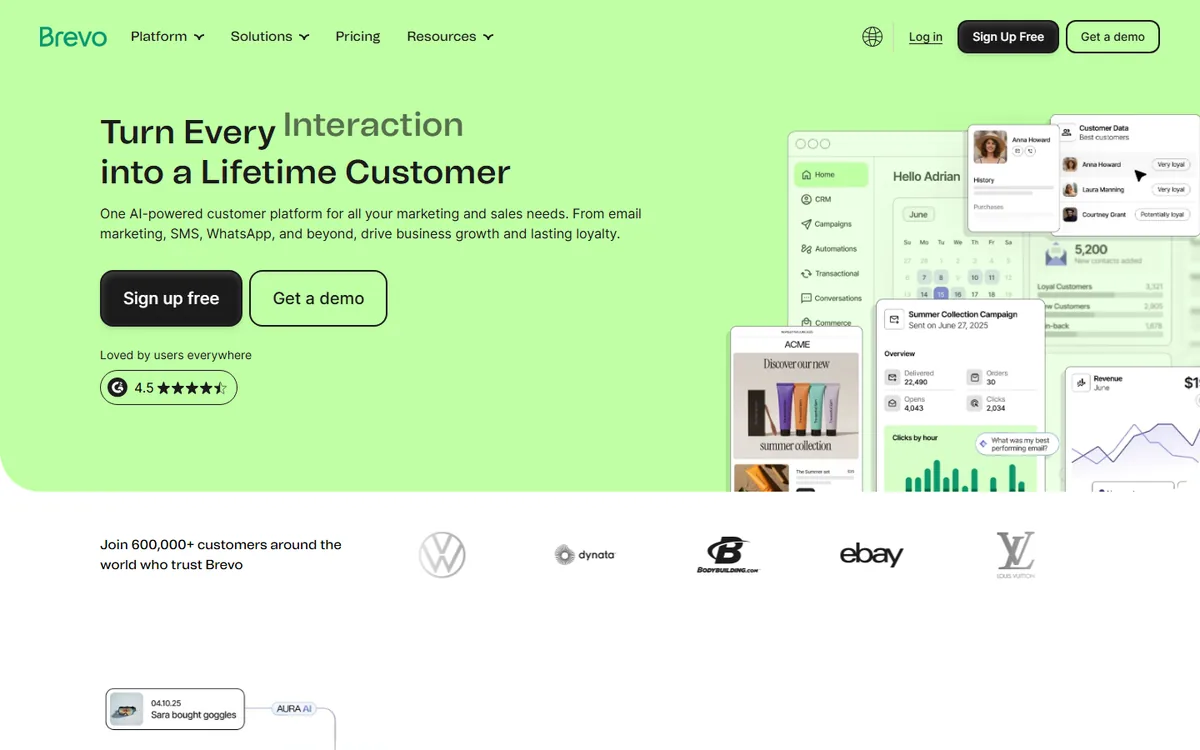
Brevo, formerly Sendinblue, combines email, SMS, chat and a simple CRM with a free plan.
Brevo suits small teams that watch the budget. Email and SMS campaigns, basic automation and a light CRM are available in one account, and the free plan is usable for testing.
It is lighter than ActiveCampaign on advanced automation and reporting. For a new business with simple needs, that is fine. When journeys get complex, expect to outgrow it.
What I Like About Brevo
- A free plan to start with
- Email and SMS in one account
- Reasonable value for small lists
What I Don’t Like About Brevo
- Advanced automation is less deep than in higher-end tools
- Reporting is basic
Brevo Pricing
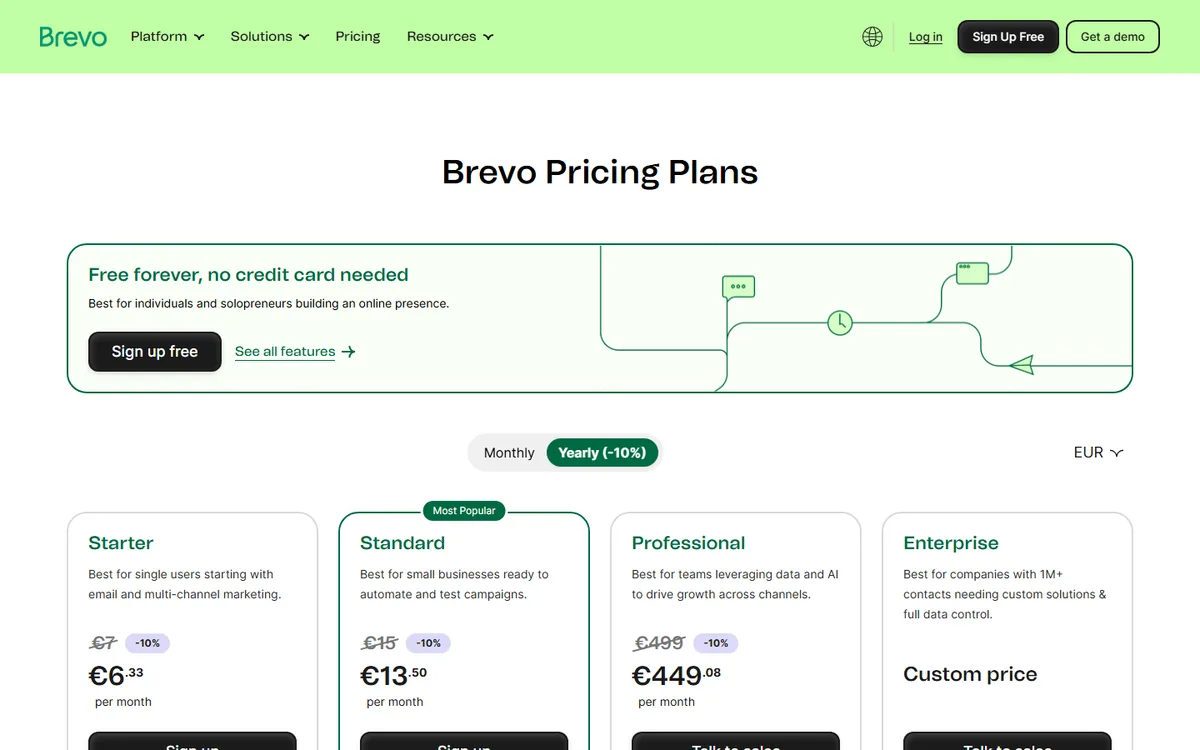
Brevo offers Free, Starter, Standard, Professional and Enterprise plans. Monthly amounts did not load on its pricing page when I checked. The page says new free accounts can send up to 300 emails per day after sending approval.
Brevo Reviews
Moz Pro
A Beginner-Friendly SEO Suite With Clear Guidance for Smaller Teams
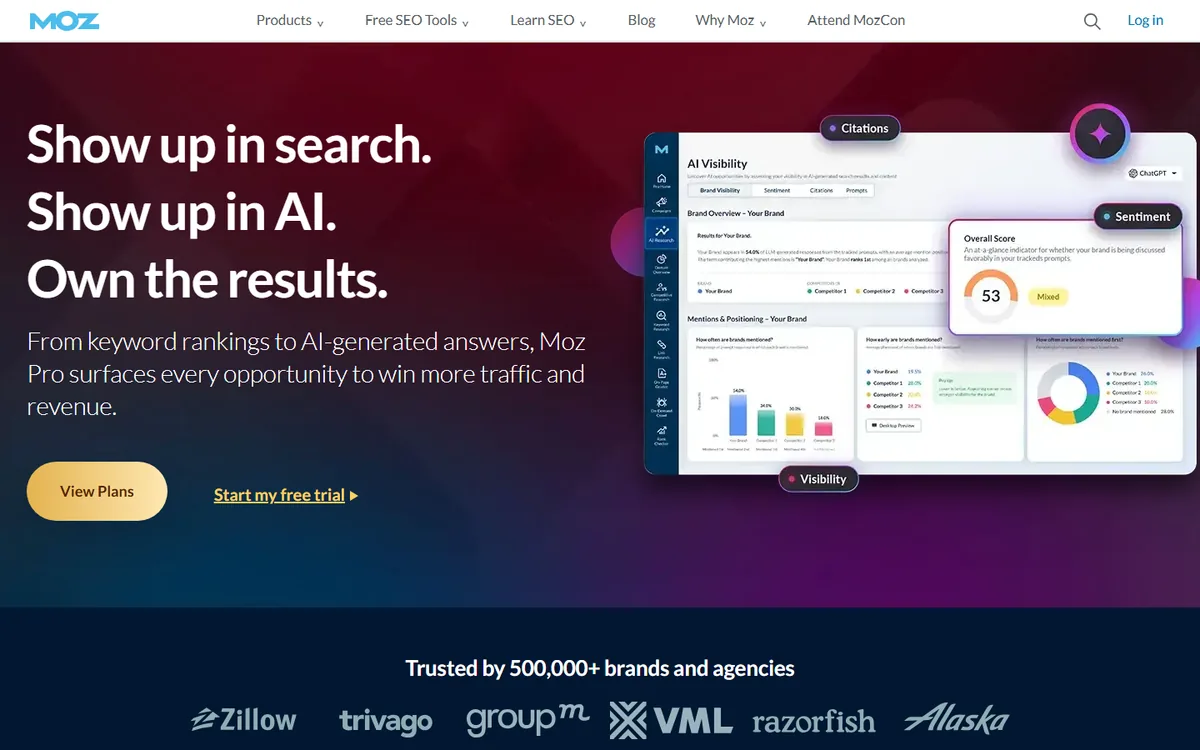
Moz Pro offers keyword research, rank tracking, site crawls and link analysis with a focus on clear recommendations.
Moz Pro is a gentler entry into SEO. Its reports explain what to fix and why, which helps a marketer who is not an SEO specialist. Domain Authority is a familiar score, though I treat it as a rough comparison, not a Google metric.
Larger teams usually pick Semrush or Ahrefs for deeper data. Moz suits a small team that wants guidance, steady tracking and a lower learning curve.
What I Like About Moz Pro
- Clear recommendations for non-specialists
- Rank tracking and crawl reports in one place
- Useful educational content
What I Don’t Like About Moz Pro
- Data depth trails the largest competitors
- Fewer features for paid media
Moz Pro Pricing
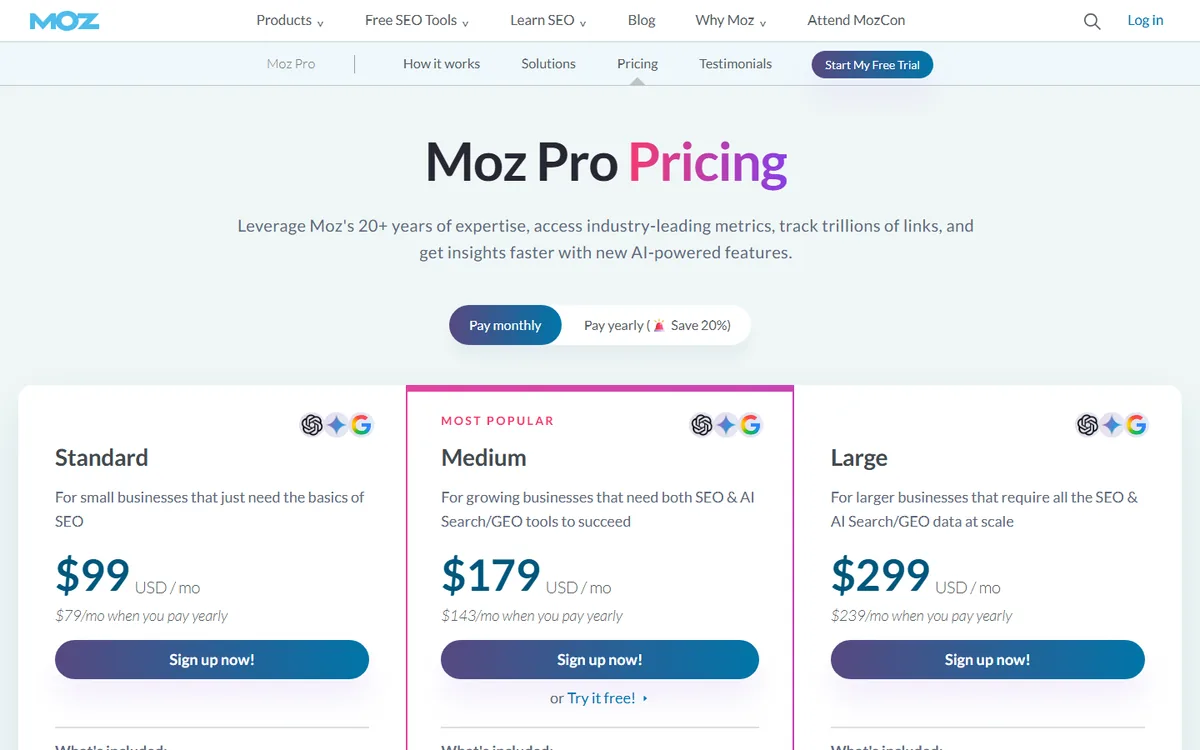
Moz Pro offers tiered subscriptions. Its pricing page could not be read when I checked, so confirm current plan prices on moz.com.
Moz Pro Reviews
Estimate the Return on a Marketing Tool
Before you pick a plan, check whether the numbers work for you. Enter the manual hours the tool would take over and its monthly price, and you will see what it could return in a year. For context on how teams allocate budget, the digital marketing strategy statistics I collected are a useful benchmark.
Is the Tool Worth It for You?
Set the sliders to the work the tool would handle and the plan you have in mind.
How to Choose the Right Digital Marketing Tool
In my experience, fit with your workflow decides more than any feature list. Before you compare vendors, I suggest you answer four questions:
- Which goal does this tool serve, and how will you measure it?
- Which existing tools must it connect with, and are those integrations native?
- Who will run it every week, and how long will they need to learn it?
- What will it cost when your list, traffic or team doubles?
If you want one platform for everything, start with HubSpot. If SEO drives your growth, choose Semrush or Ahrefs. Online stores should look at Klaviyo, and teams with approvals on social should look at Hootsuite or Sprout Social. Before you buy, run the digital marketing strategy checklist to confirm your goals, audience and tracking are in place.
Questions About Choosing Digital Marketing Tools
What Is the Best All-in-One Digital Marketing Tool?
For most teams I recommend HubSpot Marketing Hub, because email, forms, landing pages, automation and reporting share one contact record. Its free tools let you start small, but price the Professional tier before you commit, since it is a large step up from Starter.
Which Digital Marketing Tools Are Free?
Google Analytics is free, and HubSpot, Mailchimp, Klaviyo, Buffer and Hotjar all offer free tiers with limits. Ahrefs Webmaster Tools are free for your own sites. Free plans are enough to test a channel, and I suggest you upgrade only when a limit blocks real work.
How Many Digital Marketing Tools Do I Need?
Fewer than you think. A typical small team needs a CRM or email platform, an analytics tool, a design tool and one SEO tool. Every extra tool adds a login, a bill and a place where data can go wrong. Add one only when a task keeps eating hours.
What Is the Best Tool for SEO?
Semrush and Ahrefs are the two I use most. Ahrefs is stronger for backlinks and content gaps, and Semrush covers more paid search and competitor ground. Moz Pro is gentler for beginners. Try the trial of each on one real project before paying.
Which Tool Is Best for Email Marketing?
Mailchimp is easy for small lists, ActiveCampaign suits behavior-based journeys, Klaviyo suits online stores and Brevo suits tight budgets. Match the tool to how your customers buy, then check how its price grows with your list.
How Do I Choose Between Social Media Tools?
Start with team size and approvals. Buffer works for one or two people scheduling posts, Hootsuite suits several accounts with approvals and Sprout Social suits teams that need listening and executive reports. Price per seat matters more than any single feature.
Do I Need a Consultant to Pick Marketing Tools?
Not always. If you have a clear goal and a small stack, a trial period will answer most questions. A consultant helps when tools overlap, data does not match between platforms or you are about to migrate. A short audit before you buy usually saves more than it costs.
Please note: pricing, plans and ratings change often. They were accurate at our last review; please verify them on the vendor sites before you buy. None of this is legal or financial advice.
Was this guide helpful?
Thanks for your feedback.
Warren Albright
Warren leads the Blue Hornet editorial team and works with the consultants to turn real client projects into practical guides on content, paid media, marketing automation, CRM and analytics. He comes from content and demand generation work, edits every article before a working marketing consultant reviews it, and draws on strategies, channel plans and audits from client projects to keep the advice grounded in real numbers.