Quick Summary
- Google Ads and Google Search Console are free to start and belong in every search marketing stack.
- Semrush covers paid and organic research in one place, while Ahrefs leads on backlinks and content gaps.
- Optmyzr and Adalysis pay for themselves when you manage ad budgets large enough to leak money.
- Pick tools for the one problem you need solved now, and review each after 90 days.
The Best Search Engine Marketing Tools at a Glance
| Tool | Type | Best for |
|---|---|---|
| 1. Google Ads | Paid search platform | Running search campaigns on Google |
| 2. Semrush | All-in-one SEO and PPC suite | Teams that run paid and organic search together |
| 3. Ahrefs | SEO research suite | Organic search and backlink research |
| 4. Microsoft Advertising | Paid search platform | A second paid search channel |
| 5. SpyFu | Competitor research tool | Small teams spying on competitor keywords and ads |
| 6. Optmyzr | PPC optimization platform | Managing and auditing paid search at scale |
| 7. Adalysis | PPC audit and testing tool | Ad copy testing and ongoing account checks |
| 8. Google Search Console | Free organic search data | Checking how your pages perform in Google |
| 9. Moz Pro | SEO toolset | Smaller teams that want simple SEO reporting |
| 10. Looker Studio | Free reporting tool | Building one dashboard across ads and organic data |
The 10 Best Search Engine Marketing Tools, Ranked
I rank the tools by how many accounts they help, from the platforms every advertiser needs to specialist tools for larger budgets. If you want the wider picture first, my search engine marketing consulting page explains how paid and organic search fit together. A tool never fixes a weak offer, so be ready to judge each one by the result it changes, not by its feature list.
Google Ads
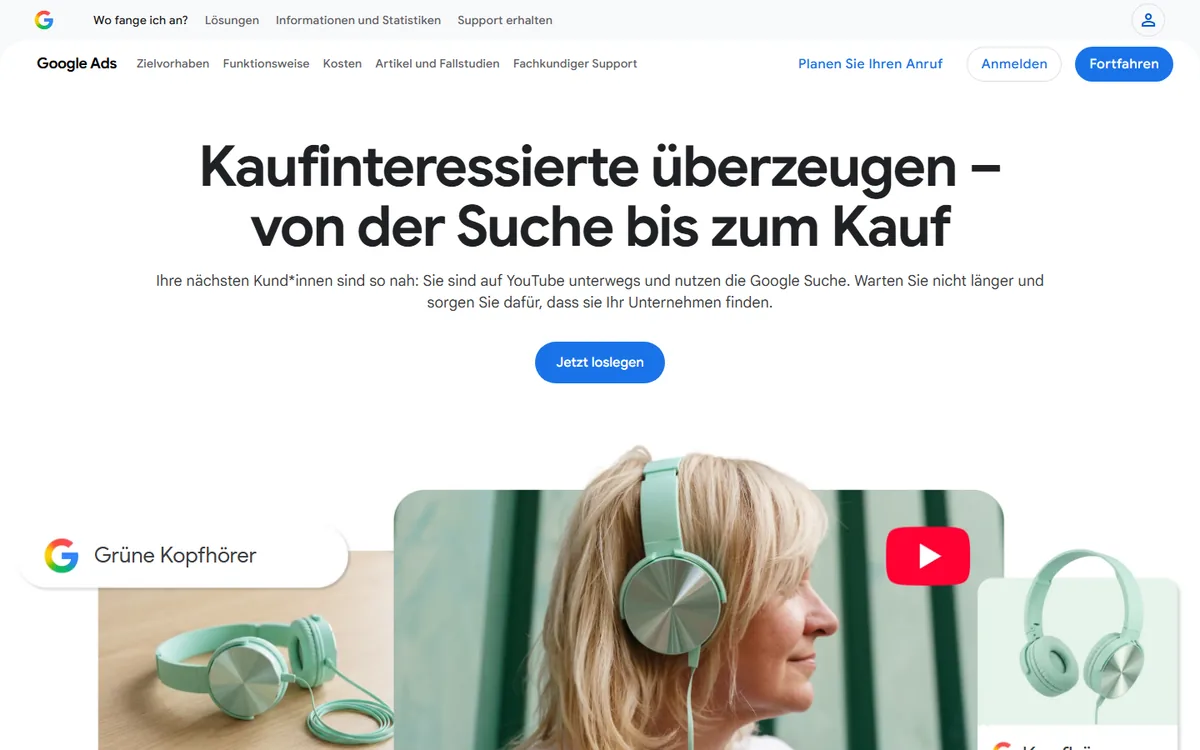
The Platform You Need for Paid Search, and the Place Your Budget Actually Gets Spent
Google Ads is where search campaigns run, and it ships with Keyword Planner, audience tools and automated bidding.
Every other tool on this list either feeds Google Ads or reads data from it. That makes it the first account to set up and the one worth learning properly. Keyword Planner gives you search volumes and bid ranges, and Smart Bidding adjusts bids on every auction using signals you cannot see by hand.
In my audits, the biggest losses here come from broad match terms with no negative keywords and from automated bidding switched on before enough conversions exist. The platform rewards clean conversion tracking more than clever settings, so fix measurement before you touch bids.
What I Like About Google Ads
- Direct access to the largest search audience
- Keyword Planner and automated bidding are built in
- Conversion tracking connects to Analytics and your CRM
What I Don’t Like About Google Ads
- The default settings favor Google’s spend, not yours
- Recommendations can push you toward broad targeting you do not want
Google Ads Pricing
Google Ads has no subscription fee. You set a daily budget and pay per click or per other action, so cost depends on your keywords and competition. G2 reports a rating but no price list, since spend is entirely yours to set.
Google Ads Reviews
Semrush
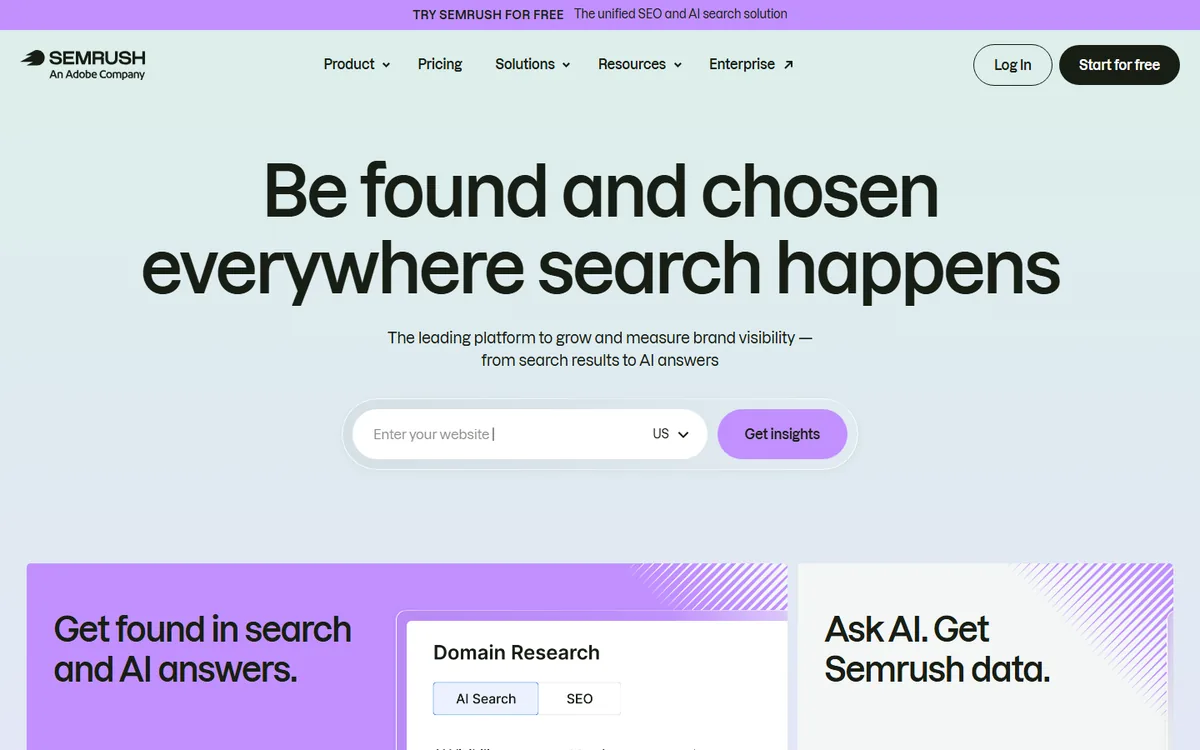
The Broadest Single Toolkit If You Want Keywords, Competitors and Ads in One Place
Semrush combines keyword research, competitor ad analysis, rank tracking and site audits in one subscription.
Semrush is the tool I open first on a new account. The advertising research reports show which keywords your competitors bid on and how their ad copy changes over time. The same keyword database powers the organic tools, so you see where paid and organic overlap and where you pay for clicks you could win for free.
The catch is size. You will pay for a lot of features you do not use, and the limits on projects and tracked keywords come up quickly on agency-style work. For a business running both channels, though, one login beats three.
What I Like About Semrush
- Competitor PPC research is detailed and easy to export
- Keyword data works for both paid and organic planning
- Site audit and rank tracking sit in the same account
What I Don’t Like About Semrush
- Higher tiers get expensive fast
- The number of reports can overwhelm a first-time user
Semrush Pricing
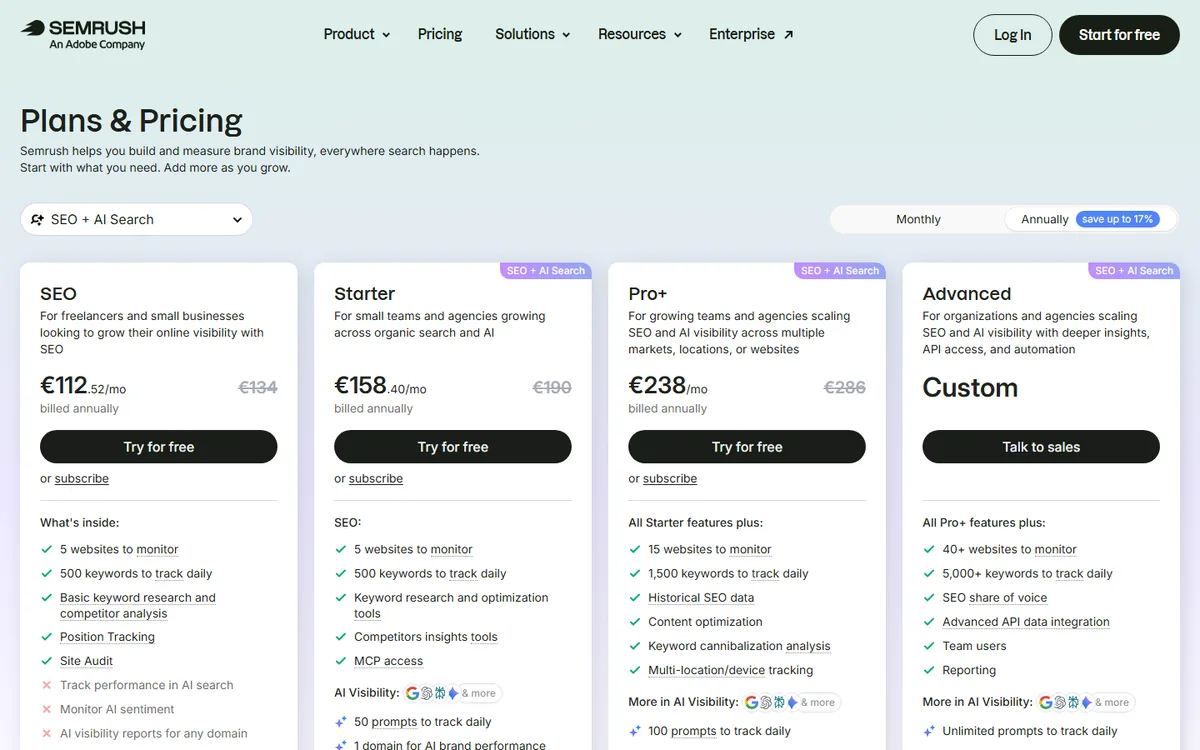
G2 lists the Pro plan at $139.95 per month. Higher plans add more projects, tracked keywords and reporting, and Semrush offers extra paid apps on top. Check Semrush’s pricing page for current plan limits.
Semrush Reviews
Ahrefs
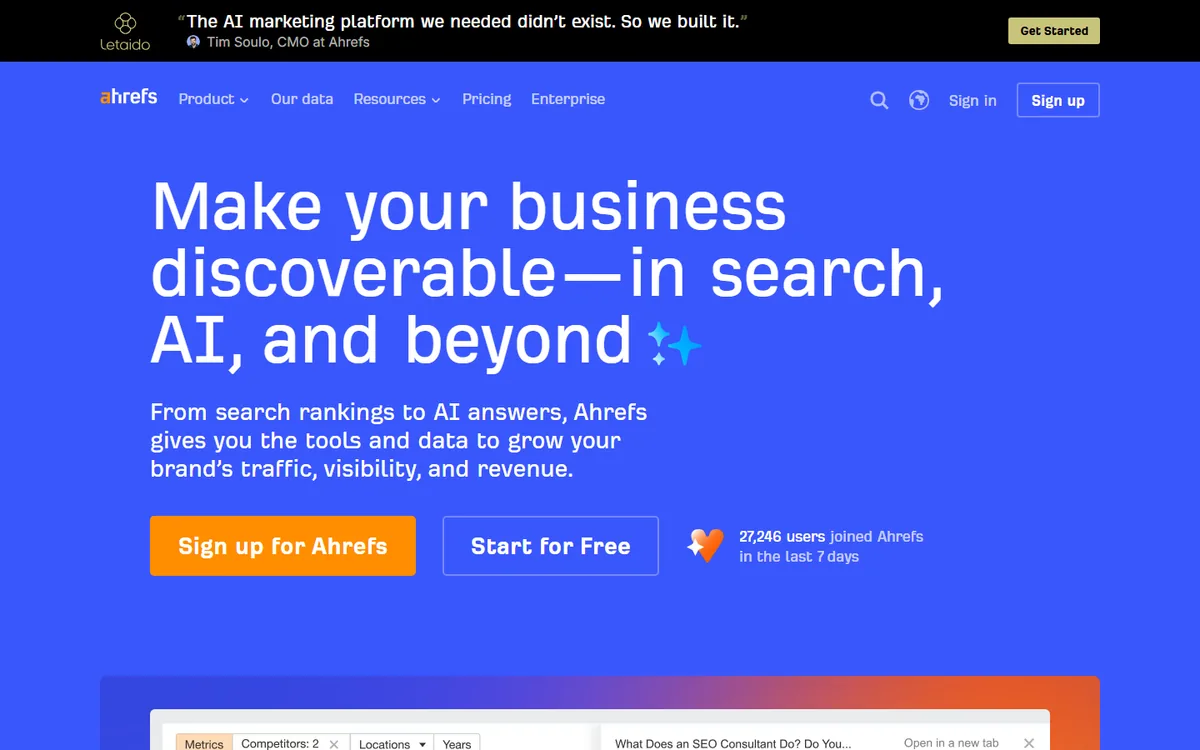
The Sharpest Tool for Backlinks and Content Gaps, With Lighter Paid Search Features
Ahrefs is known for its backlink index, Site Explorer and Keywords Explorer, with data you can use to plan paid and organic content.
Ahrefs is the one I recommend when organic search is the main job. Site Explorer shows which pages bring a competitor traffic and which links point at them, and Keywords Explorer scores how hard a term is to rank for. Those scores also help you decide which keywords deserve ad spend while rankings build.
Paid search features are thinner than Semrush. You get keyword and traffic data, but you will not find the depth of competitor ad history. Pair it with Google Ads and a PPC tool if paid is a large part of your plan.
What I Like About Ahrefs
- Backlink data is among the most complete you can buy
- Keyword difficulty scores are easy to act on
- The interface is clean and quick
What I Don’t Like About Ahrefs
- Paid search research is limited
- Credit-based limits on reports can frustrate heavy users
Ahrefs Pricing
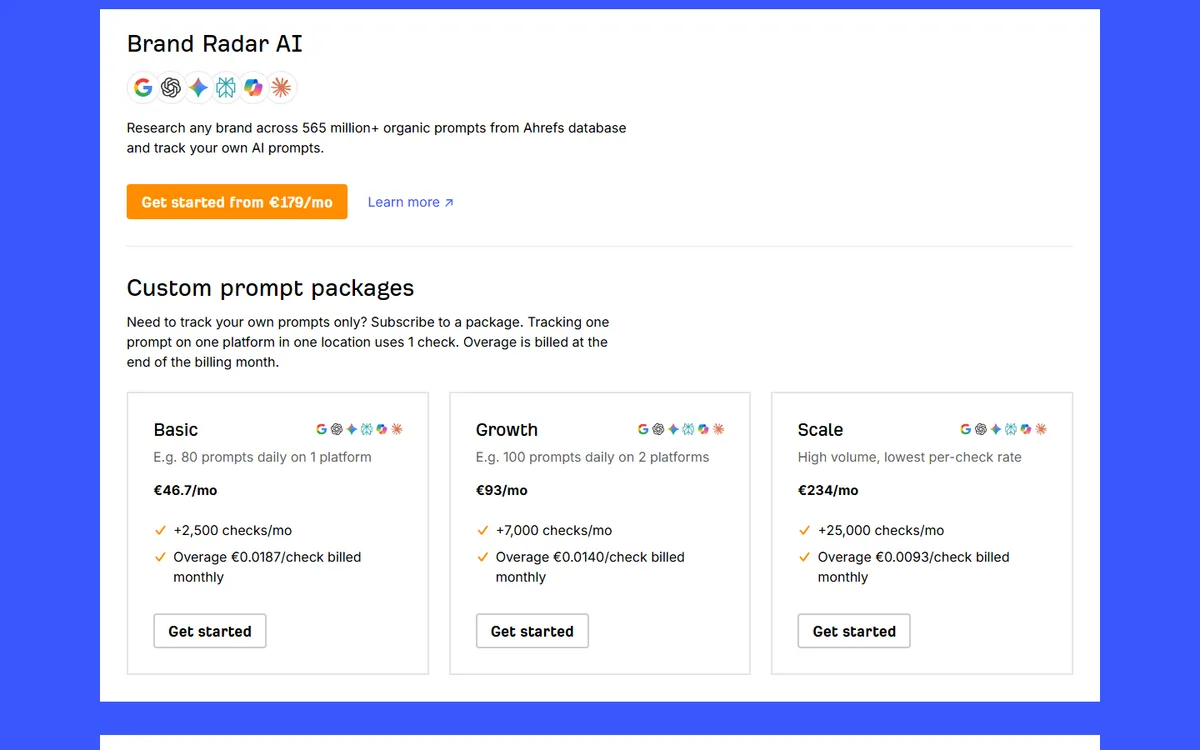
G2 lists a free plan, a Starter plan at $29 and a Lite plan at $129 per month. Plans change often, so confirm the limits on Ahrefs’ pricing page before you buy.
Ahrefs Reviews
Microsoft Advertising
A Cheaper Second Channel That Is Easy to Start Once Your Google Campaigns Work
Microsoft Advertising places search ads on Bing, Yahoo and partner sites, and imports campaigns straight from Google Ads.
Microsoft Advertising reaches a smaller audience than Google, and that audience skews older and more likely to use a work computer. For B2B and healthcare offers I often see lower click costs and steadier conversion rates than on Google.
The import tool copies your Google campaigns in minutes, which keeps setup cost low. Treat it as a test channel with its own budget, and review search terms separately, since the audience behaves differently.
What I Like About Microsoft Advertising
- Importing from Google Ads saves hours
- Click costs are often lower on competitive terms
- Useful reach among older and desktop searchers
What I Don’t Like About Microsoft Advertising
- Search volume is much smaller
- The interface and reporting trail Google’s
Microsoft Advertising Pricing
Microsoft Advertising has no subscription fee. You pay per click on a budget you set, and G2 does not list a price for it.
Microsoft Advertising Reviews
SpyFu
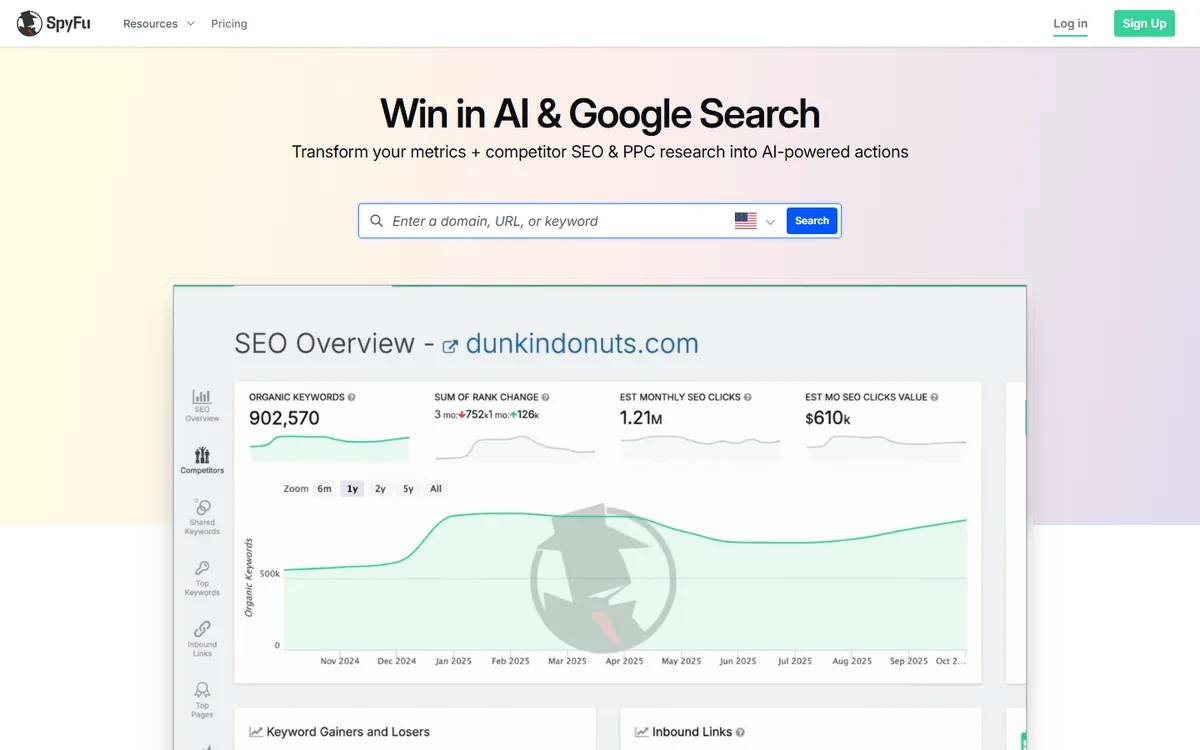
The Low-Cost Way to See What Your Competitors Buy and What Copy They Test
SpyFu shows the keywords, ad copy and organic rankings of any domain, with years of history.
SpyFu is the tool I suggest to small teams that want competitor insight without a suite price. Type in a competitor’s domain and you see the keywords they have bought, the ads they ran and how long each ad lived, which is a useful signal of what works.
It is narrower than Semrush and its data is U.S. focused. Use it for research and ideas, then build and manage the campaigns in Google Ads.
What I Like About SpyFu
- Ad copy history shows what competitors keep running
- Pricing is friendly for small budgets
- Setup takes minutes
What I Don’t Like About SpyFu
- Data is strongest for U.S. search
- Few features outside research and tracking
SpyFu Pricing
G2 lists the Basic plan at $59 per month. Larger plans raise the limits on results, exports and tracked keywords.
SpyFu Reviews
Optmyzr
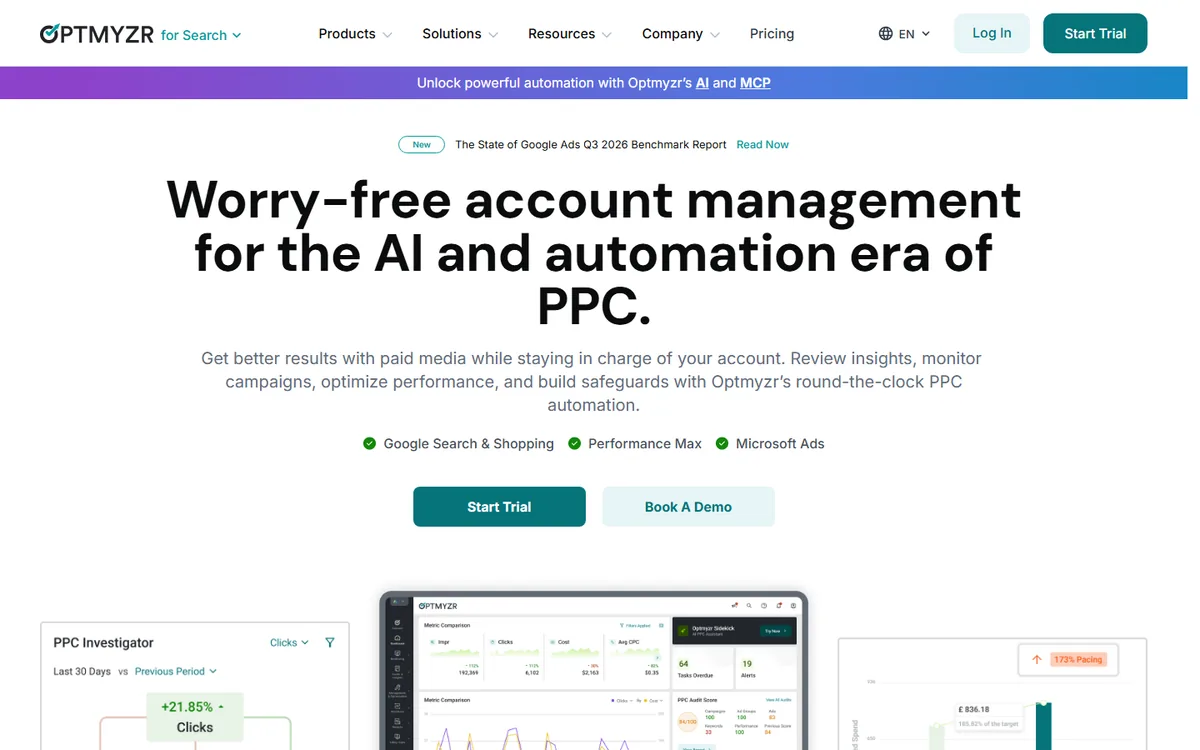
The Best Fit When You Manage Several Ad Accounts and Need Faster Audits
Optmyzr runs audits, suggests optimizations and builds reports for Google Ads, Microsoft Advertising and other ad platforms.
Optmyzr is built for people who spend their week inside ad accounts. It flags wasted spend, finds search terms to add as negatives and builds one-click fixes you can review before applying. On accounts I have audited with it, the first pass usually turns up budget that went to terms nobody wanted.
The reports and rules are strong, but the tool assumes you already know what good looks like. A beginner will see recommendations without the context to judge them.
What I Like About Optmyzr
- One-click optimizations with review before changes
- Reporting templates save hours each month
- Supports several ad platforms in one login
What I Don’t Like About Optmyzr
- Pricing scales with ad spend
- Assumes solid PPC knowledge
Optmyzr Pricing
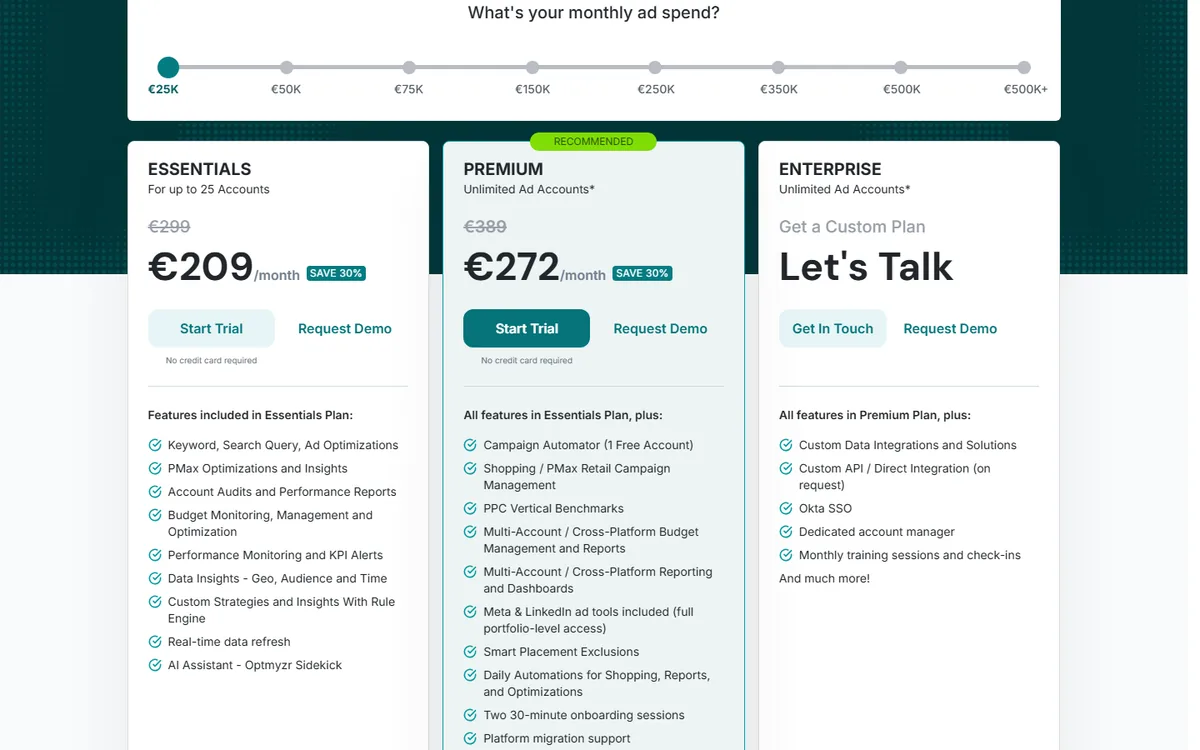
G2 lists the Essential plan at $209 per month and the Premium plan at $272 per month, with Enterprise pricing on request. Plans are tied to the ad spend you manage.
Optmyzr Reviews
Adalysis
A Focused Tool for Testing Ads and Catching Account Problems Before They Cost You
Adalysis monitors Google and Microsoft ad accounts, runs automated audits and tracks ad tests.
Adalysis does fewer things than Optmyzr, and does them with care. Its ad testing reports tell you which headlines and descriptions have enough data to call a winner, which stops the common habit of declaring results after twenty clicks.
Treat the rating with caution: G2 shows only four reviews. The product has a good reputation with practitioners, but the public sample is small, so run the free trial before committing.
What I Like About Adalysis
- Ad test reporting is clear and statistically sound
- Automated alerts catch broken ads and disapprovals
- Pricing is predictable by spend tier
What I Don’t Like About Adalysis
- Fewer public reviews than competitors
- Less useful for organic search
Adalysis Pricing
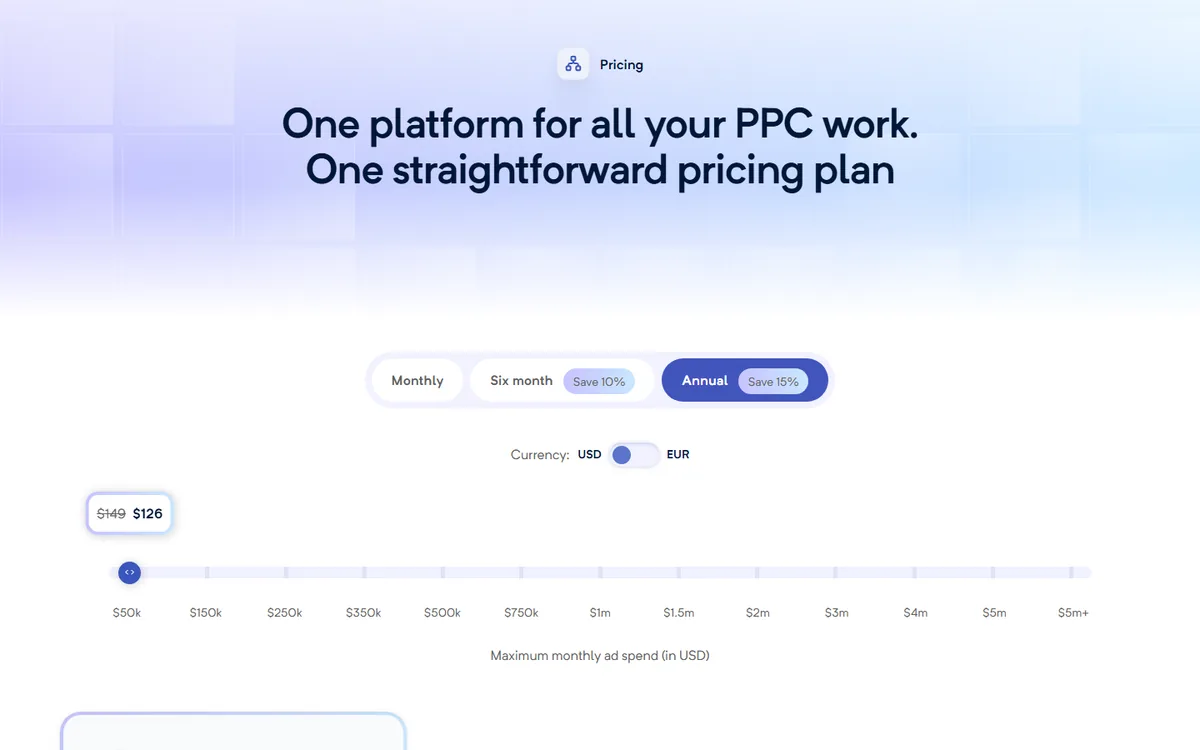
G2 lists plans from $126 per month for up to $50,000 of monthly ad spend. Higher spend tiers cost more.
Adalysis Reviews
Google Search Console
The Free Source of Truth for Which Queries Bring Organic Clicks to Your Site
Google Search Console reports impressions, clicks, average position and indexing problems straight from Google.
No paid tool can match the accuracy of data that comes from Google itself. Search Console shows the exact queries that triggered your pages, how often people clicked and which pages have indexing problems. For search engine marketing it also helps you decide which paid keywords to stop buying because you already rank well.
Its limits are history and detail. It keeps 16 months of data and groups some low-volume queries. Export the data regularly if you want long trend lines.
What I Like About Google Search Console
- Free and accurate
- Indexing and page experience reports flag real problems
- Easy to connect to Looker Studio
What I Don’t Like About Google Search Console
- Only 16 months of history
- No competitor data
Google Search Console Pricing
Google Search Console is free for any verified site owner.
Google Search Console Reviews
Moz Pro
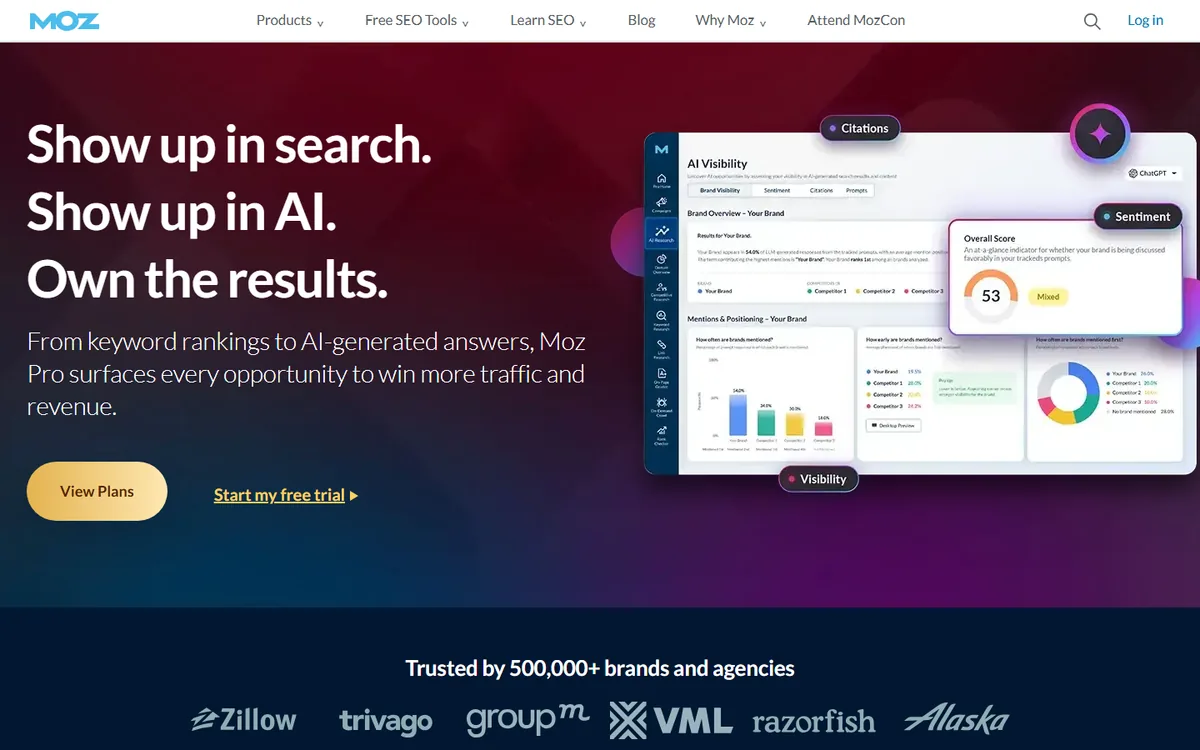
A Simpler SEO Tool With Clear Reports, Good for Teams New to Organic Search
Moz Pro offers keyword research, rank tracking, site crawls and link analysis with an easy interface.
Moz Pro explains what it measures. Domain Authority and Keyword Difficulty come with plain guides, and the on-page grader tells you what to fix on a page. That makes it a friendly option if you are learning organic search and want one clear report to share with your boss.
Its keyword database is smaller than Semrush and Ahrefs, and its paid search features are minimal. It is a good second pair of eyes rather than a main research engine.
What I Like About Moz Pro
- Easy to read and explain to non-specialists
- On-page grader gives clear fixes
- Solid rank tracking
What I Don’t Like About Moz Pro
- Smaller index than larger suites
- Almost no paid search tools
Moz Pro Pricing
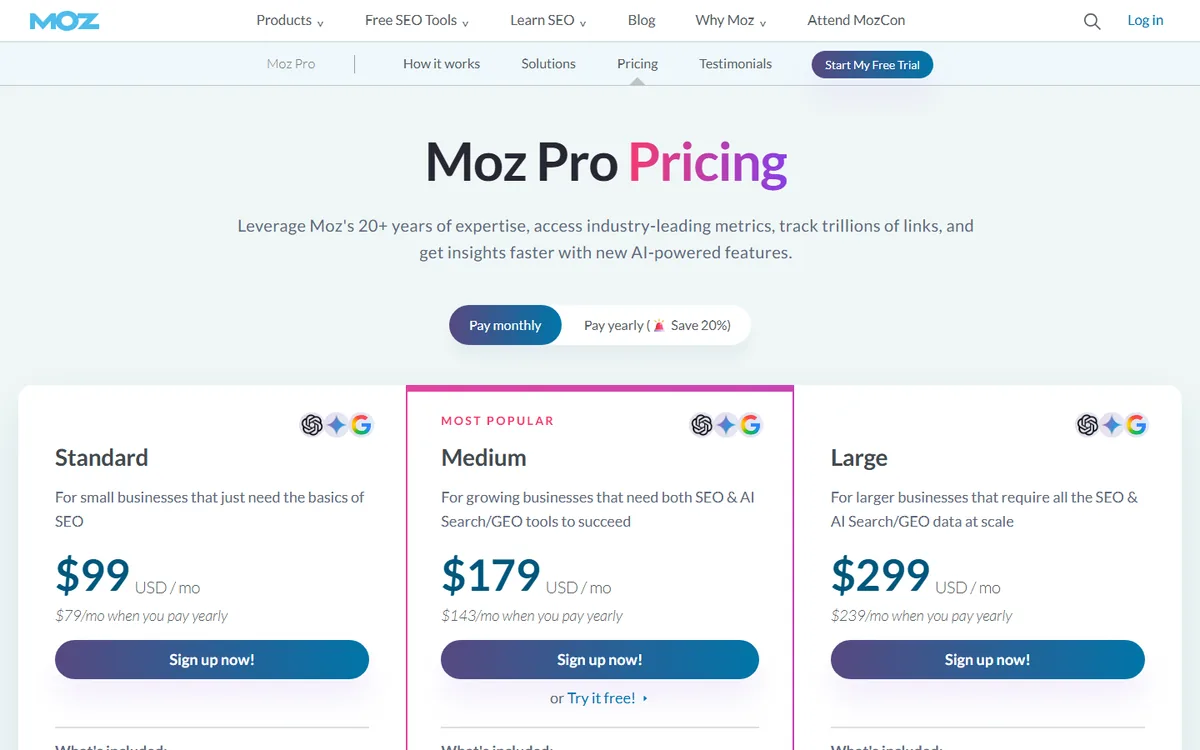
G2 lists the Starter plan at $49 per user per month, with a note that it starts at $39 a month on annual billing. Check Moz for the current plans.
Moz Pro Reviews
Looker Studio
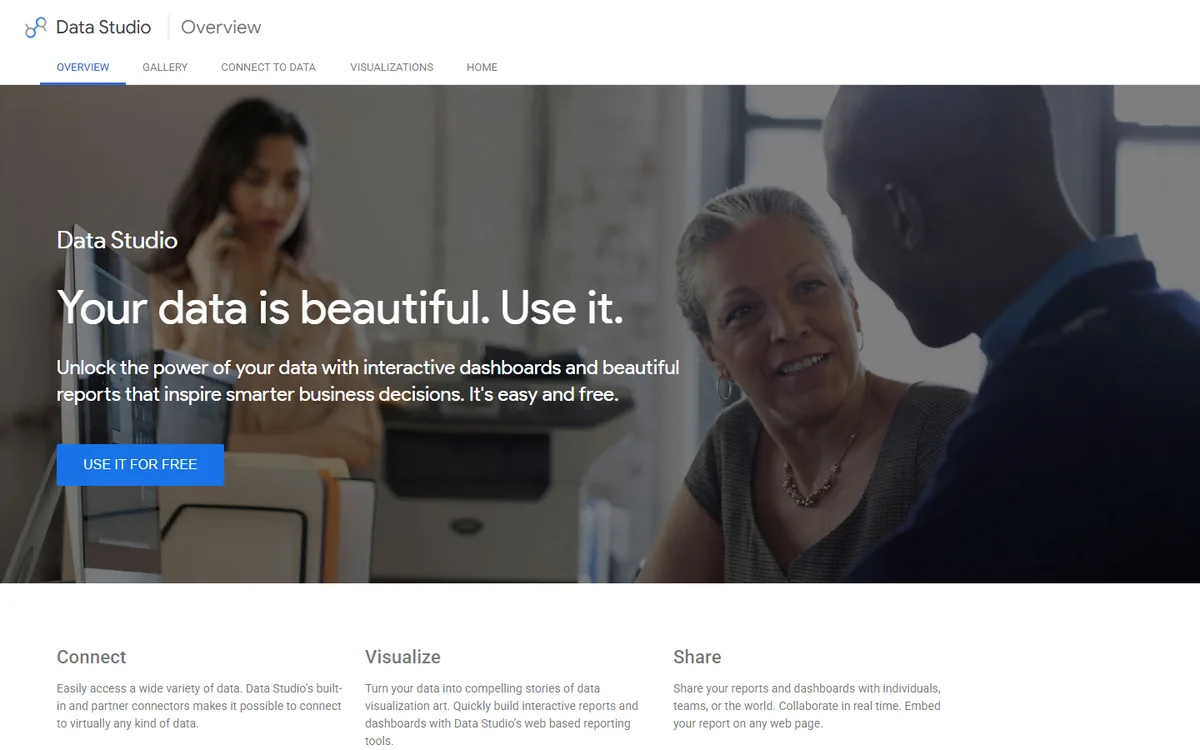
The Free Way to Pull Google Ads, Search Console and Analytics Into One Report
Looker Studio connects to Google Ads, Search Console and Analytics and turns them into shareable dashboards.
A report that joins paid clicks, organic clicks and conversions answers questions no single platform can. Looker Studio connects to the Google sources for free, and paid connectors bring in Microsoft Advertising and others.
Dashboards go wrong when they show every number available. Start with the five numbers you review every week, build those first and add charts only when someone asks a question the dashboard cannot answer.
What I Like About Looker Studio
- Free connectors for Google sources
- Easy sharing with clients and leadership
- Flexible charts and filters
What I Don’t Like About Looker Studio
- Slow when blending large data sets
- Third-party connectors often cost extra
Looker Studio Pricing
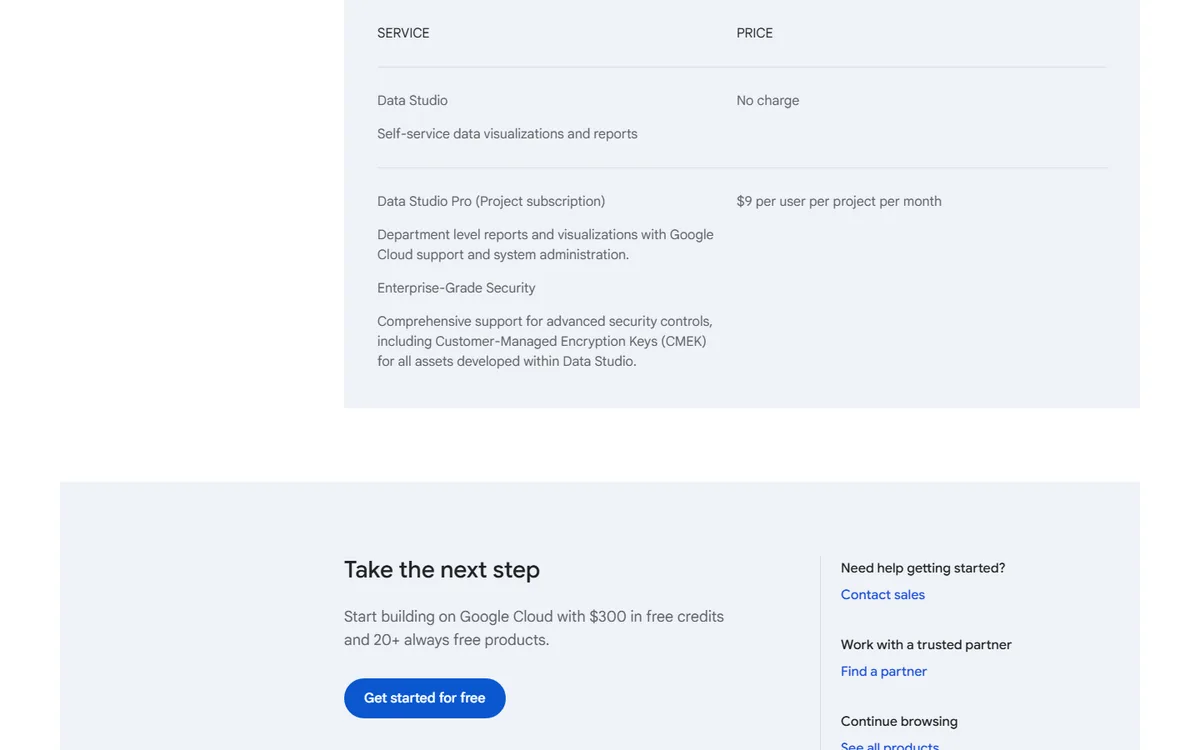
Looker Studio is free to use. G2 shows no price list, and third-party data connectors can carry their own fees.
Looker Studio Reviews
What a Practical Search Marketing Stack Looks Like
You rarely need all ten. The table shows the combinations I set up most often, by monthly ad spend.
| Monthly ad spend | Core tools | Add when needed |
|---|---|---|
| Under $3,000 | Google Ads, Search Console, Looker Studio | SpyFu for competitor research |
| $3,000 to $15,000 | Google Ads, Semrush or Ahrefs, Looker Studio | Microsoft Advertising, Adalysis |
| Above $15,000 | Google Ads, Semrush, Optmyzr | Ahrefs for content, Moz Pro for client reports |
Whatever you buy, decide first which numbers the tools should move. My guide to search engine marketing metrics shows what to track, and the list of search engine marketing KPIs shows which ones leadership cares about.
How to Choose the Right Search Engine Marketing Tool
In my experience, the problem you need solved decides the tool faster than any comparison chart. Before you spend, answer four questions:
- Do you buy ads, rank organically or both?
- How many ad accounts and how much monthly spend will the tool cover?
- Which hours or wasted dollars should it save in the first quarter?
- Who will use it every week, and do they have the skill to act on its advice?
If you run both channels, start with Semrush. If ads are the main spend, choose Google Ads plus Optmyzr or Adalysis. If you mostly publish content, Ahrefs and Search Console cover the ground. Before you switch on anything new, run through my search engine marketing checklist so you know the account is ready. If you would rather have a second opinion on your setup, a short call usually settles it.
Questions About Search Engine Marketing Tools
What Is the Best Search Engine Marketing Tool for a Small Budget?
Start with the free tools: Google Ads for the campaigns themselves, Google Search Console for organic data and Looker Studio for reporting. Add one paid research tool only when you have a question the free ones cannot answer. For most small accounts that means SpyFu at about $59 a month, which shows you competitor keywords and ad copy without a big commitment.
Do I Need Both an SEO Tool and a PPC Tool?
Not always. Search engine marketing covers paid search and organic search, and the two share keyword data. If you run both, an all-in-one suite like Semrush covers research, ads and rankings in one place. If you only buy ads, a PPC-focused tool such as Optmyzr or Adalysis gives you more depth per dollar.
Is Semrush or Ahrefs Better for Search Engine Marketing?
Semrush is stronger when paid search matters, because it includes advertising research and keyword tools built around PPC. Ahrefs is stronger for backlink data and organic content research. In my client work I pick Semrush when the brief is mostly ads and Ahrefs when it is mostly organic growth.
Is Google Ads Enough on Its Own?
Google Ads is enough to run campaigns, and its Keyword Planner covers basic research. It does not show you what competitors bid on or how your organic and paid results overlap. Most accounts that spend more than a few thousand dollars a month benefit from at least one outside research or optimization tool.
Are Microsoft Advertising and Google Ads Worth Running Together?
Often yes. Microsoft Advertising reaches a smaller audience, but click costs are usually lower, and you can import your Google Ads campaigns in a few clicks. I treat it as a second channel to test once your Google campaigns are stable, rather than a replacement.
How Much Should I Budget for Search Engine Marketing Tools?
A common range is 3 to 8% of your monthly ad spend. A business spending $5,000 a month on ads would put $150 to $400 into tools. If a tool cannot be tied to a saved hour or a better cost per lead within a quarter, drop it.
How Do I Know If a Search Engine Marketing Tool Is Working?
Pick one measurable outcome before you buy: lower cost per lead, more qualified clicks, hours saved on reporting or faster audits. Check that number after 60 to 90 days. If it has not moved, the tool is not earning its place in your stack.
Please note: pricing, plans and ratings change often. They were accurate at our last review; please verify them on the vendor sites before you buy. None of this is legal or financial advice.
Was this guide helpful?
Thanks for your feedback.
Warren Albright
Warren leads the Blue Hornet editorial team and works with the consultants to turn real client projects into practical guides on content, paid media, marketing automation, CRM and analytics. He comes from content and demand generation work, edits every article before a working marketing consultant reviews it, and draws on strategies, channel plans and audits from client projects to keep the advice grounded in real numbers.